Official manufacturer overview
NVIDIA GeForce RTX 50 Series family overview
NVIDIA GeForce · NVIDIA’s GeForce RTX 50 Series family film covers desktop GPUs and laptops. This listing is for the GIGABYTE RTX 5070 Ti AERO OC 16G desktop card. Check its Specifications tab for board size, ports and power.
Play to load this video from YouTube.
GIGABYTE AERO • GeForce RTX 5070 Ti • 16GB
A lighter look. A carefully planned build.
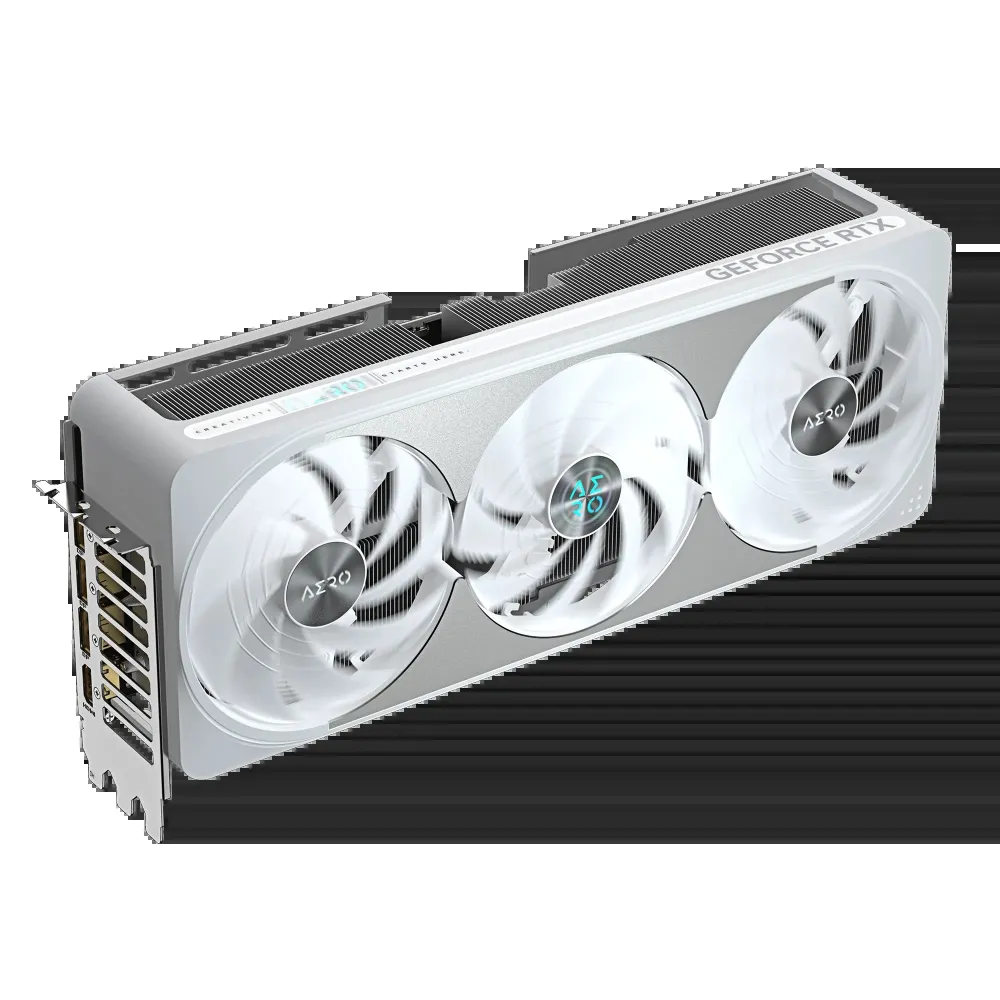
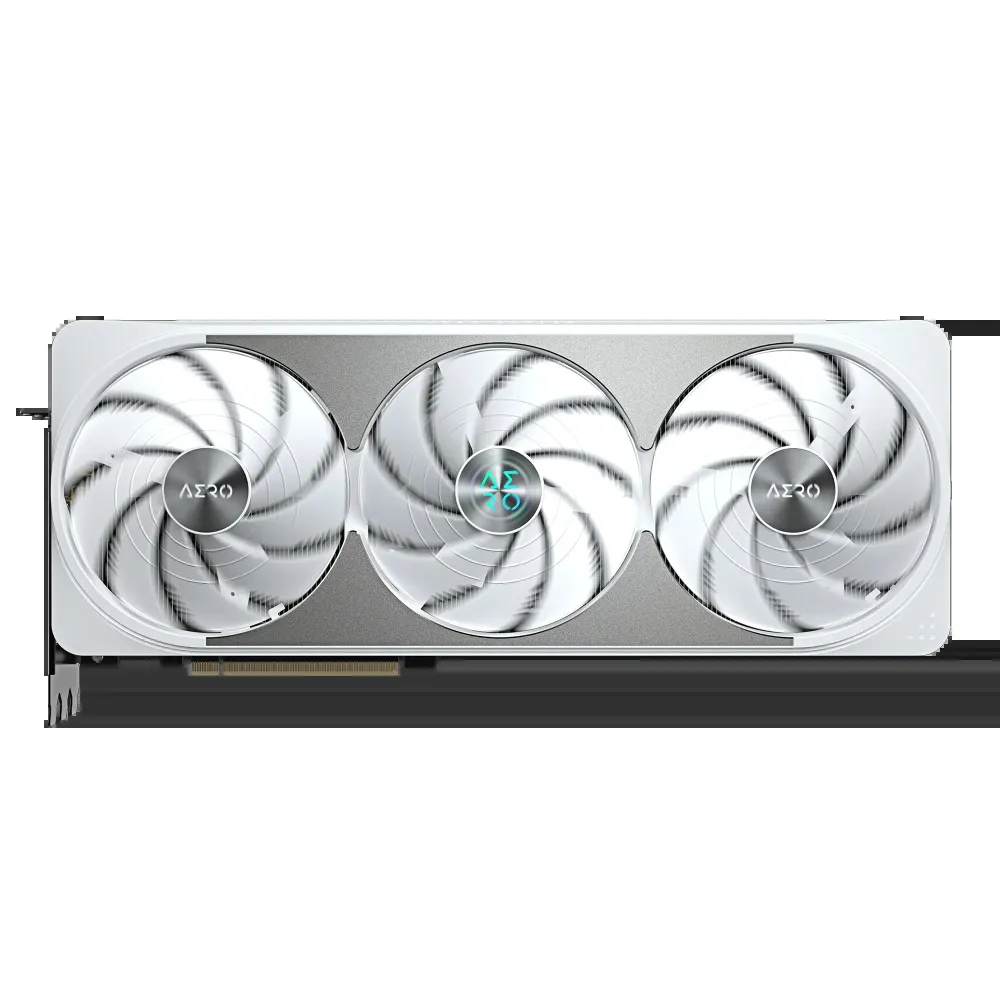
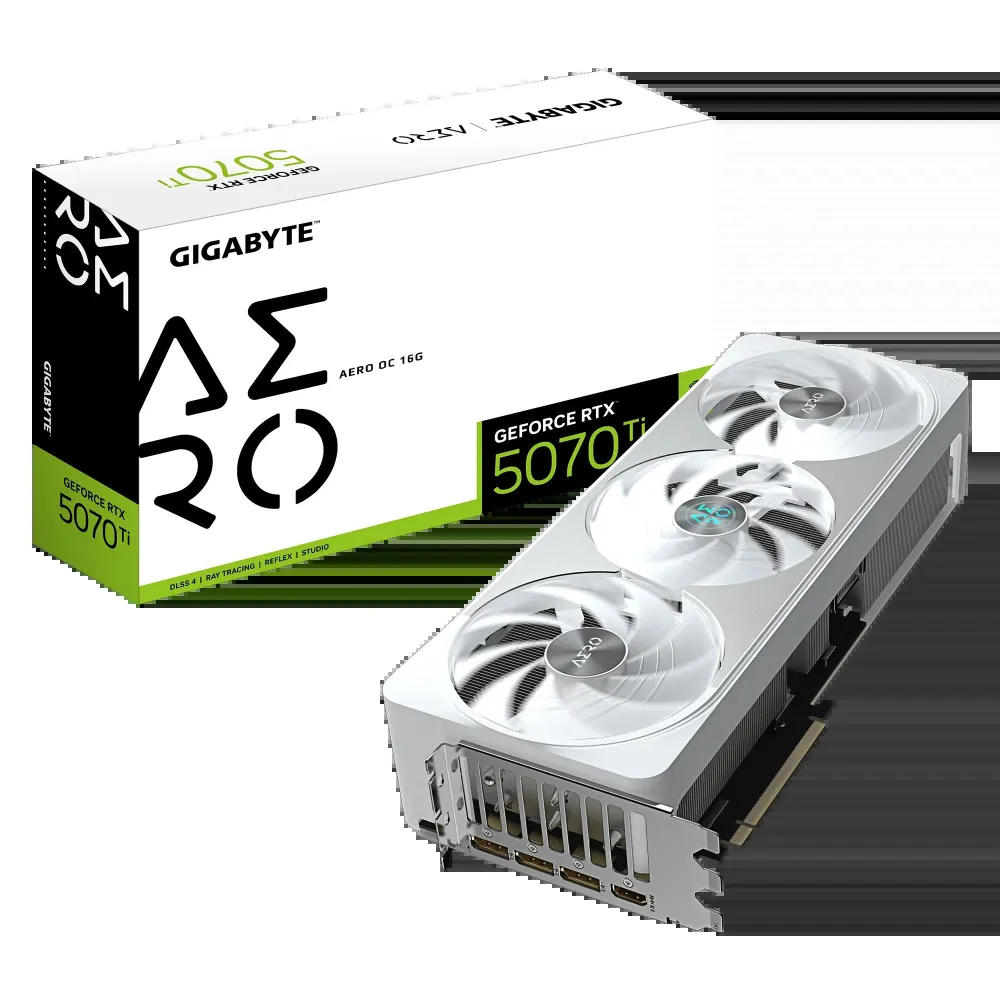
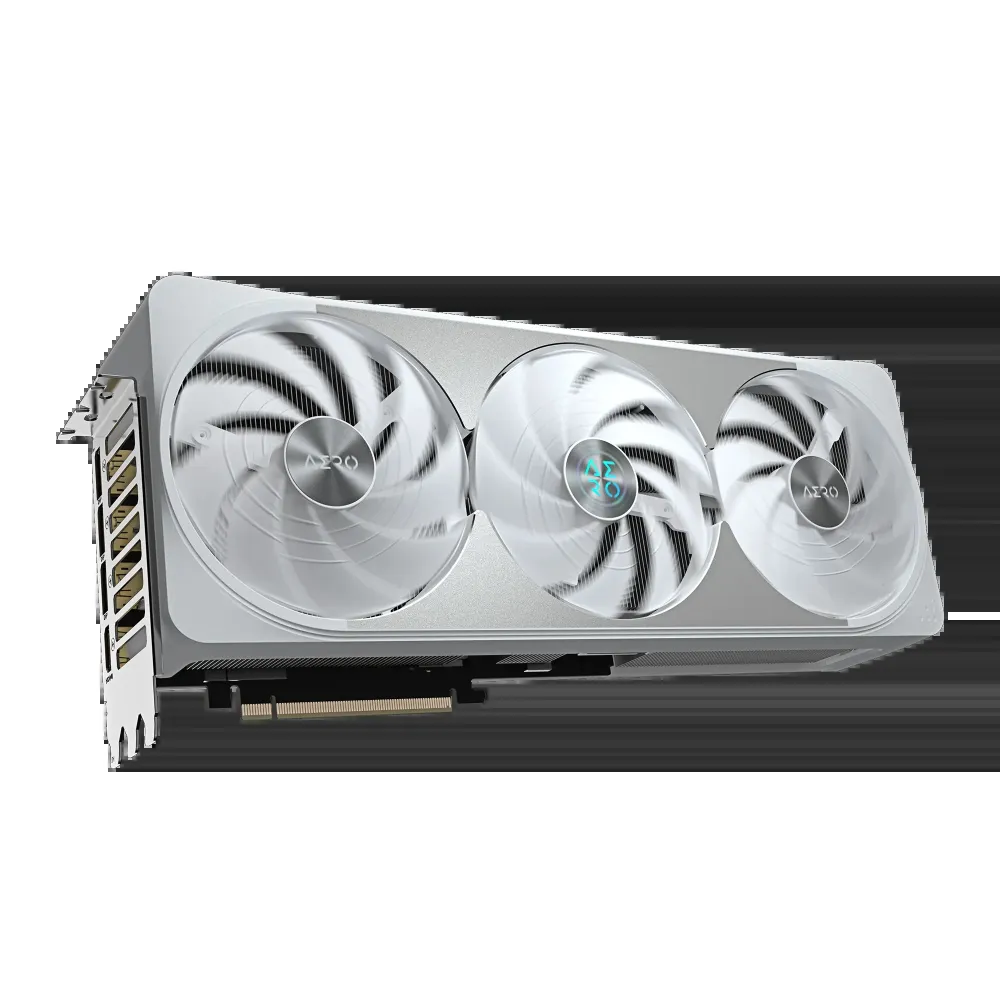
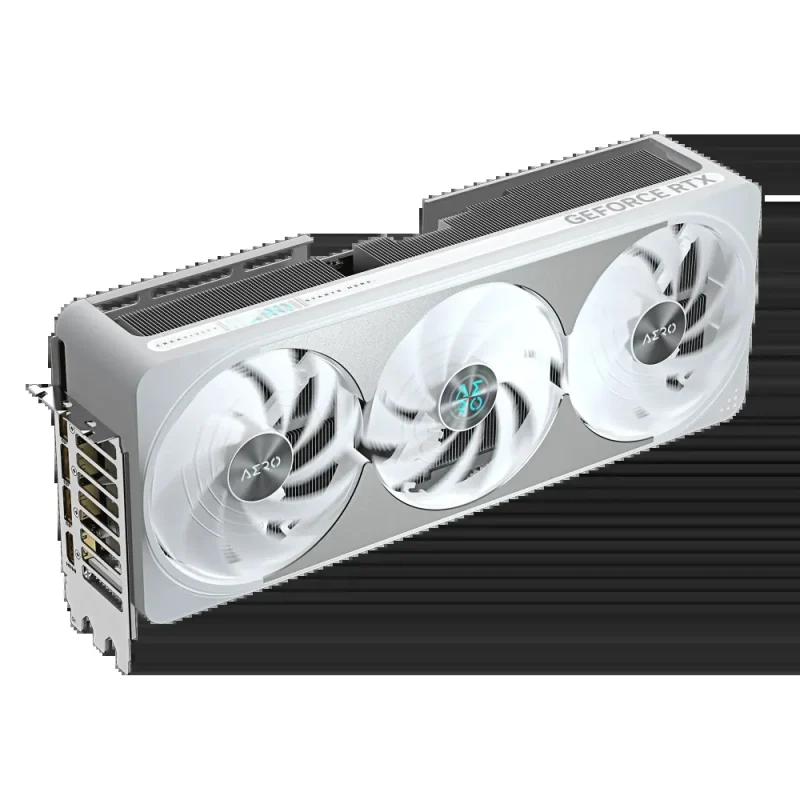
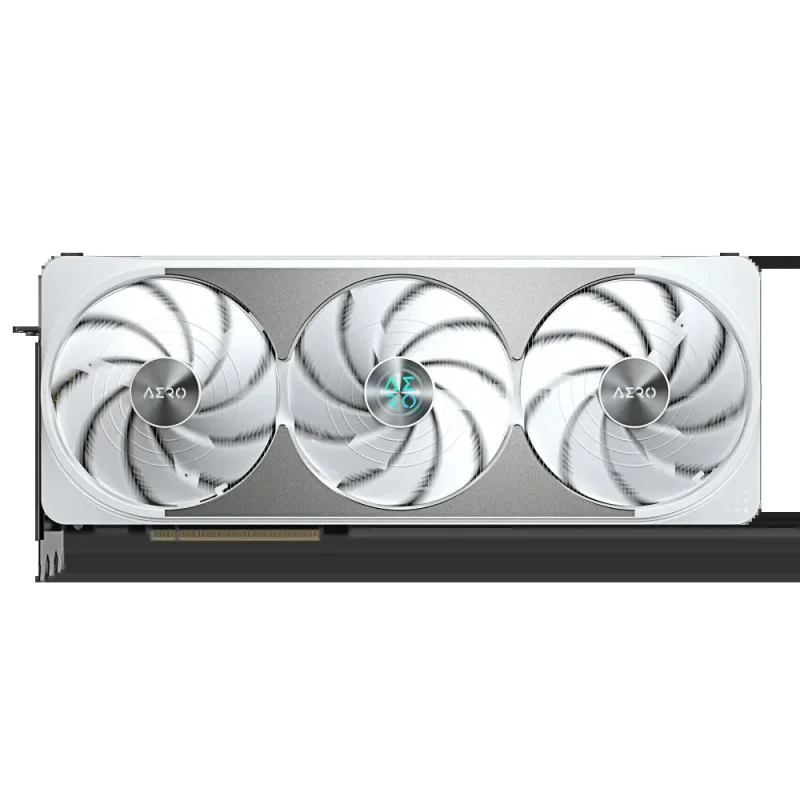
Bring a white and silver centrepiece to your desktop with the GIGABYTE GeForce RTX 5070 Ti AERO OC 16G. NVIDIA Blackwell graphics, 16GB of GDDR7 and a factory-rated 2588MHz core clock sit beneath a substantial WINDFORCE cooler. Triple Hawk fans, a vapour chamber and switchable Performance / Silent BIOS modes give the card a considered balance of cooling design, control and presentation.

Blackwell foundation
Room for detailed worlds and creative work.
The RTX 5070 Ti combines 8,960 CUDA cores with 16GB of GDDR7 on a 256-bit interface. GIGABYTE specifies a 2588MHz core clock against a 2452MHz reference clock. Ray tracing, NVIDIA DLSS and creator tools are available through supported games and applications; the benefit depends on the workload, driver, settings and the rest of your system.

From chip to heatsink
A broad thermal path, built into the card.
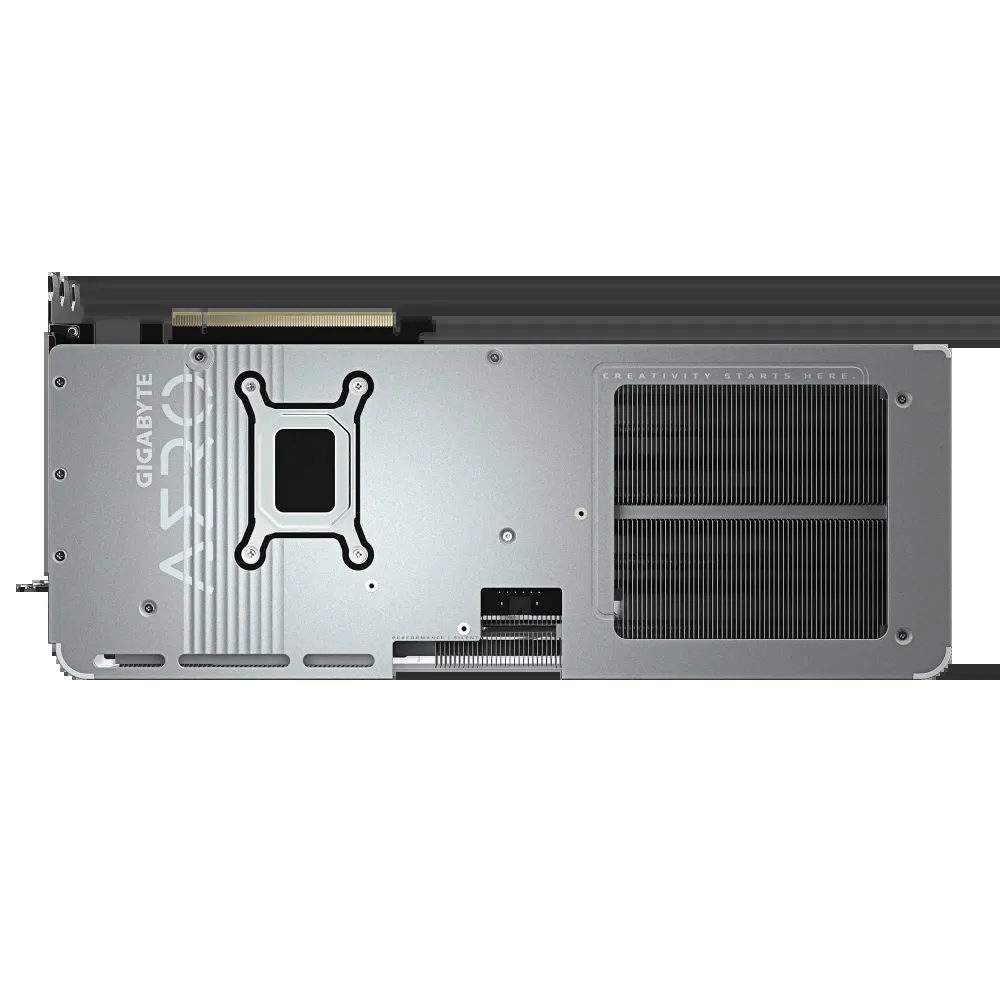
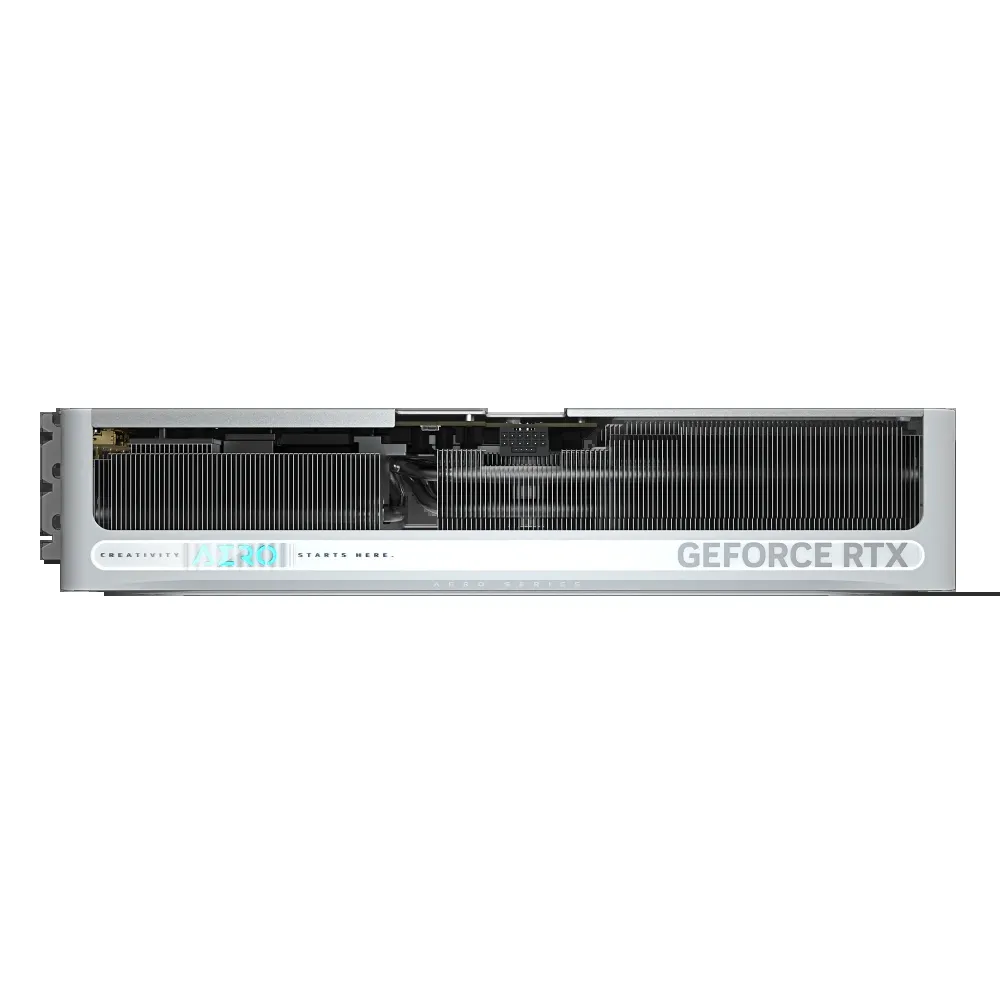
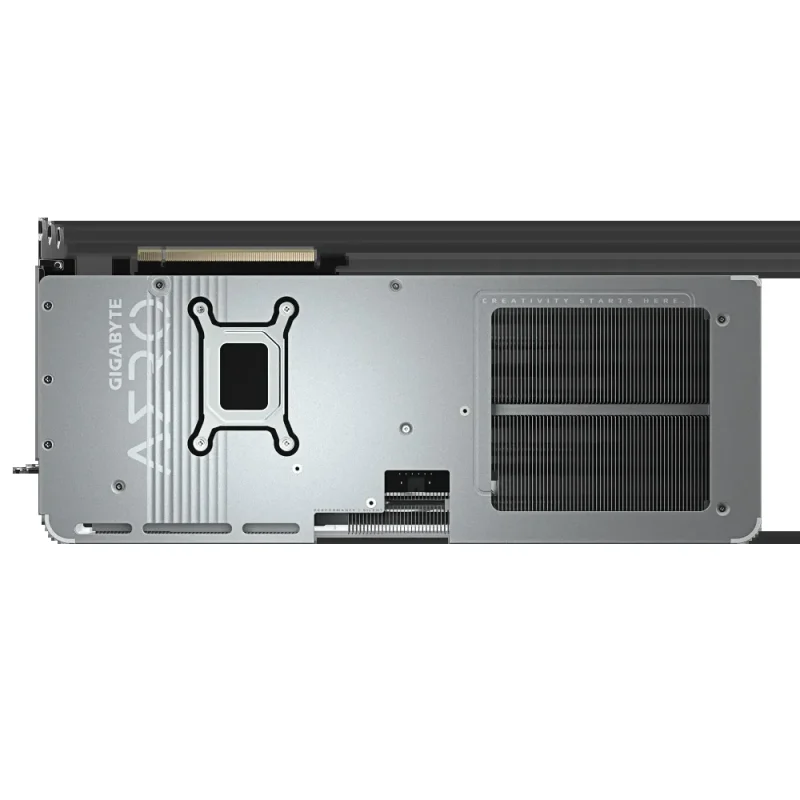
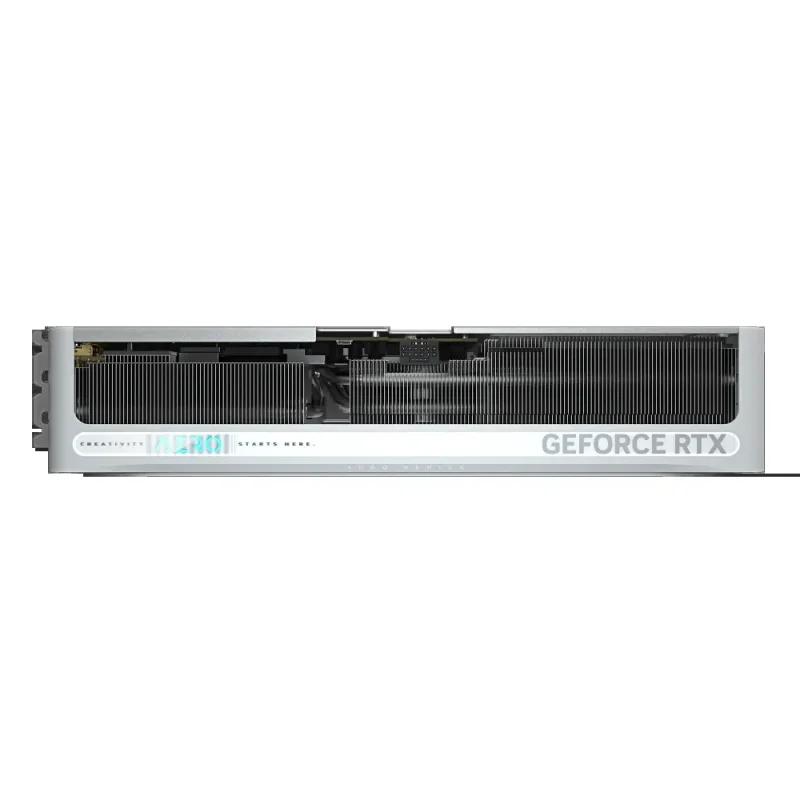
A large vapour chamber makes direct contact with the GPU, while composite copper heat pipes carry heat into the heatsink. GIGABYTE uses thermal conductive gel on critical components including memory and MOSFETs. The extended heatsink and open backplate area let air pass through the cooler, so the case still needs a clear intake and exhaust path.

Airflow and idle
Three fans, with a quieter low-load approach.
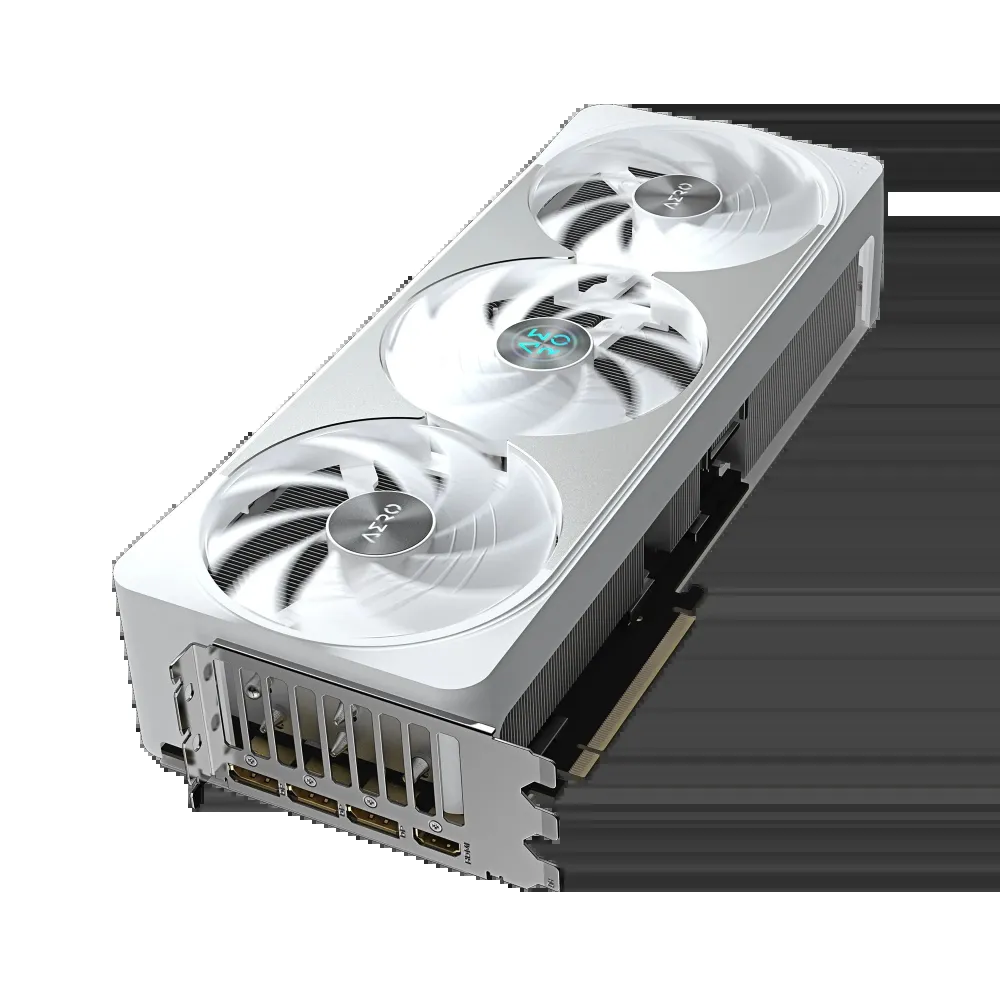
The WINDFORCE assembly uses three Hawk fans with alternate spinning. Its semi-passive 3D Active Fan control can stop the fans during low-load operation. Performance BIOS is the factory default; Silent BIOS offers the alternative fan behaviour. Fan stop and acoustics depend on temperature, load and system airflow, rather than a promise that the card remains silent while gaming.

AERO detail
White surfaces, a metal backplate and your own lighting.
The white and silver shroud, ripple-inspired backplate detail and subtle colour accents suit a light-toned build. A reinforced metal backplate with a bent edge is fastened to the I/O bracket. RGB lighting can be customised and synchronised with supported devices through GIGABYTE Control Center; software and compatible hardware are required for synchronisation.

Display connections
Plan the desk around four physical outputs.
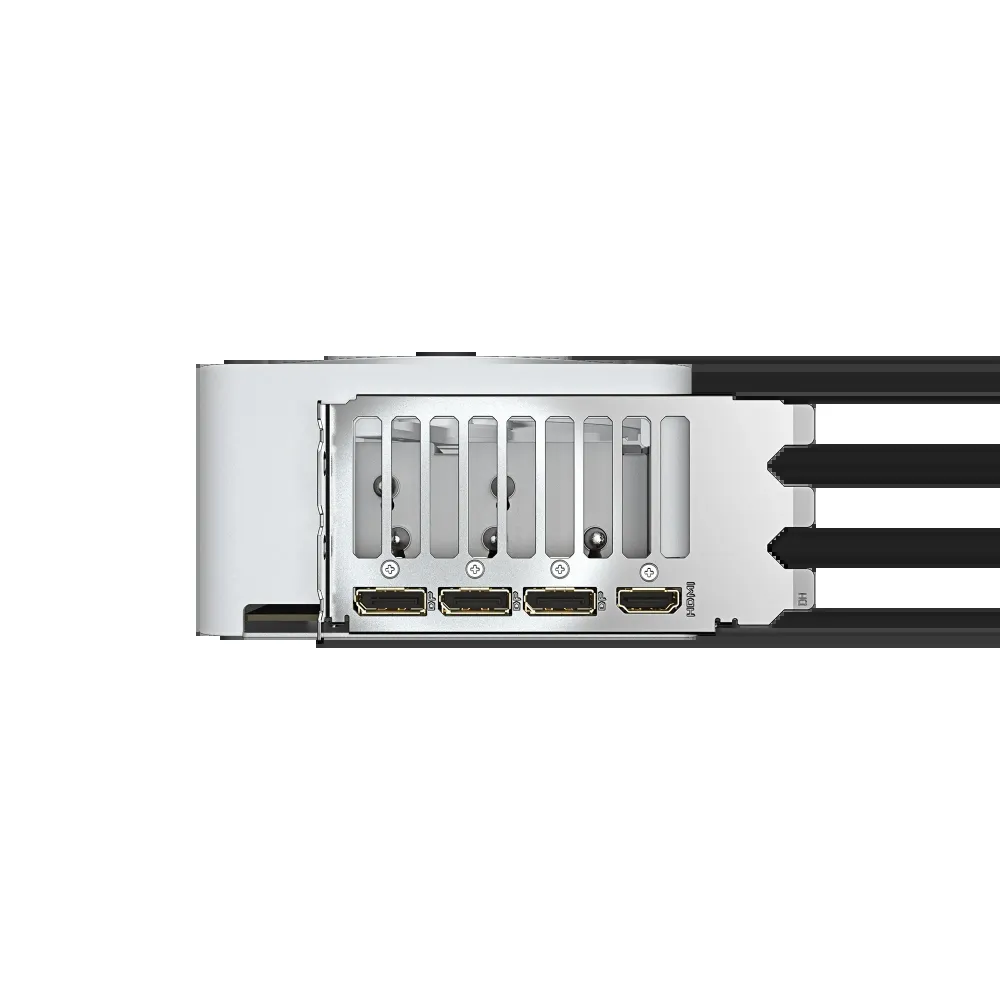
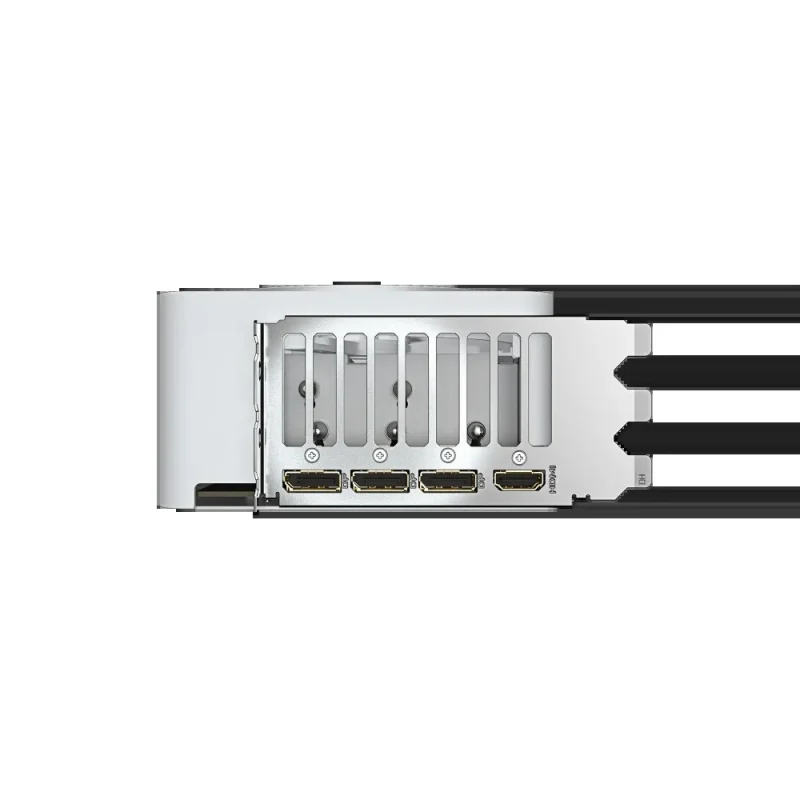
Three DisplayPort 2.1b outputs and one HDMI 2.1b output support up to four displays. The manufacturer lists a maximum digital resolution of 7680 × 4320. This is a resolution capability, not a gaming frame-rate claim: usable resolution, refresh rate, HDR and multi-display combinations depend on the monitor, cable, connection mode and software.
Space and support
Measure the whole installation.
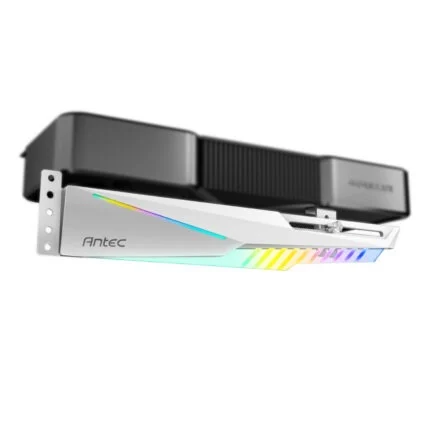
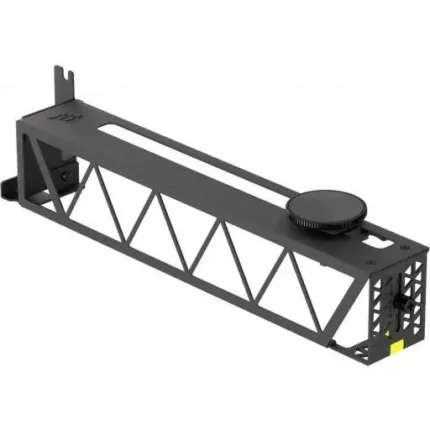
The card measures 342 × 140 × 70mm. Check the case’s GPU clearance with front fans or radiators fitted, the space above adjacent expansion slots, and room for the power cable before ordering. The included versatile VGA holder provides support for the card; choose its mounting position to suit the chassis. The ATX form designation does not by itself establish a fit in every ATX case.
Power and cabling
One 16-pin input. A system-level power plan.
GIGABYTE recommends a 750W power supply and specifies one 16-pin graphics-card power input. Its accessory list includes a 12V-2x6 to three PCIe 8-pin adapter. Select a suitable PSU and follow the PSU and card installation instructions for the cable or adapter used. The 750W recommendation covers the system power supply; it is not the card’s own power draw. A flashing power indicator signals a detected supply abnormality.
Setup and ownership
Keep support tied to the exact AERO model.
Use the Downloads tab for the official GV-N507TAERO OC-16GD support page and check operating-system and revision applicability before choosing a driver, utility or firmware item. GIGABYTE advertises three years of standard warranty plus a one-year extension after online registration within 30 days of purchase. Eligibility, proof of purchase and regional service terms apply; confirm the supplied product’s entitlement and register within the applicable window.


Reviews
There are no reviews yet.