

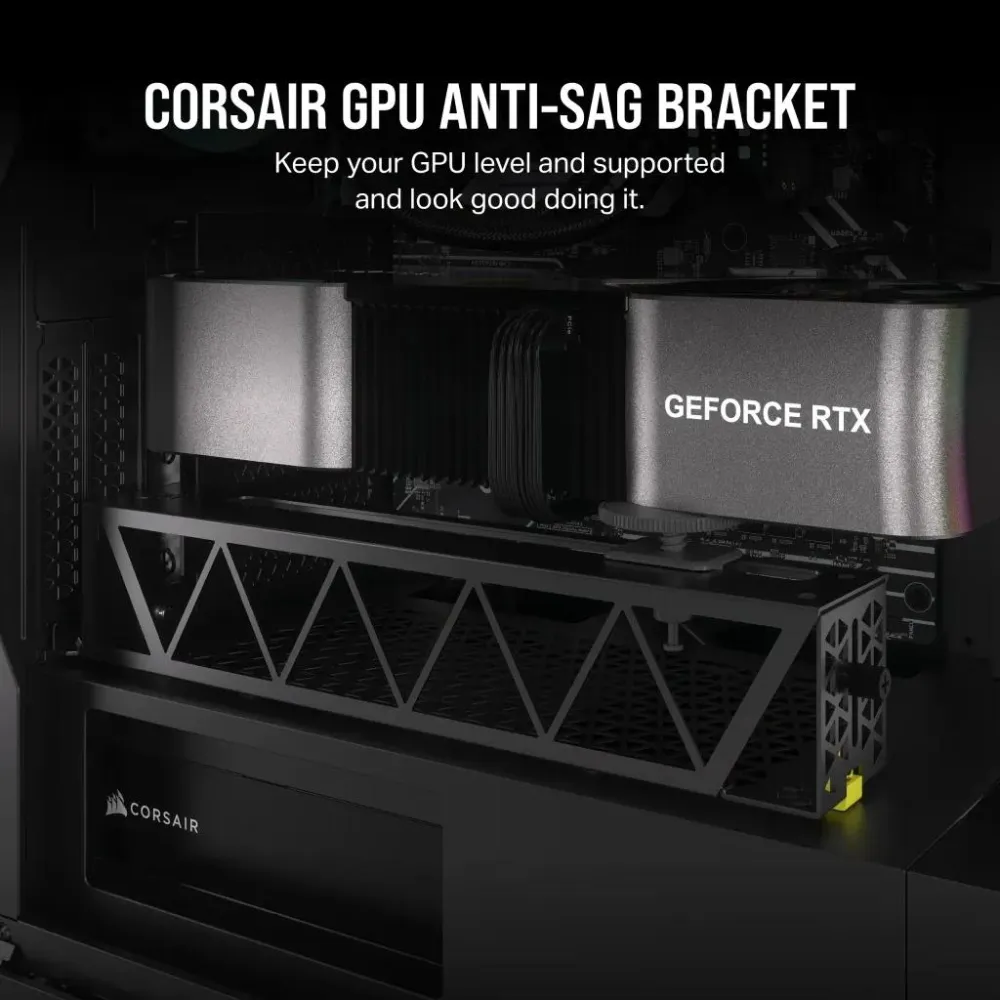
GPU Anti-Sag Bracket; Black
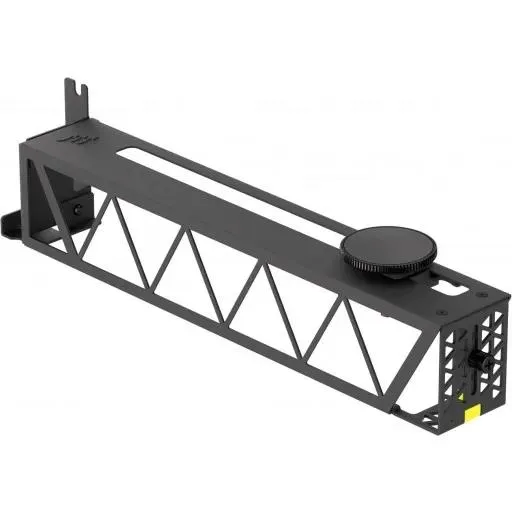
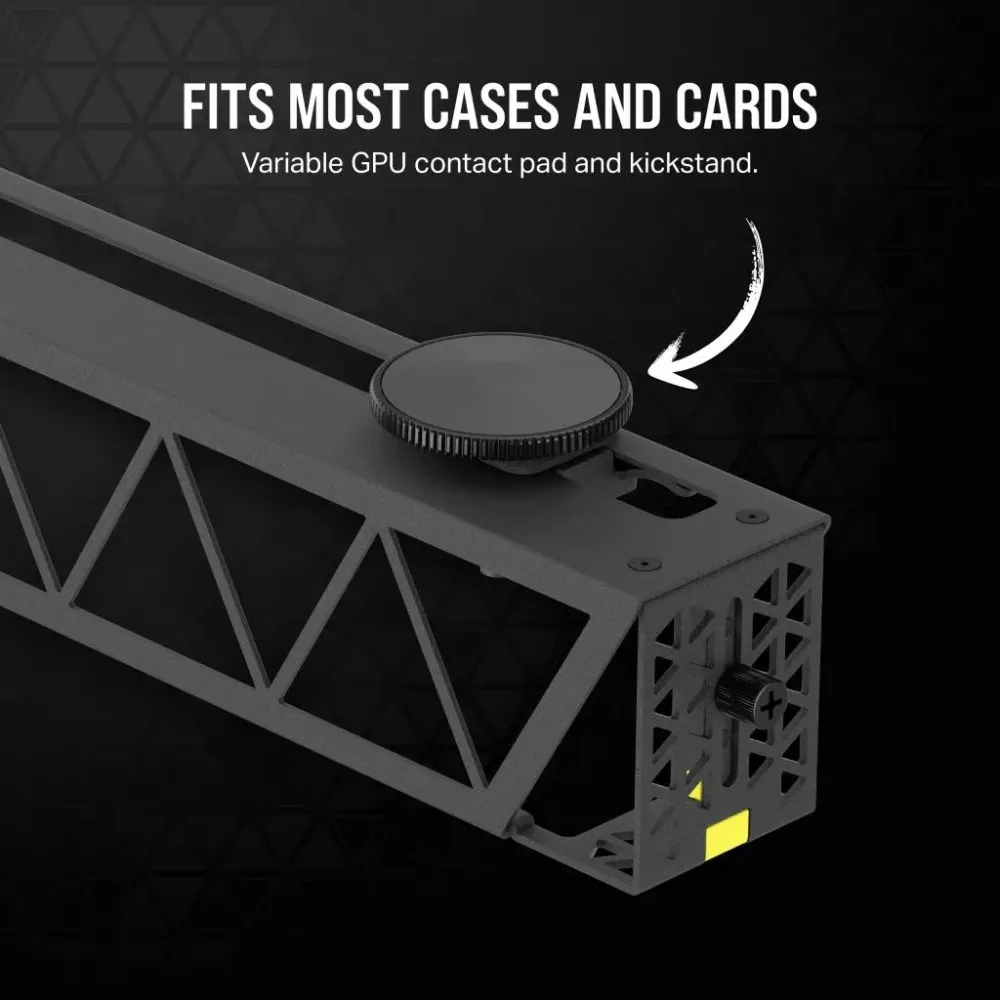
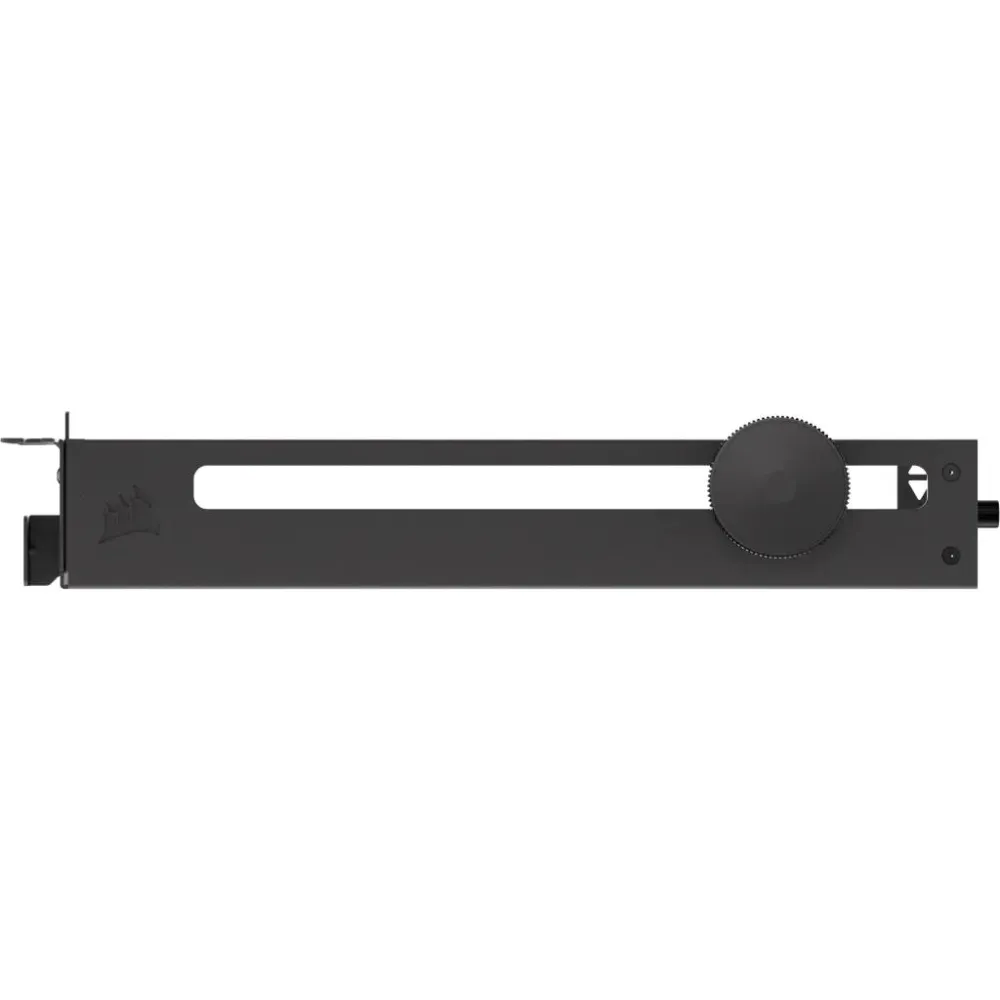
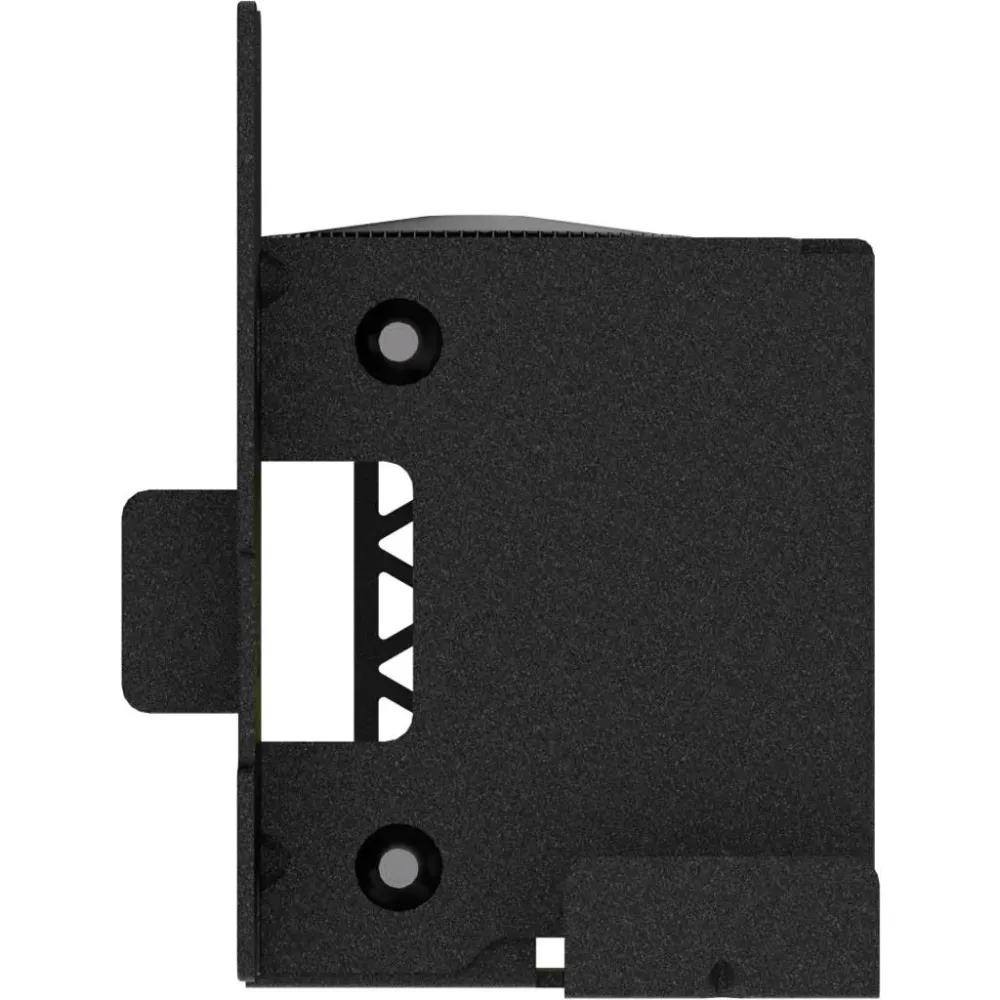
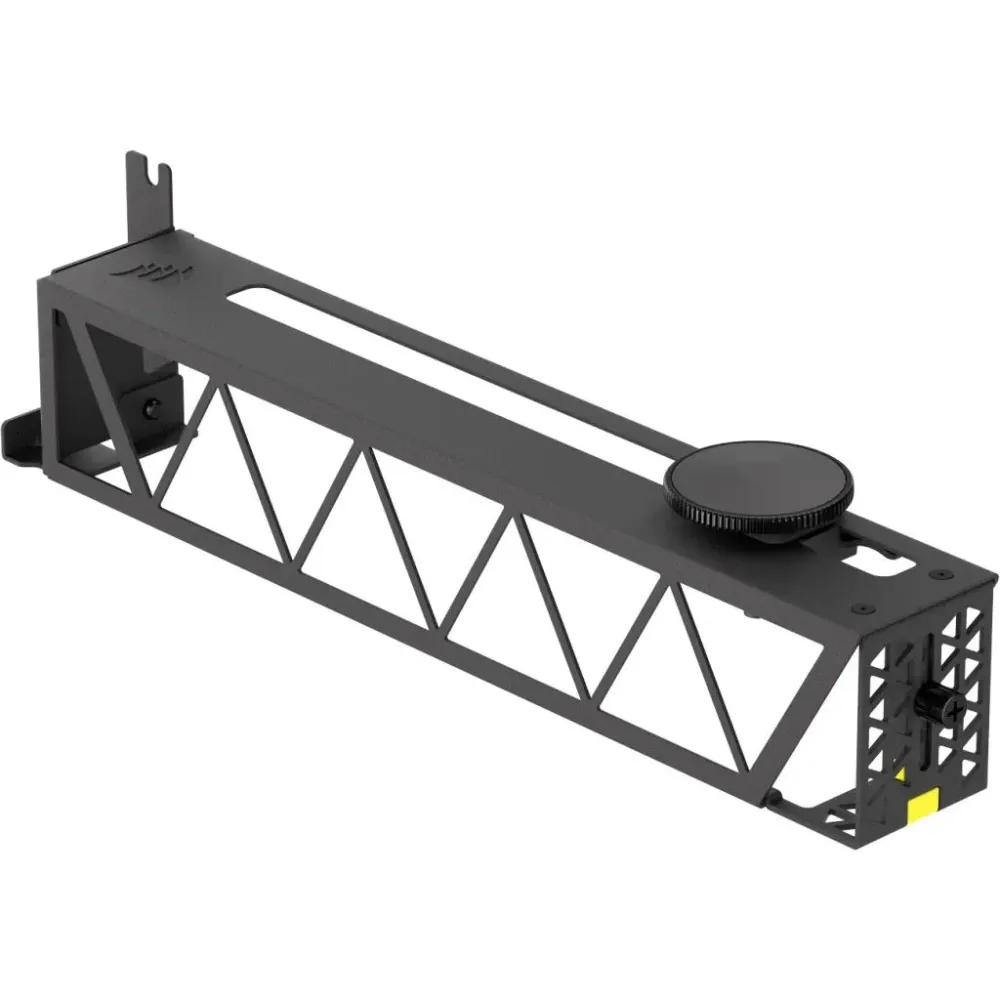
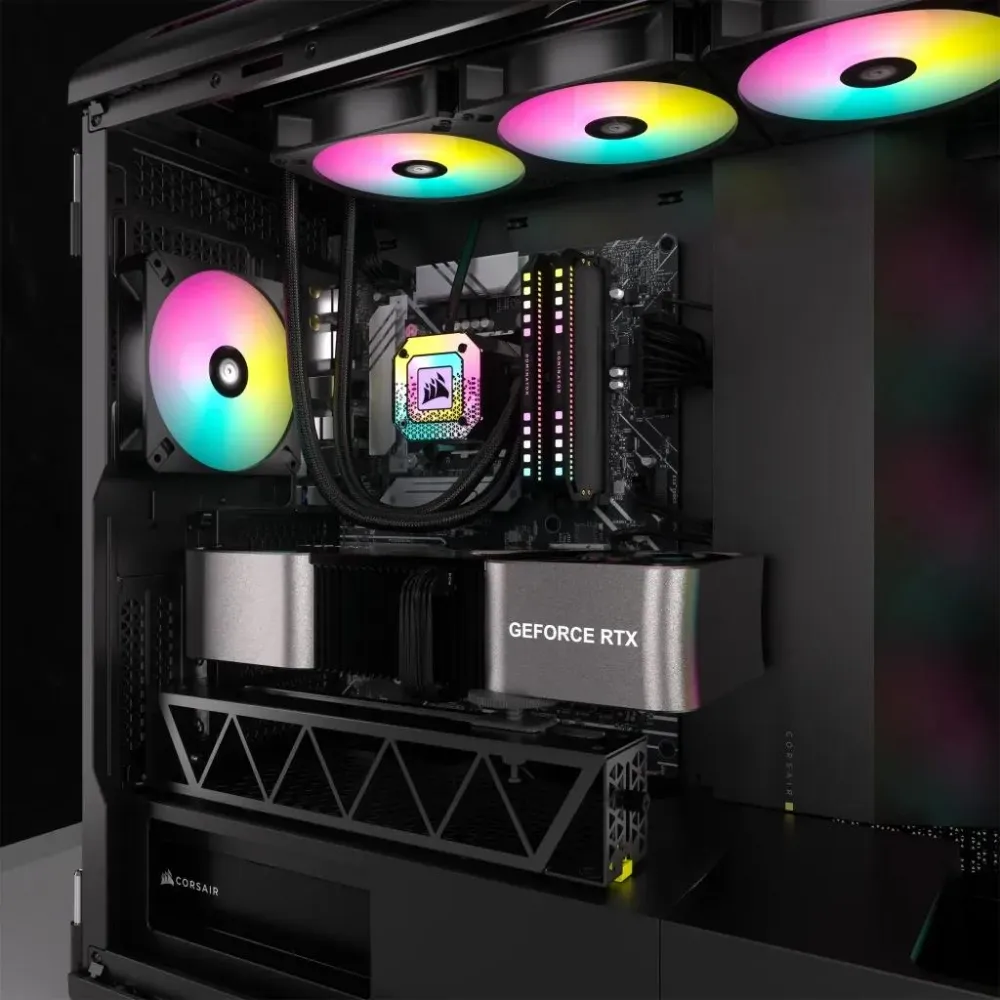
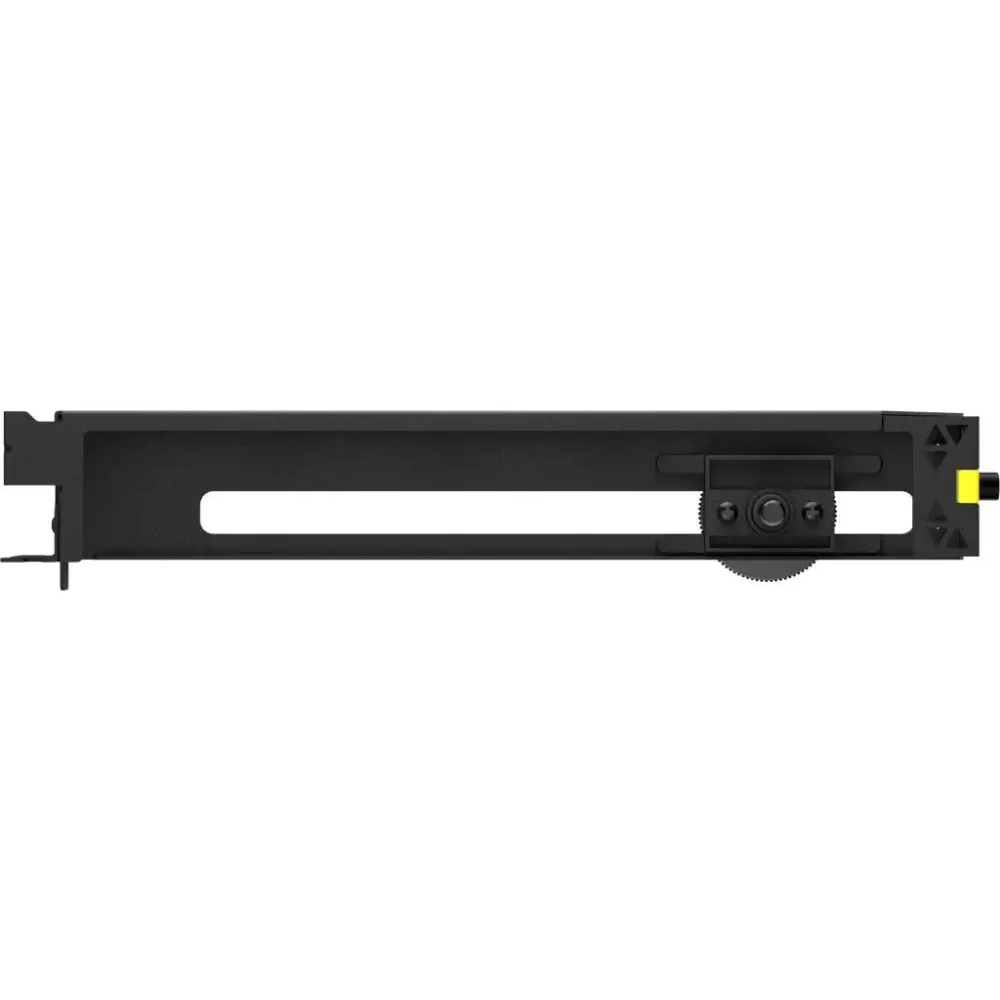
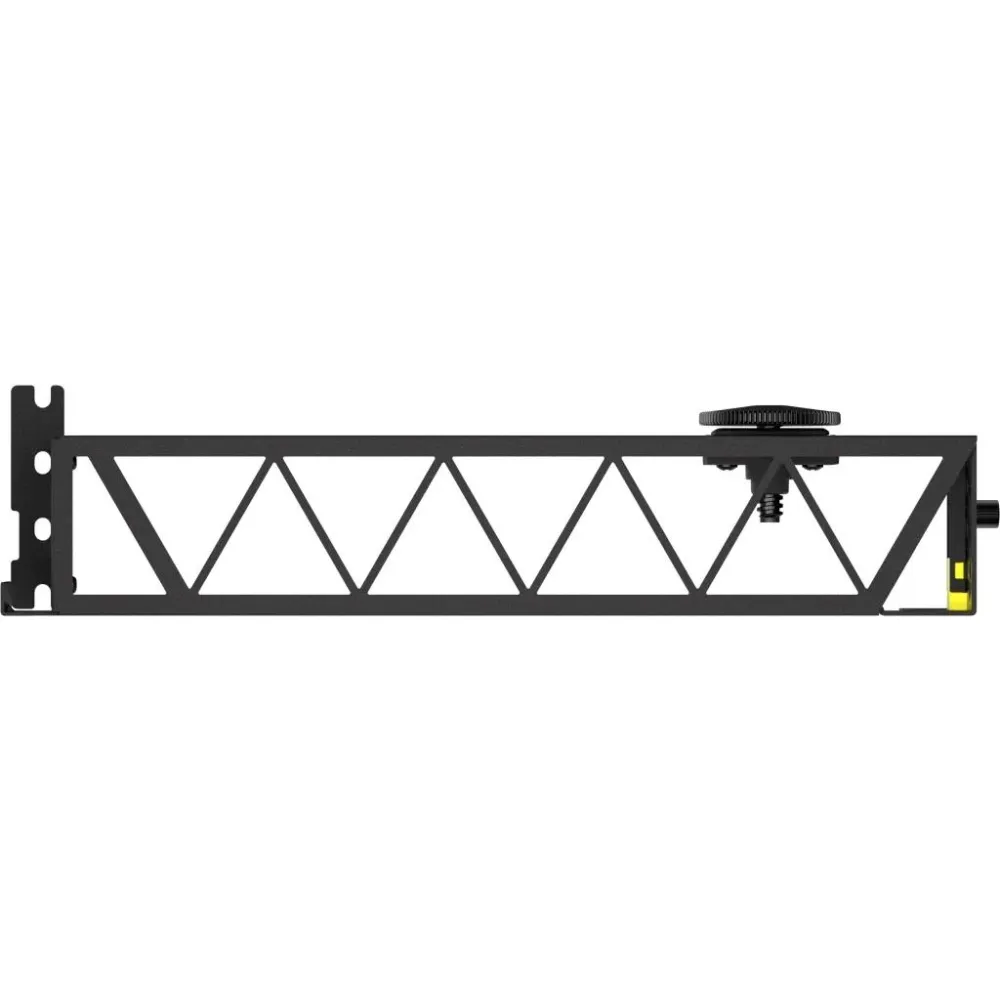
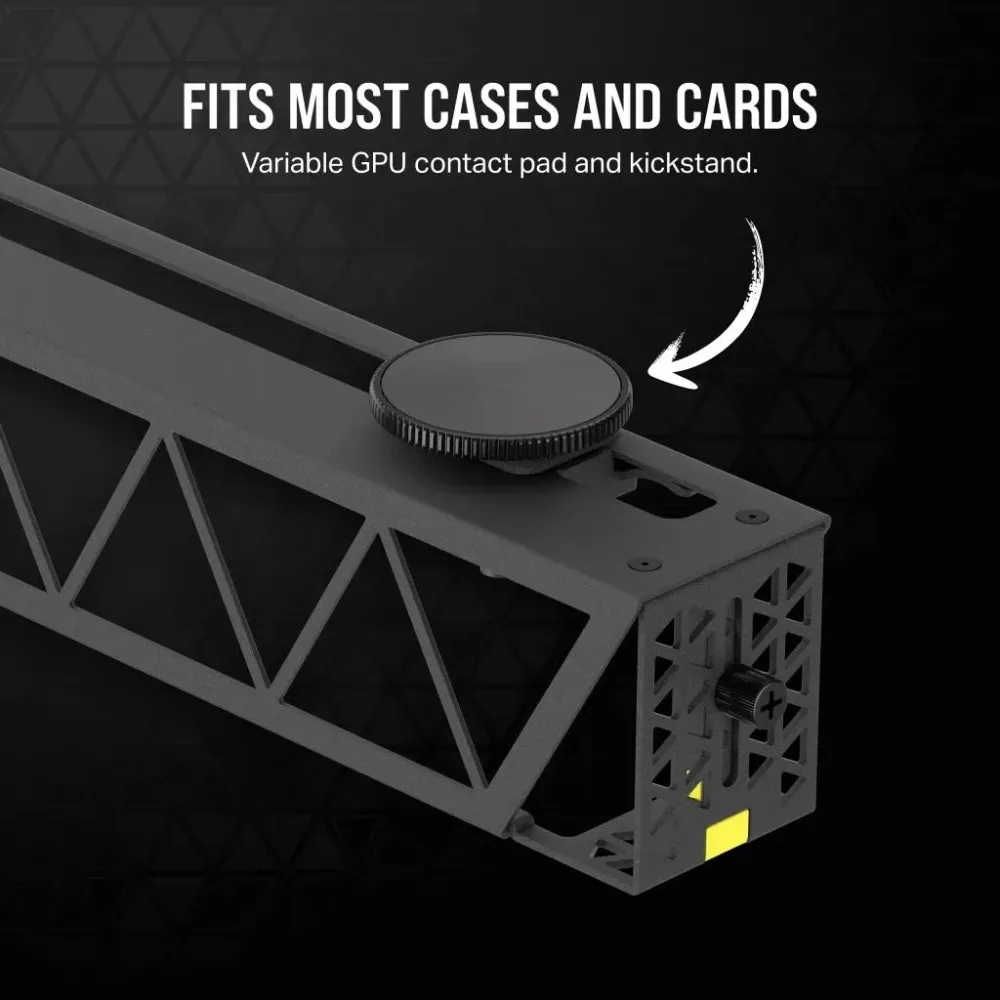
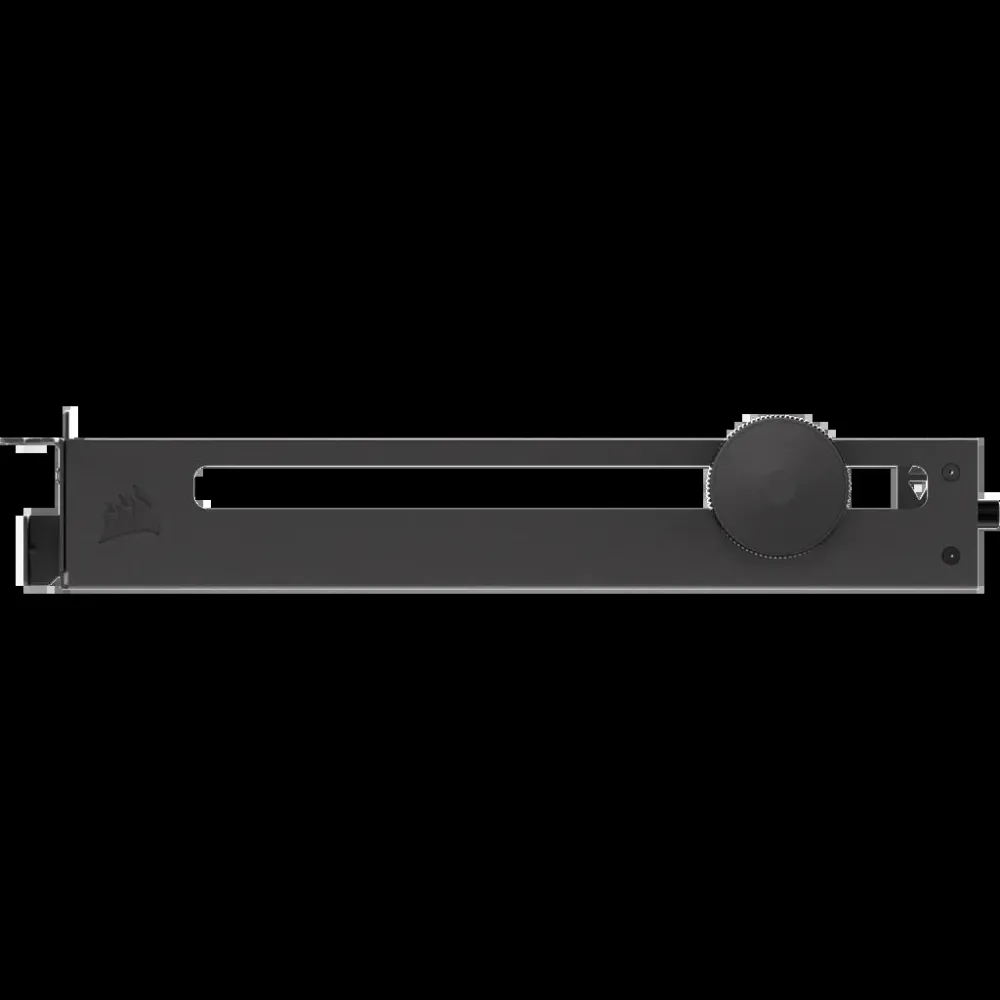
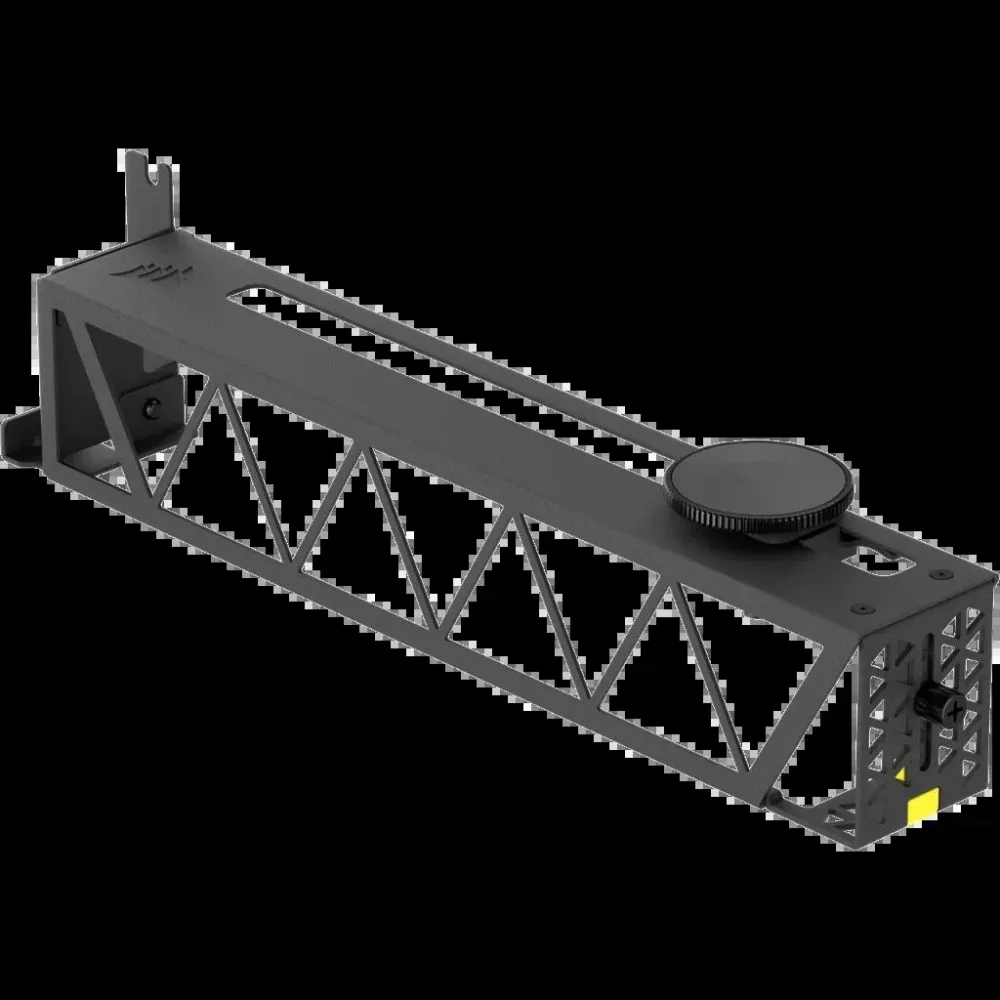
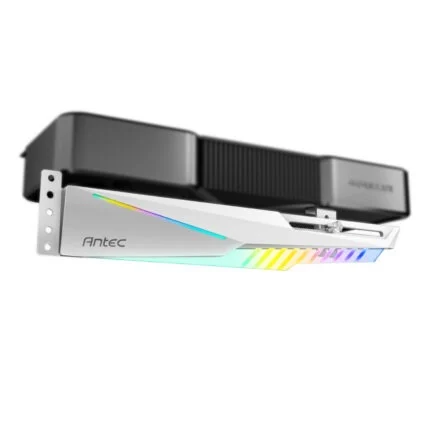
Black Corsair CC-8900683 GPU anti-sag bracket with adjustable contact pad and kickstand for compatible cases and graphics cards.
R619.00
Supplier has stock — 1 avail
Key product details
Full specifications below- Mpn: CC-8900683
Delivery & support
Clear fulfilment, warranty and payment details.
- Availability Supplier has stock — 1 avail Supplier has stock — 1 avail
- Delivery Nationwide courier delivery or collection from Strand, Cape Town. Courier nationwide or Strand collection
- Dispatch Backorder — usually dispatched in 2–3 working days after payment verification, subject to supplier confirmation. Backorder — usually dispatched in 2–3 working days after payment verification, subject to supplier confirmation.
- Warranty Manufacturer warranty applies where stated on the product page. As stated on this page
- Returns See our Returns Policy for eligible change-of-mind and faulty goods procedures. See Returns Policy
- Secure payment PayFast checkout with card, Instant EFT, and Mobicred. PayFast · card · EFT · Mobicred
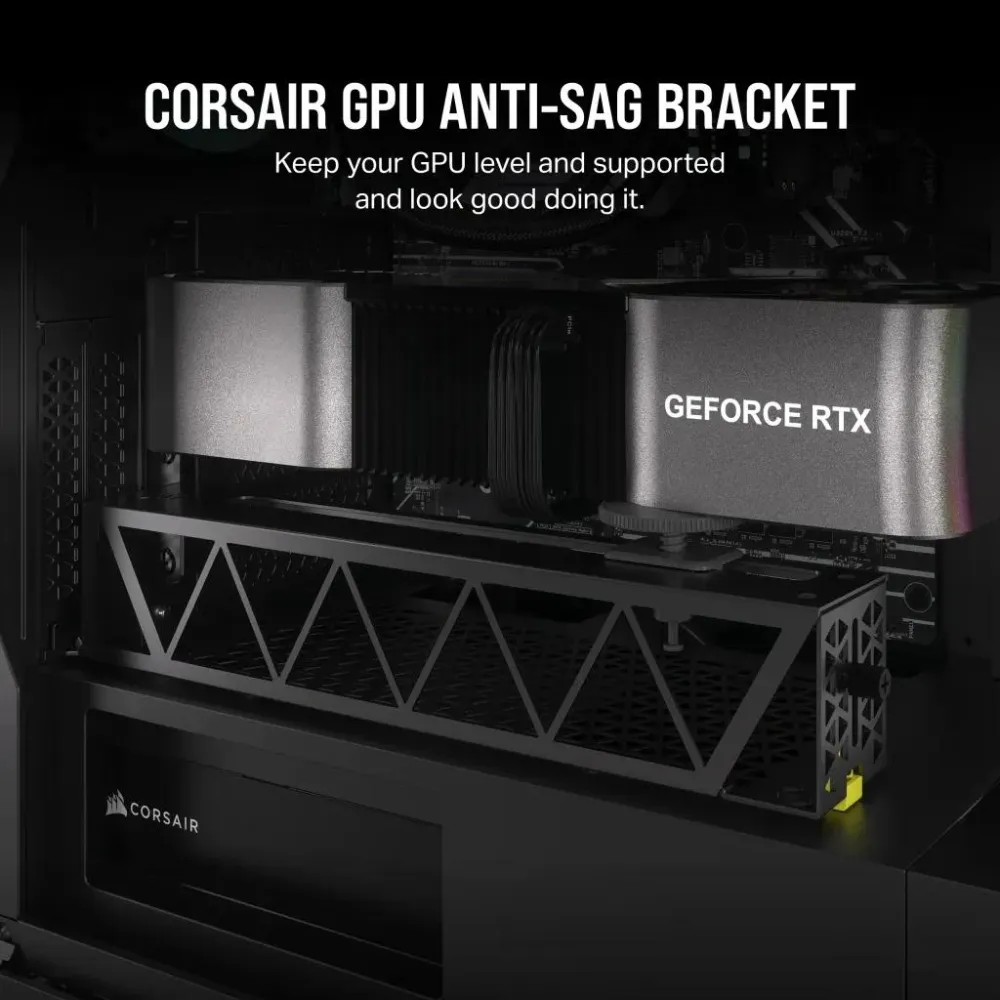
CORSAIR GPU ANTI-SAG BRACKET
Support the far end of a heavy graphics card
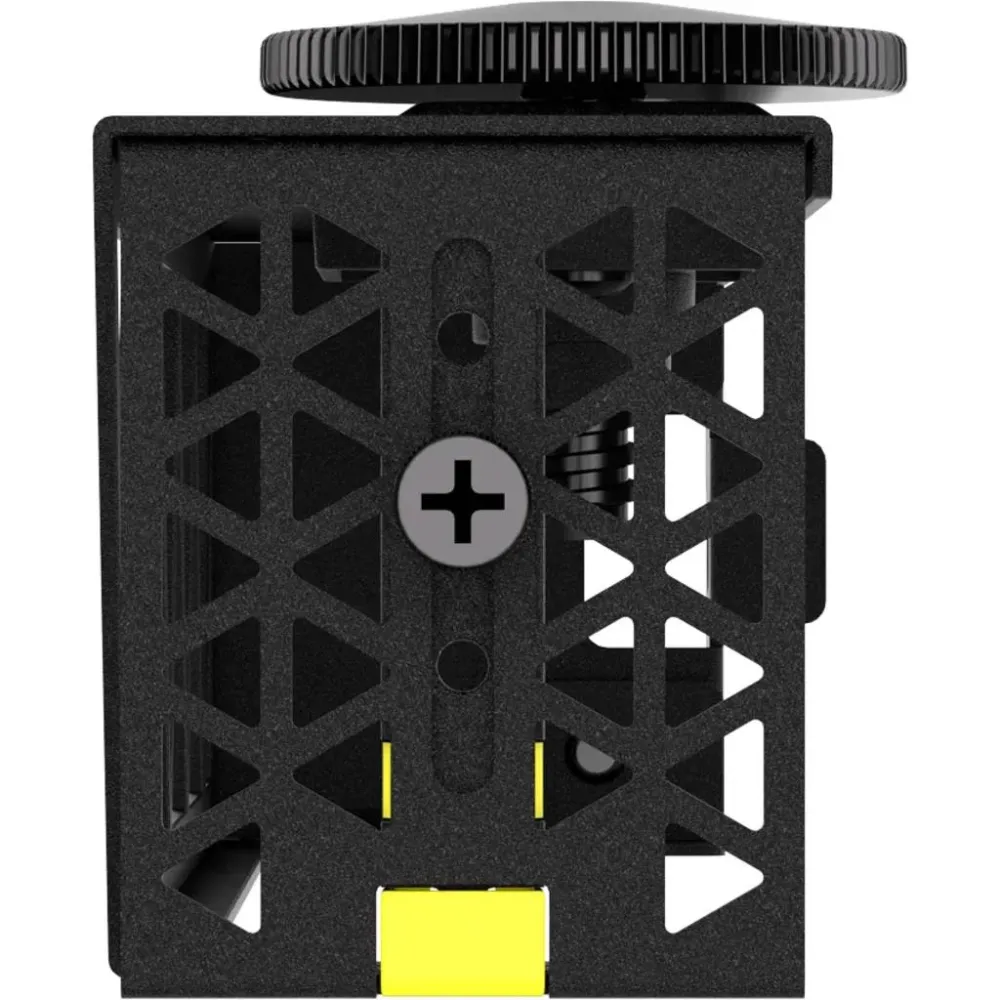
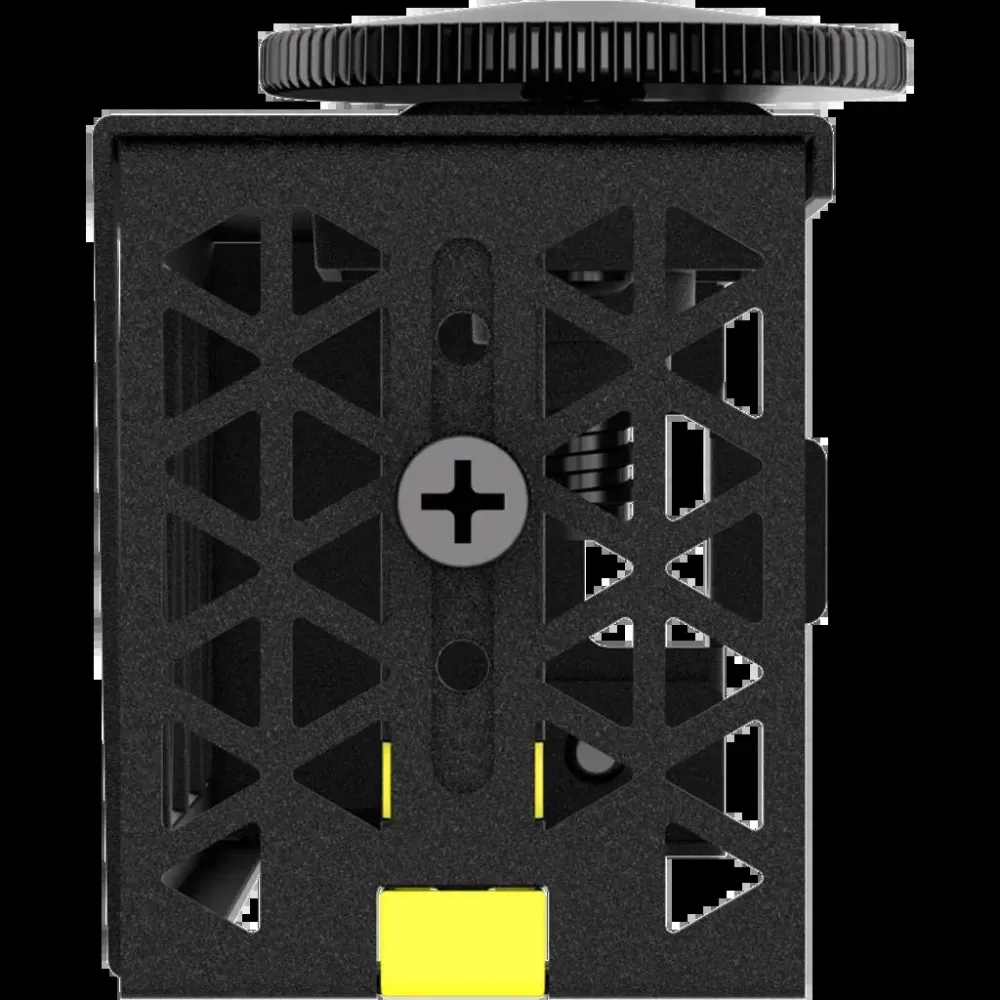
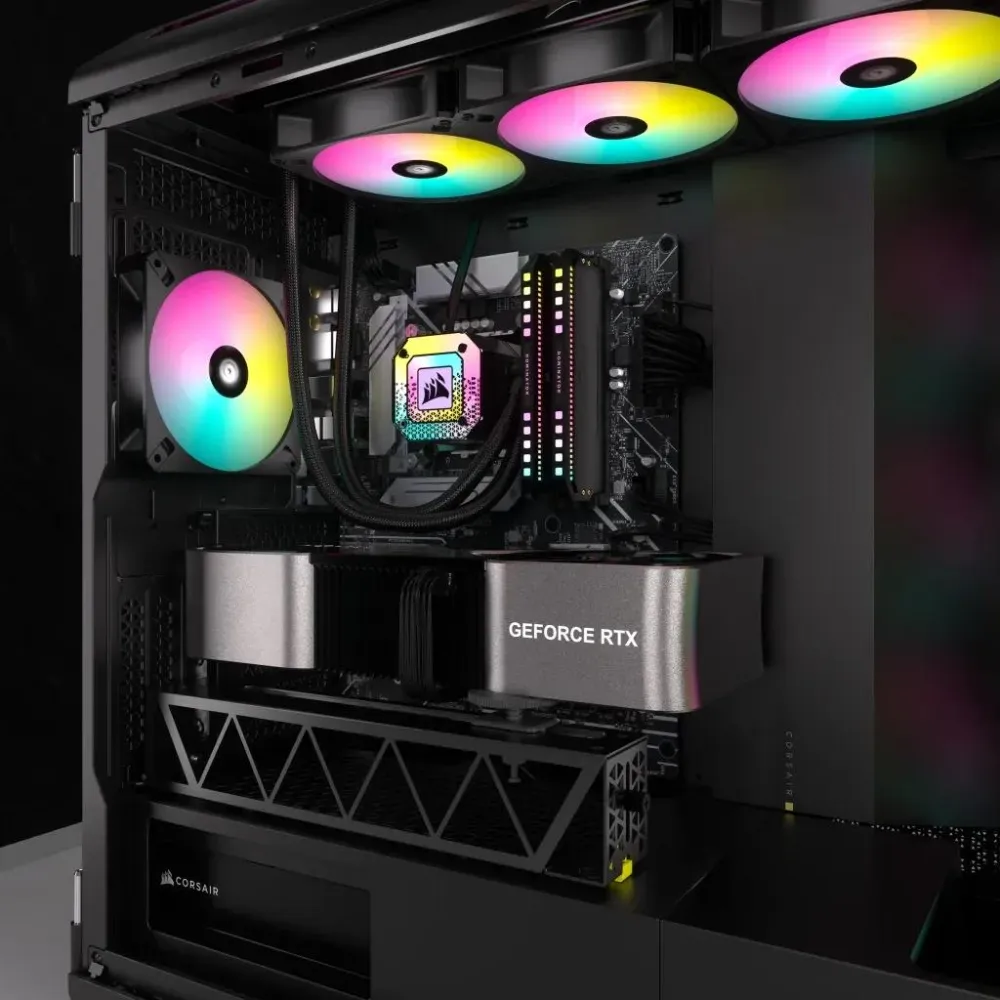
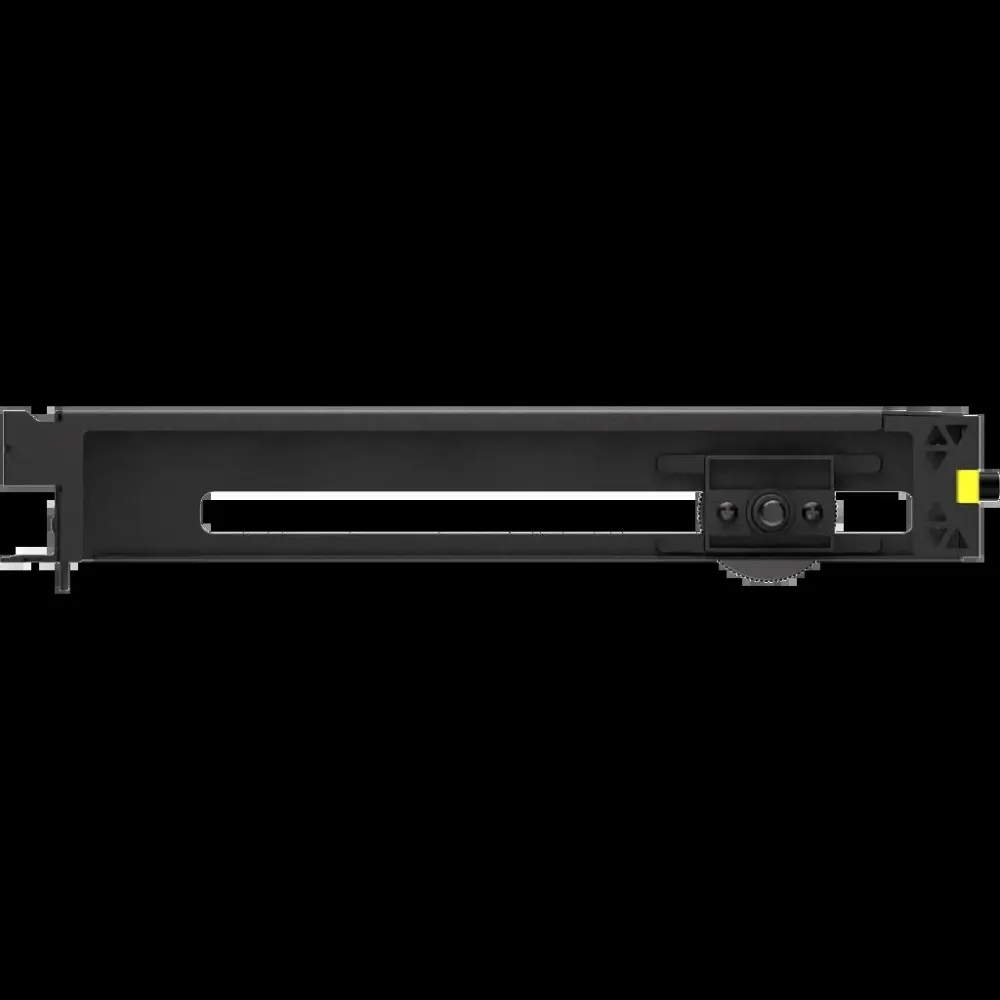
The black Corsair bracket adds a support point under a compatible graphics card. Adjust the pad and kickstand to match the card’s height, then check the placement leaves the fan area clear.
SUPPORT
Set the pad under a solid contact point
Place the adjustable pad under a firm area of the graphics card. Verify it clears the fans, cables and nearby hardware as you set the height.
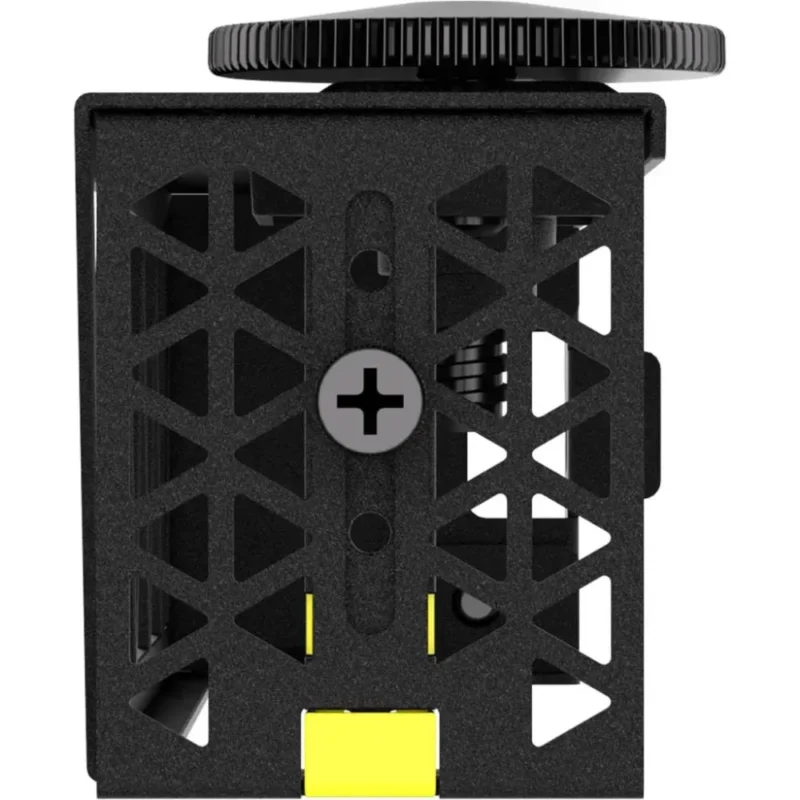
FIT
Check case space around the card
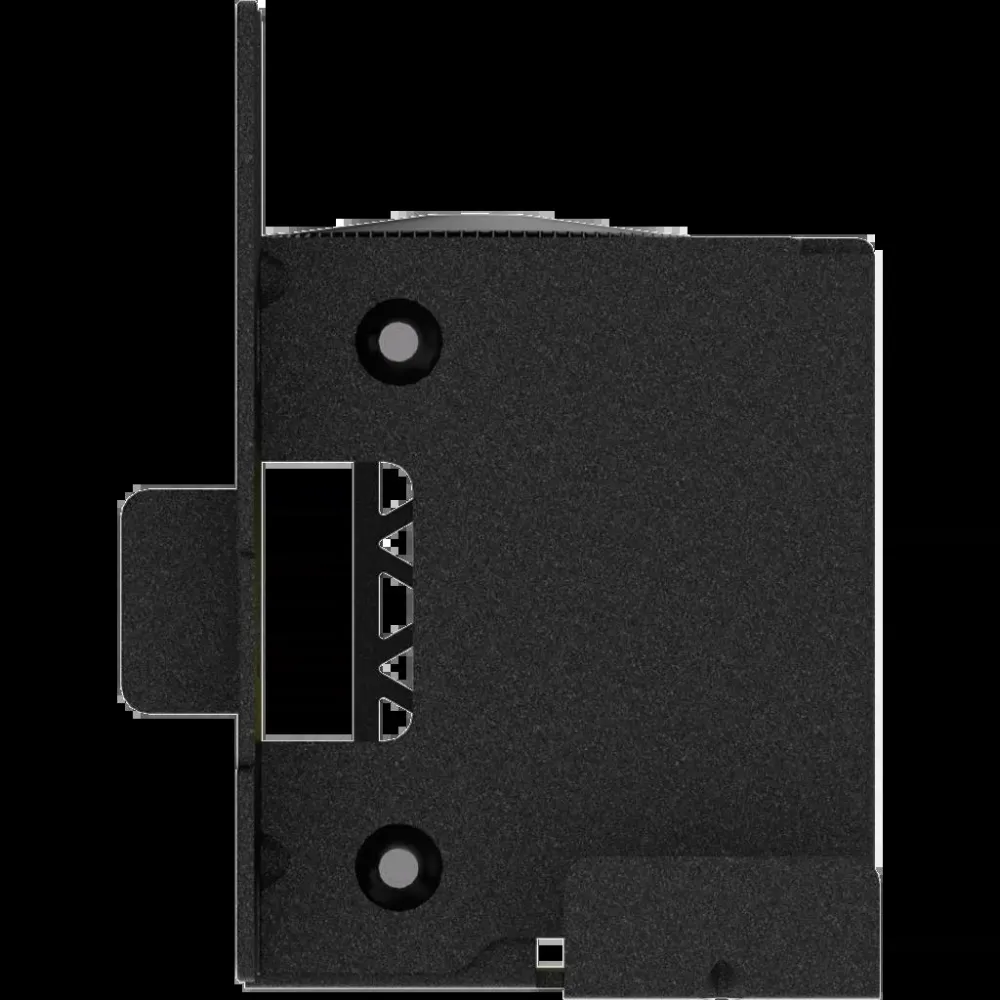
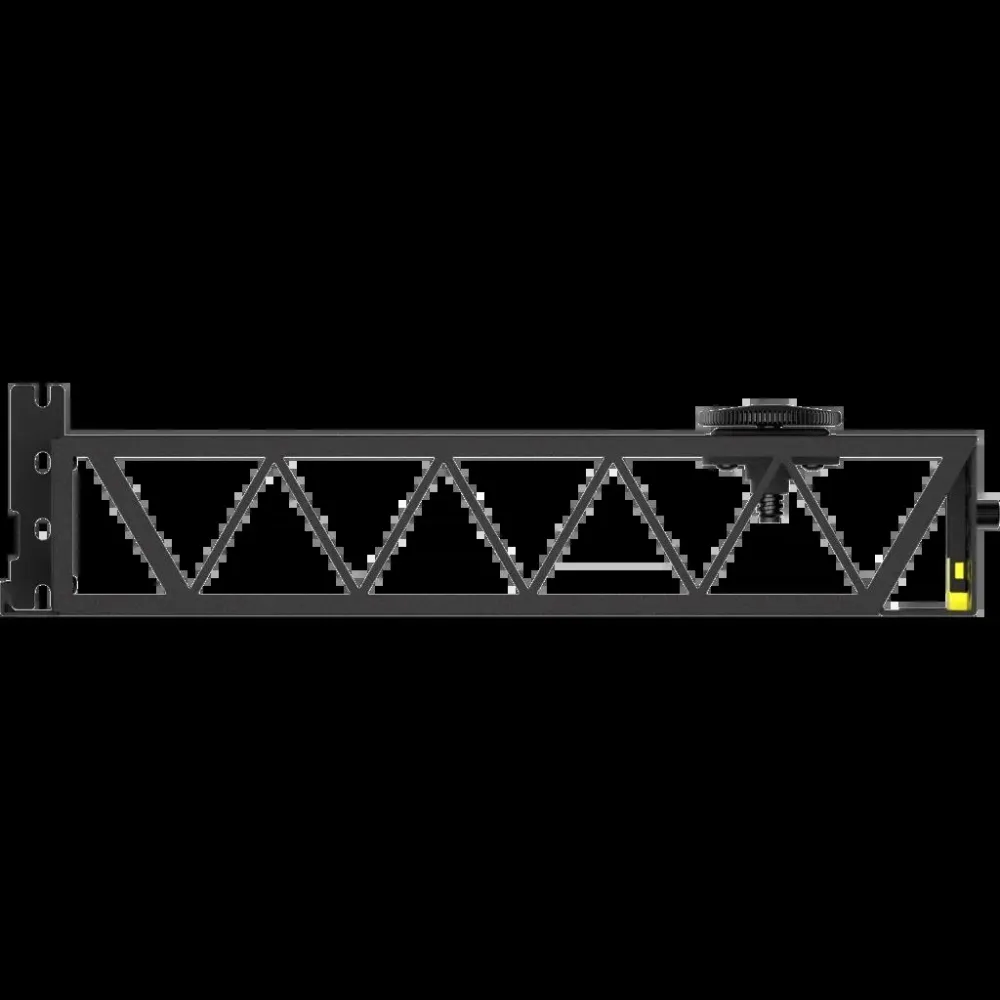
Measure the available room against the bracket’s 294 × 70 × 54 mm dimensions and check the underside of the graphics card for a usable support point.
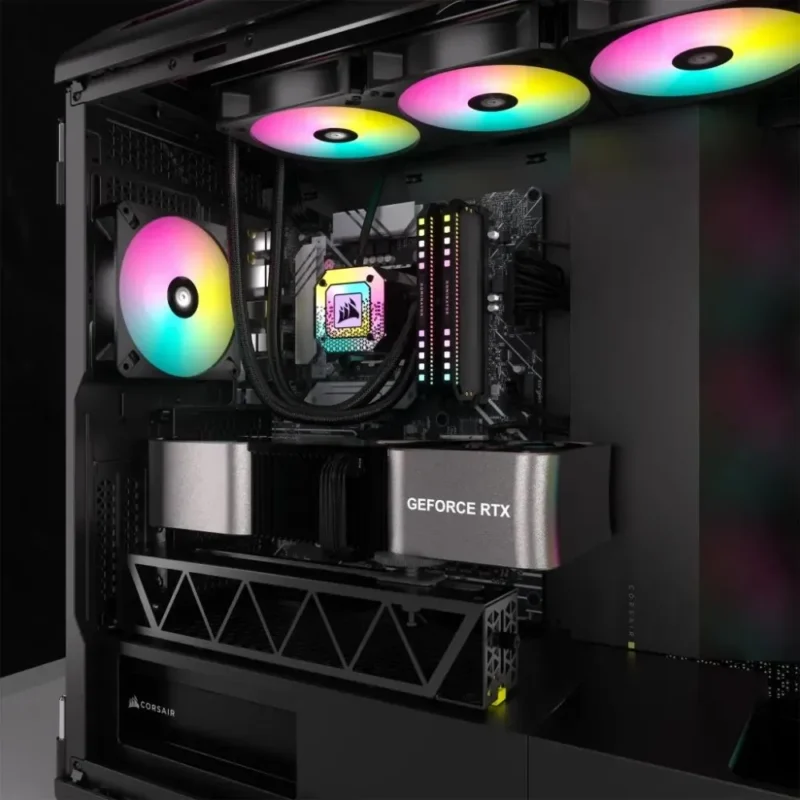
FINISH
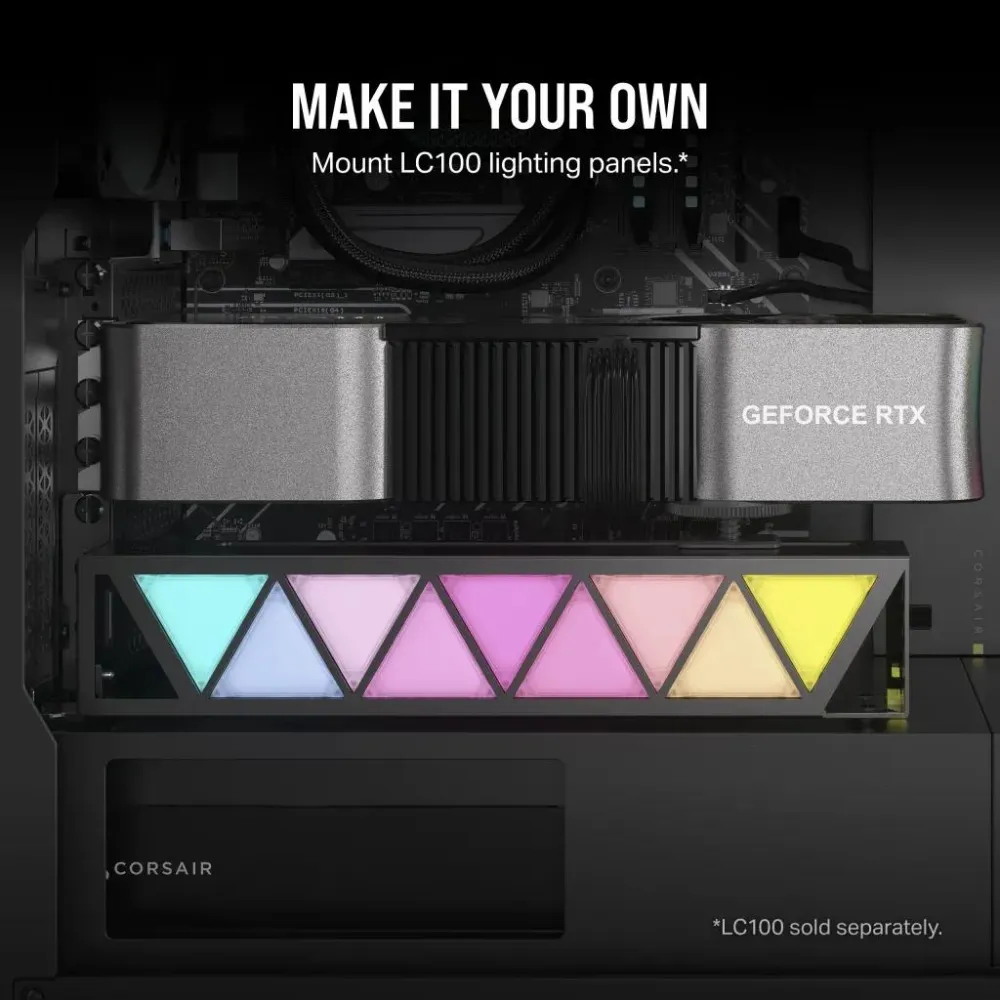
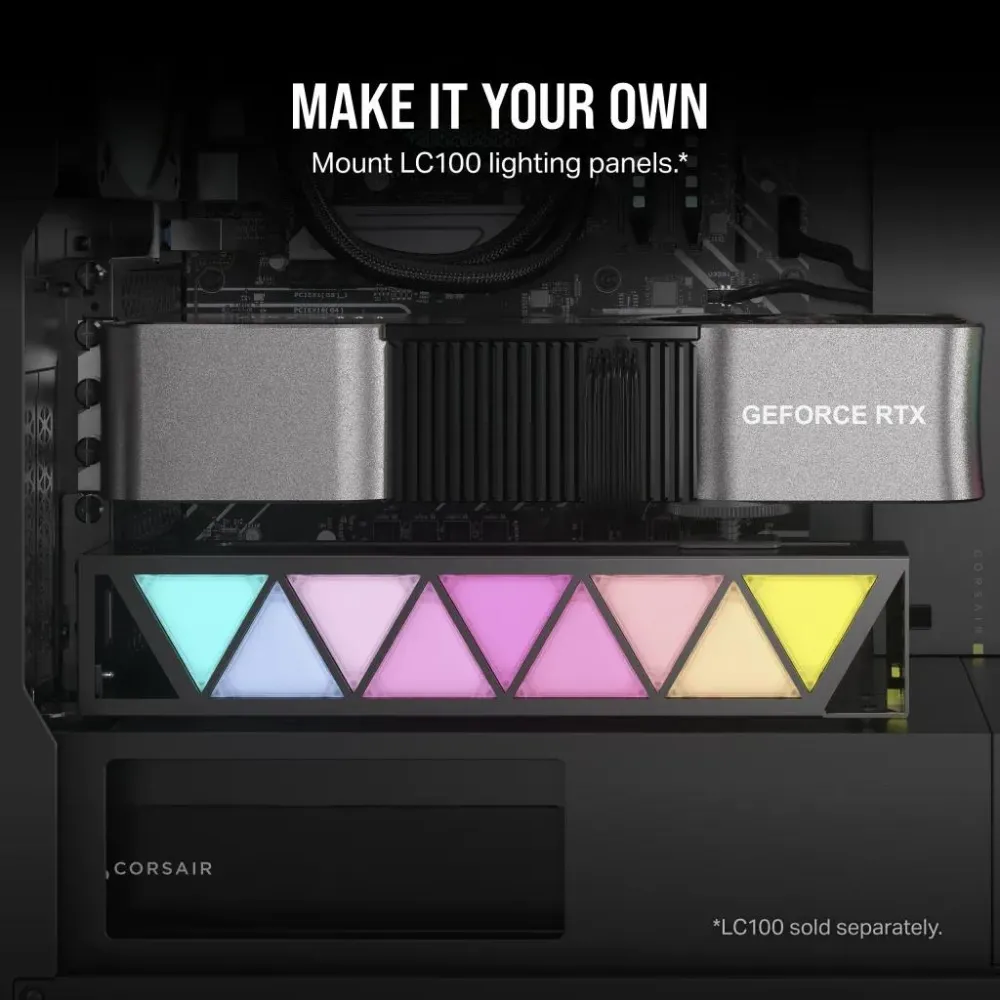
Leave the truss bare or add compatible lighting
The frame has mounting points for Corsair LC100 Accent Lighting Panels. Those panels are a separate purchase.
Specifications
Bracket
| Model | Corsair GPU Anti-Sag Bracket |
|---|---|
| Manufacturer SKU | CC-8900683 |
| Colour | Black |
| Dimensions | 294 × 70 × 54 mm |
| Adjustment | Variable GPU contact pad and kickstand |
| Compatibility | Check case clearance, contact point and graphics card geometry |
| Optional lighting | Corsair LC100 panels sold separately |
| In the box | One black GPU anti-sag bracket |
| Manufacturer warranty | 2 years under Corsair terms |
Reviews
There are no reviews yet.