
TP-Link RE550 support
Select the hardware version on the extender label to view the matching South African firmware and manuals.
Open official support (opens in a new tab)Checking which support options are available…
Who would you like help from?
Enter your name to begin your live chat with an online consultant.
What can we help you with?
Your details are used only to respond. MatzoBot requests are securely passed to the MatzoTech team.
Your request has been emailed to MatzoTech. A consultant will reply using the email address or mobile number you supplied.

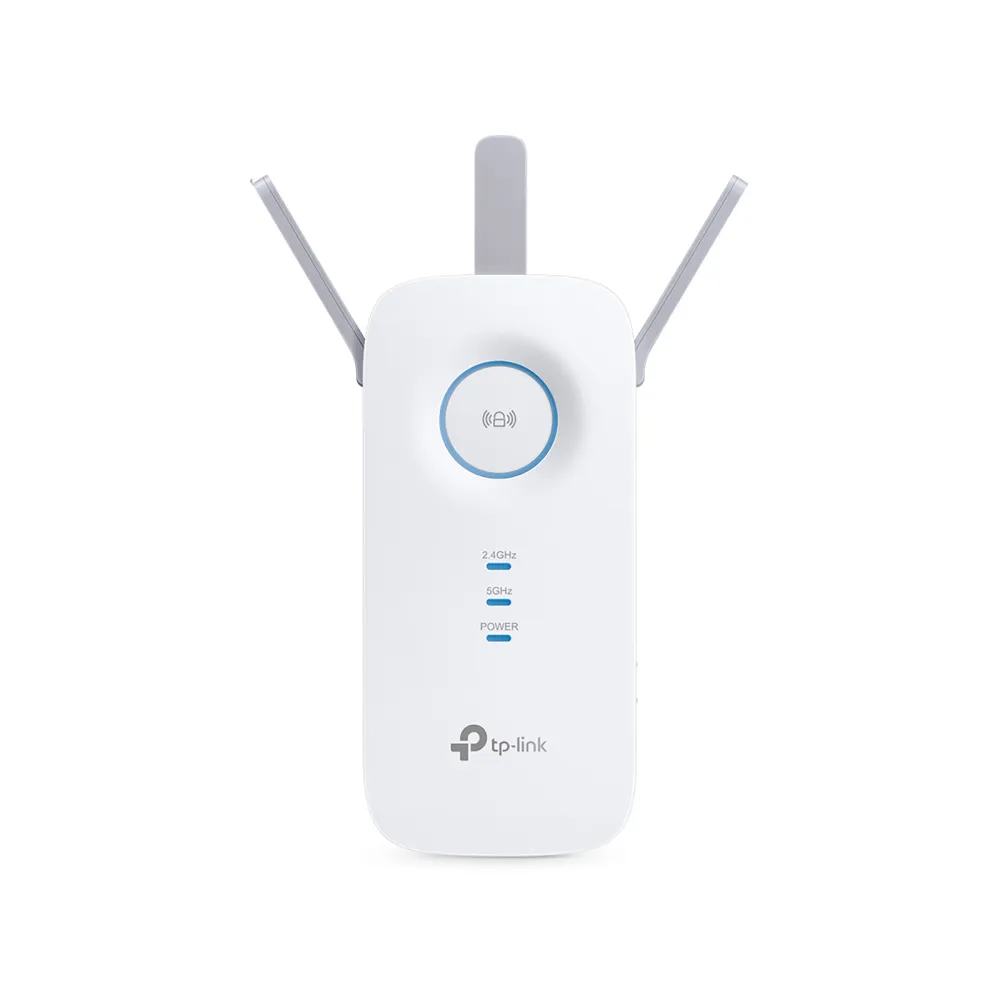
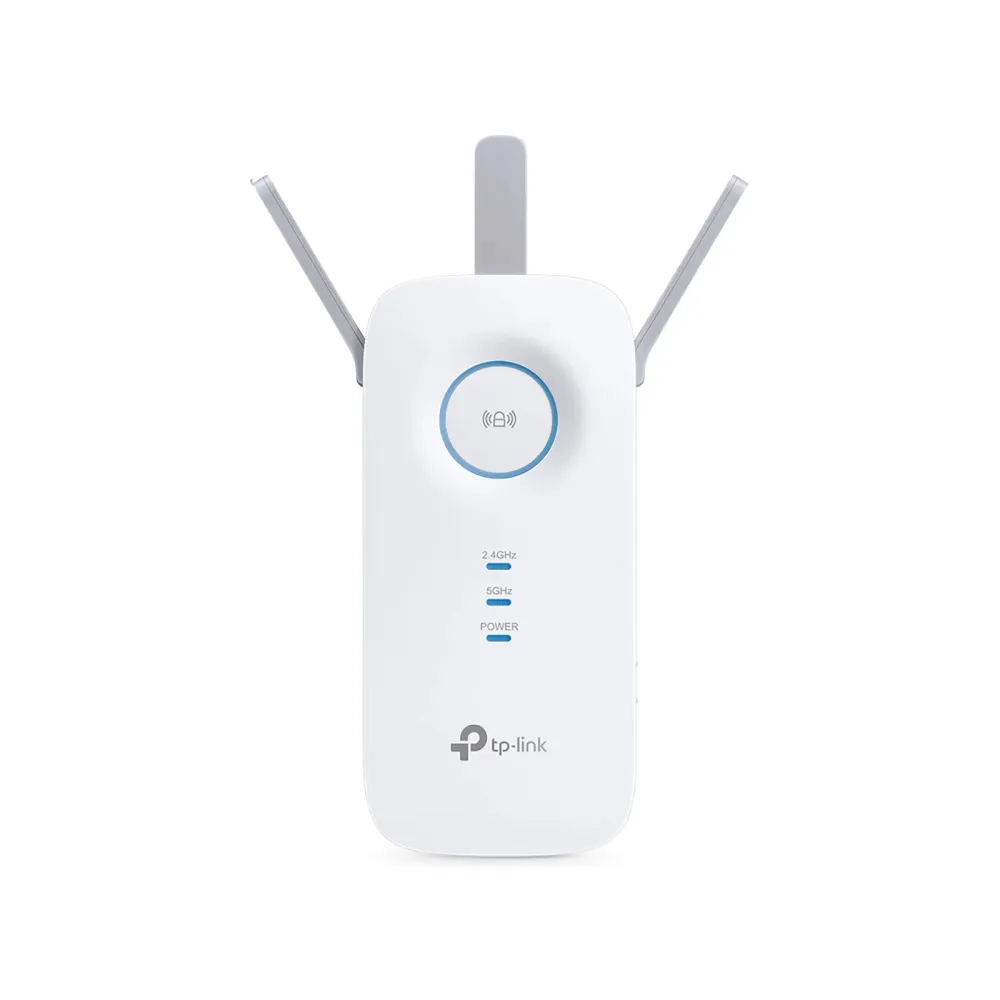
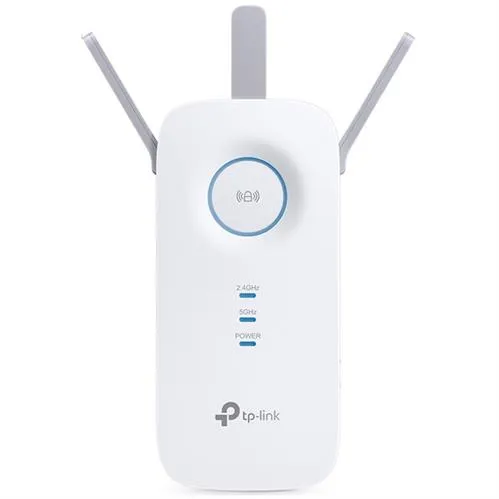
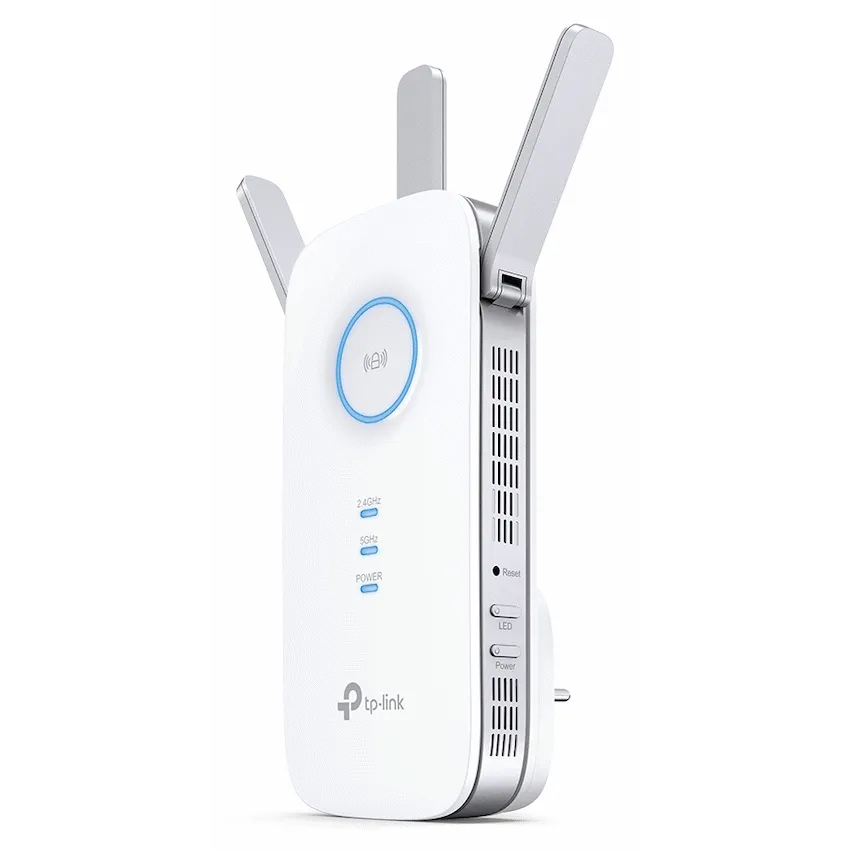
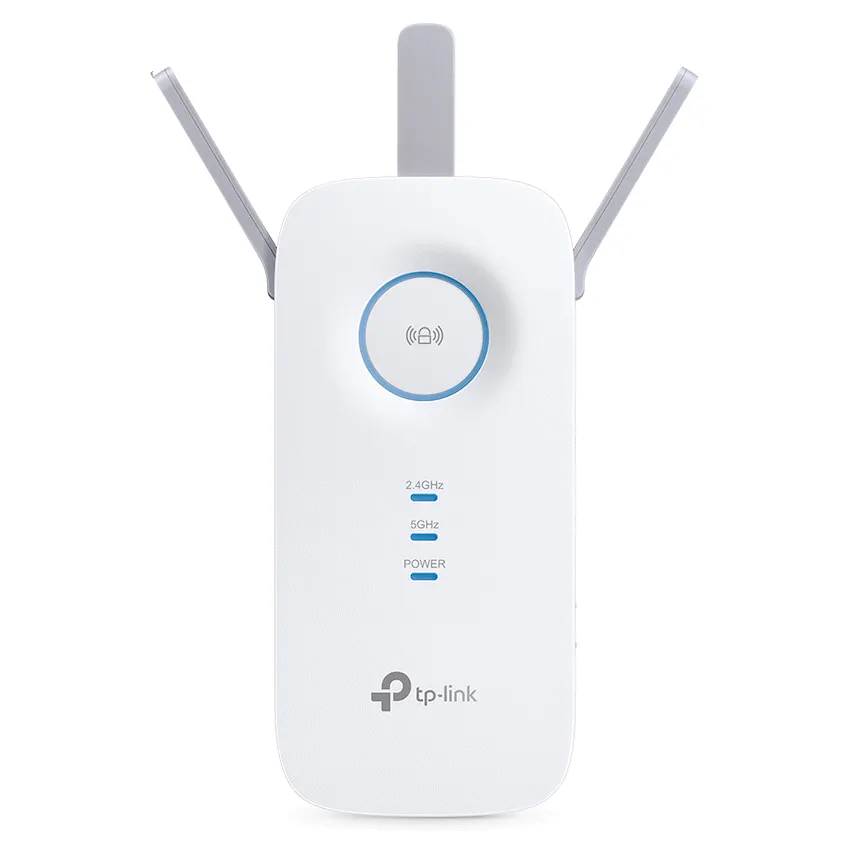
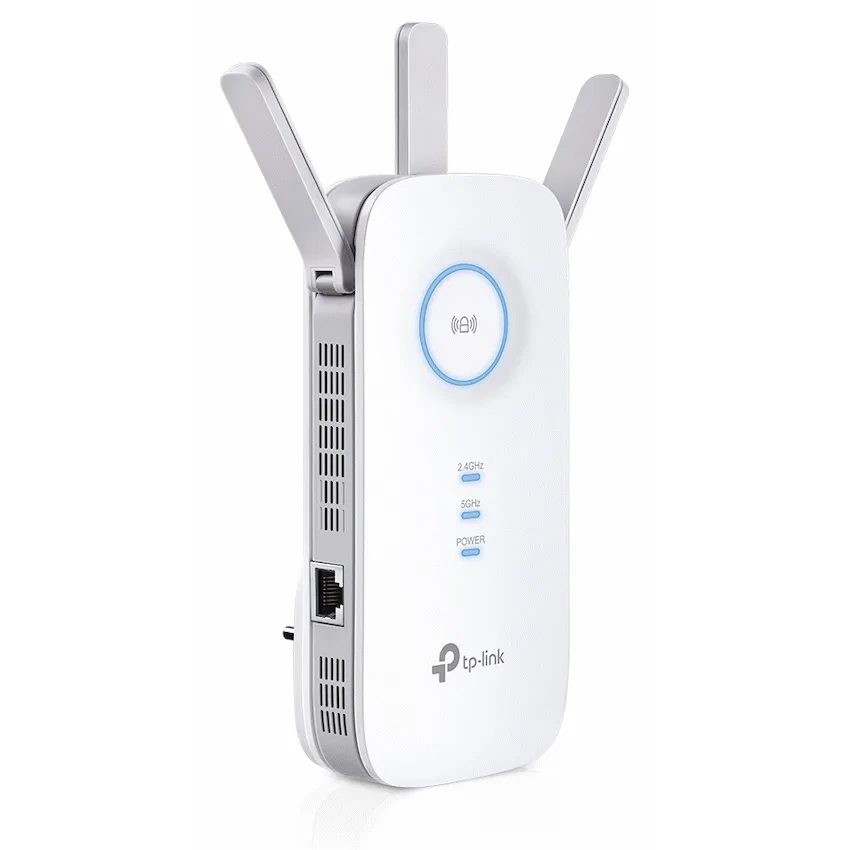
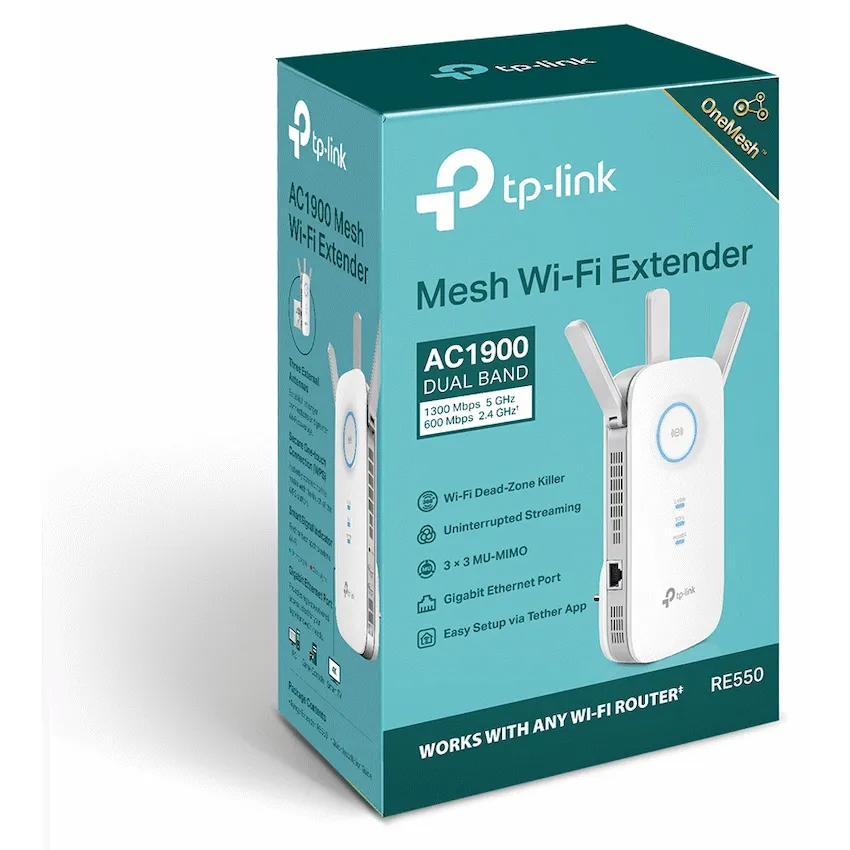
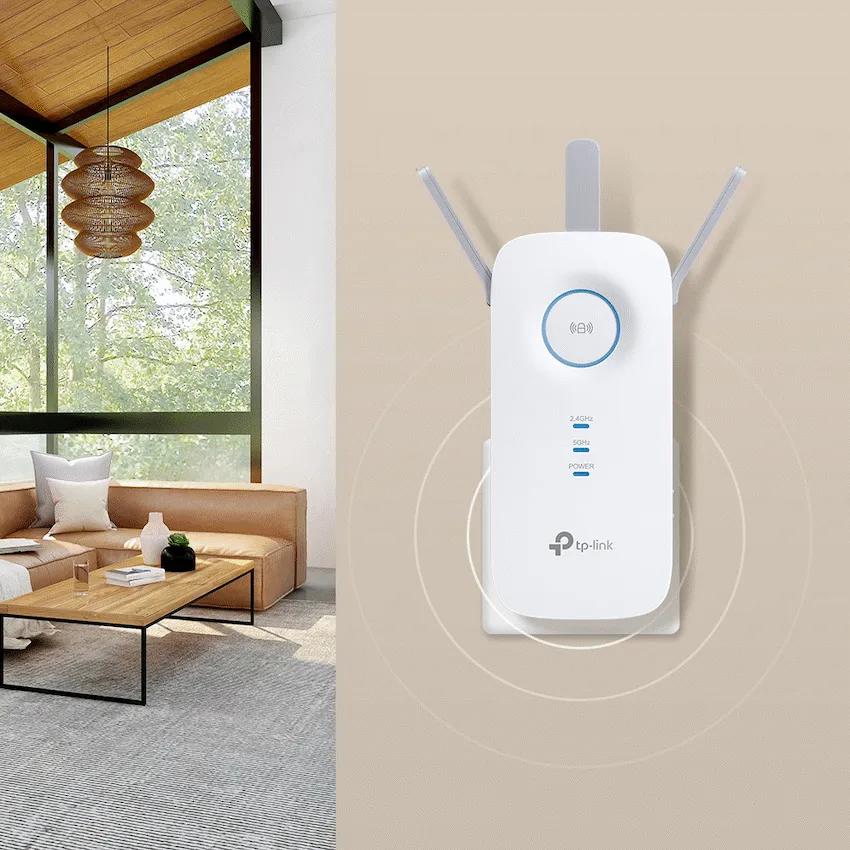
TP-Link RE550 dual-band AC1900 Wi-Fi extender with signal indicator, Gigabit Ethernet and Access Point mode. Retail box with a 2-year limited warranty.
R1,189.00
Supplier has stock — 2 avail
Clear fulfilment, warranty and payment details.
TP-Link RE550 | AC1900 range extender
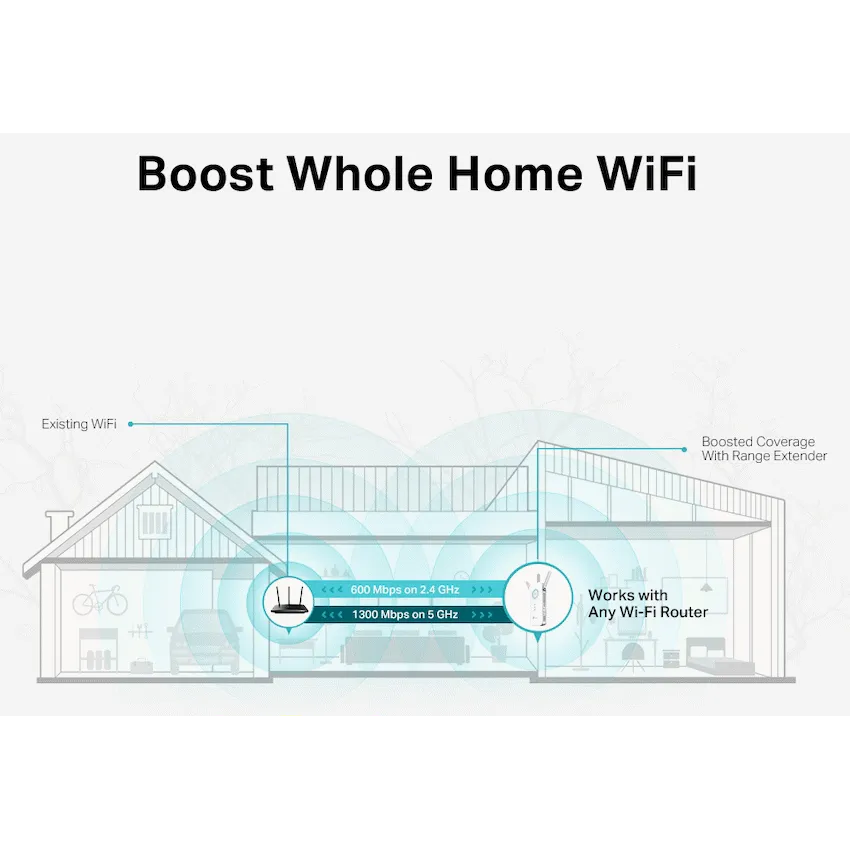
Plug the RE550 into a suitable wall outlet between the router and the area you want to cover. Its signal light helps you find a spot with a usable connection back to the router.
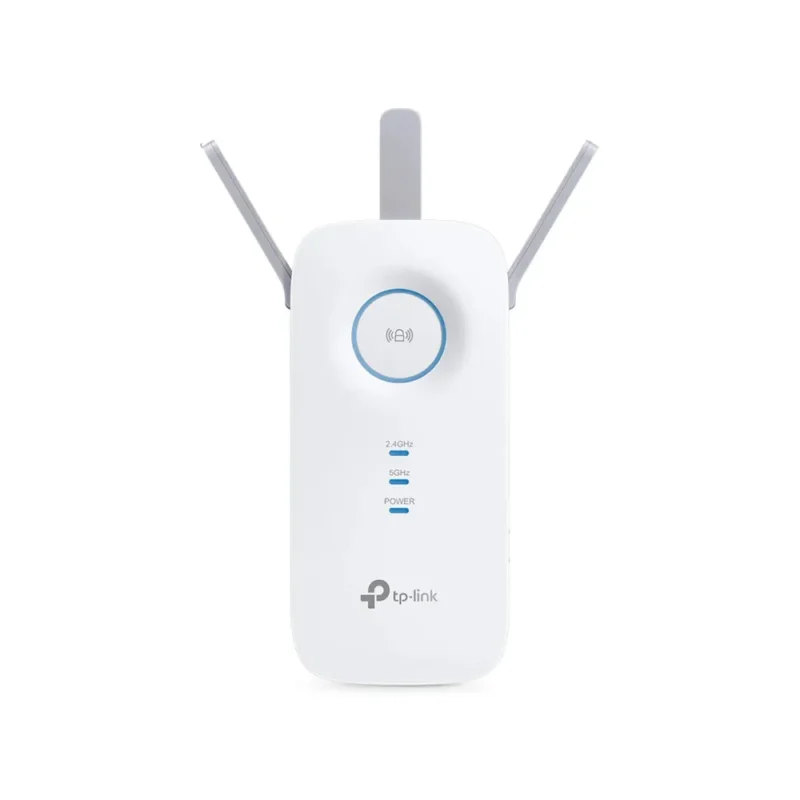
Connect the extender to your router using Tether, the web interface or WPS if the router supports it. Use the signal indicator to guide placement and test coverage where you will use it.
In extender mode the RJ45 port can connect a wired device to the extended network. With a wired connection back to the router, Access Point mode adds Wi-Fi from that Ethernet connection.
The RE550 name spans hardware versions and plug formats. Check the unit label when choosing firmware. Mesh support also depends on the extender version, the software and the upstream router.
| Model | TP-Link RE550 |
|---|---|
| Bands and modes | 2.4 GHz and 5 GHz. Range Extender and Access Point. |
| Standards | IEEE 802.11a/n/ac at 5 GHz and 802.11b/g/n at 2.4 GHz |
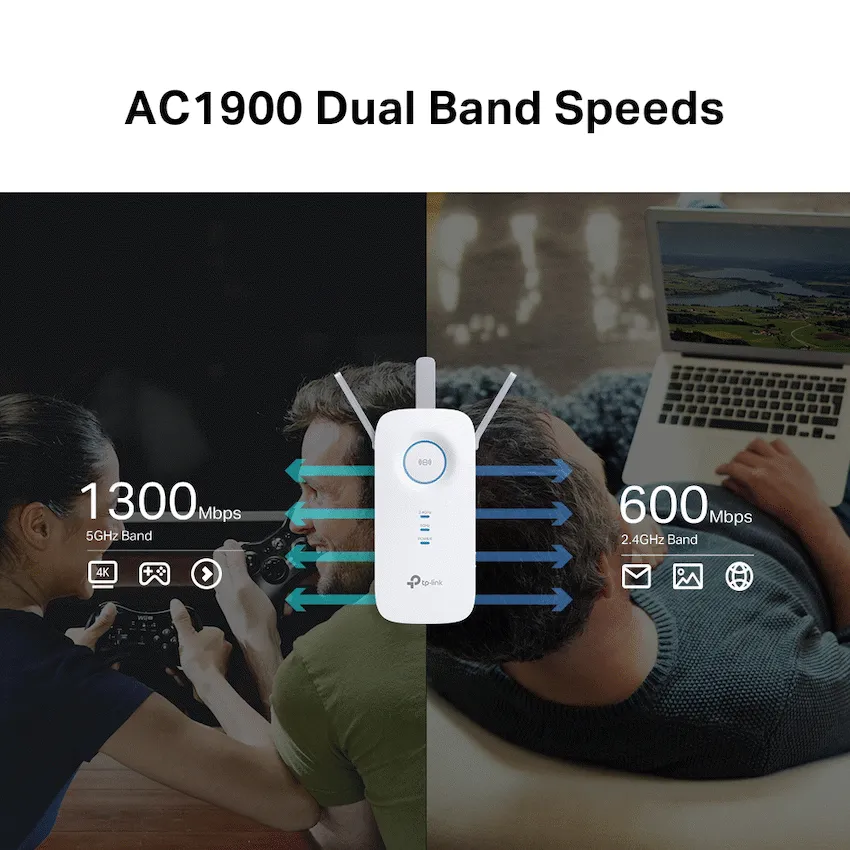
| Maximum link rates | 600 Mbps at 2.4 GHz and 1,300 Mbps at 5 GHz. Individual theoretical band rates. |
| Antennas | Three adjustable external antennas |
| Ethernet port | 1 × 10/100/1000 Mbps RJ45 |
|---|---|
| Controls | WPS, LED, reset and power buttons. Signal indicator for placement. |
| Setup and management | TP-Link Tether for supported iOS/Android devices or web interface |
| Input power | 100–240 V AC, 50/60 Hz |
| Maximum consumption | 10 W |
| Published dimensions | 163 × 76.4 × 66.5 mm (W × D × H) |
| Packaging | Retail box |
|---|---|
| Warranty | 2-year limited warranty on the Matzotech offer |
| Hardware version and plug | Check the unit label and supplied regional plug before installation. |
For wireless extension, choose a socket where the existing router still gives a usable signal. Coverage and speed vary with placement and the link to the router.
Use official support resources for this product. Each link opens in a new tab.
Select the hardware version on the extender label to view the matching South African firmware and manuals.
Open official support (opens in a new tab)Help other shoppers by sharing an honest review.
Write a reviewYou are offline. Reconnect to check prices and shop.




Reviews
There are no reviews yet.