
TP-Link Deco M4 firmware and setup guides
Choose the hardware version printed on the unit before selecting firmware. Follow the official Deco app instructions for setup on a supported phone.
Open official support (opens in a new tab)Checking which support options are available…
Who would you like help from?
Enter your name to begin your live chat with an online consultant.
What can we help you with?
Your details are used only to respond. MatzoBot requests are securely passed to the MatzoTech team.
Your request has been emailed to MatzoTech. A consultant will reply using the email address or mobile number you supplied.

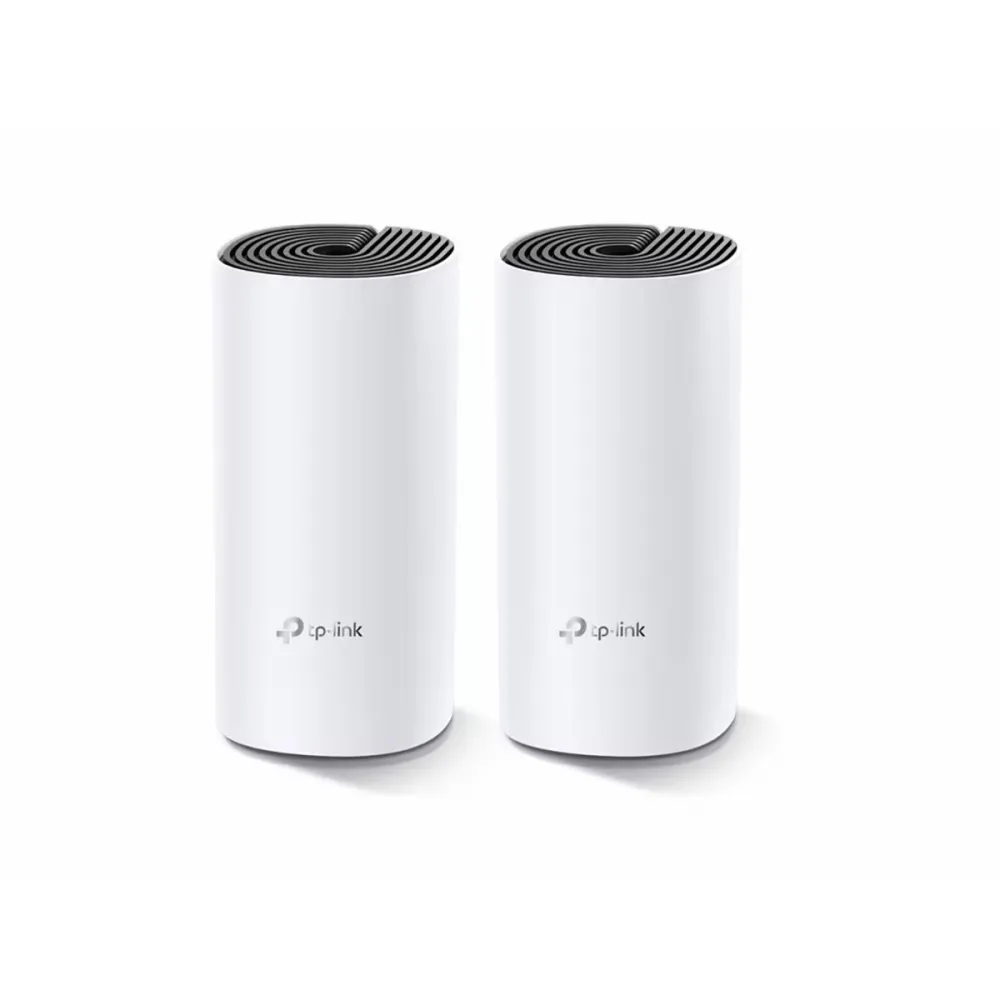
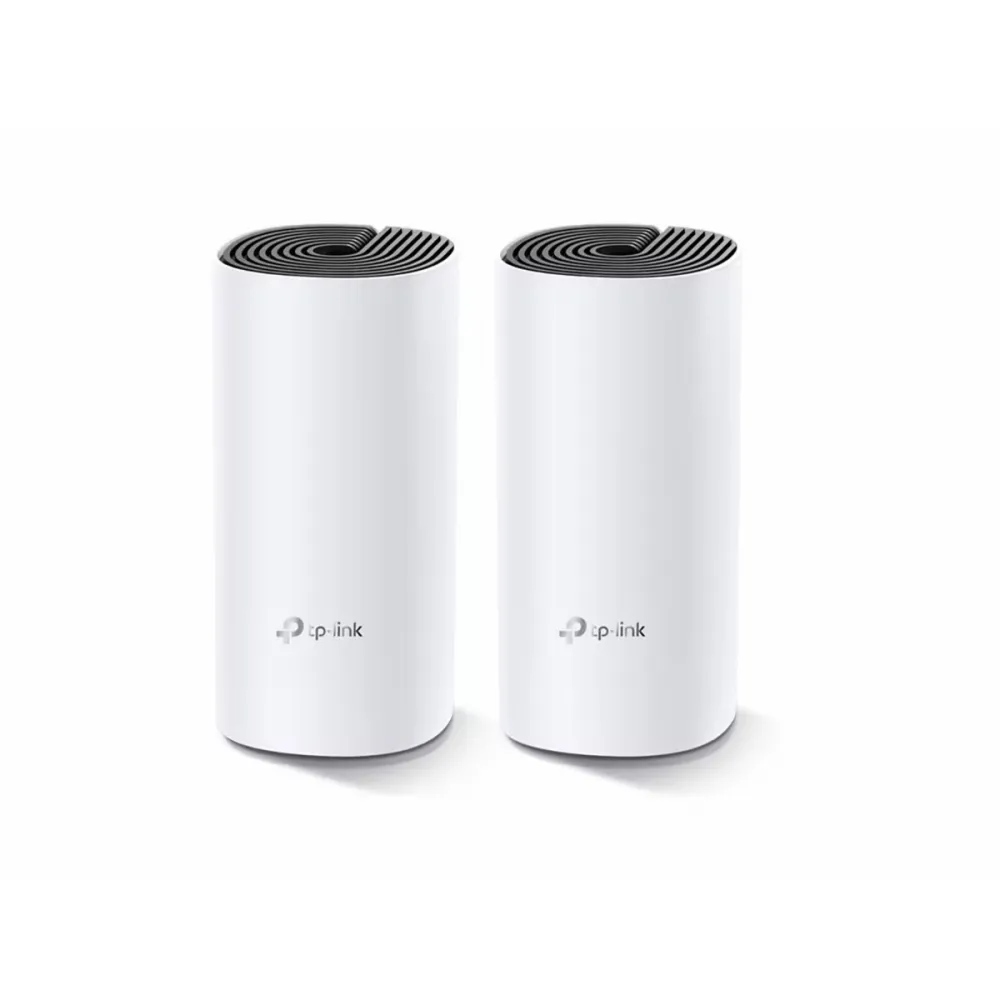
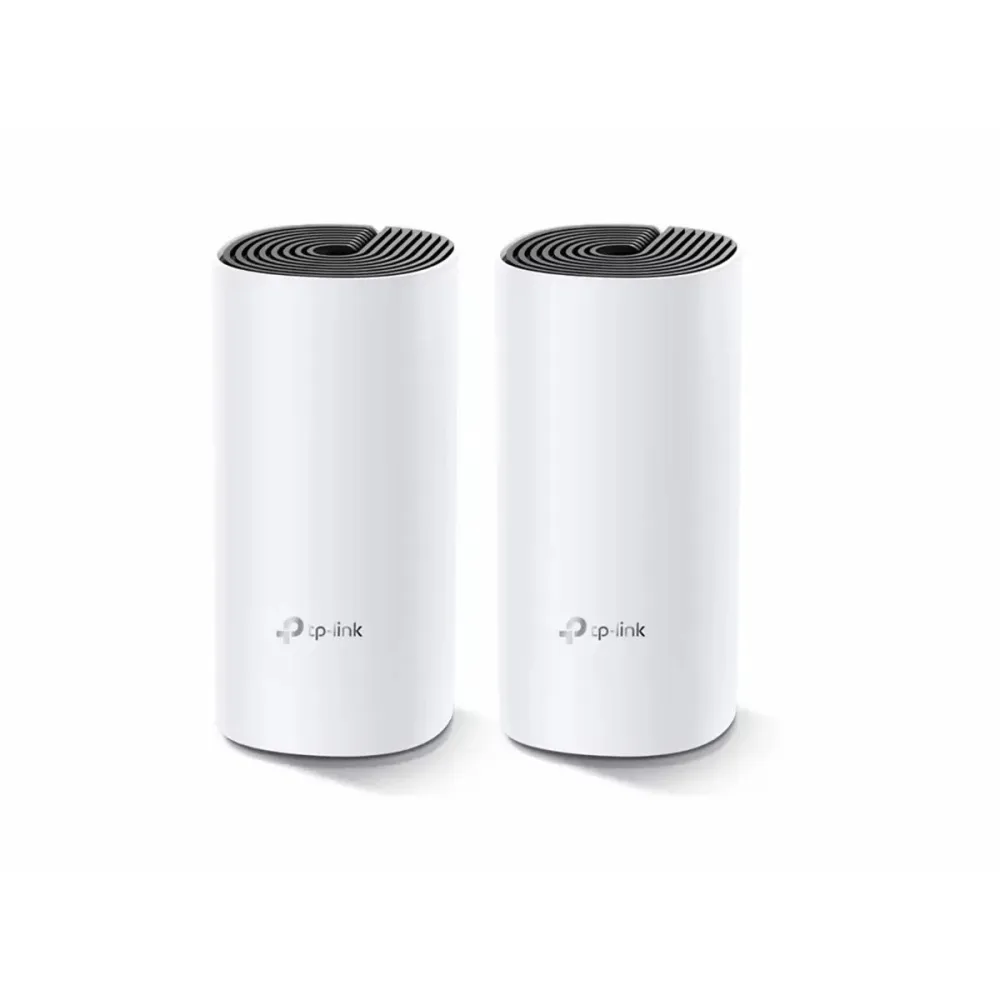
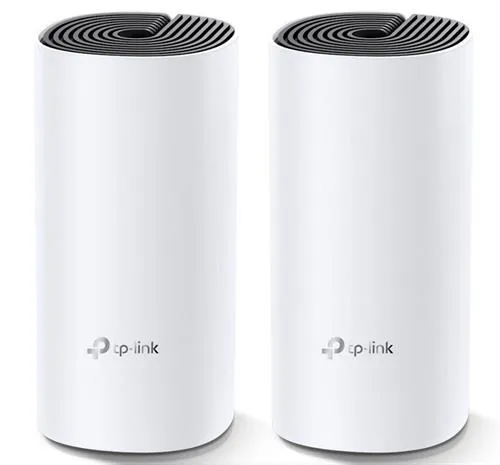
TP-Link Deco M4 AC1200 Wi-Fi 5 mesh two-pack with two gigabit Ethernet ports per unit and optional Ethernet backhaul.
R1,959.00
Supplier has stock — 1 avail
Clear fulfilment, warranty and payment details.
TP-Link Deco · AC1200 mesh two-pack
Place one Deco M4 at your internet connection and the second where it can still reach the first. The two units operate as a single Wi-Fi 5 mesh. Connect them by Ethernet where cabling is available, and choose router or access point mode in the Deco app.
Placement
Connect the first unit upstream and place its partner where the link between them is still usable. Furniture and walls can affect a wireless link, so use the Deco app to guide placement.
Wired option
If rooms already have network cabling, use Ethernet for the connection between the units. Each Deco M4 has two autosensing gigabit ports, and an upstream or backhaul connection uses one of those ports.
Control
Follow the app to add the second unit and choose the network name. Router mode manages the home network. Access point mode lets you add the mesh to an existing router.
| System | Deco M4 two-pack |
|---|---|
| Wi-Fi standards | IEEE 802.11ac/n/a on 5 GHz and IEEE 802.11n/b/g on 2.4 GHz |
| Maximum 5 GHz link rate | 867 Mb/s |
| Maximum 2.4 GHz link rate | 300 Mb/s |
| Ethernet per unit | 2 × gigabit RJ45 with WAN/LAN auto-sensing |
| Backhaul | Wireless or optional Ethernet |
| Modes | Router or access point |
| Setup | TP-Link Deco app; check current app requirements for your phone |
|---|---|
| Approximate dimensions per node | 90.7 × 90.7 × 190 mm |
| In the box | 2 Deco M4 units, 2 power adapters, 1 Ethernet cable and 1 quick installation guide |
| Warranty | 2-year limited warranty |
Use official support resources for this product. Each link opens in a new tab.
Choose the hardware version printed on the unit before selecting firmware. Follow the official Deco app instructions for setup on a supported phone.
Open official support (opens in a new tab)Help other shoppers by sharing an honest review.
Write a reviewYou are offline. Reconnect to check prices and shop.
Reviews
There are no reviews yet.