
TP-Link EAP225-Outdoor installation guide
Manufacturer PDF for wall or pole mounting, cable sealing and PoE connection. Read the hardware version on the product label before choosing separate firmware.
Open official support (opens in a new tab)Checking which support options are available…
Who would you like help from?
Enter your name to begin your live chat with an online consultant.
What can we help you with?
Your details are used only to respond. MatzoBot requests are securely passed to the MatzoTech team.
Your request has been emailed to MatzoTech. A consultant will reply using the email address or mobile number you supplied.

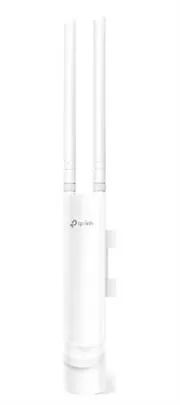
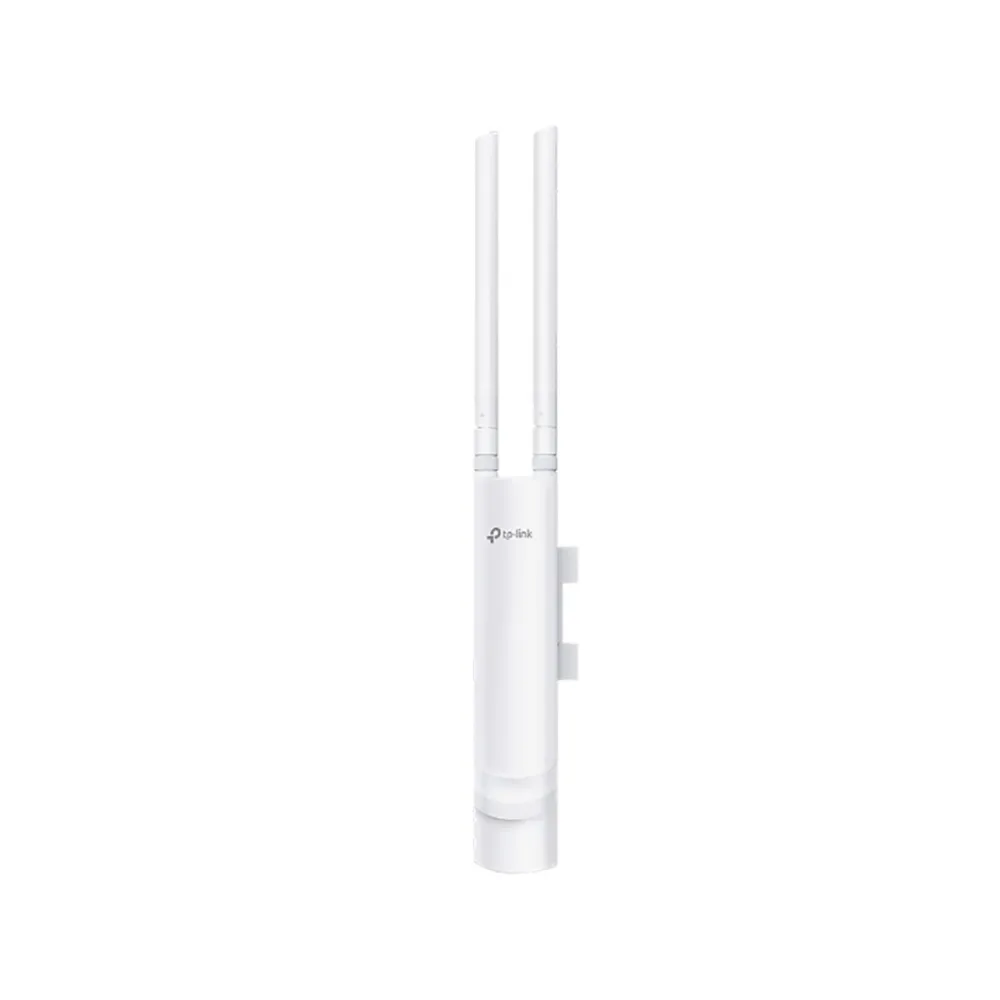
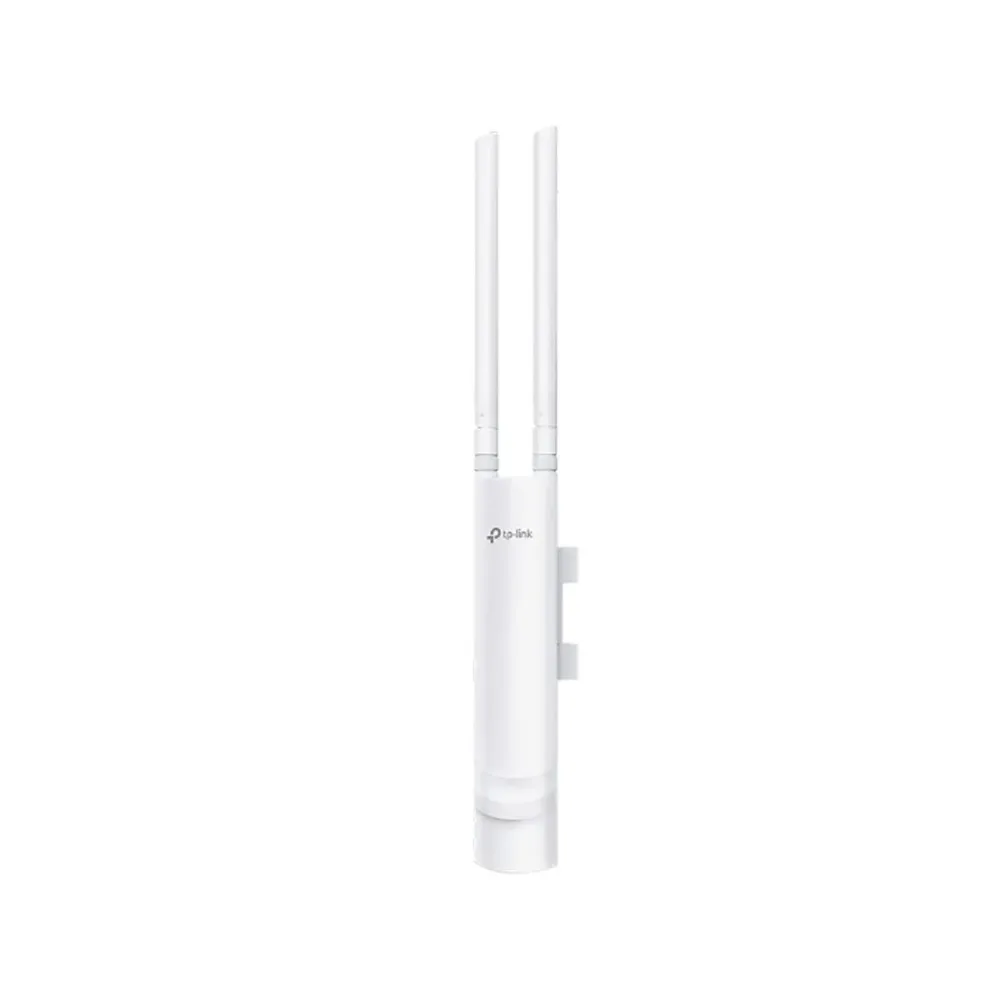
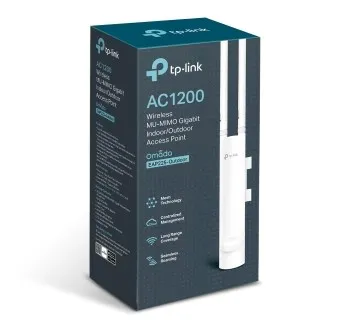
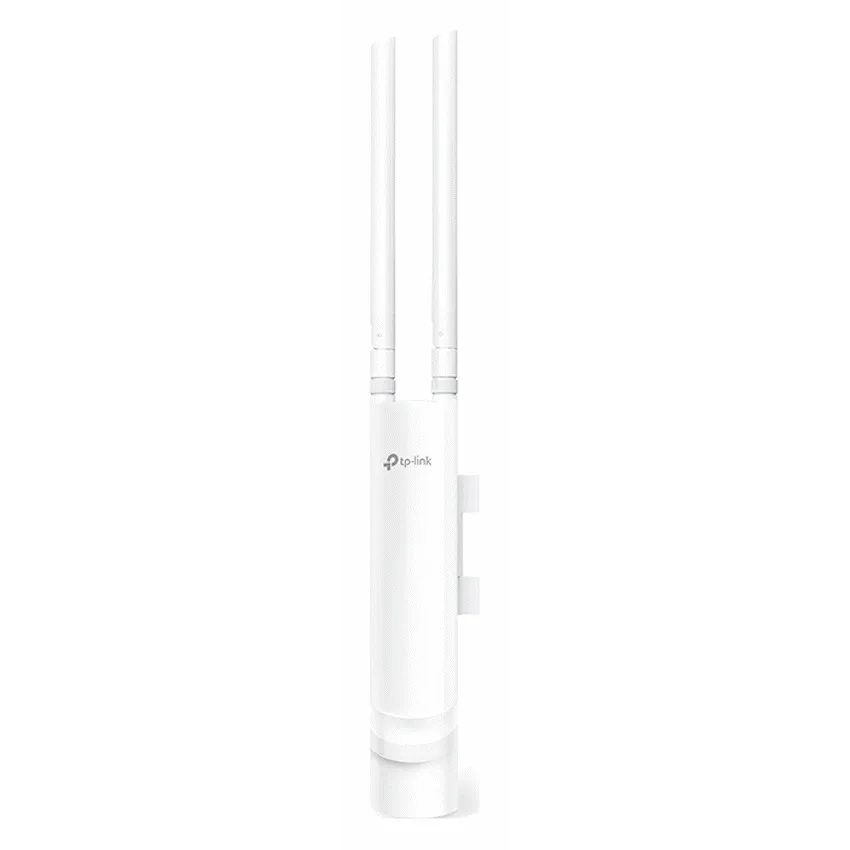
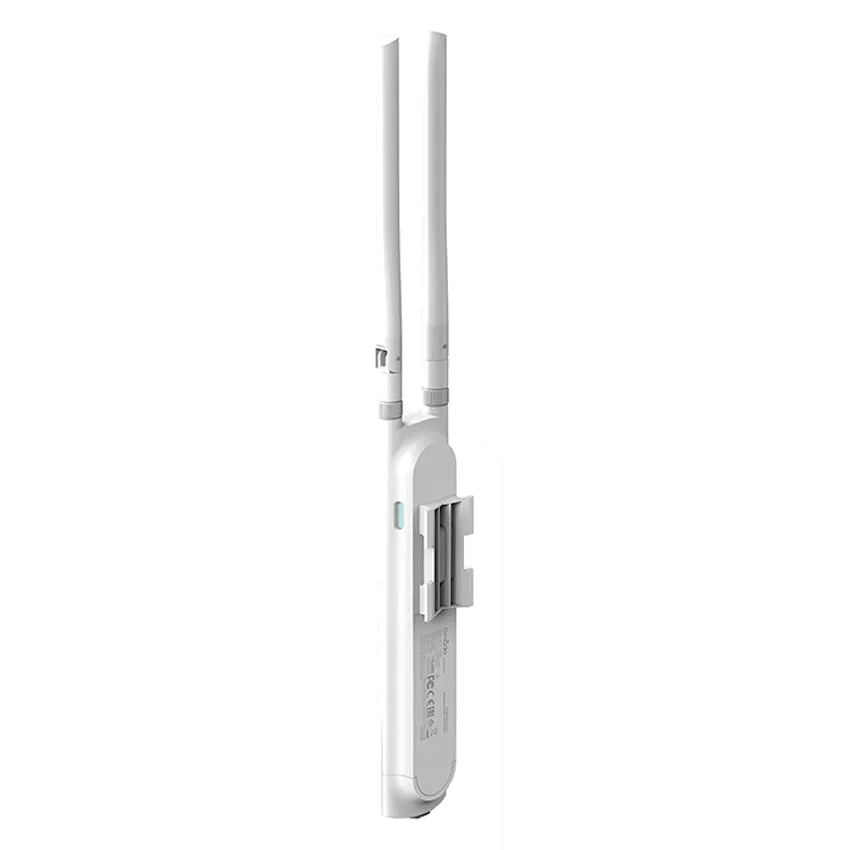
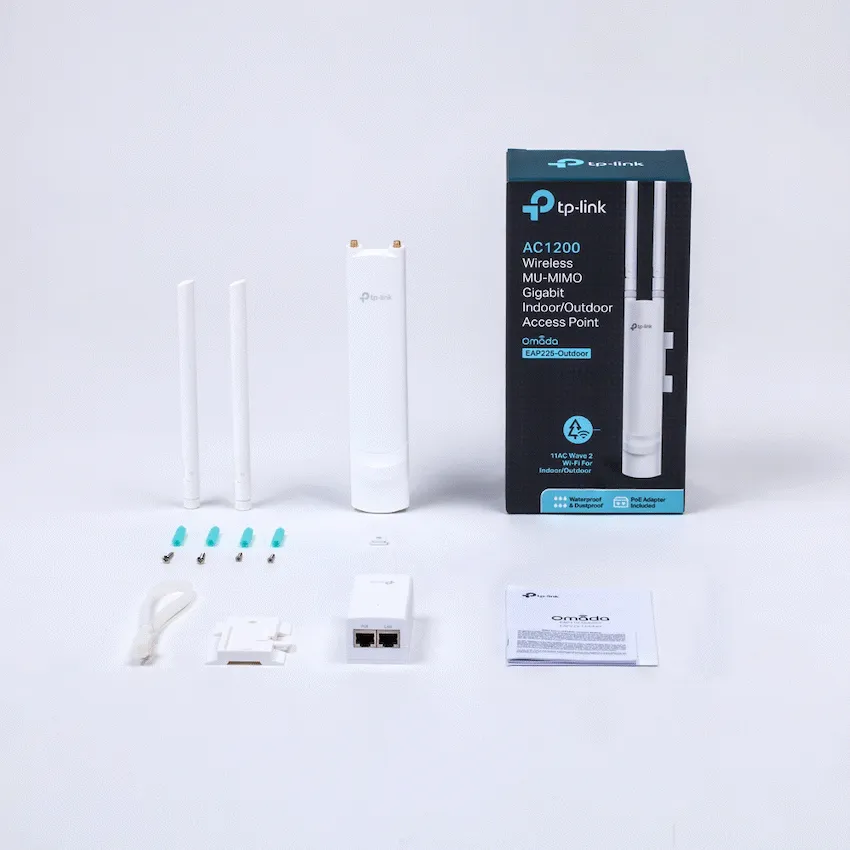
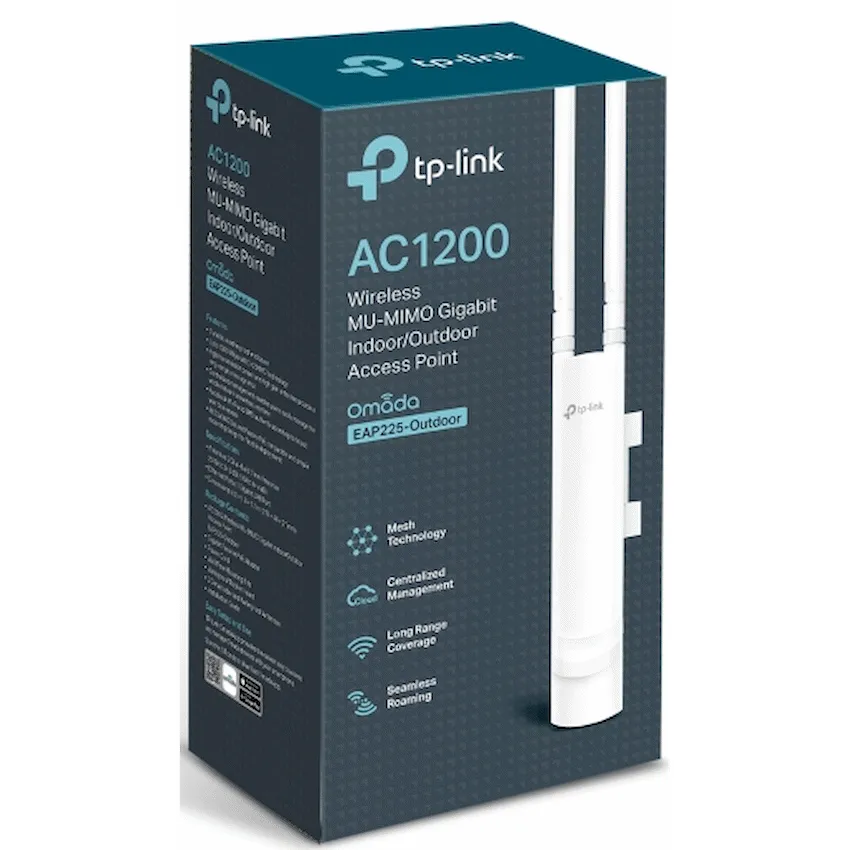
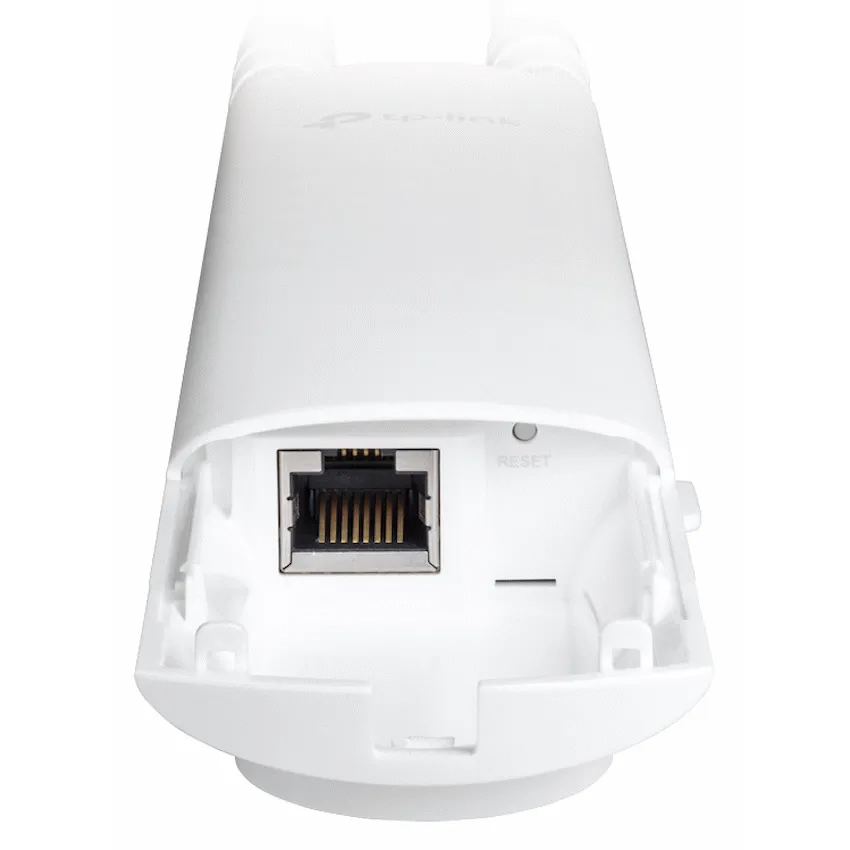
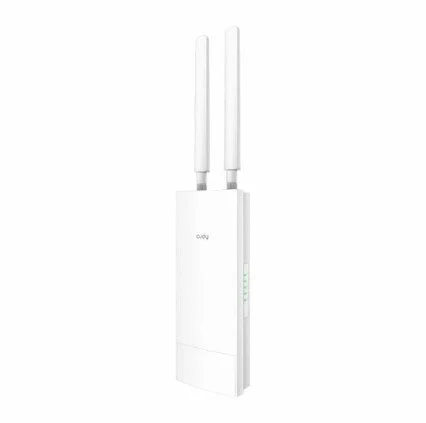
TP-Link EAP225-Outdoor AC1200 dual-band access point with IP65 housing, gigabit Ethernet, PoE and wall or pole mounting.
R1,539.00
Supplier has stock — 1 avail
Clear fulfilment, warranty and payment details.
TP-Link Omada · Outdoor access point
Give a courtyard, patio or outdoor work area its own wired access point. The EAP225-Outdoor pairs an IP65 housing with dual-band Wi-Fi 5 and a gigabit Ethernet connection. Supply data and power over one cable from compatible PoE equipment or use the included passive adapter.
Placement
Mount the access point upright according to TP-Link’s installation guide. Route the cable through the provided seal and follow the grounding and surge protection directions for the installation site.
Power and data
The gigabit Ethernet port accepts IEEE 802.3af or 24 V passive PoE. Use compatible power equipment and follow the guide when connecting to the supplied passive injector.
Wireless
The access point supports separate 2.4 and 5 GHz bands. Use the link rates to compare hardware and plan around the site, radio conditions and the clients you expect to serve.
Management
Use the exact hardware version from the label when choosing firmware or checking compatibility with an Omada controller.
| Model | EAP225-Outdoor |
|---|---|
| Wi-Fi standards | IEEE 802.11a/b/g/n/ac |
| Maximum 2.4 GHz link rate | 300 Mb/s |
| Maximum 5 GHz link rate | 867 Mb/s |
| Antennas | Two external detachable omnidirectional antennas |
| Ethernet | 1 × gigabit RJ45 port |
|---|---|
| Power input | IEEE 802.3af PoE or 24 V passive PoE |
| Maximum manufacturer-listed draw | 10.5 W |
| Enclosure | IP65, when installed as directed |
| Mounting | Wall or pole |
| Enclosure dimensions, excluding antenna and mount | Approximately 215 mm high × 46 mm wide × 27 mm deep |
| Management | Standalone or Omada management with compatible controller and firmware |
| Contents | Access point, passive PoE adapter, antenna pair, mounting hardware and installation guide |
|---|---|
| Warranty | 2-year limited warranty |
Use official support resources for this product. Each link opens in a new tab.
Manufacturer PDF for wall or pole mounting, cable sealing and PoE connection. Read the hardware version on the product label before choosing separate firmware.
Open official support (opens in a new tab)Help other shoppers by sharing an honest review.
Write a reviewYou are offline. Reconnect to check prices and shop.








Reviews
There are no reviews yet.