
TP-Link · USB Wi-Fi 5
Add Wi-Fi without opening the case
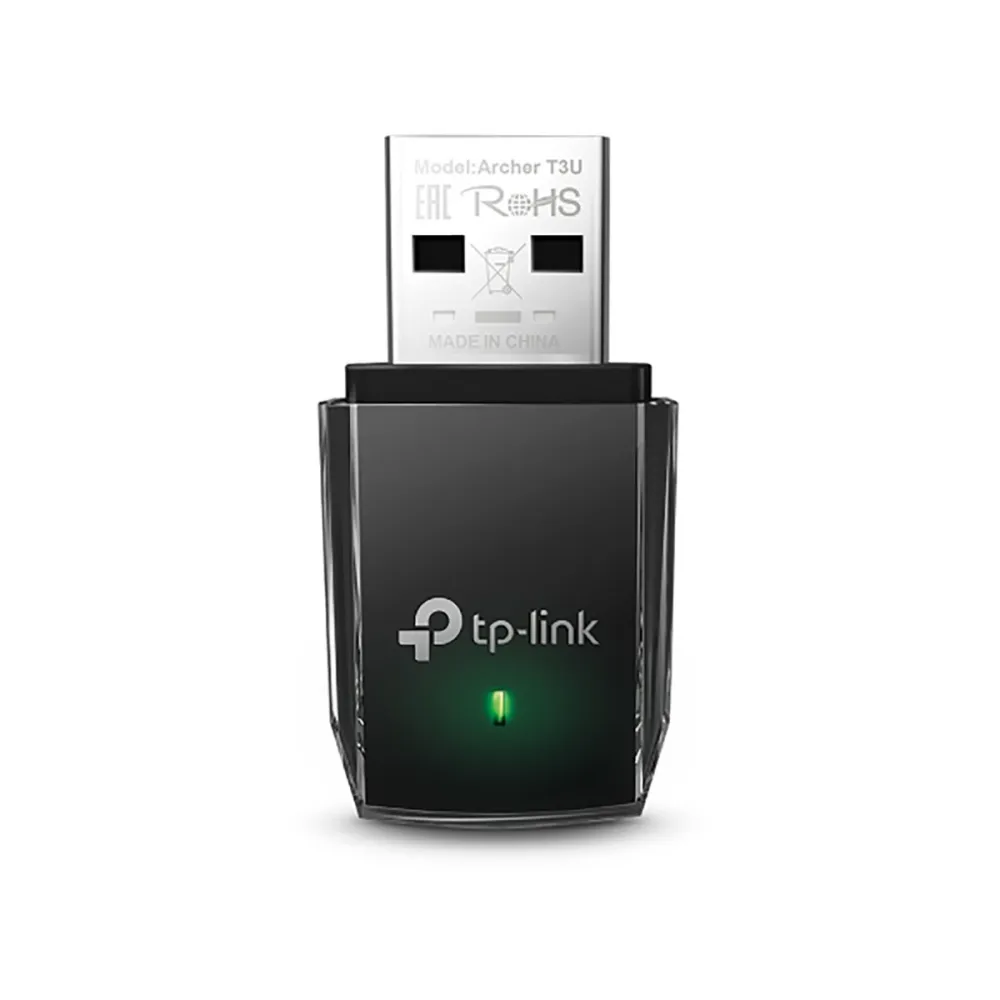
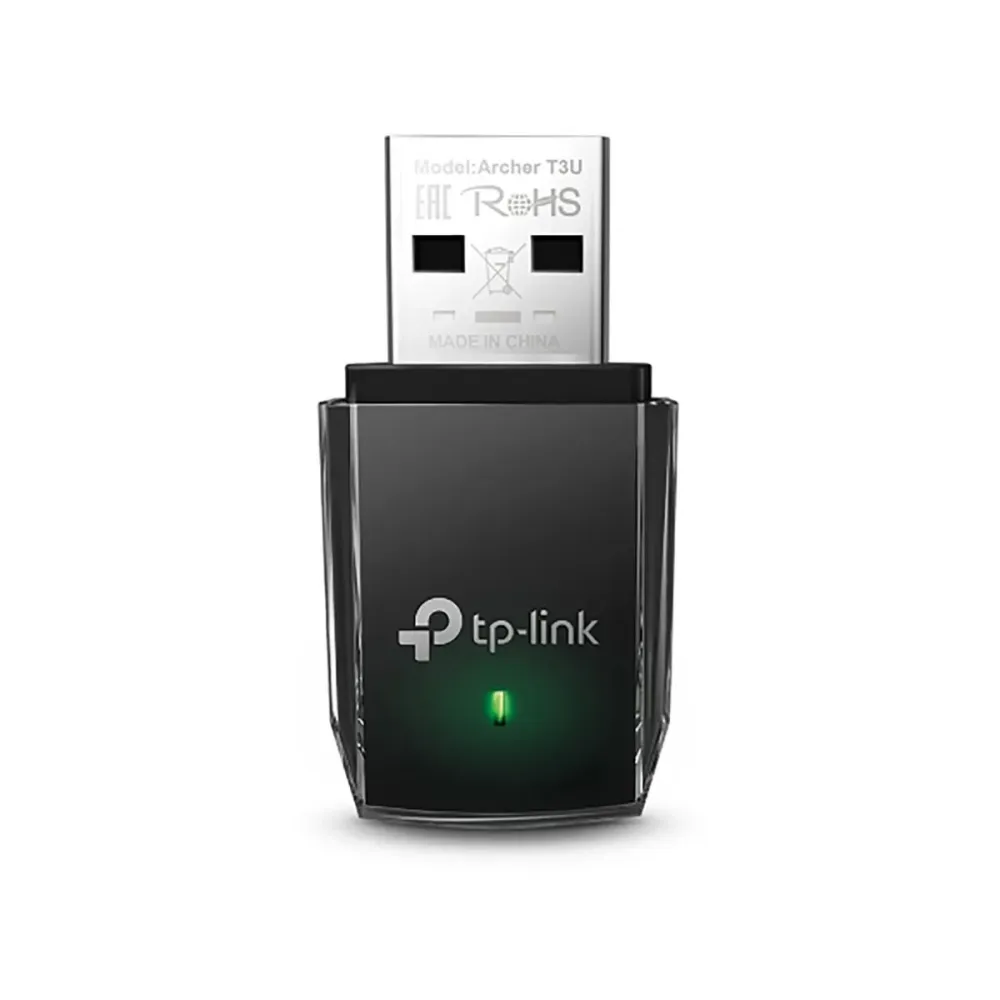
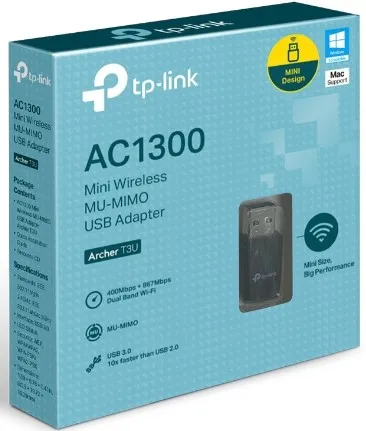
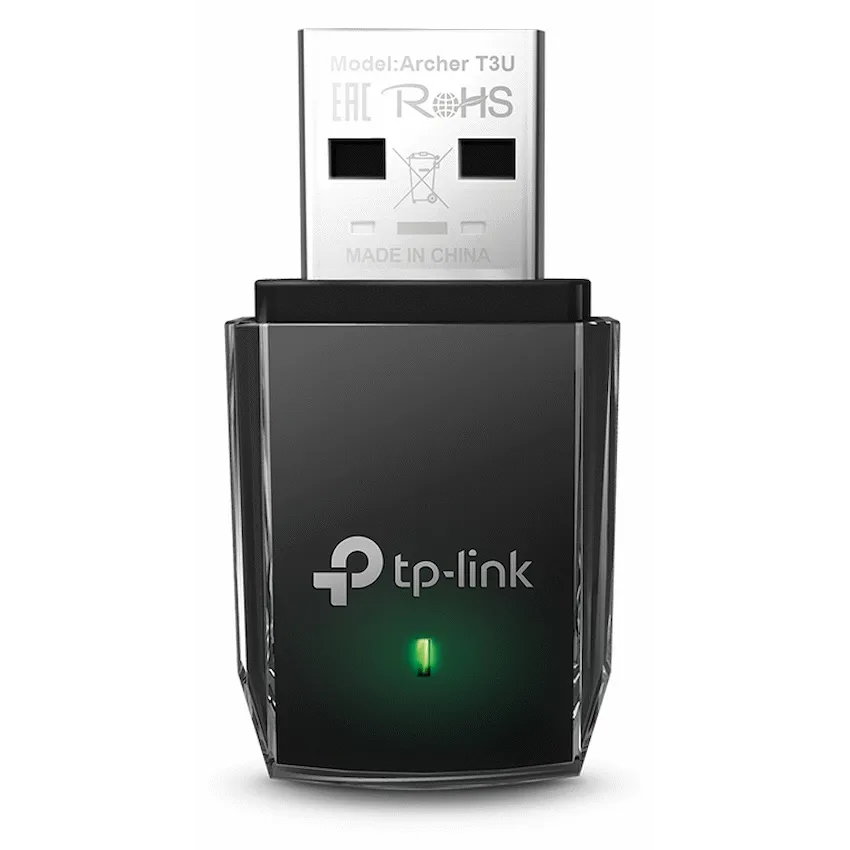
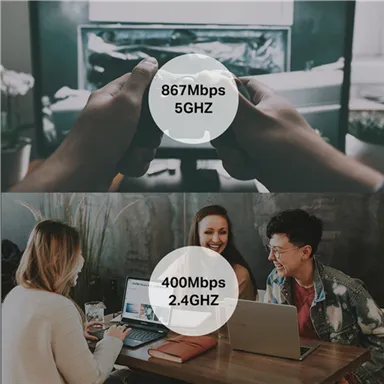
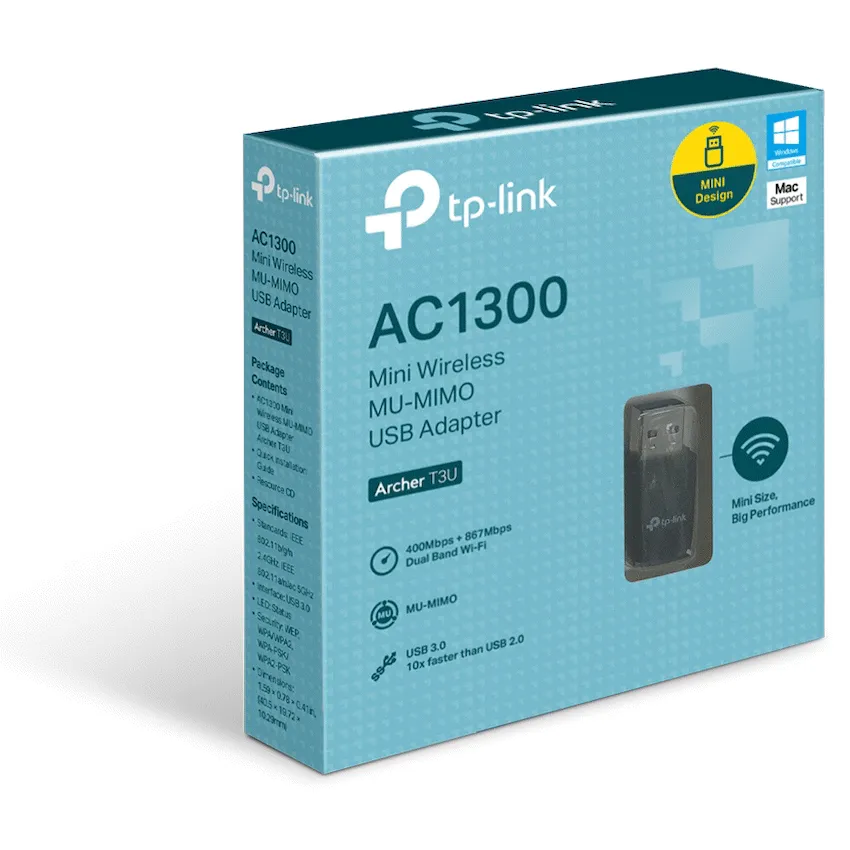
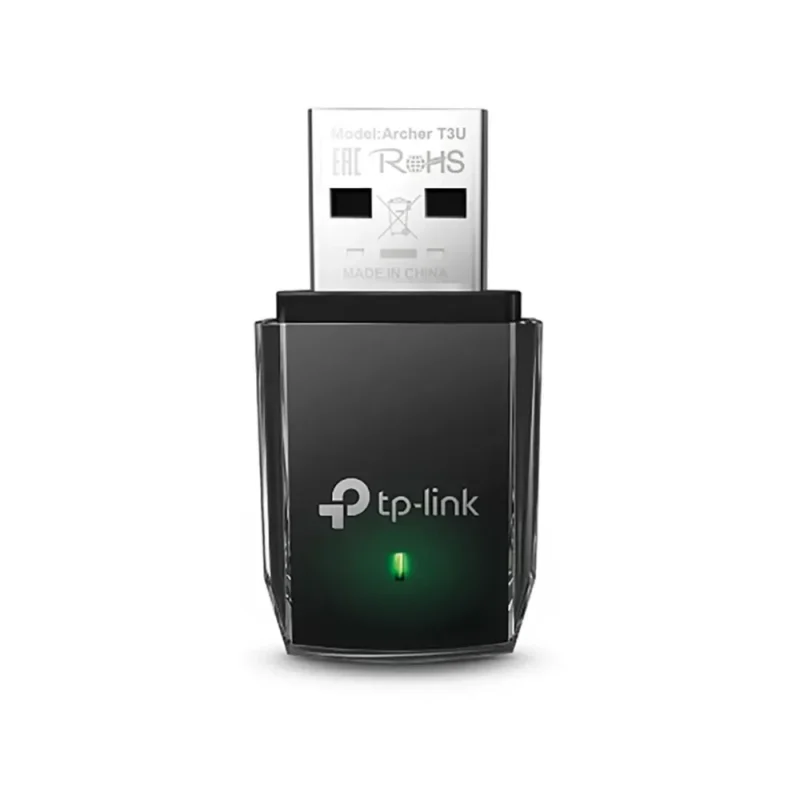
Plug the compact Archer T3U into a compatible USB port to add dual-band Wi-Fi to a desktop or laptop. Choose 5 GHz for the higher rated link speed or 2.4 GHz for a network using that band. Match the adapter’s hardware revision to the South African support page before installing a driver.

Connection
Pick a band that matches your network
The Archer T3U can connect to 2.4 GHz or 5 GHz Wi-Fi. The speeds shown are maximum link rates for each band. Actual transfers depend on the router, interference and other network traffic.
Compatibility
Match the driver to the label
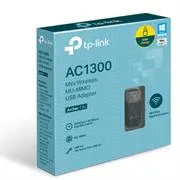
TP-Link lists V1 and V1.80 on its South African support page. Read the revision on the adapter or packaging and then check the operating systems shown for that exact driver. A compatible MU-MIMO router is required to use MU-MIMO.


Reviews
There are no reviews yet.