
TP-Link Archer C80 support
Select the hardware version on the router label for South African firmware and manuals. Check the regional code before updating.
Open official support (opens in a new tab)Checking which support options are available…
Who would you like help from?
Enter your name to begin your live chat with an online consultant.
What can we help you with?
Your details are used only to respond. MatzoBot requests are securely passed to the MatzoTech team.
Your request has been emailed to MatzoTech. A consultant will reply using the email address or mobile number you supplied.

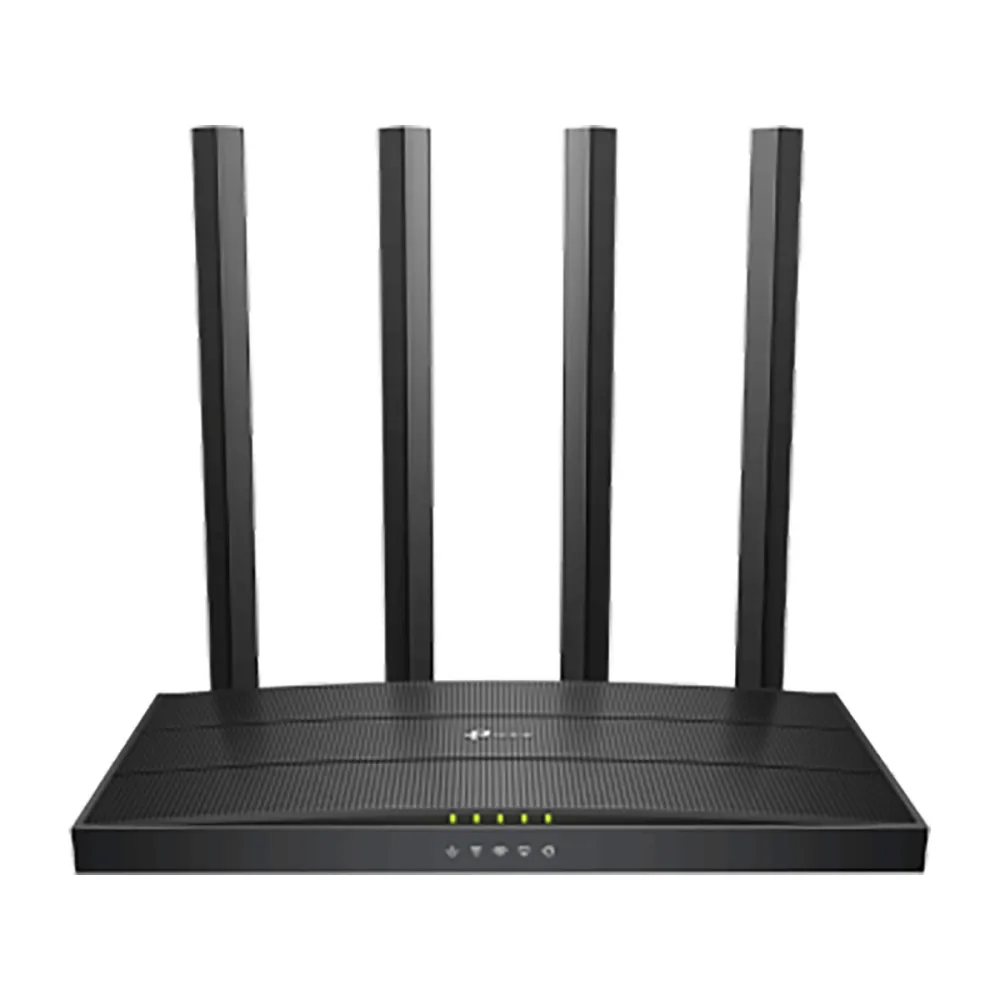
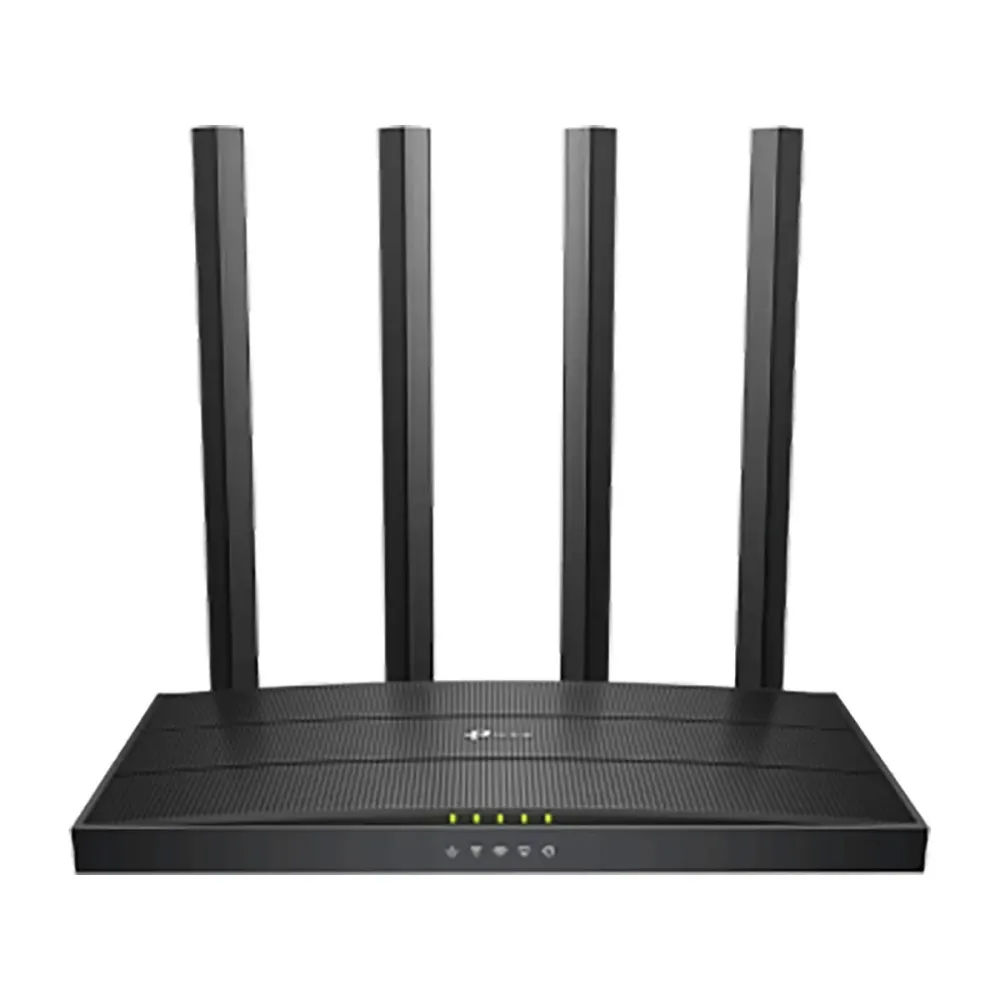
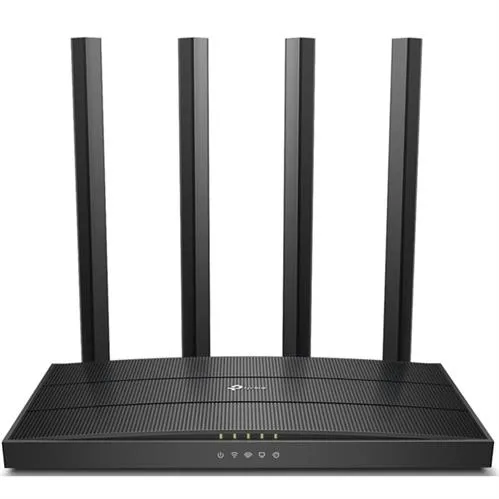
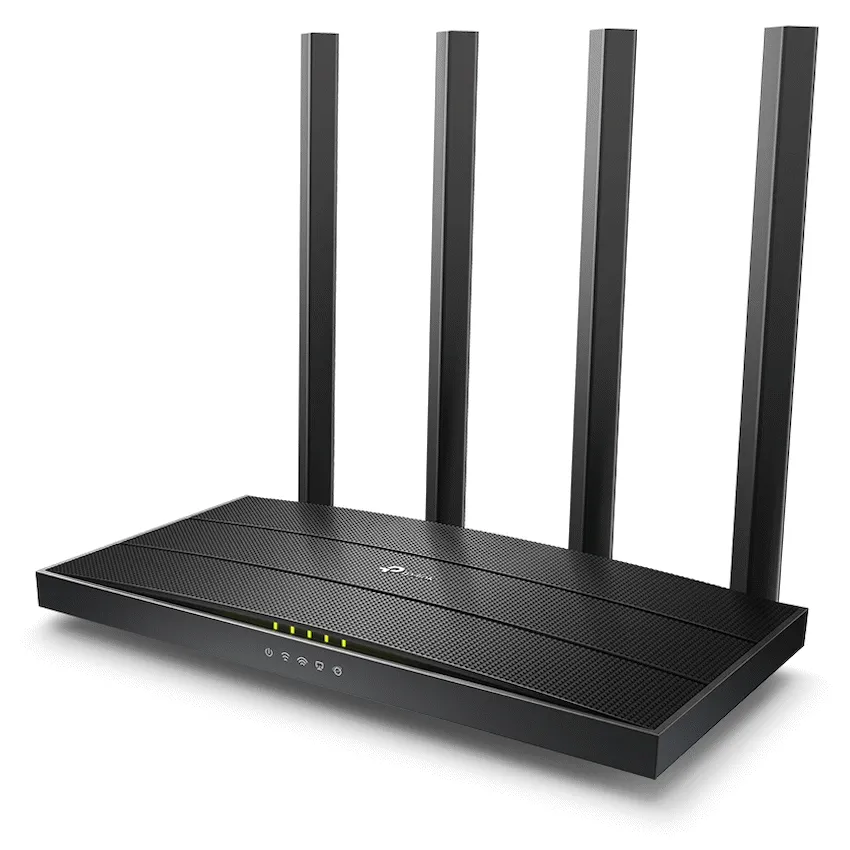
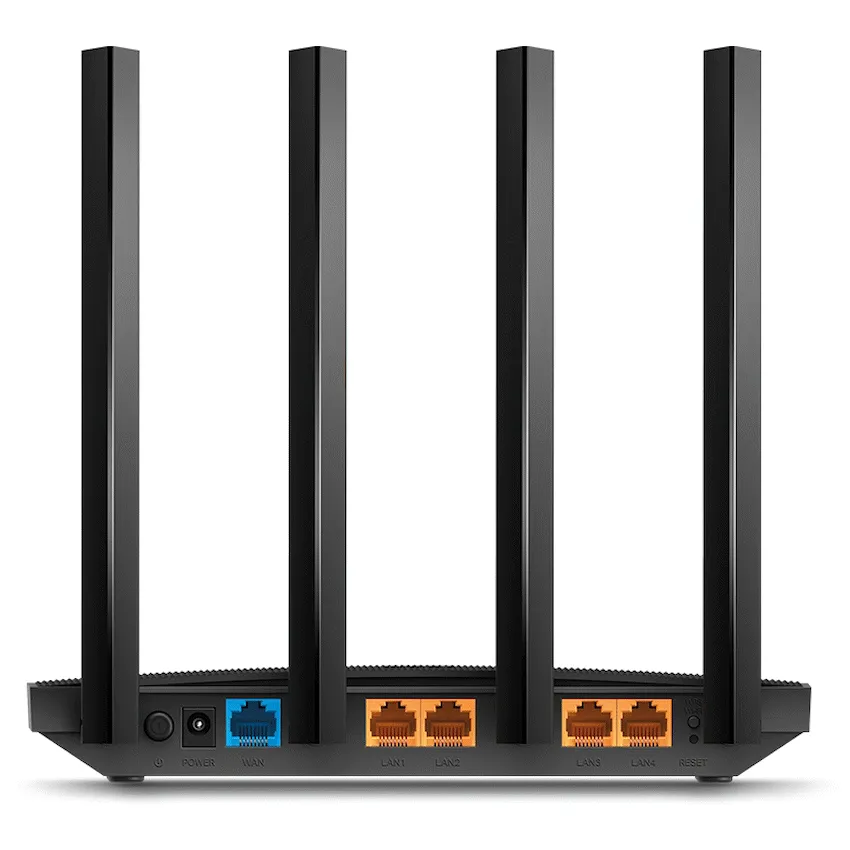
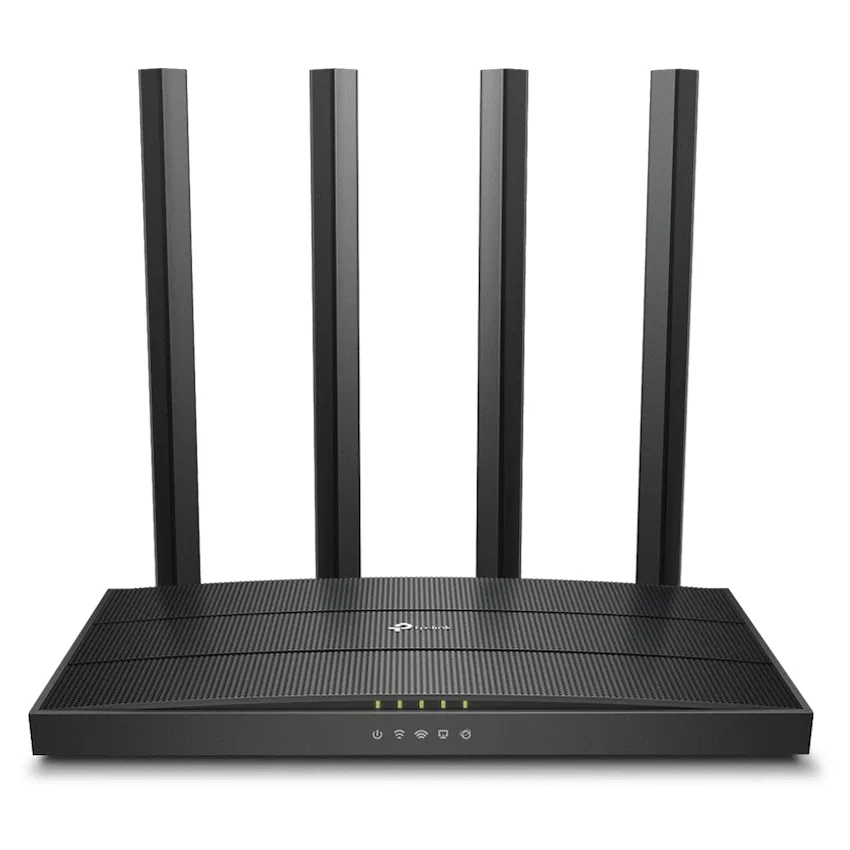
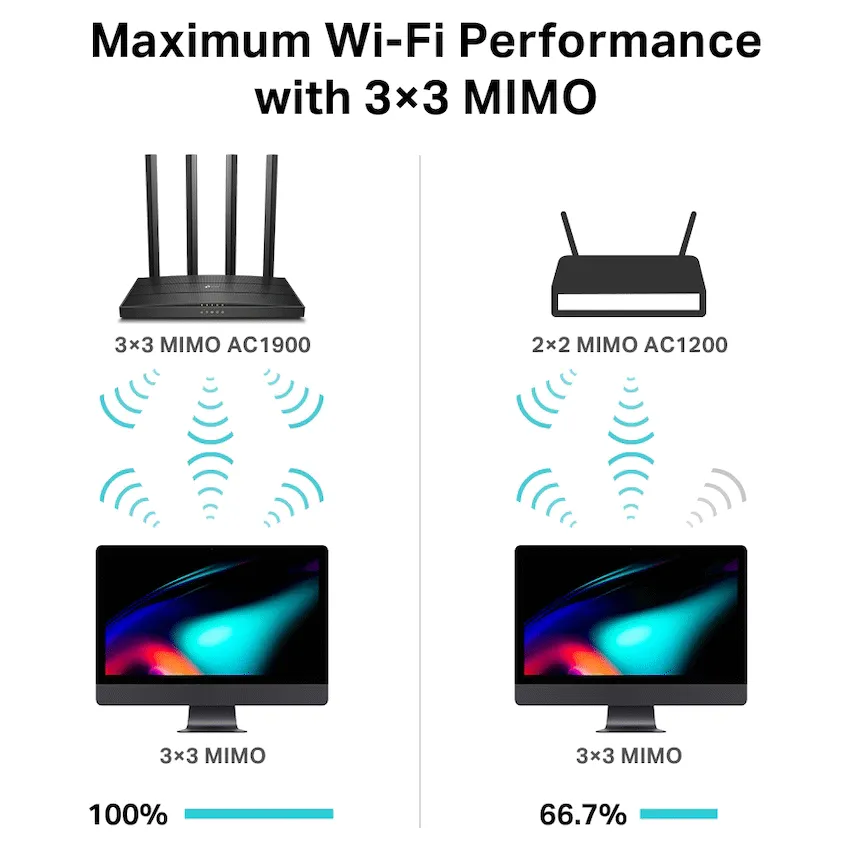
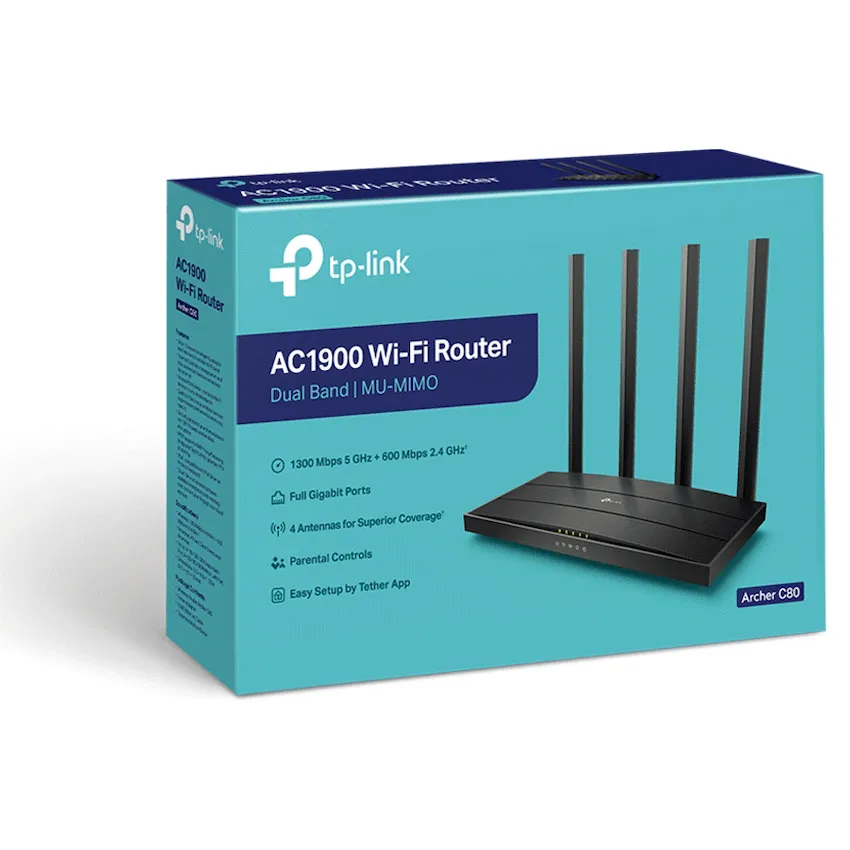
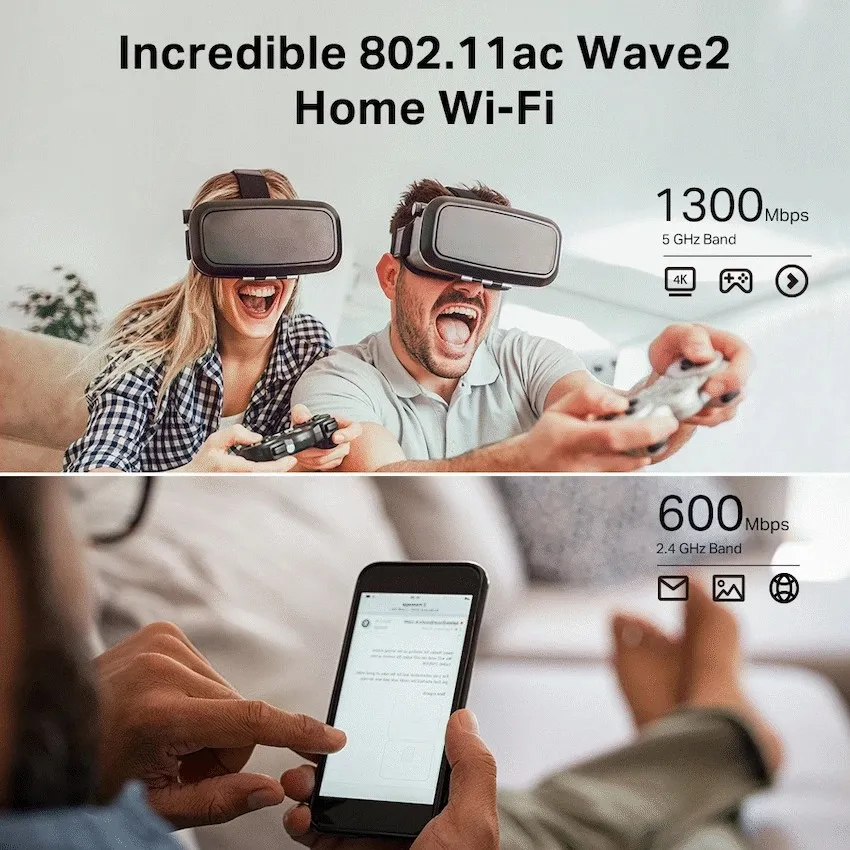
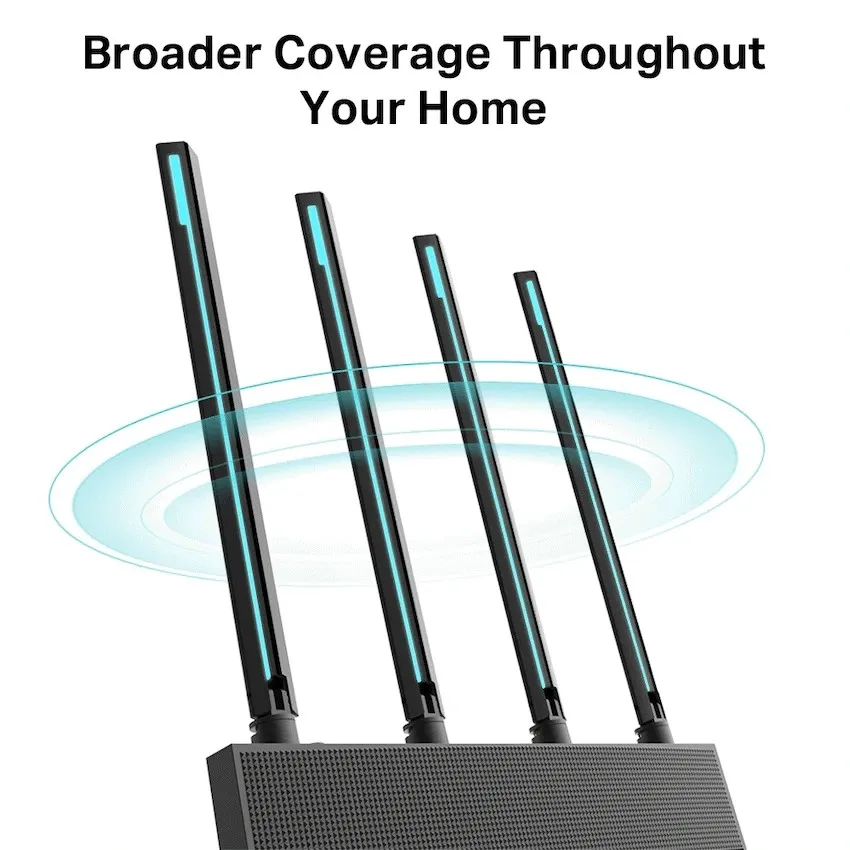
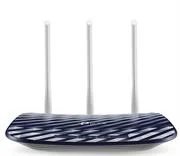
TP-Link Archer C80 dual-band Wi-Fi 5 router with 3×3 MU-MIMO, a Gigabit WAN port and four Gigabit LAN ports. Retail box with a 2-year limited warranty.
R1,049.00
Supplier has stock — 1 avail
Clear fulfilment, warranty and payment details.
TP-Link Archer C80 | Wi-Fi 5 router
Set up a home network around your existing Ethernet internet handoff. The Archer C80 supplies two Wi-Fi bands and four wired LAN connections for devices such as a desktop, console or TV.
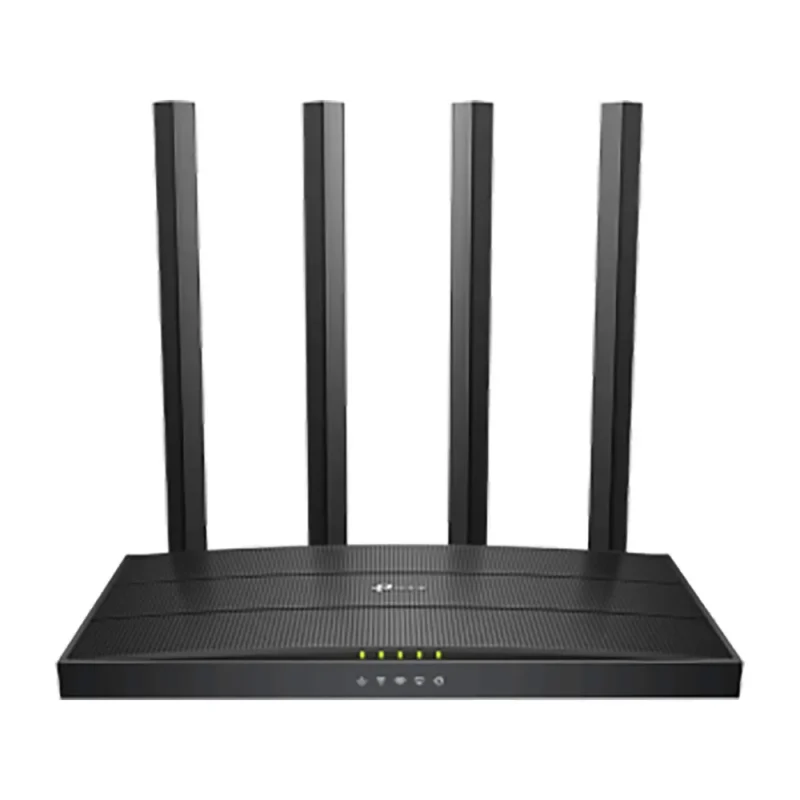
Use 5 GHz for nearby compatible devices and 2.4 GHz for clients that need it. TP-Link rates the bands at up to 1,300 and 600 Mbps respectively. Real speeds depend on your devices, interference and placement.
The dedicated Gigabit WAN port connects to an Ethernet internet handoff. Four separate Gigabit LAN ports let you wire equipment that stays put, while four fixed antennas serve compatible Wi-Fi clients.
Use Router mode to manage the local network, or Access Point mode to add Wi-Fi behind an existing router. The Tether app and web interface provide setup and management. Check your internet provider’s connection settings before setup.
| Model | TP-Link Archer C80 |
|---|---|
| Wireless standard | Wi-Fi 5. IEEE 802.11ac/n/a at 5 GHz and 802.11n/b/g at 2.4 GHz |
| Maximum link rates | 1,300 Mbps at 5 GHz and 600 Mbps at 2.4 GHz. Individual theoretical band rates. |
| Antenna arrangement | Four fixed external antennas |
| Radio features | 3×3 MU-MIMO, beamforming and airtime fairness. Client support affects results. |
| Working modes | Router and wired access point |
|---|---|
| Ethernet ports | 1 × Gigabit WAN and 4 × Gigabit LAN |
| Network configuration | IPv4 and IPv6. WAN options include dynamic IP, static IP and PPPoE. |
| Guest access | Separate guest networks for 2.4 GHz and 5 GHz |
| Administration | TP-Link Tether and web interface |
| Packaging | Retail box |
|---|---|
| Warranty | 2-year limited warranty on the Matzotech offer |
| Hardware and power | Check the unit’s hardware version and the label on the supplied power adapter. |
You need an Ethernet connection from your internet equipment to use Router mode. Check the router’s hardware version before selecting firmware.
Use official support resources for this product. Each link opens in a new tab.
Select the hardware version on the router label for South African firmware and manuals. Check the regional code before updating.
Open official support (opens in a new tab)Help other shoppers by sharing an honest review.
Write a reviewYou are offline. Reconnect to check prices and shop.
Reviews
There are no reviews yet.