
HP 6700dn South Africa technical data sheet (PDF)
Specifications, toner codes, media capacities and regional coverage for HP 6QN33A.
Open official support (opens in a new tab)Checking which support options are available…
Who would you like help from?
Enter your name to begin your live chat with an online consultant.
What can we help you with?
Your details are used only to respond. MatzoBot requests are securely passed to the MatzoTech team.
Your request has been emailed to MatzoTech. A consultant will reply using the email address or mobile number you supplied.

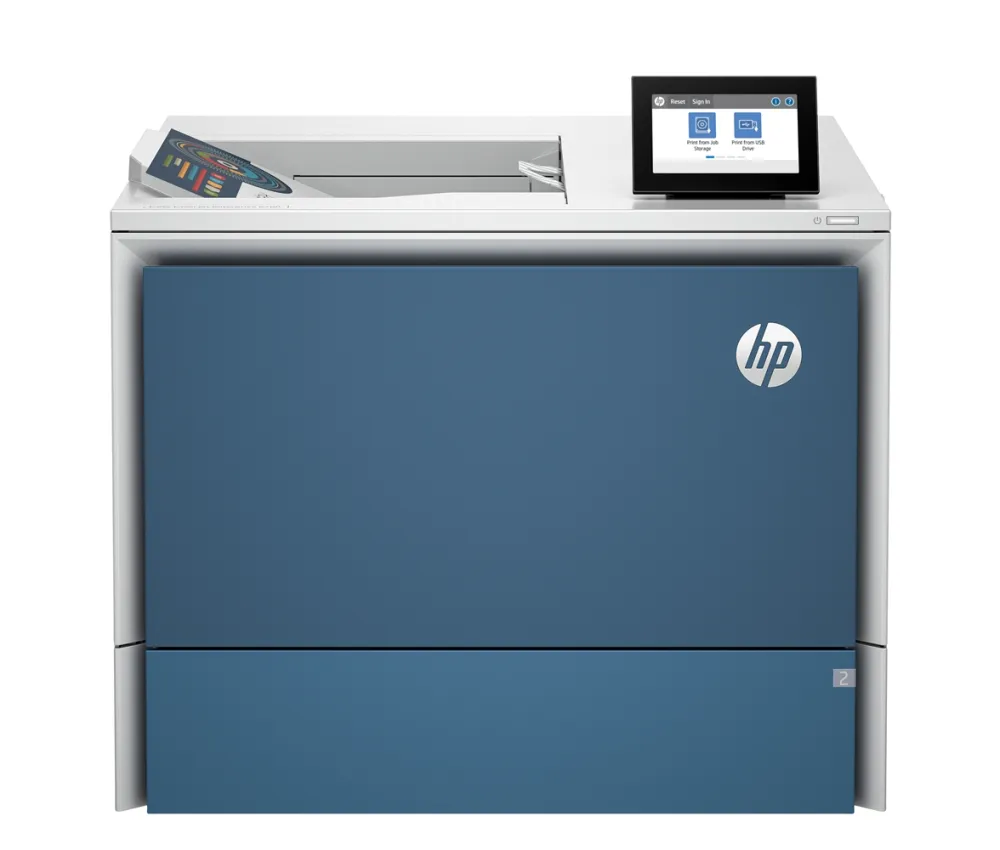
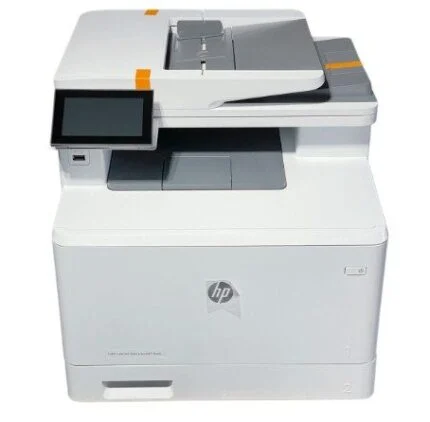
HP 6700dn colour laser printer with up to 52 A4 ppm, automatic duplex, Gigabit Ethernet, a 4.3-inch touchscreen and 650-sheet standard input.
R29,629.00
Supplier has stock — 10 avail
Clear fulfilment, warranty and payment details.
Official manufacturer overview
HP Support · HP Support shows the toner replacement procedure for several Color LaserJet models, including the 6700 family. The cartridge codes in Specifications are for the 6700dn.
Play to load this video from YouTube.
HP COLOR LASERJET ENTERPRISE · 6700dn
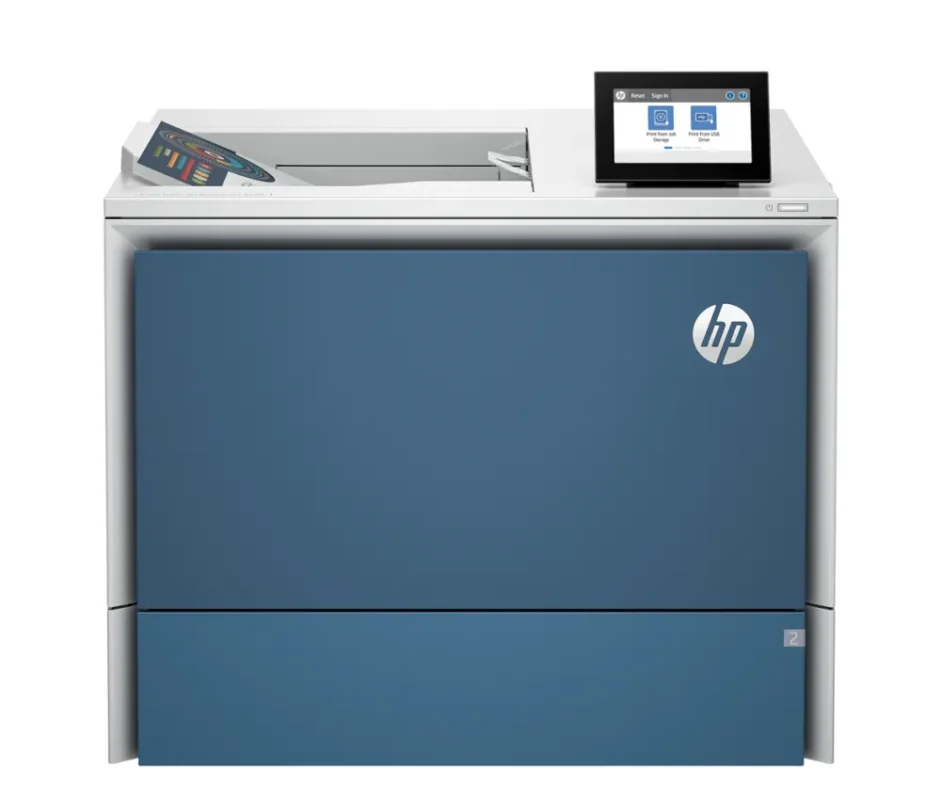
Print proposals, colour handouts and two-sided reports from one shared device. The 6700dn handles up to 52 A4 pages per minute in black or colour under HP’s test conditions. Two built-in trays give the office 650 sheets of standard input, and Gigabit Ethernet connects the printer to the workgroup’s wired network.
DAY-TO-DAY PRINTING
Use automatic two-sided printing for longer reports and keep everyday A4 stock in the 550-sheet tray. HP recommends 2,000 to 14,000 pages per month for sustained use. Its 100,000-page monthly duty cycle is a separate maximum rating.
MEDIA AND CAPACITY
The 100-sheet multipurpose tray gives envelopes, labels and special stock a dedicated feed. Both standard trays handle plain or glossy laser media within their supported weights. Optional paper feeders can increase total input to 3,850 sheets when configured for that capacity.
SHARED NETWORK
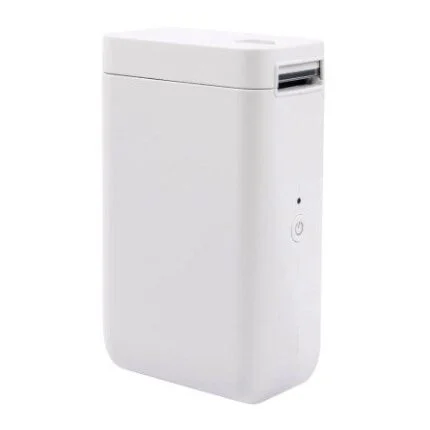
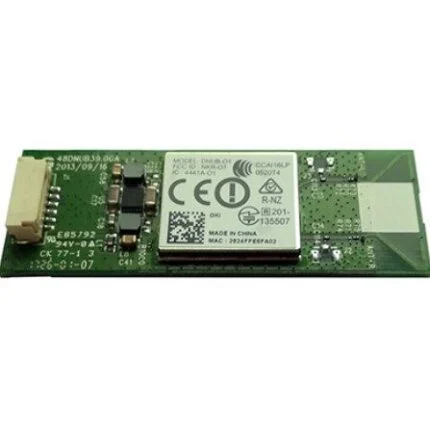
Send jobs over the wired network and use the tilting 4.3-inch colour touchscreen for walk-up controls. AirPrint and Mopria are supported on a compatible network. A separately sold HP Jetdirect accessory adds wireless connectivity where the installation requires it.
TONER
The printer ships with black, cyan, magenta and yellow toner installed. The replacement ranges include standard through ultra-high-yield options. Use the separate part numbers and ISO estimates below to compare each colour and yield tier.
| Model and part number | HP Color LaserJet Enterprise 6700dn, 6QN33A |
|---|---|
| Function | Colour laser printing |
| A4 simplex speed | Up to 52 ppm in black or colour, ISO/IEC 24734 |
| A4 duplex speed | Up to 52 ipm in black or colour, ISO/IEC 24734 feature test |
| First A4 page from ready | As fast as 6.5 seconds black or 7.4 seconds colour, ISO/IEC 17629 |
| Print quality | Up to 1,200 × 1,200 dpi in black or colour |
| Recommended monthly volume | 2,000 to 14,000 pages |
| Monthly duty cycle | Up to 100,000 A4 pages |
| Print languages | HP PCL 6, PCL 5c, PostScript Level 3 emulation, native PDF 1.7 and URF (AirPrint) |
| Input | 100-sheet multipurpose tray and 550-sheet main tray |
|---|---|
| Maximum input | Up to 3,850 sheets with optional feeders |
| Output | Up to 500 sheets |
| Media formats | A4, A5, A6, RA4, B5, B6 and selected custom sizes. DL, C5, B5 and C6 envelopes use Tray 1. |
| Standard tray media weights | 60–220 g/m² plain or 120–220 g/m² glossy |
| Automatic duplex media | A4, A5, B5 (JIS), RA4, 16K and Oficio 216 × 340 mm. Recommended weights are 60–163 g/m² plain or 120–220 g/m² glossy. |
| Control panel | Adjustable 4.3-inch colour touchscreen |
| Standard network | Gigabit Ethernet (10/100/1000Base-T), IPv4 and IPv6 |
|---|---|
| USB and integration | USB 3.0 host and device ports, USB 2.0 host port and second-generation Hardware Integration Pocket |
| Optional network accessories | HP Jetdirect 3100w wireless accessory (3JN69A) or HP Jetdirect LAN accessory (8FP31A) |
| Mobile printing | Apple AirPrint and Mopria |
| Operating systems | HP documents Windows 10 and 11, supported Windows Server editions, macOS and selected Linux environments. Available print software varies by OS and version. |
| Device security | HP Sure Start, code whitelisting, IPsec, 802.1X and HTTPS management |
| Storage | 16 GB eMMC |
| Included cartridges | Installed starter toner, approximately 7,000 black pages and 6,000 pages for each colour |
|---|---|
| 213A standard | W2130A black, approximately 3,500 pages. W2131A cyan, W2132A yellow and W2133A magenta, approximately 3,000 each. |
| 213X high yield | W2130X black, approximately 9,000 pages. W2131X cyan, W2132X yellow and W2133X magenta, approximately 6,000 each. |
| 213Y extra high yield | W2130Y black, approximately 18,000 pages. W2131Y cyan, W2132Y yellow and W2133Y magenta, approximately 12,000 each. |
| 214Z ultra high yield | W2140Z black, approximately 31,000 pages. W2141Z cyan, W2142Z yellow and W2143Z magenta, approximately 26,000 each. |
| Replacement yield method | HP declared continuous-printing yield under ISO/IEC 19798. Actual yields vary with the pages printed and operating conditions. |
| Dynamic security | Requires a new or reused HP cartridge chip. Firmware updates may block cartridges with non-HP chips. |
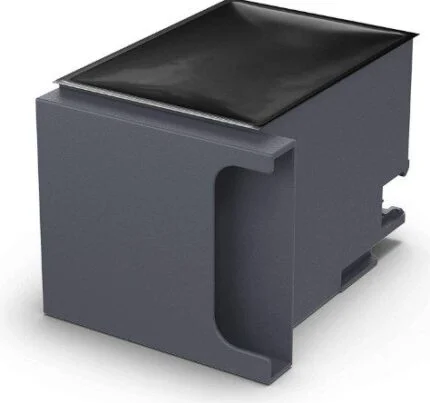
| Toner collection unit | HP 527F9A |
| Dimensions | 500 × 460 × 415 mm (width × depth × height) |
|---|---|
| Weight | 31.14 kg with supplies |
| Power supply | Regional fixed-voltage power supply. Match the mains supply to the voltage on the product label. |
| Power consumption | 708 W printing, 47.3 W ready, 1.23 W sleep and 0.08 W off, as documented by HP |
| Operating environment | 10–32.5 °C and 10–80% relative humidity |
| In the box | Printer with installed starter toner, hardware install guide and power cord |
| Manufacturer warranty | HP South Africa lists one-year next-business-day onsite coverage, subject to product, local terms and service availability. |
The 6700dn is a print-only model. The 52 ppm rating applies to A4. Actual speed varies with the system, driver and document. Wi-Fi requires the optional Jetdirect accessory.
Use official support resources for this product. Each link opens in a new tab.
Specifications, toner codes, media capacities and regional coverage for HP 6QN33A.
Open official support (opens in a new tab)Official setup, controls, supported operating systems, paper handling and maintenance. Follow the 6700dn (6QN33A) instructions.
Open official support (opens in a new tab)Help other shoppers by sharing an honest review.
Write a reviewYou are offline. Reconnect to check prices and shop.
Reviews
There are no reviews yet.