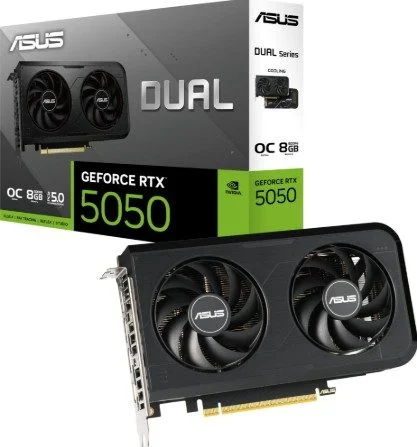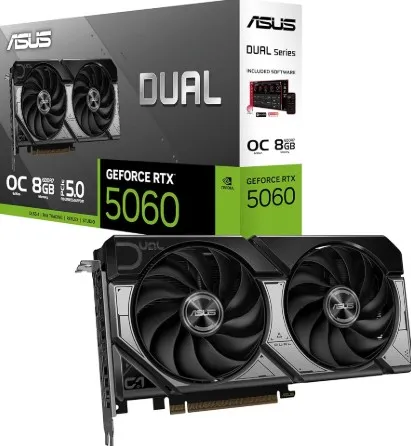
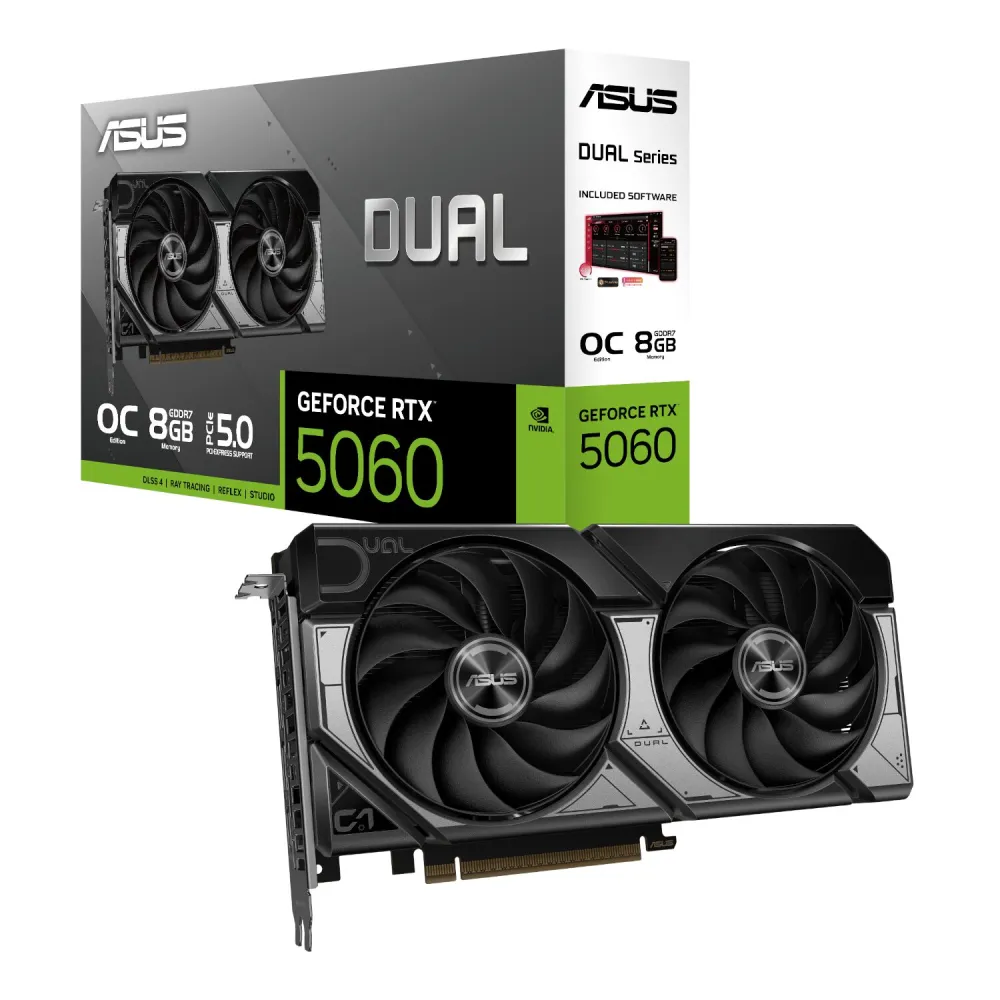
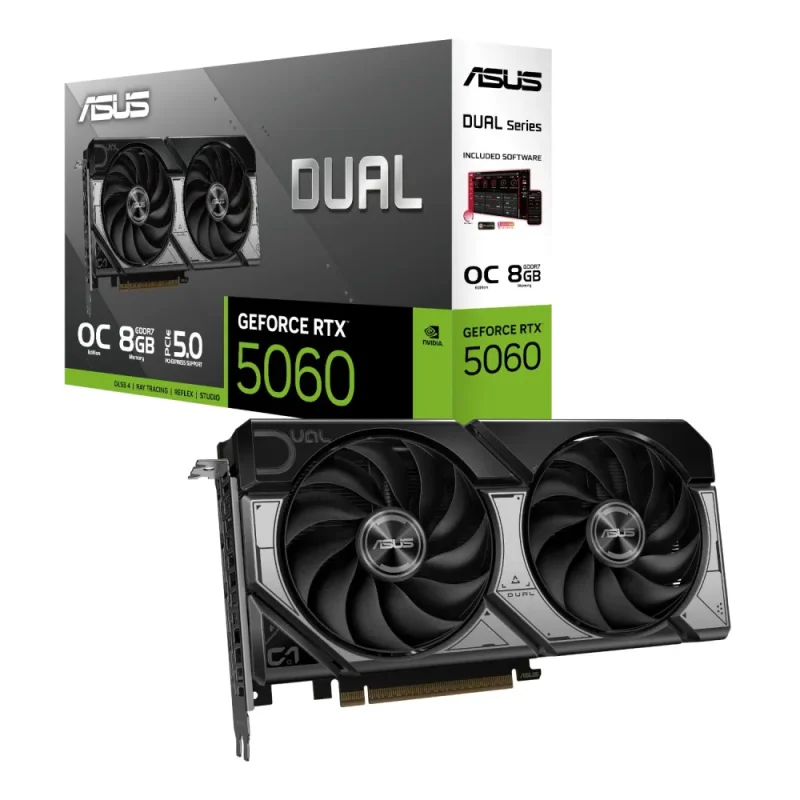
ASUS Dual · GeForce RTX 5060 · OC Edition
More detail for the way you play and create.
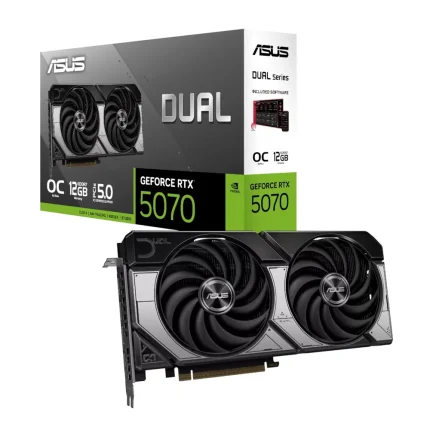
ASUS Dual GeForce RTX 5060 OC Edition pairs 8GB GDDR7 with two Axial-tech fans and a 2.5-slot cooler. Explore the exact clocks, display connections and installation requirements before making it part of your PC.

Graphics and memory
Blackwell graphics in a compact Dual design.
GeForce RTX 5060 combines 3,840 CUDA cores with 8GB GDDR7 at 28Gbps on a 128-bit interface. Blackwell adds fifth-generation Tensor and fourth-generation ray tracing cores. DLSS 4 Multi Frame Generation requires supported games and settings.
Clock modes
Know the exact OC Edition.
OC mode is specified at 2565MHz, with a default boost clock of 2535MHz. These figures describe this exact card, rather than the Advanced or White variants. Operating clocks vary with the workload and system conditions.
Cooling
Two fans. Airflow with a purpose.
Two Axial-tech fans work with a vented backplate. Fan stop applies below 50°C with low power consumption. Dual-ball bearings are specified; ASUS describes an up-to-twice sleeve-bearing lifespan comparison, rather than a service-life guarantee. Case airflow still matters.
Construction
Choose the acoustic profile.
Dual BIOS offers Performance and Quiet modes. Quiet retains the same power target and performance settings with a less aggressive fan curve. A protective backplate, GPU Guard, 304 stainless-steel bracket and Auto-Extreme manufacturing form the construction approach; GPU Tweak III provides further monitoring and adjustment.
Fit and power
Measure first. Plan the whole system.
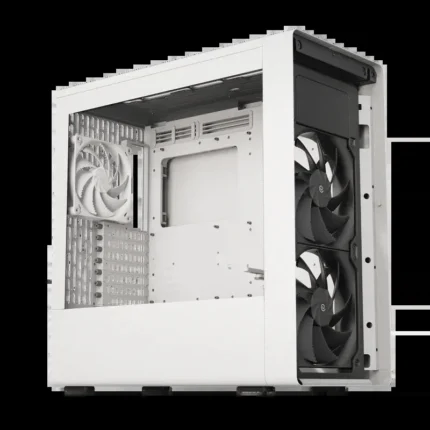
The 228 × 123 × 50 mm card occupies 2.5 slots and takes one 8-pin power connector. ASUS recommends a 550W PSU for its overclocked CPU/GPU reference system. This is a whole-system guide, not the card’s own wattage. Check case clearances, nearby cards, ventilation and cable space before purchase.
Display workspace
Connect the desk you want to use.
One HDMI 2.1b and three DisplayPort 2.1b outputs support up to four displays. The stated digital maximum is 7680 × 4320. That is a display capability, not an 8K gaming performance promise; available resolution and refresh rate depend on your monitor, cable and mode.
Software and support
A clear path from installation to maintenance.
Choose Game Ready or Studio drivers for the applications you use. ASUS lists GPU Tweak III and MuseTree, with a Speedsetup manual and Thank You Card in the package reference. The exact-model Downloads pages keep drivers, utilities and documents in one place; select your OS and review firmware applicability before use.


Reviews
There are no reviews yet.