

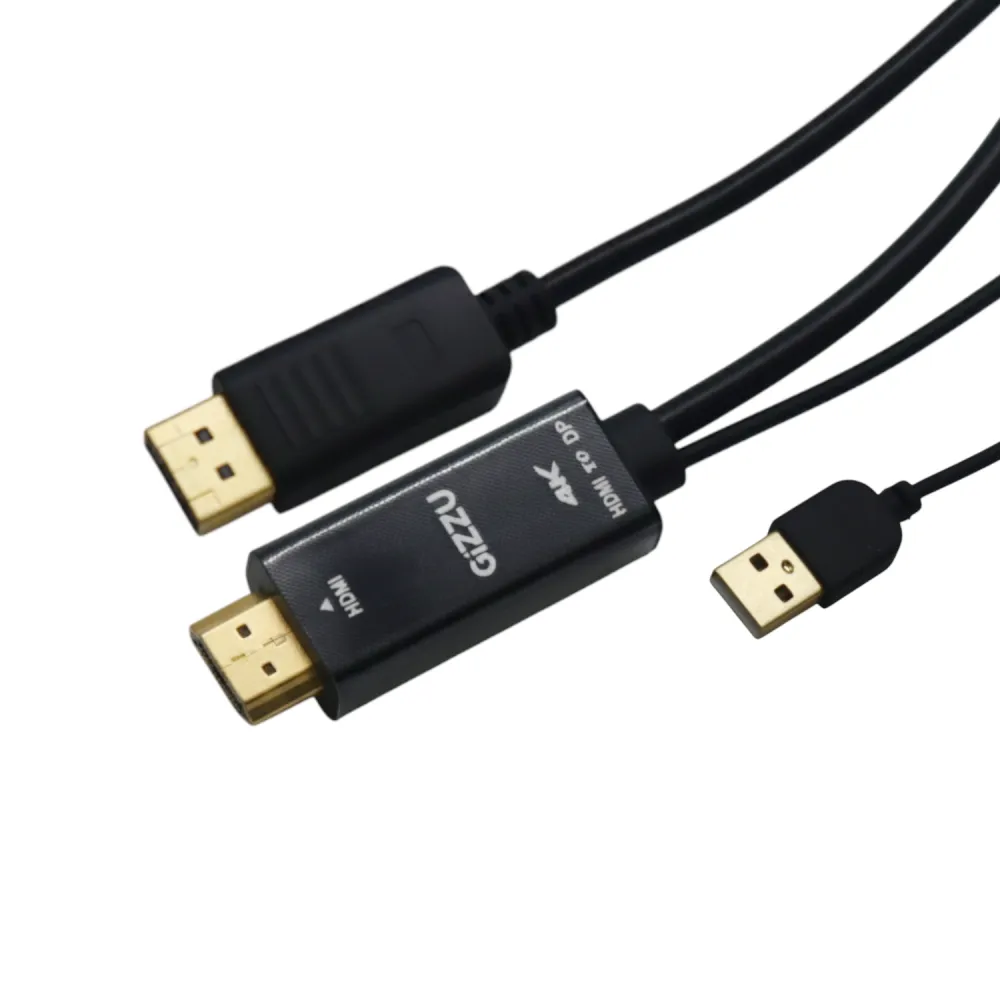
Gizzu 4K HDMI to DP Cable (1.8m) – Black
Gizzu GCPHDP18 black 1.8 m HDMI-to-DisplayPort cable with an integrated USB power lead and support for up to 4K at 60 Hz.
R289.00
Supplier has stock — 10 avail
Key product details
Full specifications below- Ean: 4897119173055
- Gtin: 4897119173055
- Brand: Gizzu
Delivery & support
Clear fulfilment, warranty and payment details.
- Availability Supplier has stock — 10 avail Supplier has stock — 10 avail
- Delivery Nationwide courier delivery or collection from Strand, Cape Town. Courier nationwide or Strand collection
- Dispatch Backorder — usually dispatched in 2–3 working days after payment verification, subject to supplier confirmation. Backorder — usually dispatched in 2–3 working days after payment verification, subject to supplier confirmation.
- Warranty Manufacturer warranty applies where stated on the product page. As stated on this page
- Returns See our Returns Policy for eligible change-of-mind and faulty goods procedures. See Returns Policy
- Secure payment PayFast checkout with card, Instant EFT, and Mobicred. PayFast · card · EFT · Mobicred
Gizzu GCPHDP18 | HDMI-to-DisplayPort cable
Use an HDMI source with a DisplayPort screen
Run this 1.8 m Gizzu cable from an HDMI output to a DisplayPort monitor. Its separate USB power lead feeds the conversion electronics, and the video connection supports up to 4K at 60 Hz with compatible source and display equipment.
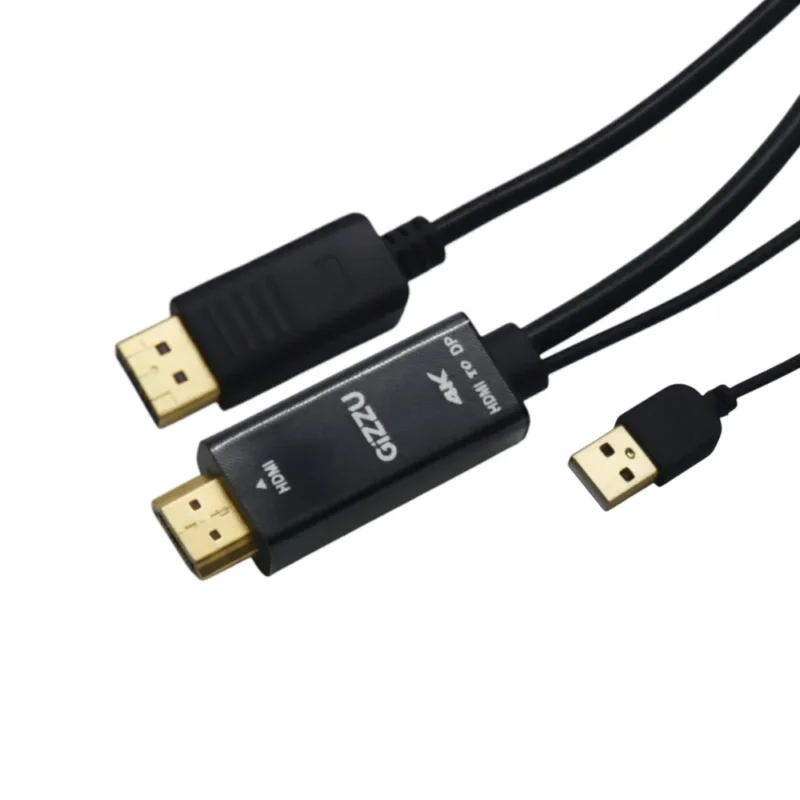
Signal direction
Start at the HDMI output
Connect the HDMI plug to the source and the DisplayPort plug to the display. The connection is designed for that direction. Gizzu sells a different cable for a DisplayPort source and an HDMI display.
Power
Connect the USB lead as well
Use the integrated USB lead to supply power to the cable. Connect HDMI and DisplayPort for the picture and select the DisplayPort input on the display.
Resolution
Check both ends for 4K at 60 Hz
Up to 4K at 60 Hz is the cable’s maximum rating. The source’s output mode and the screen’s input capability determine the resolution and refresh rate you can select.
Specifications
Identity
| Model | Gizzu GCPHDP18 |
|---|---|
| Colour | Black |
| EAN | 4897119173055 |
Signal and power
| Source connector | HDMI male |
|---|---|
| Display connector | DisplayPort male |
| Signal direction | HDMI source to DisplayPort display |
| Maximum resolution and refresh | Up to 4K at 60 Hz |
| Auxiliary power | Integrated USB power lead |
Construction and package
| Length | 1.8 m |
|---|---|
| Cable jacket | PVC |
| Operating temperature | −20 to 50 °C |
| Package contents | One Gizzu 1.8 m HDMI-to-DisplayPort cable with USB power lead |
Warranty
| Warranty term | 12 months |
|---|
Reviews
There are no reviews yet.