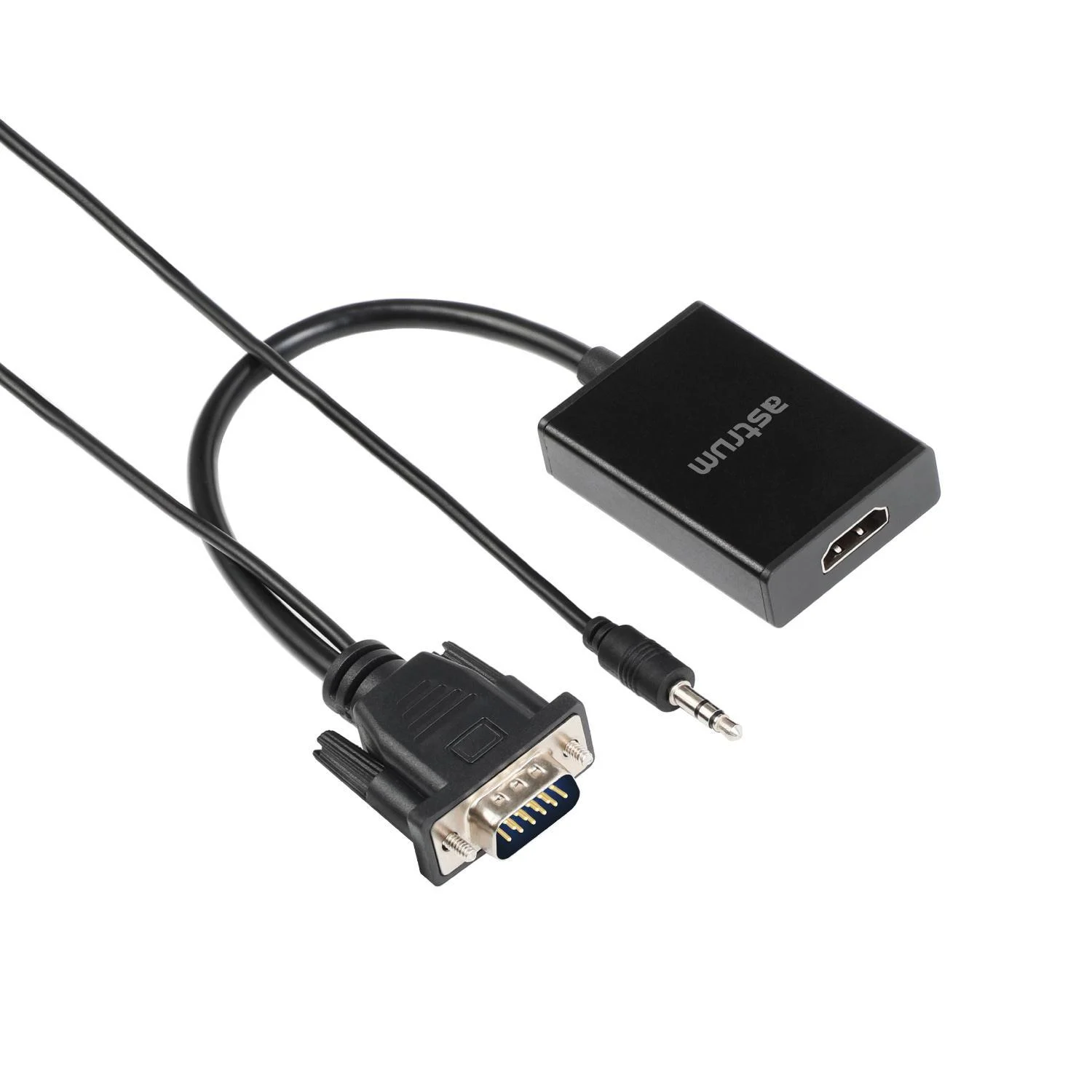
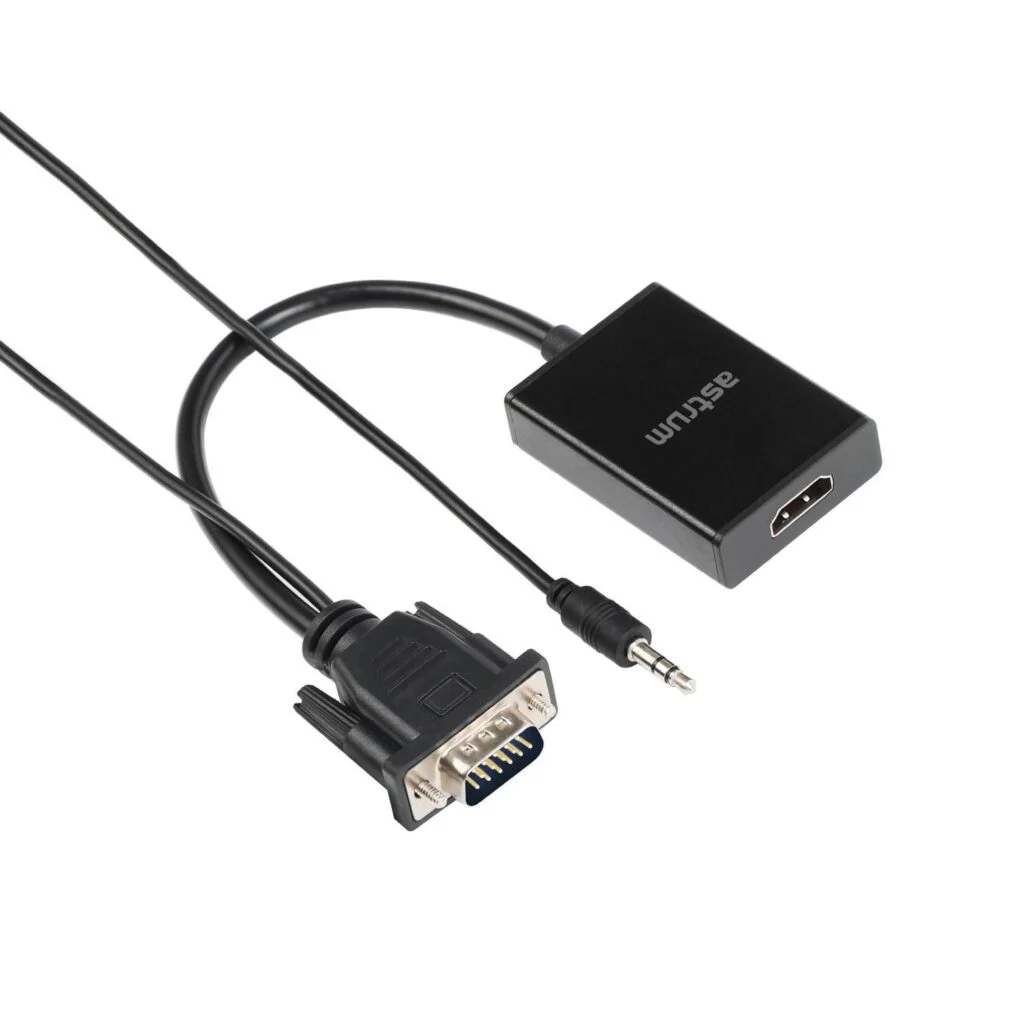
Astrum DA510 · VGA source to HDMI display
Give a VGA computer an HDMI connection.
Bring video from a VGA-equipped computer to a suitable HDMI display with the Astrum DA510. Its separate 3.5 mm audio input and USB power connection support the conversion, with a documented 1080p-at-60-Hz reference to check against your equipment.

Follow the signal
VGA and audio go in. HDMI comes out.
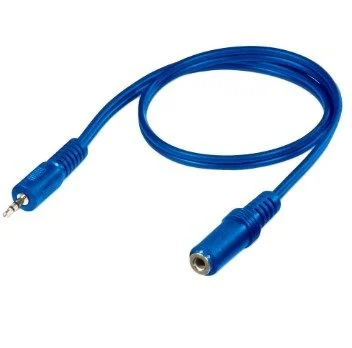
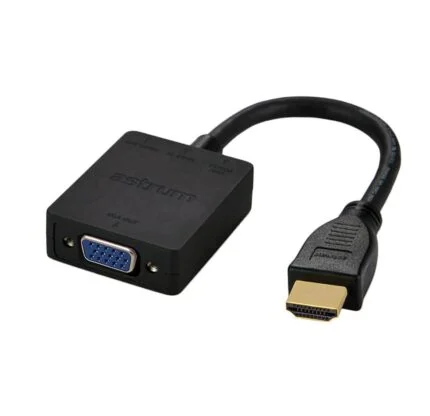
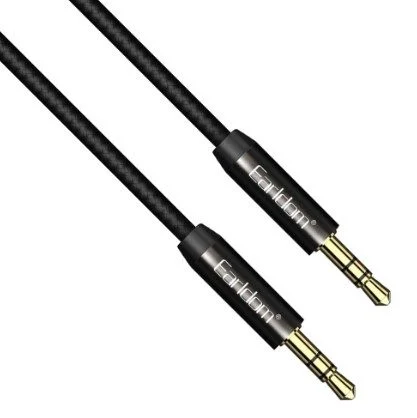
Connect the VGA male plug to the video source and the 3.5 mm plug to a suitable audio output. The HDMI female connector faces the display cable. This is the VGA-to-HDMI direction, rather than an HDMI-to-VGA adapter.
Complete the setup
Allow for power and a compatible display.
The manufacturer lists a Micro USB power connection and a power cable in its package reference. Confirm the supplied connections, source timing and display support before purchase. Video format support alone does not guarantee every computer or protected-media application will work.
Use this adapter from a VGA/audio source to an HDMI display. The published 4K wording does not establish supported input/output or scaling timings, and the supplied-unit weight has not been confirmed. Check the supplied adapter’s connections and power cable before purchase.

Reviews
There are no reviews yet.