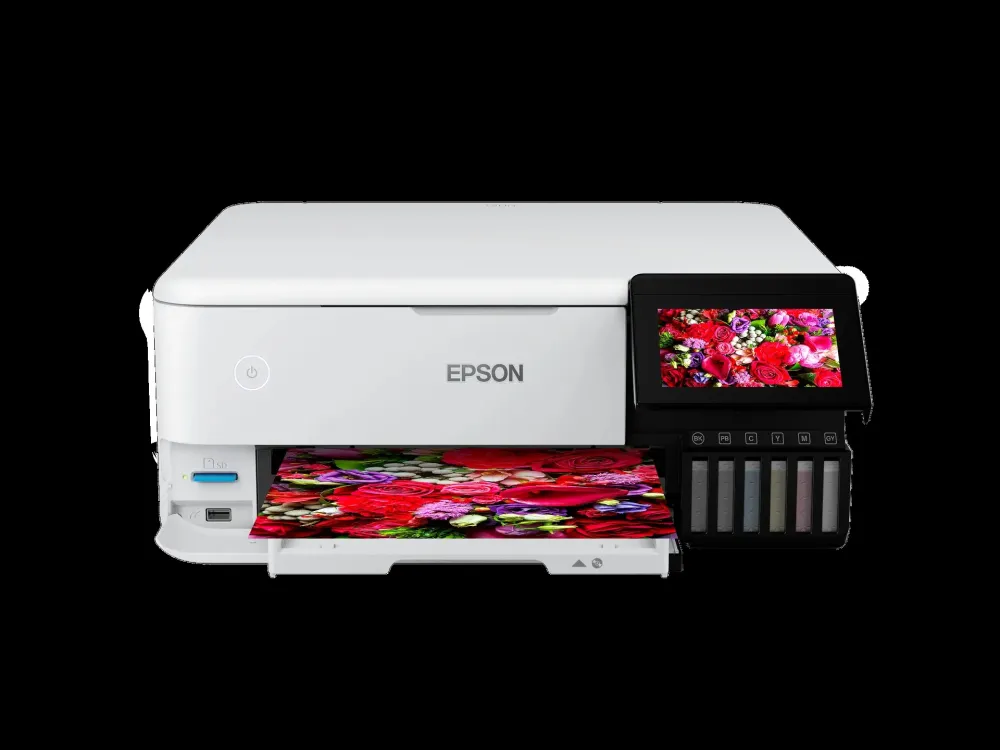
Epson • EcoTank Photo L8160
A photo studio. An everyday printer.
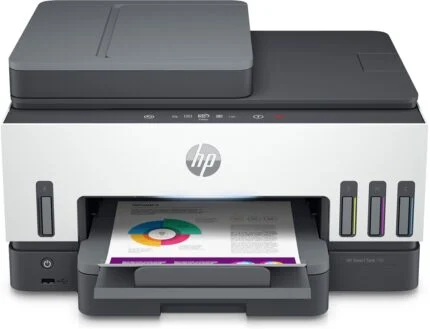
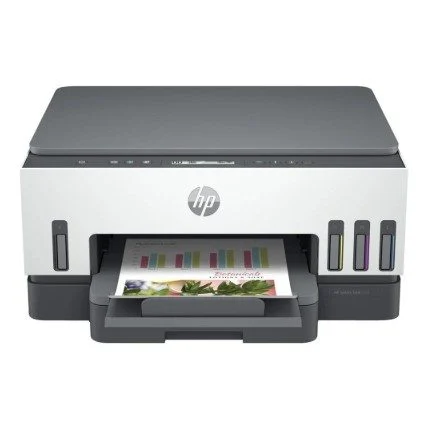
The EcoTank Photo L8160 brings six-colour A4 photo printing, flatbed scanning and copying into one connected printer. Keep the useful flexibility of the original listing: separate A4 and photo feeds, speciality media, a colour touchscreen and wired or wireless printing. This offer is supplied without inks; suitable ink must be purchased separately before setup.

Photos and documents
Six inks, with a role for each.
The existing six-colour story is central to the L8160: pigment black handles plain-paper text, while dye photo black, grey, cyan, magenta and yellow serve the photo workflow. The additional grey gives monochrome images a dedicated ink channel. Choose suitable media and print settings for the job; this listing does not include the ink needed to begin.
Media studio
Keep everyday paper and photo stock ready.
Front A4 and photo trays let different jobs share the printer. Two rear feeds broaden the choices to suitable speciality stock, including a straight path for a single sheet up to 1.3mm thick and media up to 2m long. Printable CD/DVD media is supported too. Thickness, length, weight and borderless limits depend on the selected feed, media and driver settings; they are not one combined specification for every tray.
Everyday documents
Turn the page automatically.
Automatic duplex printing is for A4 plain paper. Use the flatbed to scan and copy individual originals; there is no automatic document feeder and no automatic double-sided scanning. Epson rates standard ISO printing at 16 monochrome or 12 colour pages per minute. The catalogue’s 32ppm figures are maximum-mode figures, so they should not be read as the standard document speed.
On-printer control
A touchscreen and a direct route from your camera card.
The 10.9cm colour touchscreen supports on-printer operation and photo selection. Print supported files from an SD card or USB flash drive without treating the USB host connection as the same thing as the computer’s USB printer connection. Card adapters, file formats and supported media still matter.
Connected printing
A shared printer, by cable or wirelessly.
Use Ethernet for a wired network, Wi-Fi for a wireless network, or Wi-Fi Direct for a compatible nearby device. Apple AirPrint, Mopria and Epson Smart Panel extend mobile printing choices. App and cloud features depend on the device, operating system, wireless connection and, where required, internet access; a connection option does not promise every app feature on every device.
Ink planning
Buy for the printer, not the photograph on the box.
No inks are included in this offer. Epson identifies the six-colour 115 bottle family for the L8160 in its reviewed regional documentation; check the supplied unit’s regional ink specification before ordering. The retained up-to-2,300-photo figure describes replacement ink under Epson’s test method, not an included allocation. Initial charging consumes ink, and real yield varies with images, paper, printing frequency and temperature.
Setup and care
Leave space to load, scan and maintain.
The stored chassis measures 403 × 369 × 162mm. Allow extra operating space for open covers, paper paths and the output tray. Use the exact L8160 support page to select your operating system and find setup, driver and maintenance instructions. Software availability changes by OS and region; no firmware or driver version is represented as latest. The supplied regional product label and service entitlement remain the reference for electrical and warranty details.
Reviews
There are no reviews yet.