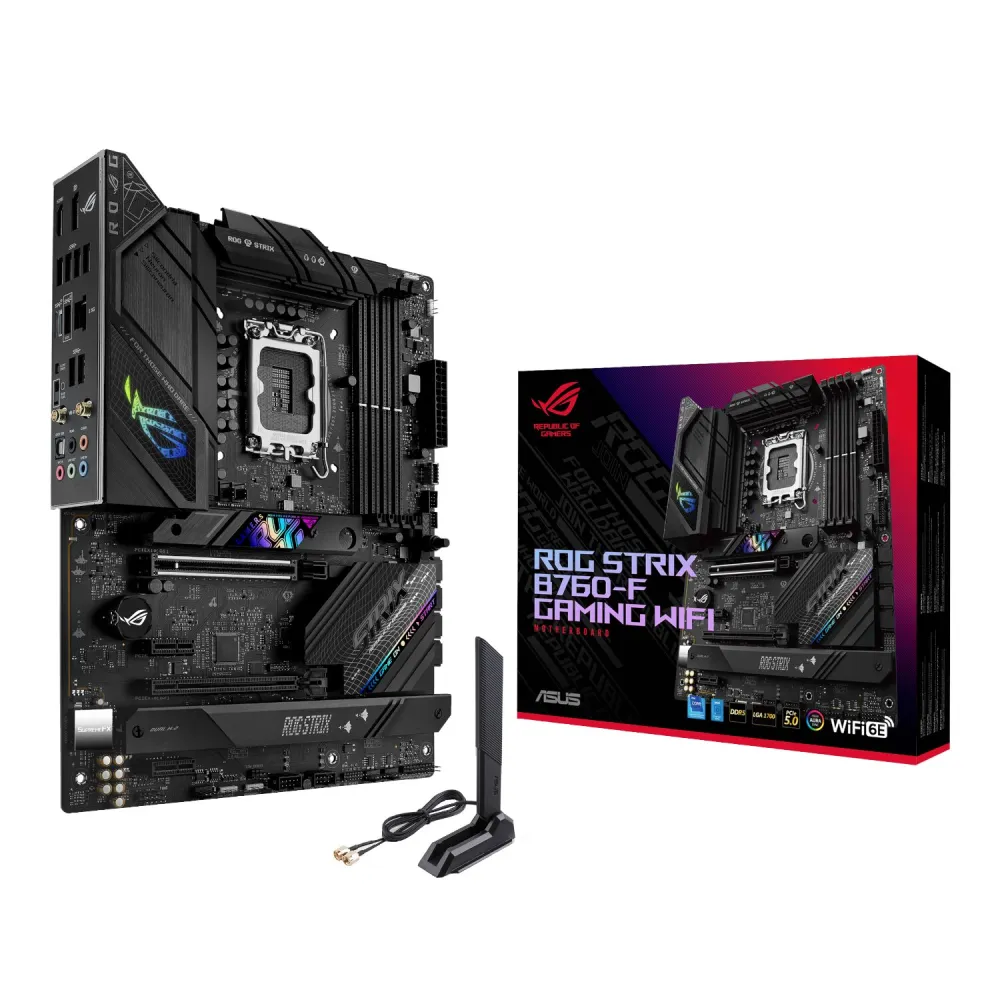
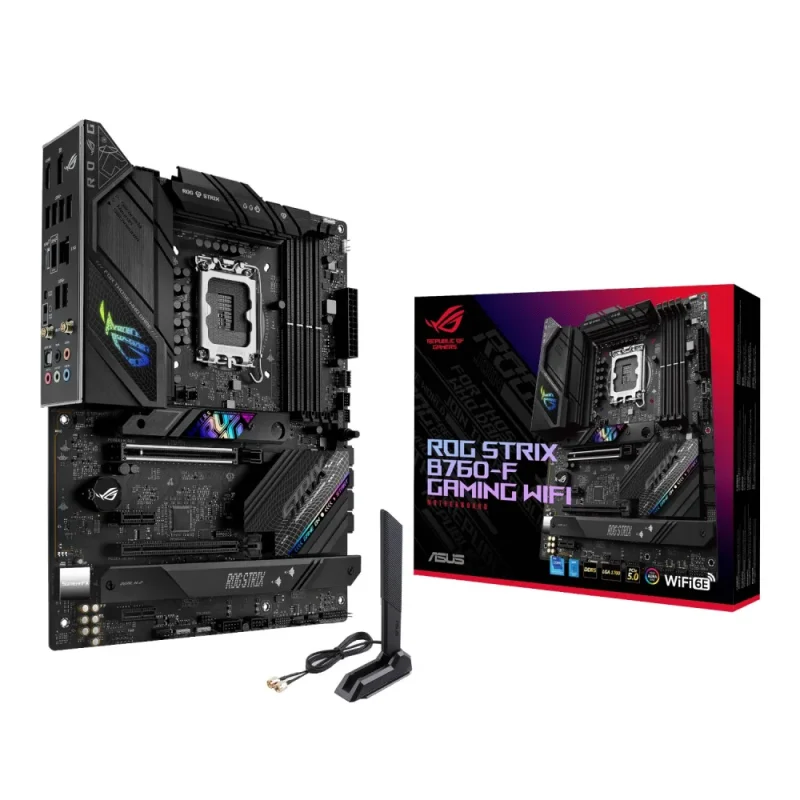
ROG Strix B760-F • Intel LGA1700 • DDR5
Plan the build. Know the connections.
Build an LGA1700 system around DDR5 memory, a CPU-connected PCIe 5.0 graphics slot and three PCIe 4.0 M.2 connections. The ROG Strix B760-F Gaming WiFi combines Intel B760 with Wi-Fi 6E, 2.5Gb Ethernet and practical board-level controls, all in a 305 × 244mm ATX layout.

CPU and memory
Start with a supported combination
The LGA1700 socket supports the manufacturer-listed 12th, 13th and 14th Gen Intel Core families, plus listed Pentium Gold and Celeron processors. Exact CPU support depends on BIOS. Four DDR5 slots provide dual-channel operation, XMP and OptiMem II, with a current published total capacity of 192GB. Use matched kits and the current QVL; an OC rating is not guaranteed across every CPU or four-DIMM configuration.
Graphics and storage
Separate the slot shape from its lanes
The reinforced main graphics slot is CPU-connected PCIe 5.0 x16. The lower full-length slot is chipset-connected PCIe 3.0, wired for up to x4; two PCIe 3.0 x1 slots add expansion. The manual shows its lower full-length slot reducing to x2 in the illustrated configuration using PCIEX1(G3)_2. Three Key-M slots support PCIe 4.0 x4 NVMe drives, with four SATA 6Gb/s connectors alongside them.
Power and cooling
Build around the board’s thermal layout
ASUS specifies 16+1+1 power stages rated up to 60 A each, alloy chokes and 5K black metallic capacitors. VRM and M.2 heatsinks sit alongside CPU, optional-CPU, AIO-pump and four chassis-fan headers. Connect the 24-pin board supply and appropriate 8-pin/4-pin 12V supplies according to the manual; PSU and cooler suitability depend on the chosen CPU and complete system.
Network and peripheral connections
Choose the connection for the job
Intel 2.5Gb Ethernet and 2×2 Wi-Fi 6E provide wired and wireless options. 6GHz operation needs compatible equipment and regional approval; Bluetooth is listed as 5.3 with module-dependent variation. Rear USB includes 20Gbps Type-C, 10Gbps Type-A and six 5Gbps Type-A ports. Front-panel headers add a 10Gbps Type-C connection, two 5Gbps ports and four USB 2.0 ports when the chassis provides matching connections.
Audio and displays
Keep the signal path in view
SupremeFX ALC4080 audio, a Savitech SV3H712 amplifier, five rear analogue jacks and optical S/PDIF provide several output choices. The current specification lists 120dB stereo-playback and 113dB recording SNR, with up to 32-bit/384kHz playback. ASUS directs spatial-audio use to the chassis front-panel audio output. HDMI 2.1 and DisplayPort 1.4 use the installed processor’s integrated graphics; they are not outputs from an add-in GPU.
Assembly and maintenance
Make later changes easier
PCIe Slot Q-Release and M.2 Q-Latch simplify card and SSD access. Four Q-LED indicators identify CPU, DRAM, graphics and boot-device stages. A pre-mounted I/O shield, BIOS FlashBack button and Clear CMOS button support assembly and maintenance. FlashBack can update without entering the existing operating system; follow the exact model procedure and filename rather than applying firmware for a similar board.
Lighting and software
Set up the board around your system
Three Addressable Gen 2 headers and one Aura RGB header support compatible lighting. ASUS lists Armoury Crate, Aura Creator/Sync, Fan Xpert 4, AI Suite 3 and ROG audio/network utilities, with the full reference list in Specifications. Availability, OS support and trial/licence terms vary. The Thunderbolt/USB4 header is for supported expansion hardware, not a built-in external Thunderbolt port.

Reviews
There are no reviews yet.