UGREEN · DP101
A one-way route from DisplayPort to HDMI.
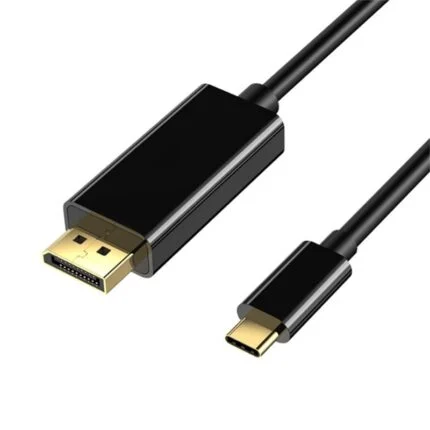
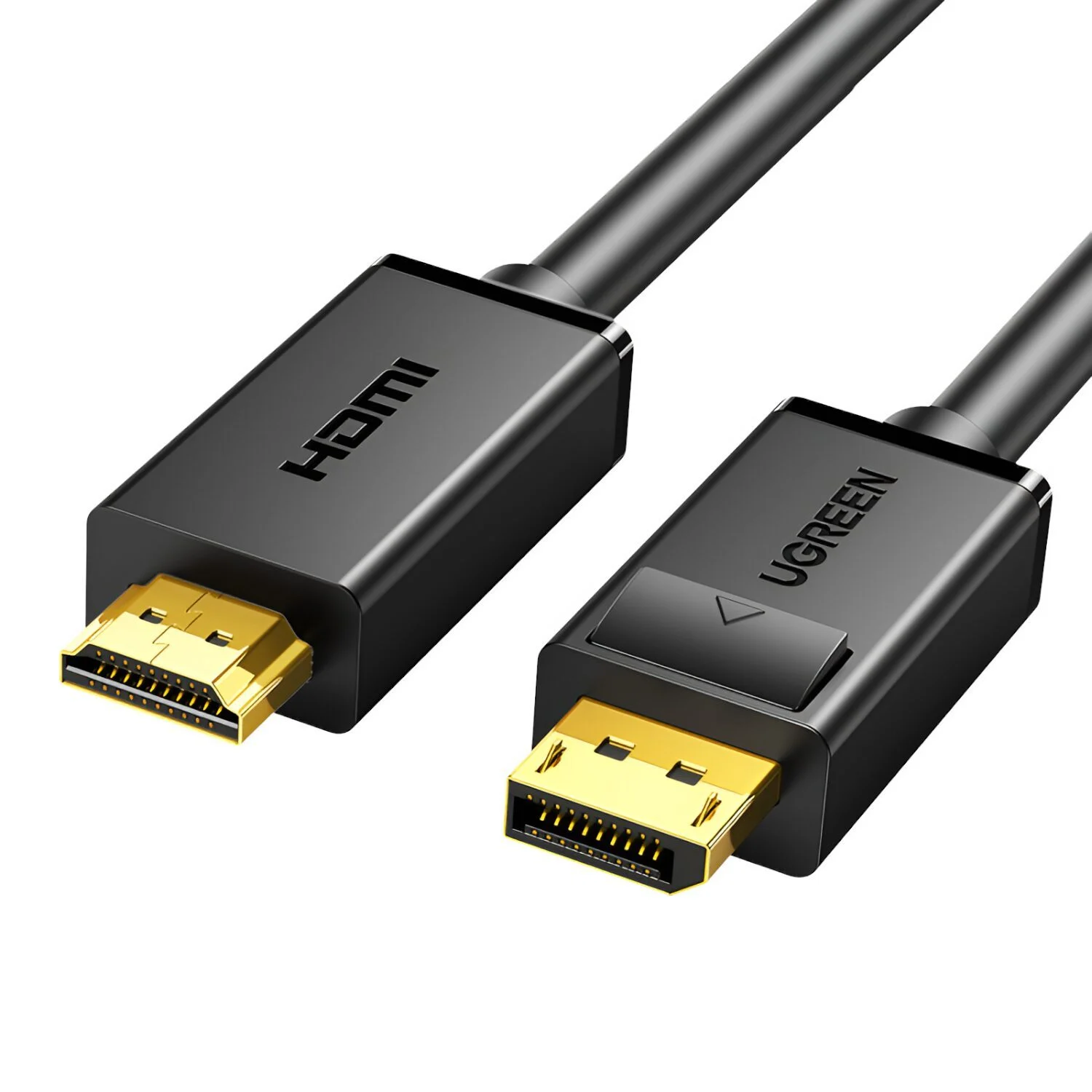
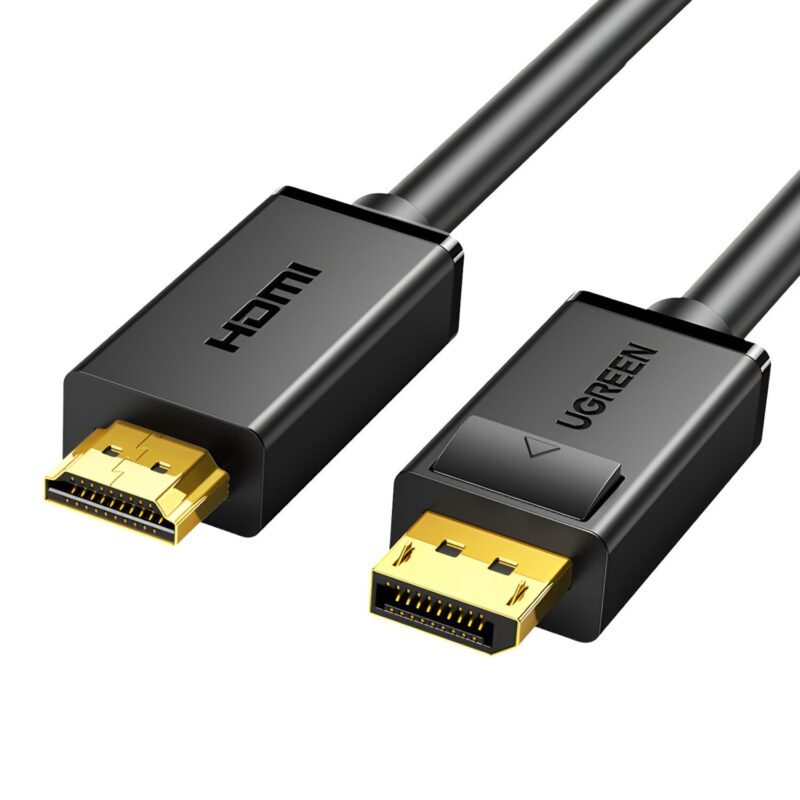
Connect a compatible DisplayPort source to an HDMI display with the UGREEN DP101-10202. The two-metre cable provides a one-way passive connection for nearby equipment; check the source and display modes before choosing it.

The ports matter
Source first, display second
The official 10202 page says DisplayPort-equipped laptop or desktop to HDMI monitor/projector only. It does not reverse an HDMI console output into a DisplayPort display. Check the source supports the conversion required by a passive cable.
A secure connection
Release before unplugging
The manufacturer describes a release button on the DisplayPort end, gold-plated connectors, PVC and multiple shielding. Press the latch-release mechanism when disconnecting rather than pulling the connector body by force.
Mode support
Check the complete video path
Match the display mode to the source and screen. The listed maximum is 4K at 30 Hz; detailed bandwidth, chip and audio-format references are recorded in Specifications with their verification limits.
Media and multi-screen limits
No universal display promise
Mirror and extended-desktop options depend on the computer and its graphics configuration. A cable alone does not add independent display engines or guarantee every protected-content and audio format.
Use DisplayPort output to HDMI input. Confirm the source supports the conversion required by a passive cable. Exact supplied-revision video, audio and HDCP capabilities require confirmation.
Reviews
There are no reviews yet.