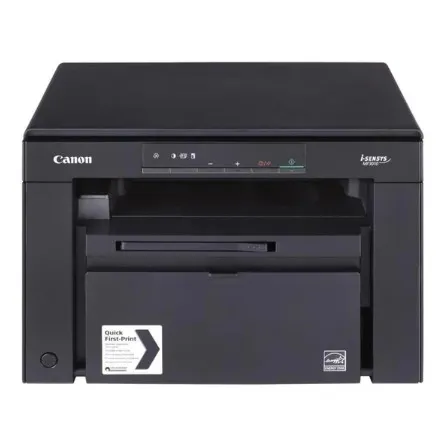
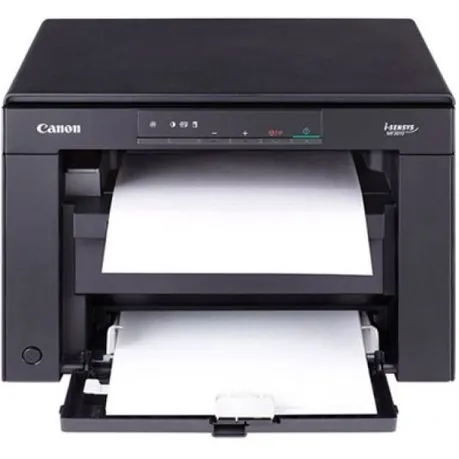
Canon i-SENSYS MF3010 · Mono laser 3-in-1
A focused home for everyday documents.
Print in black and white, copy the pages you need, and scan colour originals back to your computer. The compact i-SENSYS MF3010 brings these three jobs into one USB-connected personal document station.

Print · copy · scan
One place for everyday paperwork
Keep mono laser printing, copying and colour flatbed scanning together on the desk. The MF3010 is built around a direct USB computer connection and a one-digit LED control panel: a focused setup for personal documents, reference copies and scan-to-computer work.

18 pages per minute
Move from screen to paper
Print A4 black-and-white documents at up to 18 pages per minute, with a stated first print-out time of 7.8 seconds. Canon separates the 600 × 400dpi engine resolution from output quality up to 1200 × 600dpi using Automatic Image Refinement, so the two figures are not confused.
Colour flatbed scanning
Bring paper back into your workflow
Place the original on the flatbed for optical scanning up to 600 × 600dpi. Colour scans use 24-bit input and output, with TWAIN and WIA support where the selected computer driver supports them. The enhanced 9600 × 9600dpi figure is processing resolution, rather than additional optical detail.
Copy at the control panel
Make a clear reference copy
Choose text, photo or mixed copy modes, make up to nine copies, and adjust size from 50% to 200% in 10% steps. ID Card Copy and 2-on-1 layouts provide useful ways to arrange small originals and reduce sheets; these features do not imply an automatic document feeder or automatic two-sided engine.
150-sheet input
A compact footprint, with room to work
The 150-sheet input and 100-sheet output suit a personal document station. Canon lists A4, A5, B5, Letter, Legal, Executive, Statement and selected envelopes, with a 60–163g/m² tray range. Allow working clearance around the printer: its specified installation space is larger than its compact body dimensions.
Cartridge 725 · USB setup
Keep supplies and setup simple
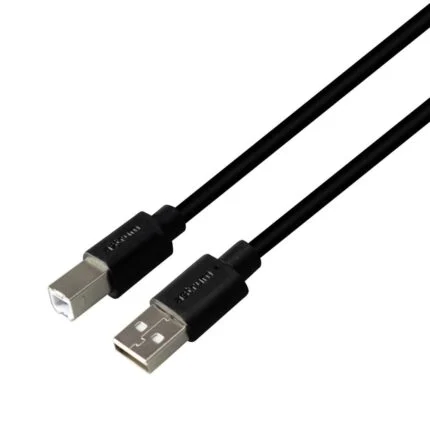
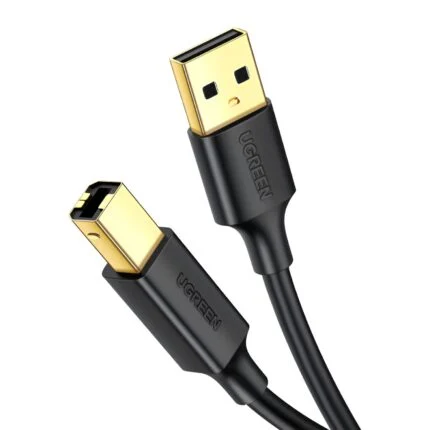
The i-SENSYS model uses Cartridge 725. Canon quotes approximately 1,600 pages for a replacement cartridge and approximately 700 pages for the starter, under ISO/IEC 19752 conditions; actual yield changes with coverage and use. Use the separate Downloads tab to choose the exact MF3010 operating-system driver and follow Canon’s setup guidance before connecting. Check regional box contents and cable requirements when ordering.
Reviews
There are no reviews yet.