

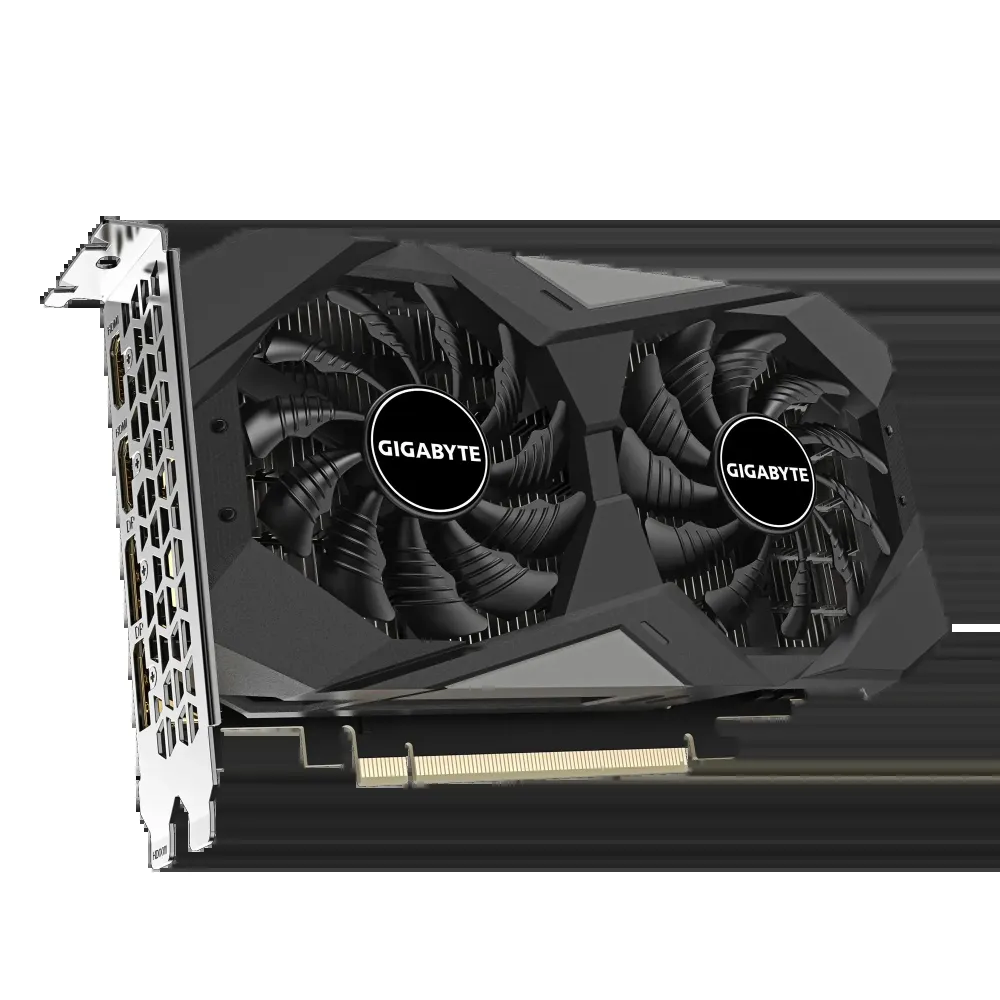
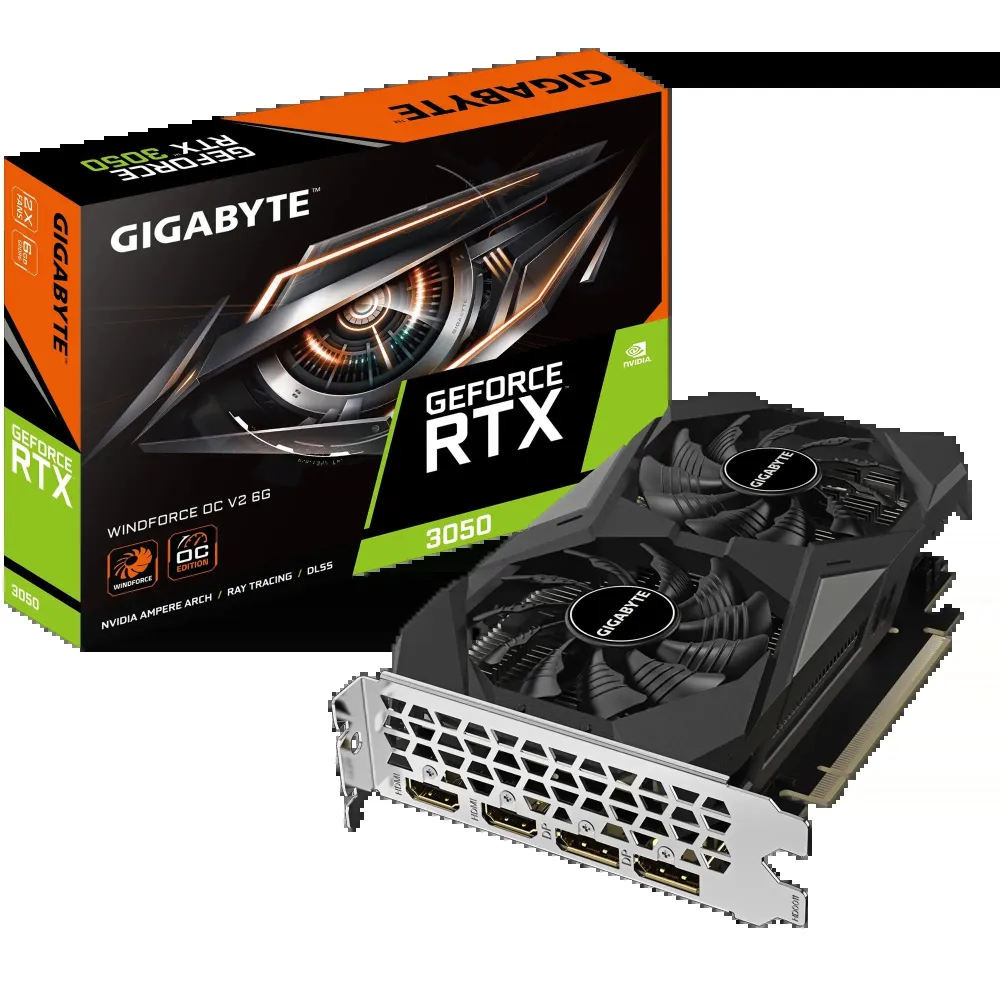
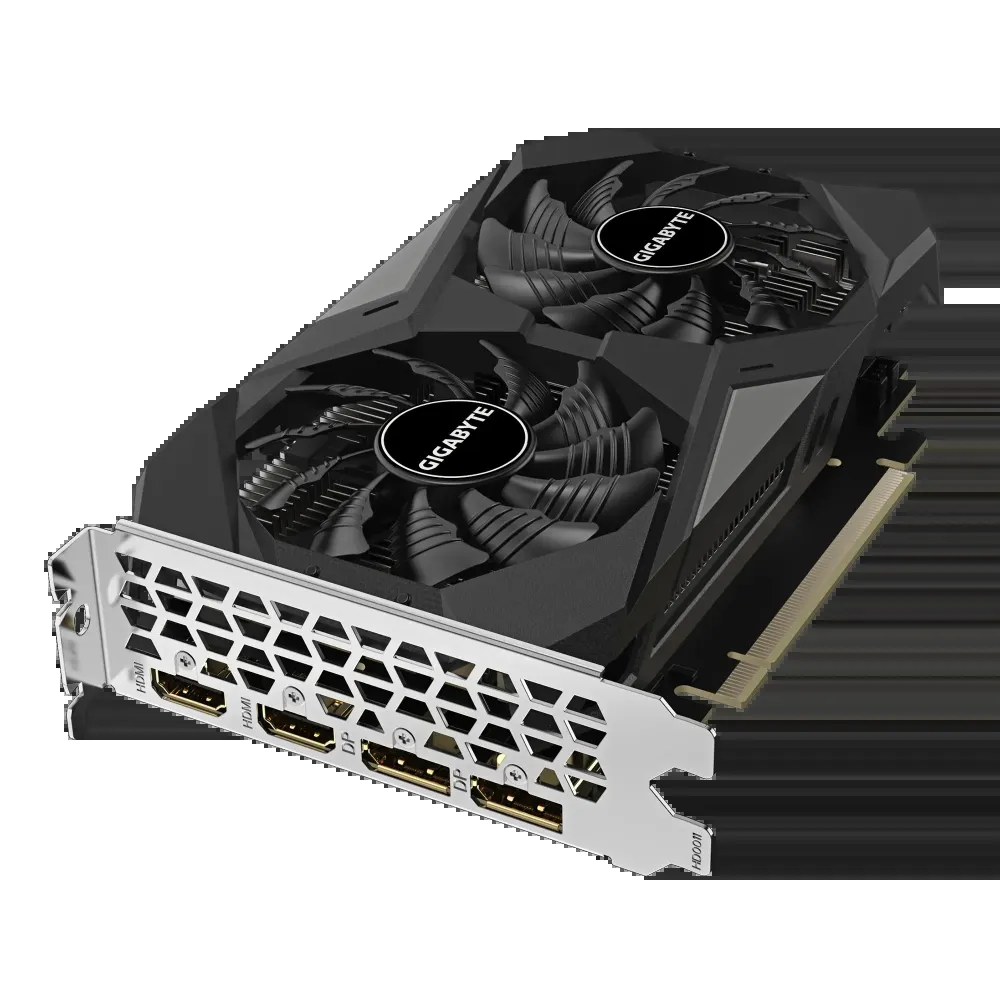
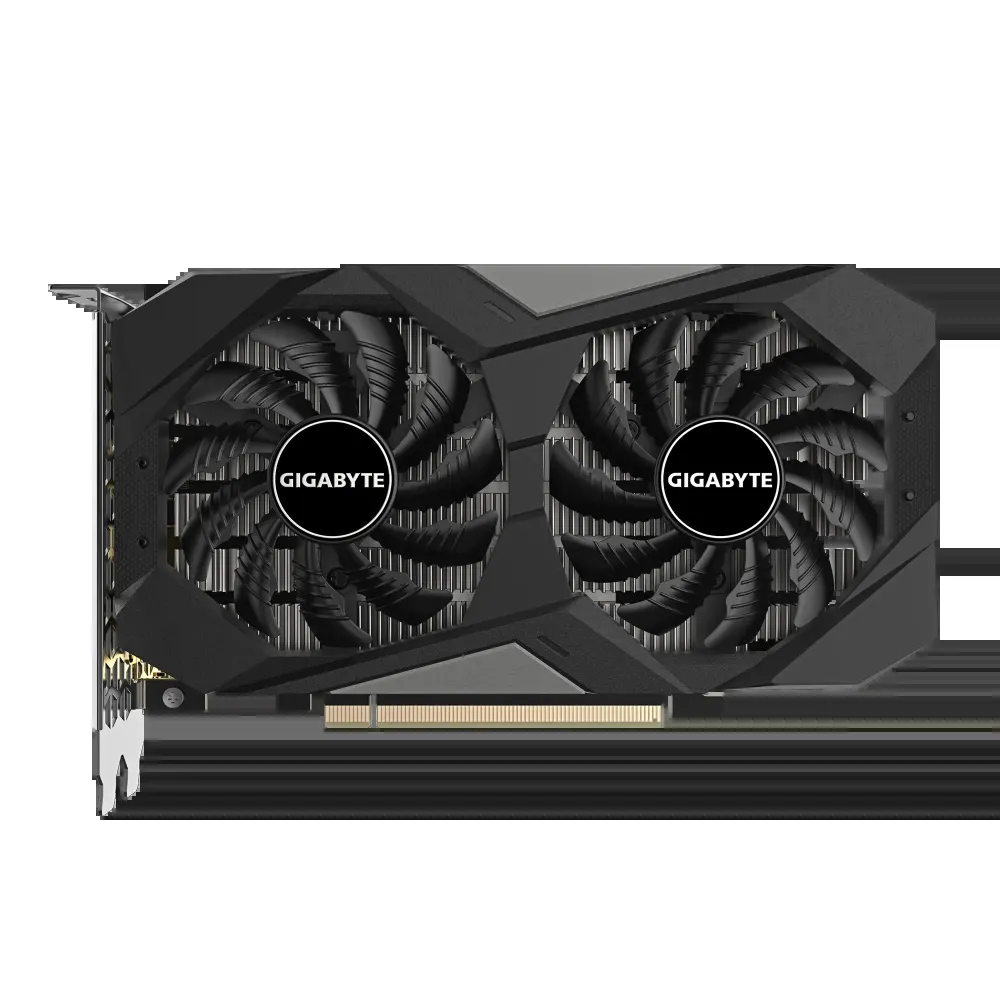

GIGABYTE nVidia GeForce RTX 3050 Windfore OC – 6GB GDDR6; 96-Bit Memory Bus; PCI Express 4.0; 2x HDMI; 2x DisplayPort.
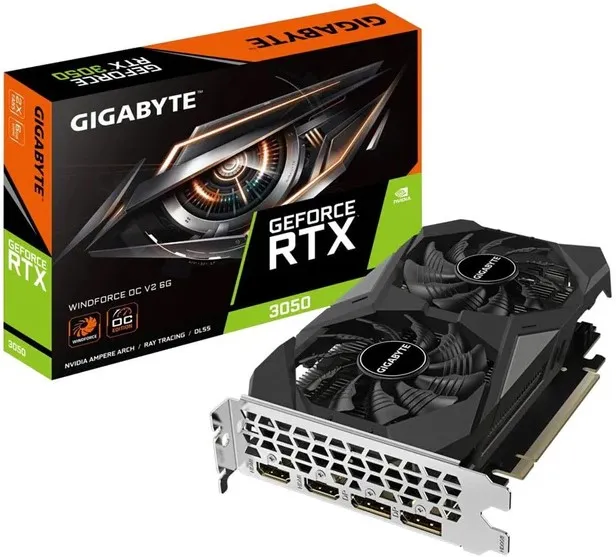
GIGABYTE RTX 3050 WINDFORCE OC V2 6G with 6GB GDDR6, 1477MHz core clock, dual-fan cooling, two HDMI 2.1 and two DisplayPort 1.4a outputs; 191mm card length.
R6,459.00
Supplier has stock — 1 avail
Key product details
Full specifications below- Mpn: GV-N3050WF2OCV2-6GD
- Condition: New
Delivery & support
Clear fulfilment, warranty and payment details.
- Availability Supplier has stock — 1 avail Supplier has stock — 1 avail
- Delivery Nationwide courier delivery or collection from Strand, Cape Town. Courier nationwide or Strand collection
- Dispatch Ships within 24 hours. Ships within 24 hours
- Warranty Manufacturer warranty applies where stated on the product page. As stated on this page
- Returns See our Returns Policy for eligible change-of-mind and faulty goods procedures. See Returns Policy
- Secure payment PayFast checkout with card, Instant EFT, and Mobicred. PayFast · card · EFT · Mobicred
GIGABYTE • GV-N3050WF2OCV2-6GD
A compact card. Four display connections.
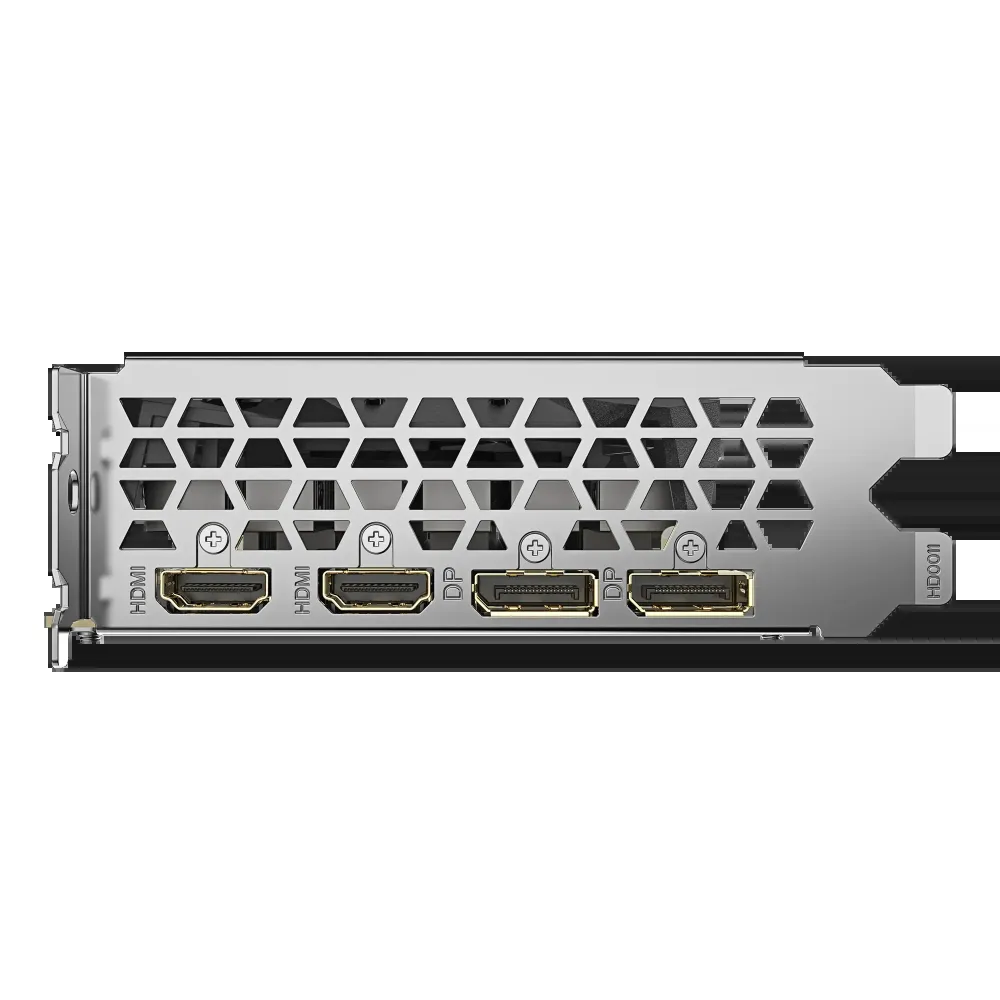
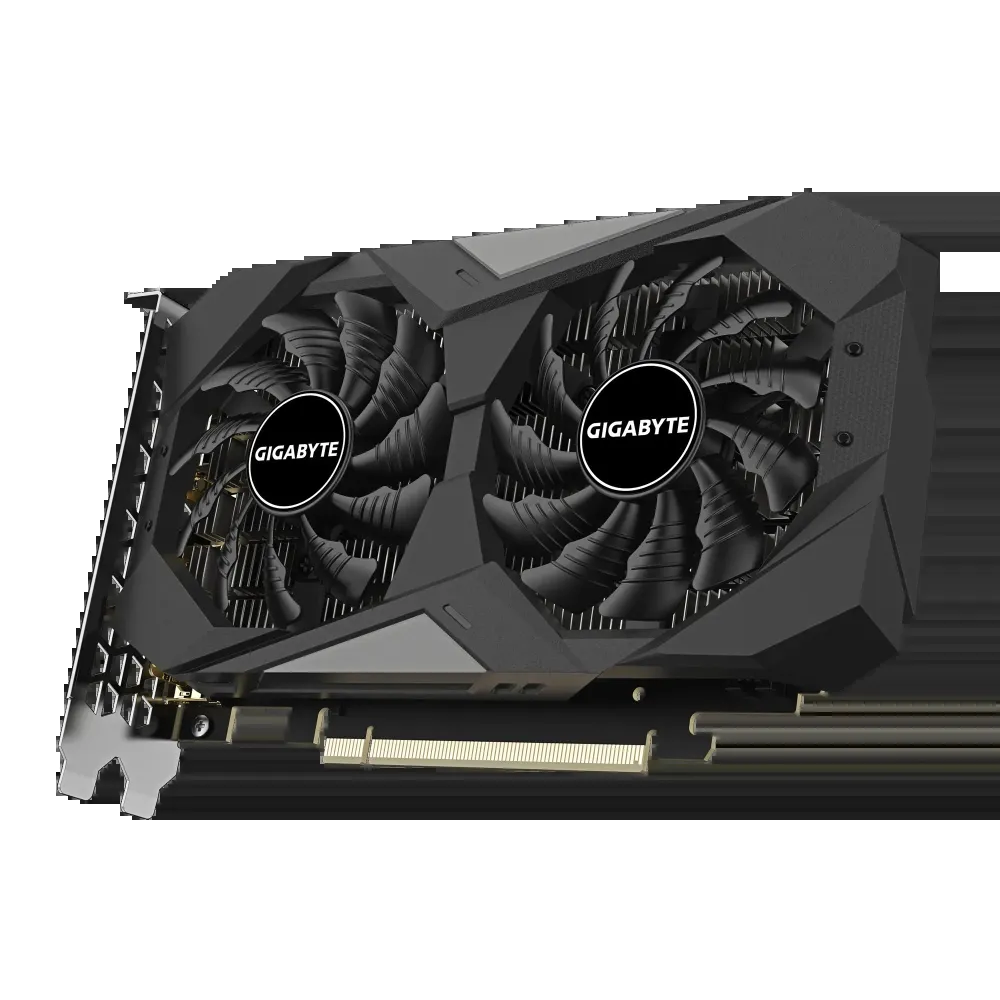
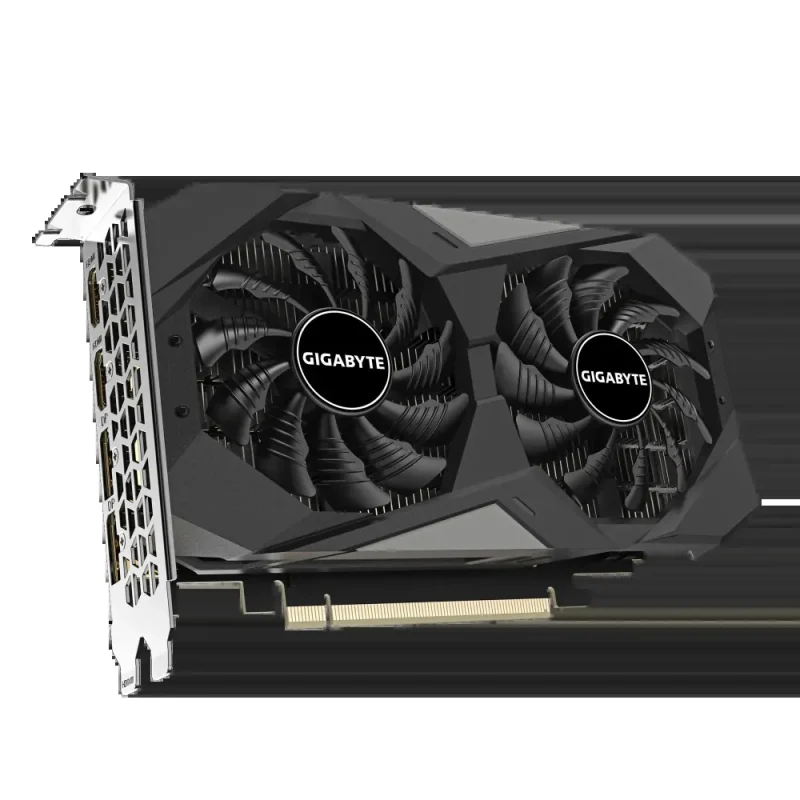
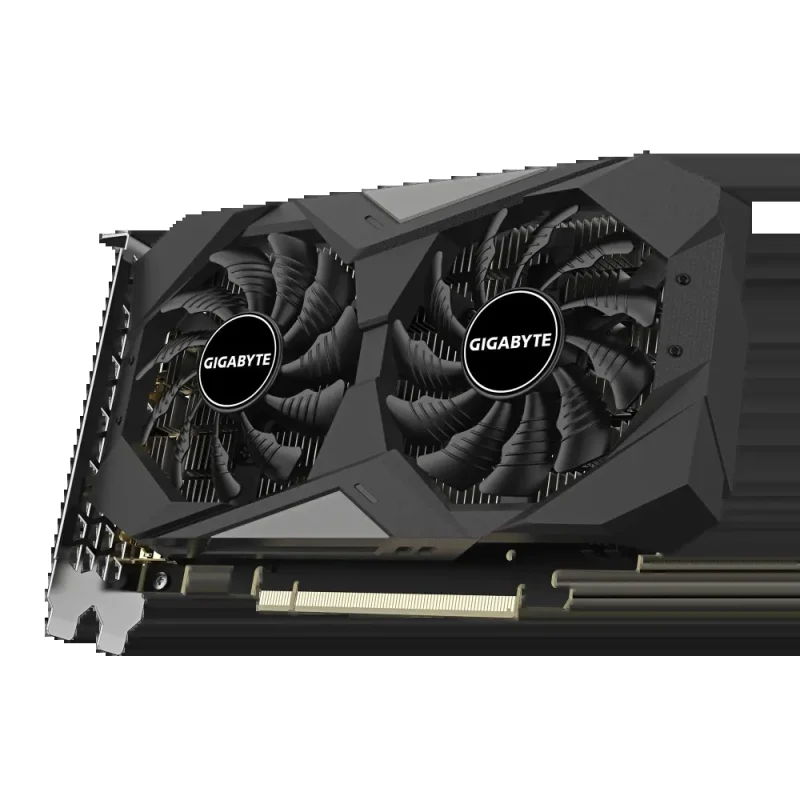
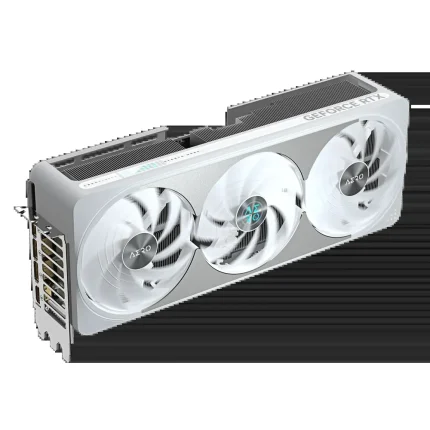
The GeForce RTX 3050 WINDFORCE OC V2 6G combines NVIDIA Ampere graphics with 6GB of GDDR6 in a compact dual-fan design. Two HDMI and two DisplayPort outputs give a multi-screen setup useful flexibility, while a 191mm card length and no auxiliary power connector help simplify the installation plan.
Graphics platform
Build around Ampere capabilities.
This RTX 3050 configuration provides 2, 304 CUDA cores, second-generation ray-tracing cores and third-generation Tensor cores. NVIDIA DLSS is available in supported games and applications; feature support and results depend on the software, settings and driver. Its 6GB, 96-bit memory configuration is specific to this model and should not be confused with an 8GB RTX 3050.
Compact fit
Measure the space around the slot.
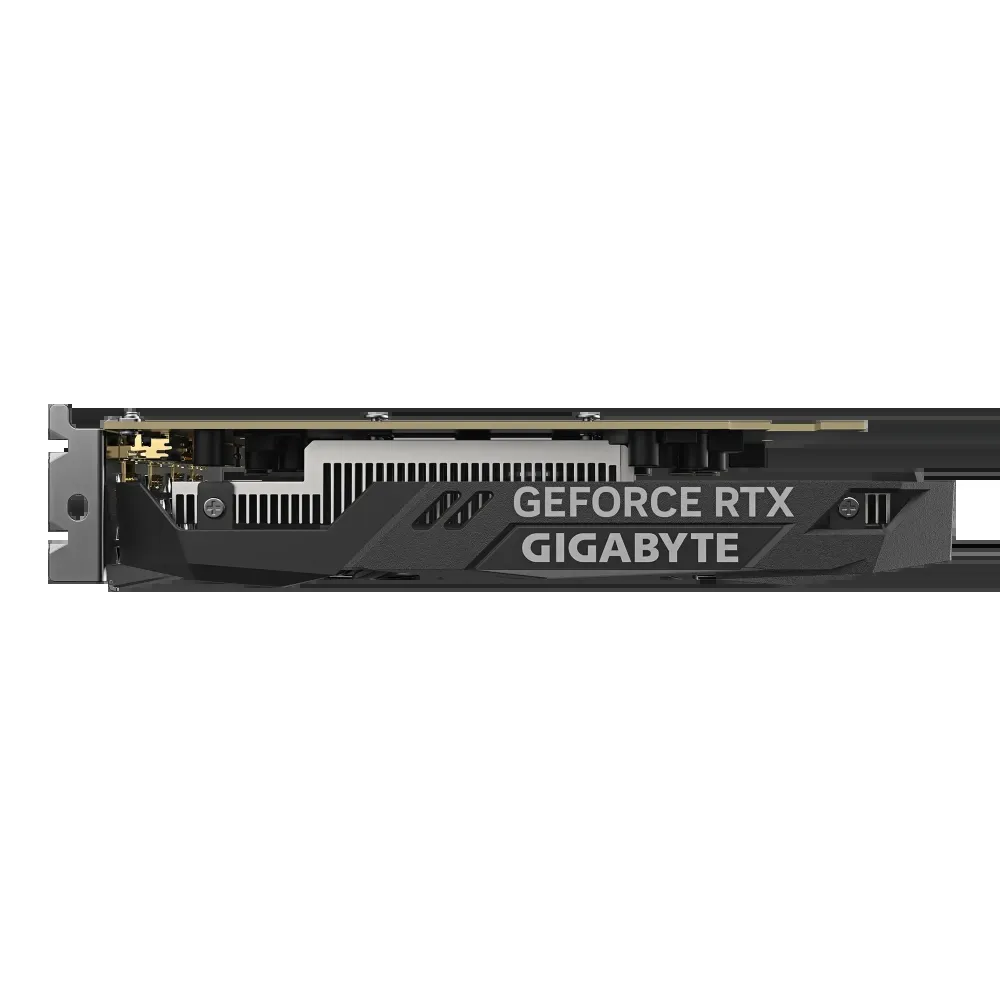
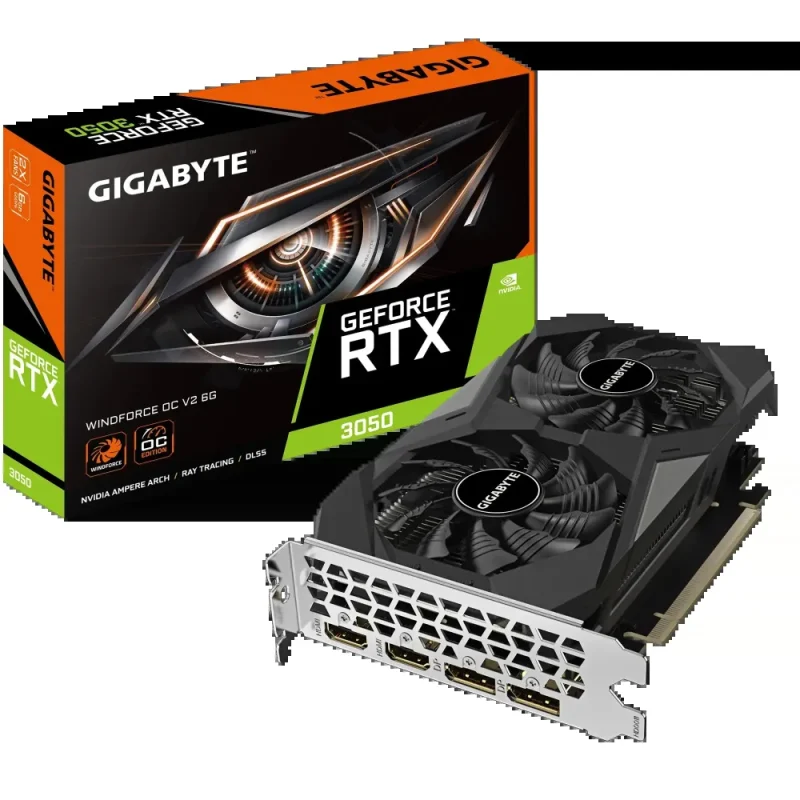
The card measures 191 × 111 × 36mm. Check the case’s graphics-card clearance, expansion-slot space and ventilation before installation. GIGABYTE recommends a 300W system power supply and lists no auxiliary power connector for this exact V2 6GB card; the motherboard and PSU must still meet the requirements of the complete system.
Cooling
Two fans share the airflow.
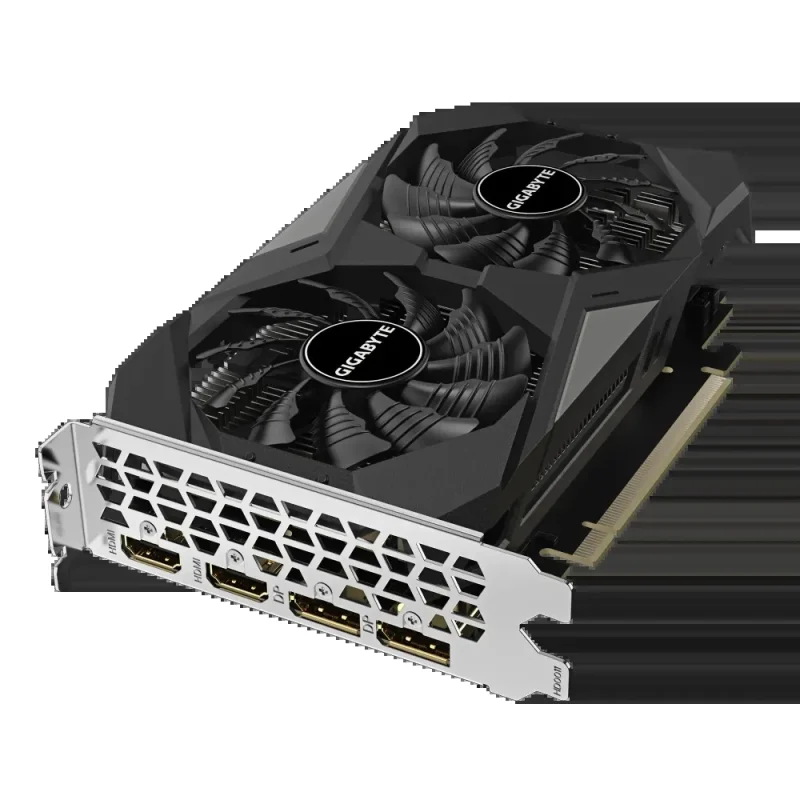
The WINDFORCE cooling design uses two fans, with alternating rotation to guide airflow through the heatsink. The semi-passive fan function stops the fans at low load under the supported temperature conditions. Allow the cooler a clear air path; fan-stop operation is conditional rather than a promise of silence during gaming.
Display connections
Plan each display path separately.
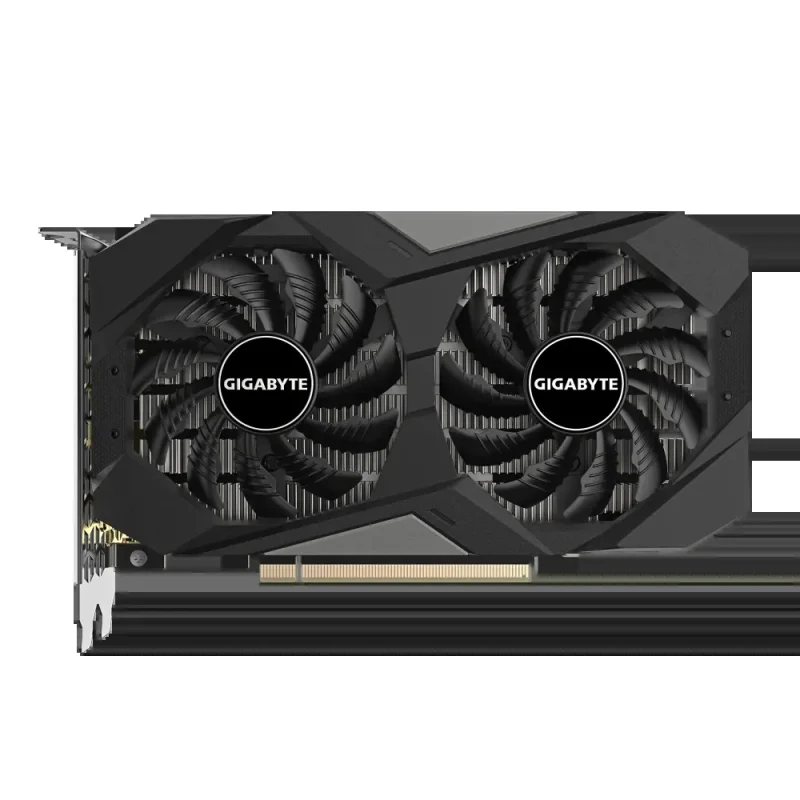
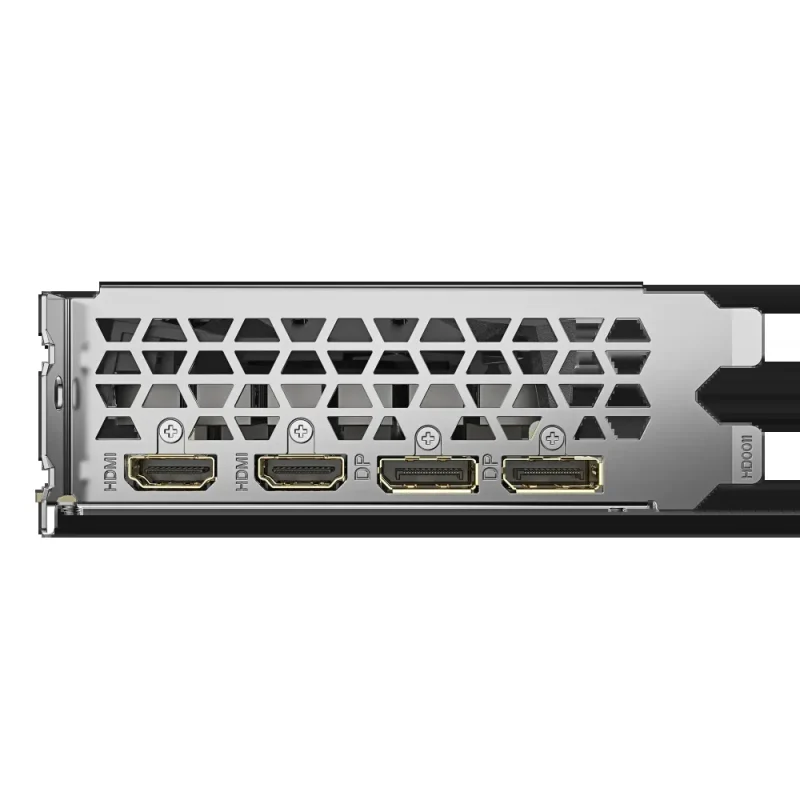
Two DisplayPort 1.4a and two HDMI 2.1 outputs support up to four displays, with a listed maximum digital resolution of 7680 × 4320. Actual resolution, refresh rate and display features depend on the connected screen, cable and chosen mode. DirectX 12 Ultimate and OpenGL 4.6 support serve compatible applications.
Software
Choose the driver for the work.
Game Ready and Studio driver options serve different supported workflows. GIGABYTE Control Center provides supported tuning controls for the card. Select the package for your operating system and hardware revision, and follow manufacturer installation instructions. G-SYNC display features require a compatible monitor, connection and supported configuration.
Specifications
GPU and memory
| Exact model | GV-N3050WF2OCV2-6GD; WINDFORCE OC V2 6G |
|---|---|
| Graphics processor | NVIDIA GeForce RTX 3050; Ampere architecture |
| Core clock | 1477MHz; reference clock 1470MHz |
| CUDA cores | 2, 304 |
| RT / Tensor generation | Second-generation RT / third-generation Tensor cores |
| Memory | 6GB GDDR6; 96-bit bus |
| Memory clock | 14, 000MHz effective / 14Gbps |
| Card interface | PCI Express 4.0 |
Display and software
| Outputs | 2 × DisplayPort 1.4a; 2 × HDMI 2.1 |
|---|---|
| Multi-view | Up to 4 displays |
| Maximum digital resolution | 7680 × 4320; display, connection and mode dependent |
| Graphics APIs | DirectX 12 Ultimate; OpenGL 4.6 |
| DLSS / ray tracing | Supported software and compatible settings required; no frame-rate guarantee |
| Drivers | NVIDIA Game Ready / Studio options; select exact supported OS/package |
| GIGABYTE utility | GIGABYTE Control Center; check supported version and OS requirements |
| G-SYNC features | Compatible monitor, supported connection, driver and configuration required; no universal monitor certification implied |
Cooling, power and fit
| Cooling | WINDFORCE dual-fan design; alternate spinning; conditional semi-passive fan stop |
|---|---|
| Dimensions (L × W × H) | 191 × 111 × 36mm |
| PCB form | ATX; check full-height bracket and case clearance |
| Recommended system PSU | 300W; complete-system requirements still apply |
| Auxiliary power connector | None listed for this exact V2 6GB model |
| Accessory | Quick guide listed; verify regional package |
| Supplier-listed warranty | 3 years; confirm regional terms and proof-of-purchase requirements |
Reviews
There are no reviews yet.