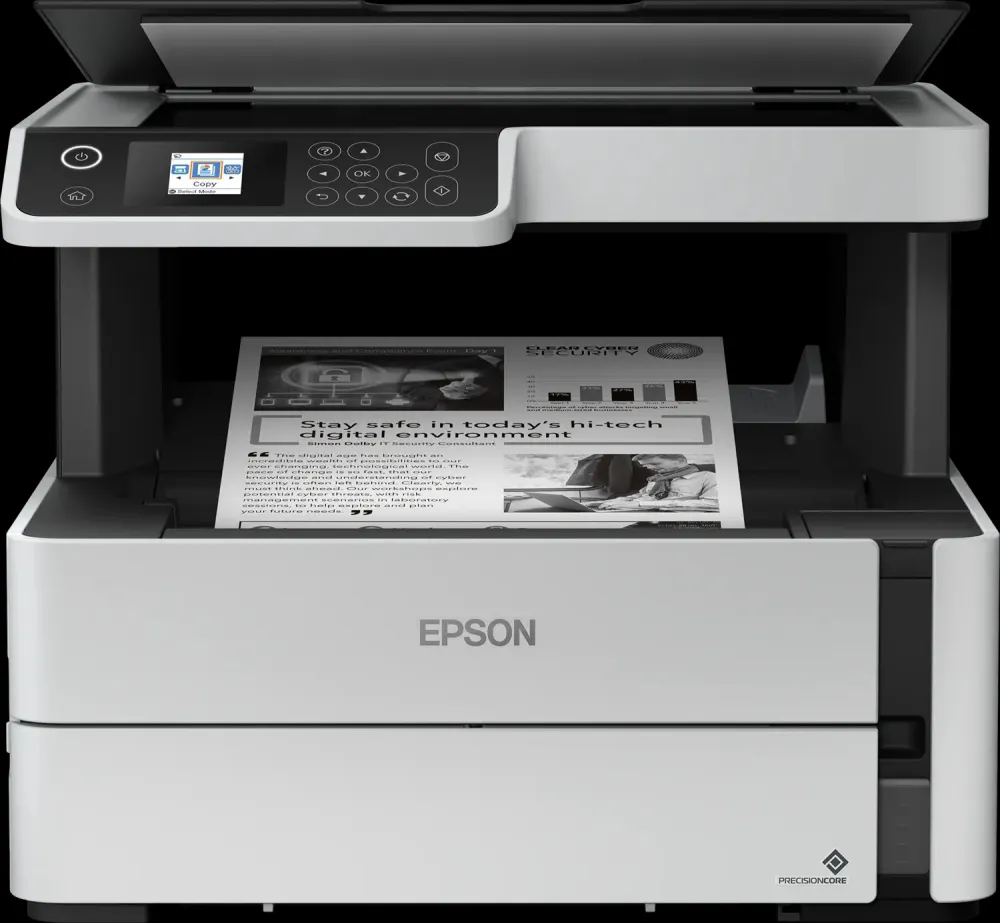
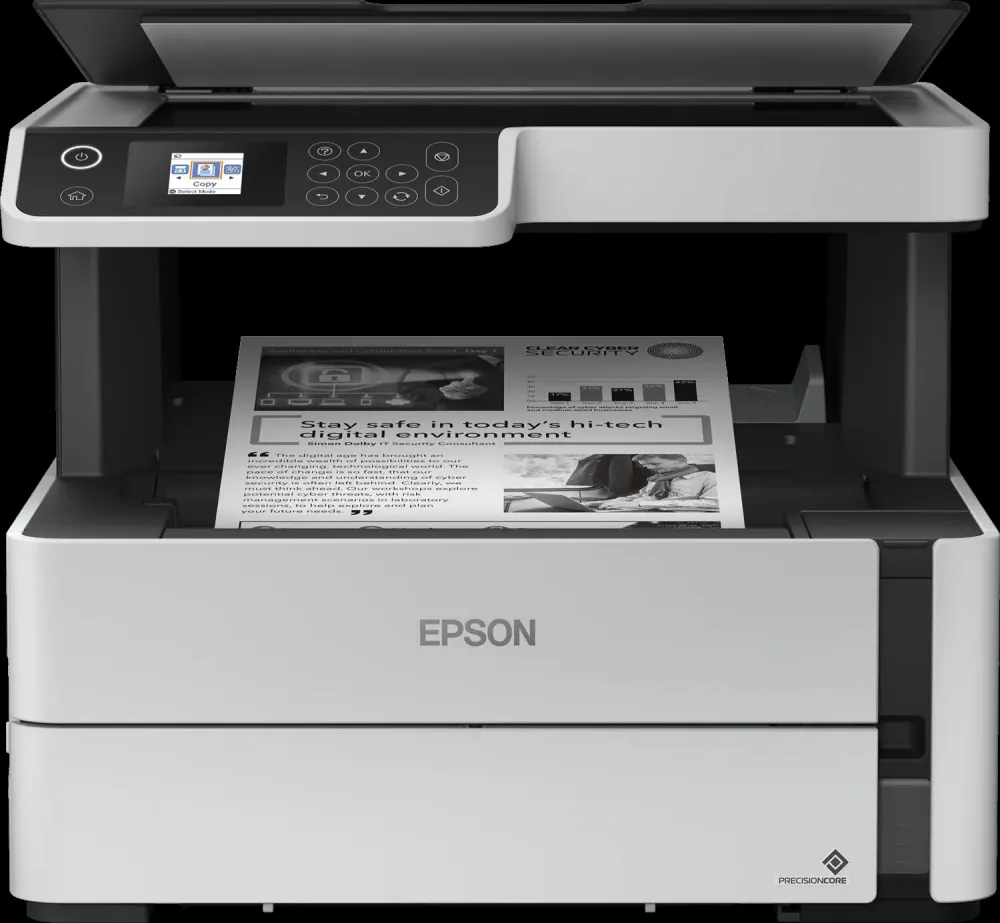
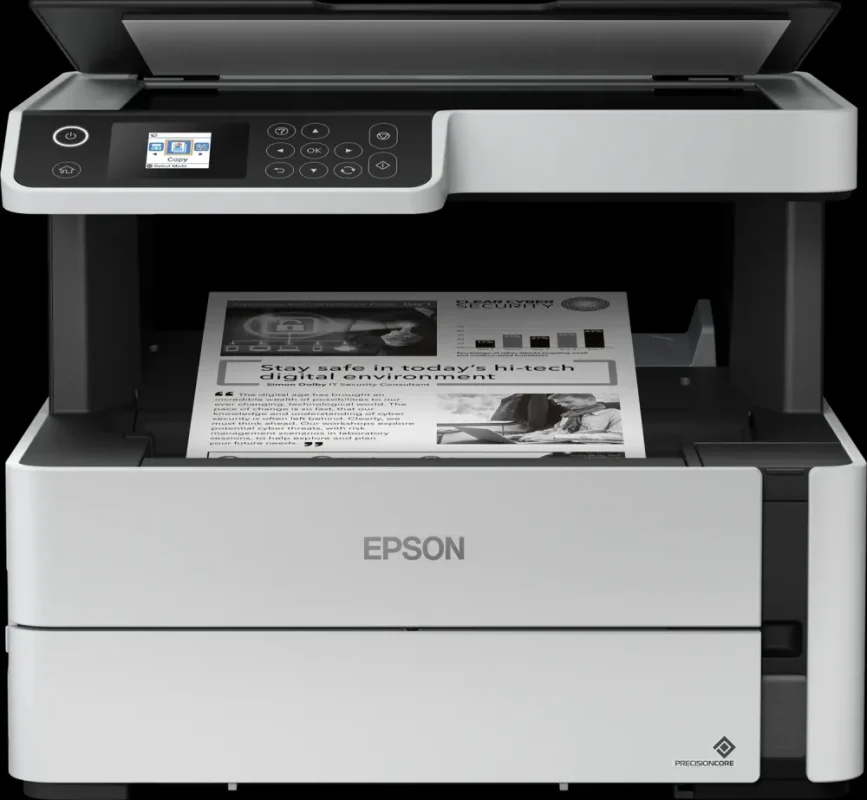
Epson EcoTank • M2170
Print the document. Scan the original. Keep work moving.
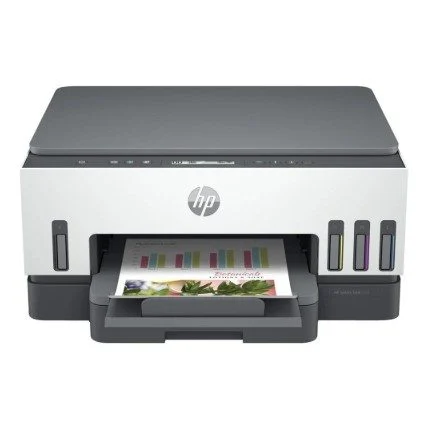
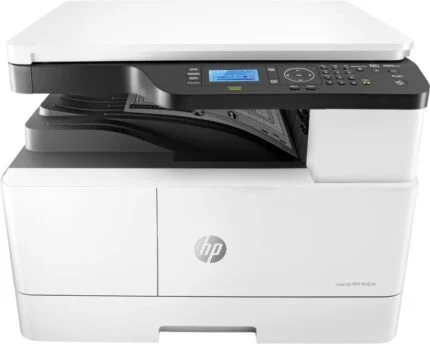
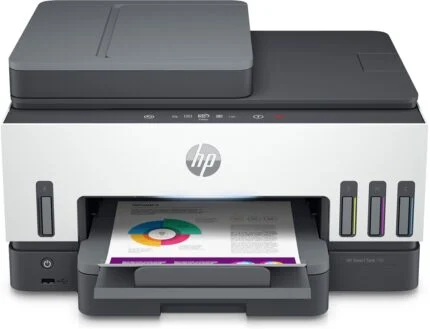
EcoTank M2170 brings monochrome printing and copying together with a colour flatbed scanner. Its refillable pigment-black tank, 250-sheet front cassette and automatic A4 duplex printing keep everyday documents manageable, with a small colour LCD for walk-up control.

Document output
Choose a speed that matches real office work.
Epson rates monochrome printing at 20 A4 pages/min under ISO/IEC 24734, with duplex output at 9 A4 pages/min. The separate 39 ppm maximum rate is not the ISO office-document speed. PrecisionCore printing, pigment-black ink and up to 1200 × 2400 dpi resolution support everyday text and graphics at the selected quality setting.
Paper flow
Keep the cassette ready for the next job.
The front cassette holds 250 sheets, while the rear specialty-media path lets you handle a separate job without unloading the main supply. The output tray holds up to 100 sheets. Automatic double-sided printing applies to A4 plain paper; Legal-size jobs and other media need the matching paper settings and handling instructions.
Scan and copy
Colour originals. Monochrome copies.
The CIS flatbed captures colour or monochrome originals at up to 1200 × 2400 dpi optical resolution. Epson lists A4 scanning at approximately 12 seconds in monochrome or 27 seconds in colour at 200 dpi. Place originals on the glass individually: there is no automatic document feeder. Copies print in black and white, and this model has no fax function. The 3.7 cm colour LCD works with physical controls; it is not a touchscreen.
Connections
Connect at the desk or across the office.
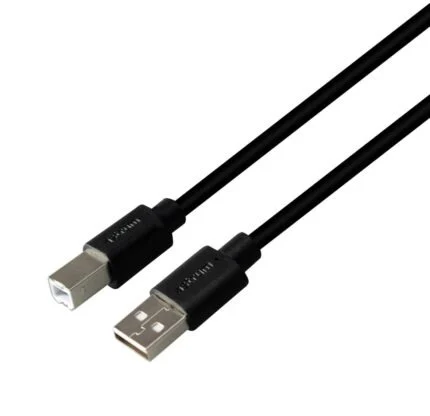
Use USB 2.0 for a direct computer connection, Ethernet for a wired network, or Wi-Fi for wireless placement. Wi-Fi Direct supports a direct wireless connection without a separate access point. Apple AirPrint supports compatible Apple devices. Epson Connect includes iPrint, Email Print and Remote Print Driver; remote services require the relevant network or internet connection. Select the exact model and your operating system on Epson’s support page before installing software.
Ink and maintenance
A visible tank and matched pigment-black bottles.
Two included ink bottles are rated for up to 11,000 pages in total¹. The front-facing refillable tank makes the ink level easy to check. Use the compatible Epson 110 or 110S pigment-black bottle for this regional model, and follow the filling instructions. The maintenance box is a separate replaceable item; select it against the printer’s exact model rather than assuming every EcoTank supply fits.
Desk planning
Leave room to load, open and service the printer.
The closed printer measures 375 × 347 × 302 mm (W × D × H). Allow additional space to open the scanner lid, extend the output tray, load rear media and reach service areas. The regional specification lists a 12-month carry-in warranty with a 100,000-page limit; warranty terms and any purchased extensions apply.


Reviews
There are no reviews yet.