

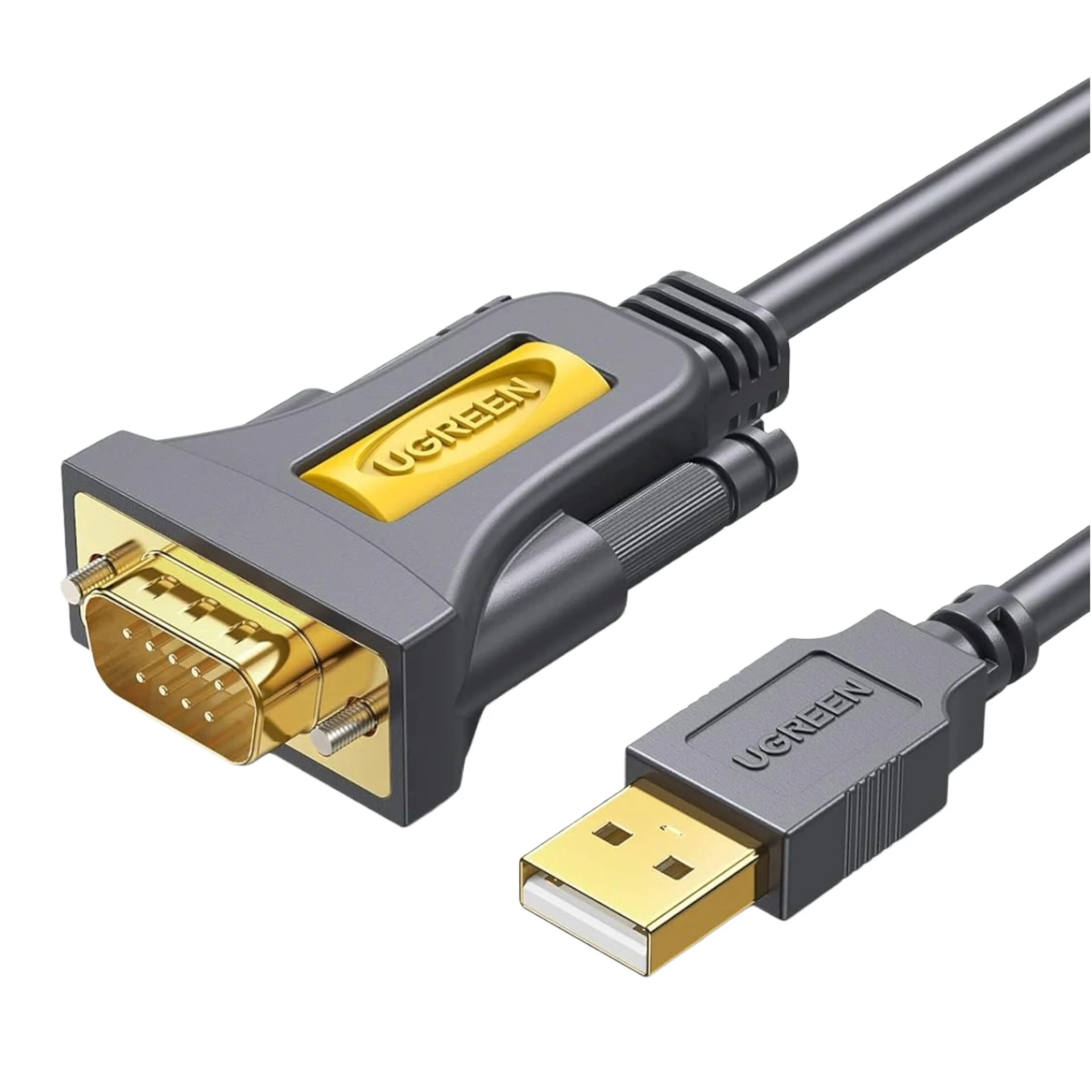
UGREEN USB 2.0 to RS-232 Serial Adapter Cable (USB-A Male to DB9 Male)-Black
Black UGREEN CR104-20222 2 m USB-A to DB9 male RS-232 cable with a Prolific PL2303 controller and serial transfer rates up to 1 Mbps.
R189.00
In Stock with us — 2 avail
Key product details
Full specifications below- Mpn: CR104-20222
- Brand: Ugreen
Delivery & support
Clear fulfilment, warranty and payment details.
- Availability In Stock with us — 2 avail In Stock with us — 2 avail
- Delivery Nationwide courier delivery or collection from Strand, Cape Town. Courier nationwide or Strand collection
- Dispatch Ships within 24 hours. Ships within 24 hours
- Warranty Manufacturer warranty applies where stated on the product page. As stated on this page
- Returns See our Returns Policy for eligible change-of-mind and faulty goods procedures. See Returns Policy
- Secure payment PayFast checkout with card, Instant EFT, and Mobicred. PayFast · card · EFT · Mobicred
UGREEN CR104 | USB to serial
Give your computer an RS-232 port
Connect a computer’s USB-A port to a device with a compatible DB9 RS-232 socket. The two-metre cable gives you room to work beside a modem, barcode scanner or compatible industrial controller.
Connections
Match the serial port before plugging in
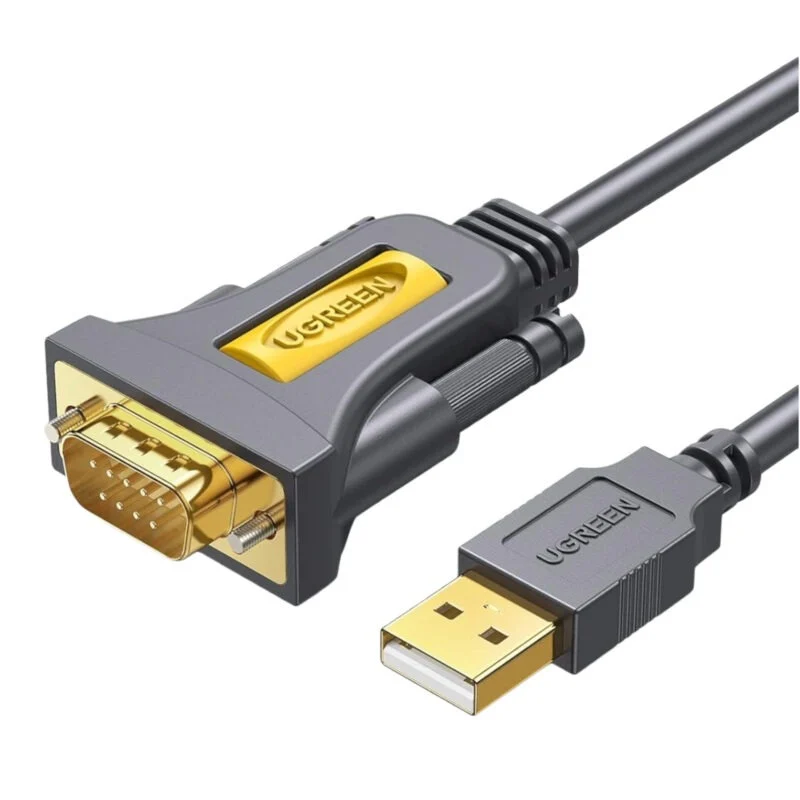
The USB-A plug connects to your computer and the nine-pin plug connects to compatible serial equipment. Check the device manual for its pinout and wiring requirements. This cable uses RS-232 signalling. Equipment that uses RS-485 or TTL needs a different adapter.
Setup
Choose the serial port in your software
Use the PL2303 driver that matches your operating system and the cable’s chipset revision if a driver is required. Then select the assigned serial port in your software and use the settings specified by your equipment.
Specifications
Identity
| Brand | UGREEN |
|---|---|
| Model | CR104-20222 |
| Colour | Black |
| Offer warranty | 24 months |
Cable and connections
| Host connector | USB 2.0 Type-A male |
|---|---|
| Device connector | DB9 male with thumbscrews |
| Serial interface | RS-232 |
| Controller | Prolific PL2303 family |
| Cable length | 2 m |
| Maximum serial data rate | Up to 1 Mbps, subject to the attached equipment and its settings |
| Power | From the USB port |
Setup and contents
| Host operating systems | Windows, macOS and Linux where a compatible PL2303 driver is available for the OS version and chipset revision |
|---|---|
| Included | One adapter cable and user manual |

Reviews
There are no reviews yet.