AvailabilitySupplier has stock — 10 availSupplier has stock — 10 avail
DeliveryNationwide courier delivery or collection from Strand, Cape Town.Courier nationwide or Strand collection
DispatchBackorder — usually dispatched in 2–3 working days after payment verification, subject to supplier confirmation.Backorder — usually dispatched in 2–3 working days after payment verification, subject to supplier confirmation.
WarrantyManufacturer warranty applies where stated on the product page.As stated on this page
ReturnsSee our Returns Policy for eligible change-of-mind and faulty goods procedures.See Returns Policy
Secure paymentPayFast checkout with card, Instant EFT, and Mobicred.PayFast · card · EFT · Mobicred
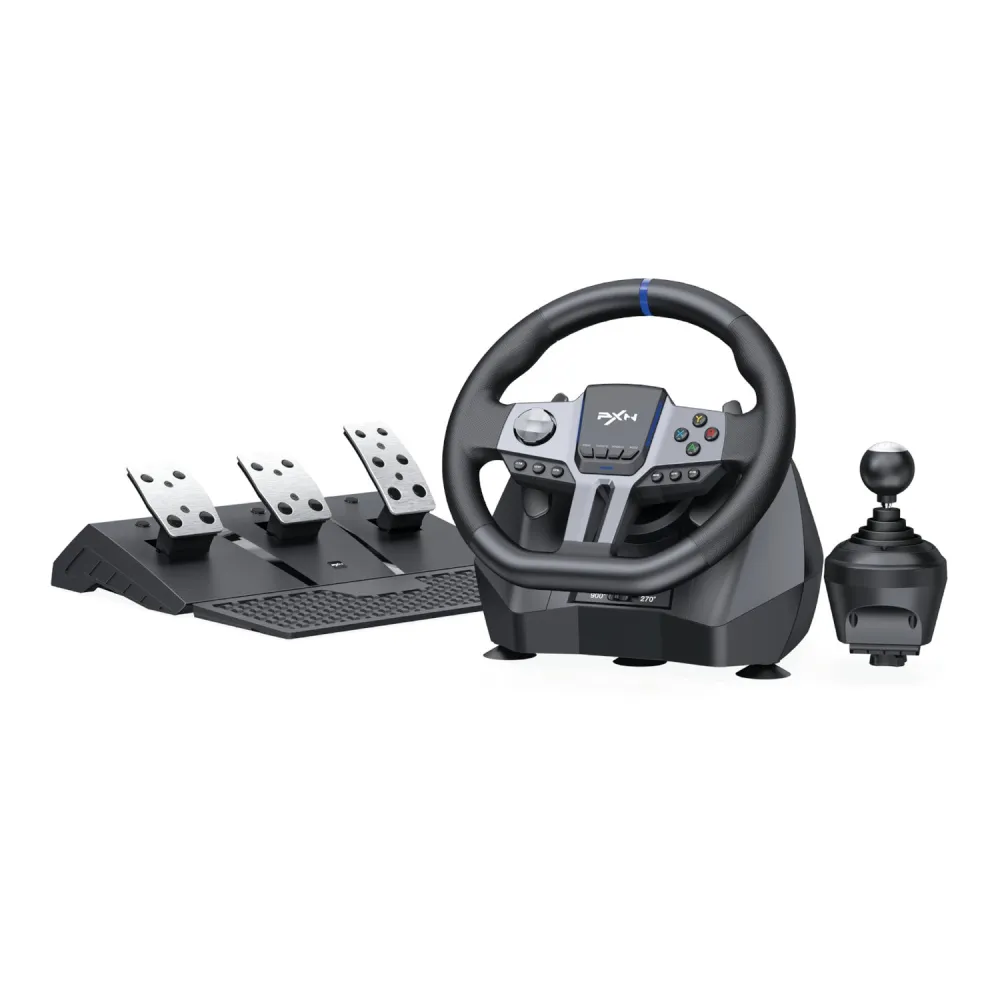
PXN Official · Manufacturer overview of the black PXN V9 Gen2 racing wheel. Check the product specifications and PXN manual for platform setup and the supplied kit.
Play to load this video from YouTube.
PXN V9 GEN2
Set the steering range for the race
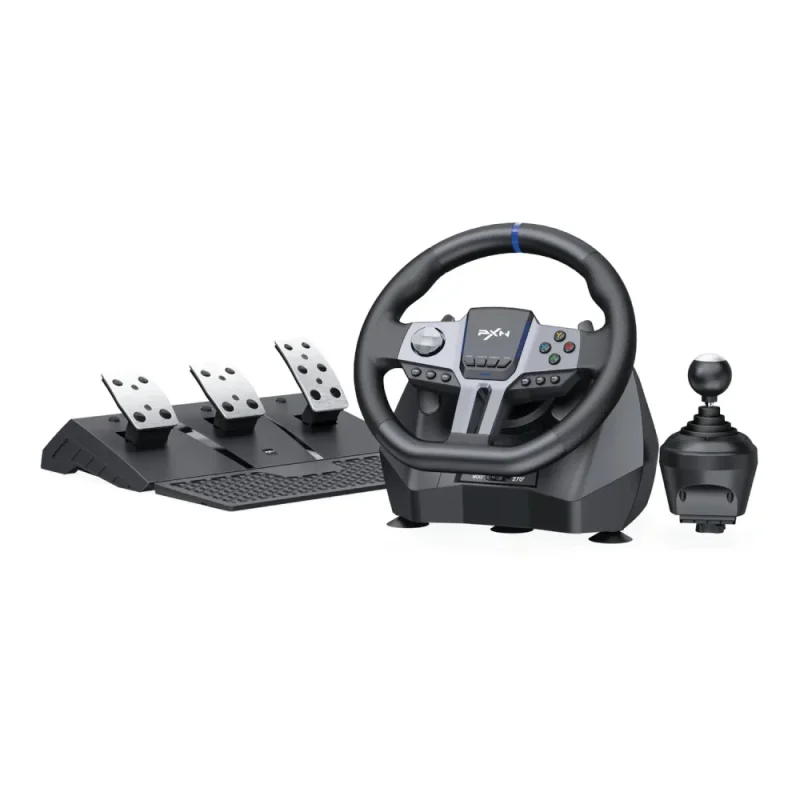
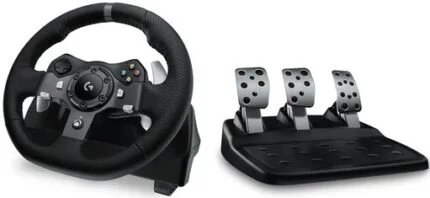
The V9 Gen2 brings a wired racing wheel, three magnetic pedals and an H-pattern shifter to compatible racing games. Use the wheel’s switch to choose a short 270° turn or a wider 900° range.
270° / 900°Selectable rotation
3 pedalsThrottle, brake, clutch
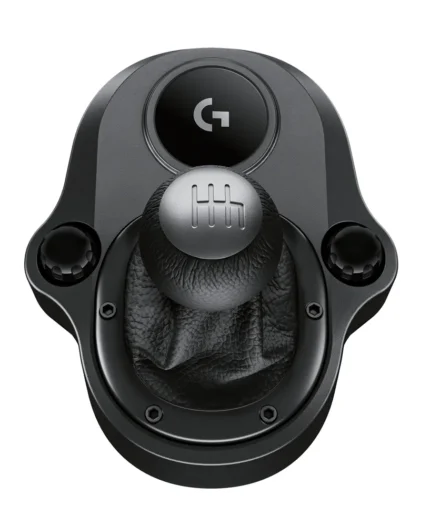
6 + reverseH-pattern shifter
STEERING
Choose how far the wheel turns
Switch to 270° for a shorter steering range or 900° when the game calls for a wider turn. Paddle shifters sit behind the rim. The wheel’s dual vibration motors provide adaptive vibration, while the side lights can respond to pedal input.
PEDALS AND SHIFTER
Use the pedals and gear lever together
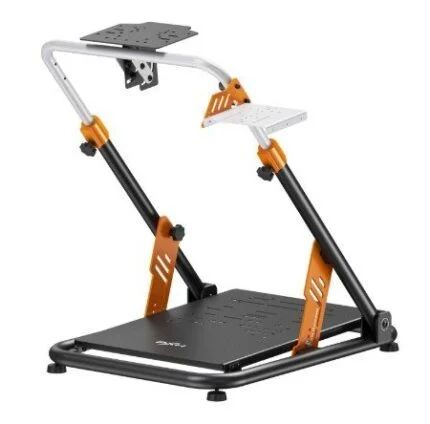
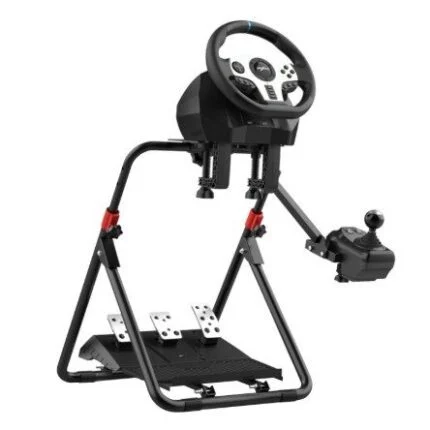
The three-pedal set uses magnetic sensing for throttle, brake and clutch input. Use the separate six-speed H-pattern lever with reverse when the game recognises that control layout. The wheel includes two clamps for a suitable mounting surface.
PLATFORMS
Follow the setup for your console or PC
Connect the wheel to the host by USB. On PC, use the input mode the game expects. On supported consoles, follow PXN’s guide and connect the appropriate original controller as instructed. Supported input and vibration vary by game.
SETTINGS
Adjust controls through the PXN Wheel app
The mobile app can adjust the usable angle within 900° mode and change supported mappings or vibration settings. The wheel’s connection to the game system remains wired.
Specifications
Wheel and controls
Model
PXN V9 Gen2
Colour
Black
Rotation modes
270° or 900° through a physical switch
Wheel sensing
16-bit magnetic encoder
Wheel rim
28 cm
Wheel shifting
Dual paddles
Feedback
Adaptive dual-motor vibration
Lighting
Side RGB lights with pedal input response
Pedals
Three Hall-sensing pedals for throttle, brake and clutch
Shifter
Six forward gears plus reverse, H-pattern
Connection and operating conditions
Host connection
Wired USB
PC modes
DInput and XInput
Platforms listed by PXN
PC, PlayStation 4, Xbox One, Xbox Series X|S
Console setup
Follow the exact manual for original-controller and cable requirements
Configuration app
PXN Wheel for Android and iOS. Bluetooth is used for mobile configuration.
Operating voltage
5 V
Manufacturer-listed operating current
80 mA
Operating environment
10–40 °C, 20–80% relative humidity
Package
Included controls
Wheel, three-pedal unit and gear shifter
Mounting
Two wheel clamps
Setup accessories
Two USB-C to USB-A leads, one Micro-USB to USB-A lead and manual
Driver & Software Downloads
Use official support resources for this product. Each link opens in a new tab.
PXN V9 Gen2 manual and support
Official V9 Gen2 support page with the manufacturer manual. Follow the instructions for PC, PS4, Xbox One or Xbox Series X|S and confirm your controller and cable requirements.
Necessary cookies keep the site, cart, checkout, account, and security features working. With your permission, we also use optional analytics and advertising cookies to measure and improve our service. “Accept optional cookies” consents only to that optional processing; use of the site remains separately governed by our Terms. You can choose Necessary only and change your choice at any time.



Reviews
There are no reviews yet.