
Brio 500 setup guide
Official Logitech PDF covering the clip, USB-C connection, privacy shutter and Show Mode.
Open official support (opens in a new tab)Checking which support options are available…
Who would you like help from?
Enter your name to begin your live chat with an online consultant.
What can we help you with?
Your details are used only to respond. MatzoBot requests are securely passed to the MatzoTech team.
Your request has been emailed to MatzoTech. A consultant will reply using the email address or mobile number you supplied.

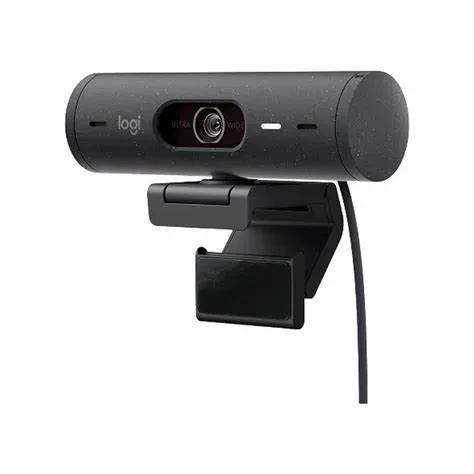
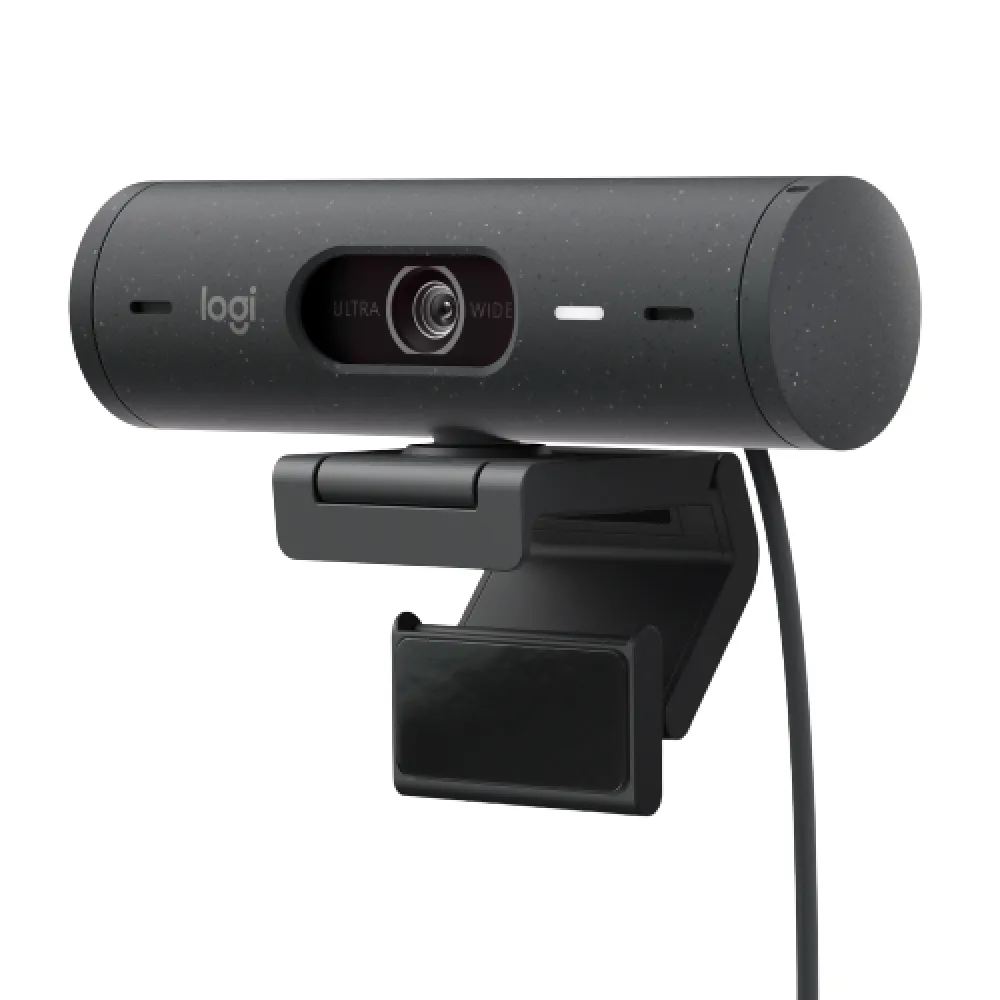
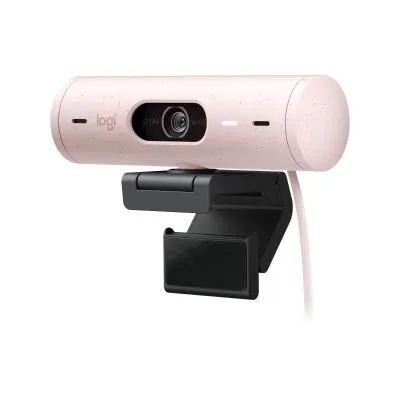
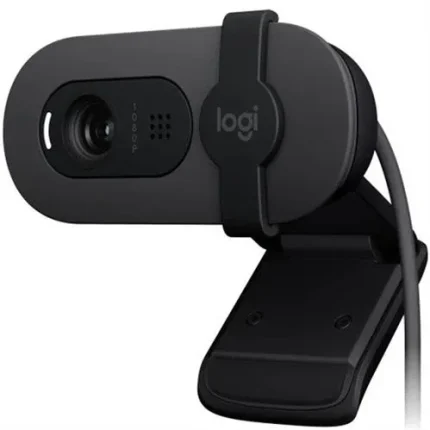
Logitech Brio 500 graphite USB-C webcam with 1080p at 30 fps, autofocus, HDR light correction, stereo microphones and a built-in privacy shutter.
R2,529.00
Supplier has stock — 2 avail
Clear fulfilment, warranty and payment details.
Official manufacturer overview
Logitech · Logitech demonstrates Brio 500 framing, light correction and Show Mode across its colour range. This listing is the graphite webcam.
Play to load this video from YouTube.
LOGITECH BRIO 500 · GRAPHITE
The graphite Brio 500 clips onto your display and connects through an attached USB-C cable. Use Full HD for calls, then tilt the camera down in Show Mode to share a sketch or a page on the desk.
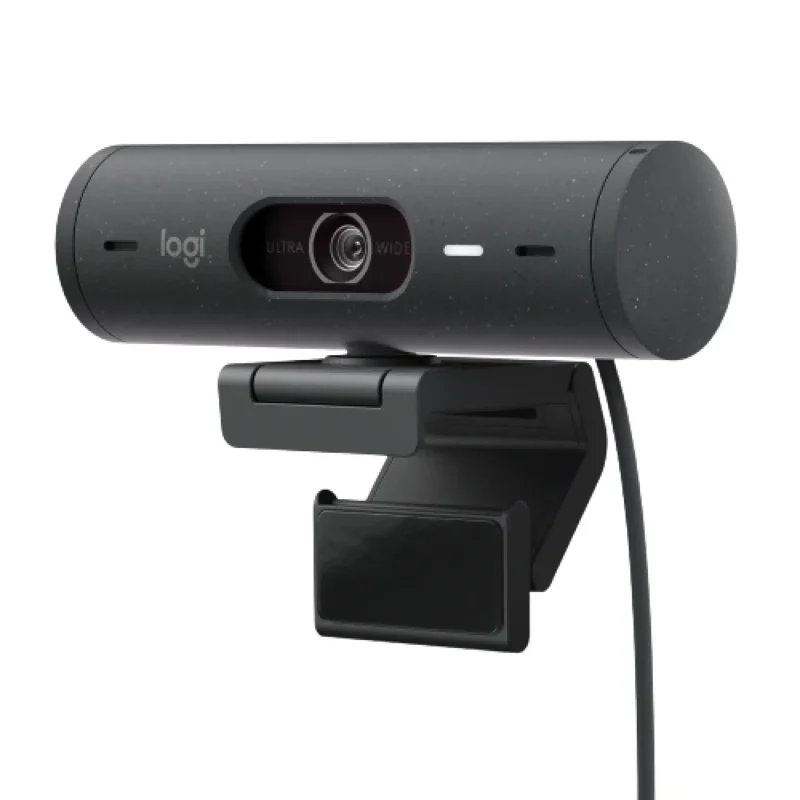
IMAGE AND SOUND
The autofocus glass lens handles Full HD at 30 frames per second or 720p at 60. RightLight 4 with HDR adjusts exposure as lighting changes. The built-in stereo microphones pick up voices from up to 1.22 m away.
CAMERA CONTROLS
On a supported computer, Logi Tune lets you enable Show Mode, select 90°, 78° or 65° diagonal framing, and enable RightSight auto-framing where supported. Show Mode lets you tilt the camera down while presenting work on the desk.
DESK SETUP
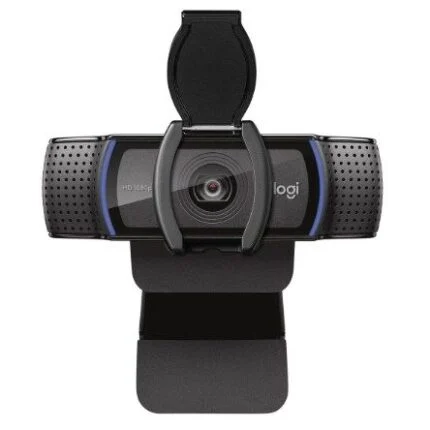
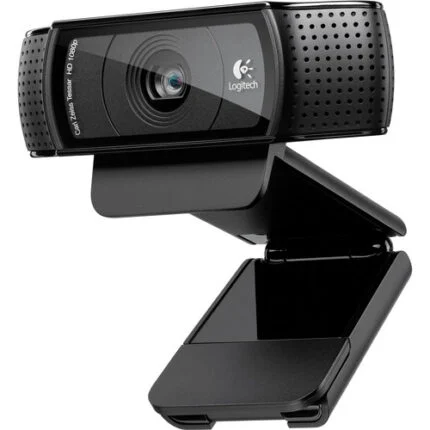
The detachable clip fits supported laptop screens and monitors. Its removable mount adapter uses a micro-suction pad for the tilt needed by Show Mode. Rotate the built-in shutter to cover the lens between calls.
| Manufacturer | Logitech |
|---|---|
| Model | Brio 500 |
| Part number | 960-001422 |
| EAN | 5099206104914 |
| Colour | Graphite |
| Sensor | 4 MP |
|---|---|
| Full HD video | 1920 × 1080 at 30 fps |
| HD video | 1280 × 720 at 60 fps |
| Lens | Glass with autofocus |
| Diagonal field of view | 90°, 78° or 65° |
| Zoom | Up to 4× digital zoom |
| Light correction | RightLight 4 with HDR |
| Framing and desk view | RightSight 4 auto-framing and Show Mode through Logi Tune on supported computers |
| Microphones | Built-in stereo microphones with noise reduction |
|---|---|
| Microphone pickup range | Up to 1.22 m |
| Lens cover | Integrated manual privacy shutter |
| Connection | USB-C plug and play |
|---|---|
| Attached cable | 1.5 m |
| Camera size (W × H × D) | 110 × 31.5 × 31.5 mm |
| With mount (W × H × D) | 110 × 51.5 × 45 mm |
| Weight with mount and cable | 121 g |
| Included mount | Detachable universal clip with removable mount adapter |
| Camera operating systems | Windows, macOS and ChromeOS with an available USB-C port |
|---|---|
| Platform certifications | Microsoft Teams, Zoom, Google Meet and Works With Chromebook |
| Optional software | Logi Tune on supported Windows and macOS releases |
| In the box | Webcam with attached USB-C cable, mount clip with removable adapter, and documentation |
| Manufacturer warranty | 2-year limited hardware warranty |
For advanced camera controls, check the operating-system requirements on the Logi Tune download page. Logi Tune is unavailable for ChromeOS.
Use official support resources for this product. Each link opens in a new tab.
Official Logitech PDF covering the clip, USB-C connection, privacy shutter and Show Mode.
Open official support (opens in a new tab)Select the supported Windows or macOS desktop version for camera controls and available firmware updates.
Open official support (opens in a new tab)Help other shoppers by sharing an honest review.
Write a reviewYou are offline. Reconnect to check prices and shop.

Reviews
There are no reviews yet.