Top of pagePrimary navigation
Flash sale Limited-time prices and current MatzoTech offers Shop offers

J5 JCD383 USB type-C minidock

0.0 No reviews yet Write a review
SKU: DS-JCD383
New In Stock with Supplier 2 — 2 avail

j5create JCD383 USB-C multi-adapter with HDMI up to 4K30, Gigabit Ethernet, three USB-A ports, SD/microSD and PD 3.0. Check host DisplayPort Alt Mode support.

R1,509.00

VAT included · Secure checkout

In Stock with Supplier 2 — 2 avail

Key product details

Full specifications below
  • Mpn: JCD383
  • Brand: J5create
  • Condition: New
Add to wishlist

Delivery & support

Clear fulfilment, warranty and payment details.

  • Availability In Stock with Supplier 2 — 2 avail In Stock with Supplier 2 — 2 avail
  • Delivery Nationwide courier delivery or collection from Strand, Cape Town. Courier nationwide or Strand collection
  • Dispatch Backorder — usually dispatched in 2–3 working days after payment verification, subject to supplier confirmation. Backorder — usually dispatched in 2–3 working days after payment verification, subject to supplier confirmation.
  • Warranty Manufacturer warranty applies where stated on the product page. As stated on this page
  • Returns See our Returns Policy for eligible change-of-mind and faulty goods procedures. See Returns Policy
  • Secure payment PayFast checkout with card, Instant EFT, and Mobicred. PayFast · card · EFT · Mobicred
Ask us a question

j5create JCD383 · USB-C multi-adapter

Your desk, through one USB-C link.

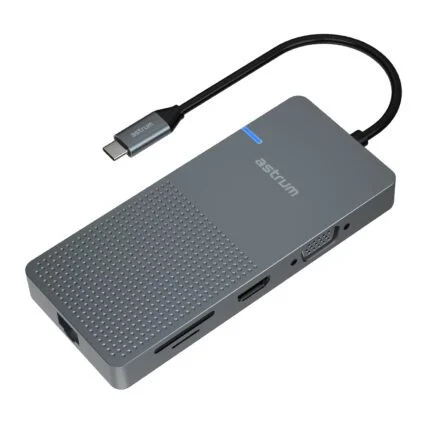
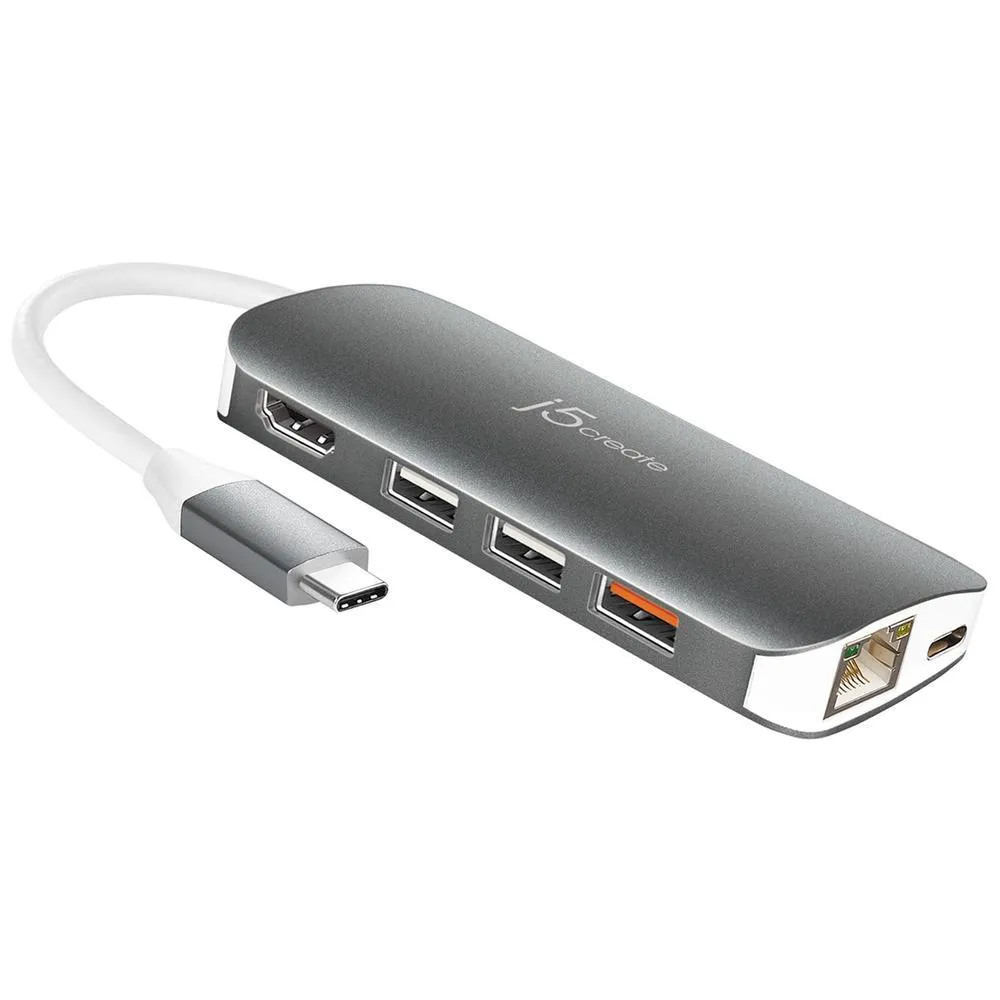
The j5create JCD383 brings an HDMI display, Gigabit Ethernet, three USB-A connections and SD/microSD card access into a compact aluminium adapter. Its USB-C connection also supports Power Delivery and data transfer. The host USB-C port must support the functions you plan to use, including DisplayPort Alt Mode for video.

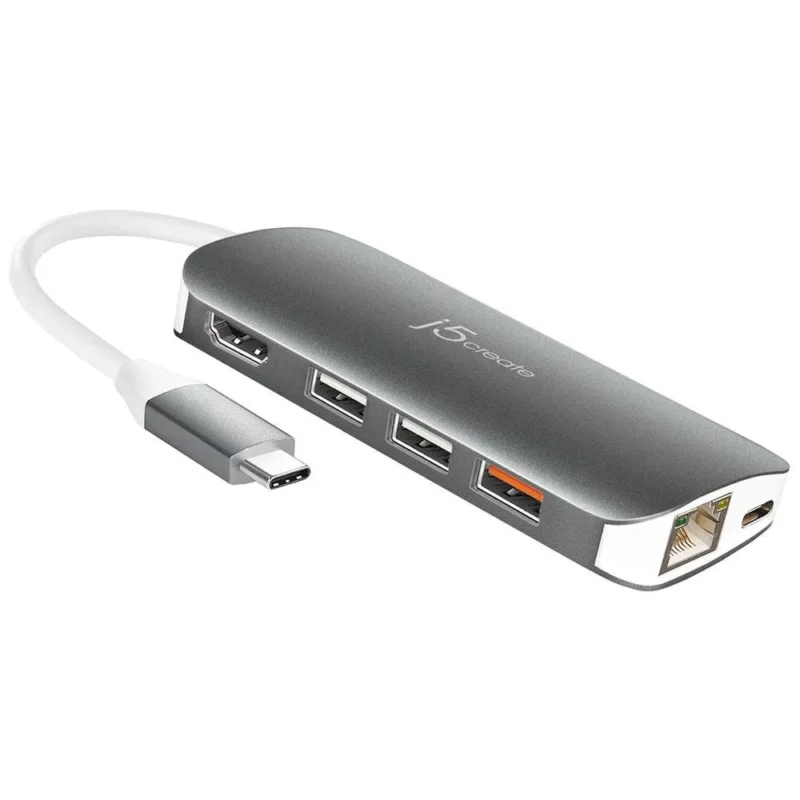
j5create JCD383 USB-C multi-adapter with HDMI, USB-A and Ethernet connections, existing product reference image
4K30One HDMI display
5 GbpsUSB data reference
GbEWired networking

Display connection

Give one screen a clear connection

The HDMI output supports one display at up to 3840 × 2160 at 30 Hz. A 4K-capable display and a host USB-C port with DisplayPort Alt Mode are required for that mode. Check the host’s supported video output before choosing the adapter; a USB-C-shaped socket alone does not establish video support.

Peripherals and cards

Bring the everyday connections together

Two USB-A ports and a third USB-A port with BC 1.2 provide three USB-A connections in total. The manufacturer lists data transfer up to 5 Gbps. SD and microSD slots provide card access, while the RJ45 port supports auto-negotiating 10/100/1000 networking. Actual transfer rates depend on the host, peripherals and workload.

Power planning

Let the charger support the whole connection

USB-C Power Delivery 3.0 supports charging and data functions with a compatible power source and host. j5create lists a 100 W PD reference and separate output limits of up to 20 V and 4.25 A; do not treat the reference as 100 W guaranteed at the notebook. The adapter and attached peripherals share the power source. Keep external power connected while copying files.

Portable format

Keep the setup requirements in reach

The silver aluminium body measures 105 × 50 × 16.5 mm and weighs 78 g, with a 137 mm host cable. The exact documentation lists no driver download requirement for this model, but host video and power support still matter. Confirm current stock and the supplied package before ordering.

Specifications

Identity and host

Brandj5create
ModelJCD383
Merchant SKUDS-JCD383
Product classUSB-C 9-in-1 multi-adapter
Host connectorUSB-C male
Host video requirementDisplayPort Alt Mode
Host charging requirementUSB Power Delivery 2.0 or 3.0 for pass-through charging
Power sourceBus-powered or externally powered

Ports and performance

HDMI outputs / displays1 HDMI female / 1 supported display
Maximum HDMI mode3840 × 2160 at 30 Hz; compatible host/display required
USB-A ports2 USB 3.1 Gen 1 plus 1 USB 3.1 Gen 1 with BC 1.2
USB-C portUSB 3.0 upstream/downstream charging, PD 3.0 and data transfer
Card accessSD and microSD slots
EthernetRJ45; auto-negotiating 10/100/1000 Base-T
Maximum data-transfer reference5 Gbps; actual rates depend on host/peripherals
HDMI audio referenceManufacturer lists 2.1-channel support

Power references

Manufacturer PD reference100 W; not guaranteed notebook delivery
Input limitsUp to 20 V / 5 A
Output limitsUp to 20 V / 4.25 A
Manufacturer power-consumption reference≤500 mA
High-power peripheralsConnect compatible USB-C power adapter as directed
Copying filesDo not remove external USB-C power during the copy

Physical and environment

Colour / enclosureSilver / aluminium
Body dimensions105 × 50 × 16.5 mm (manufacturer height × width × depth labels)
Host cable length137 mm
Weight78 g
Operating temperature0°C–48°C
Storage temperature−10°C–65°C
Operating / storage humidityBelow 85%, non-condensing

Documentation and package

Driver-download requirementManufacturer lists no driver download needed for JCD383; host feature support still required
Manufacturer-listed packageJCD383 adapter and Quick Installation Guide; confirm actual stock package
GuideOfficial combined JCD383/JCD384 Quick Installation Guide via exact-model Support tab
Local serviceConfirm current local warranty eligibility

Driver & Software Downloads

Use official support resources for this product. Each link opens in a new tab.

j5create JCD383 setup and support

Official exact-model product/support page with the JCD383/JCD384 Quick Installation Guide. Select Support for the guide. The manufacturer lists JCD383 as not requiring a driver download; the host must still meet USB-C DisplayPort Alt Mode and power requirements.

Open official support (opens in a new tab)
No reviews yetBe the first to review this product.

Reviews

There are no reviews yet.

Be the first to review “J5 JCD383 USB type-C minidock”

Your email address will not be published. Required fields are marked *

WhatsApp