HP • ProDesk 4 SFF G1i
A smaller footprint. Room to work.
The 9H7N7ET catalogue configuration brings an Intel Core Ultra 5 225, 16GB DDR5 memory and a 512GB NVMe SSD together in a black small-form-factor desktop. Windows 11 Pro, integrated Intel Graphics and the listed Wi-Fi 6E connectivity make the core system clear before you plan displays, peripherals and upgrades.

Workstation footprint
A compact base for the working day.
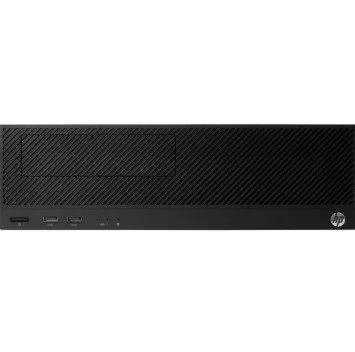
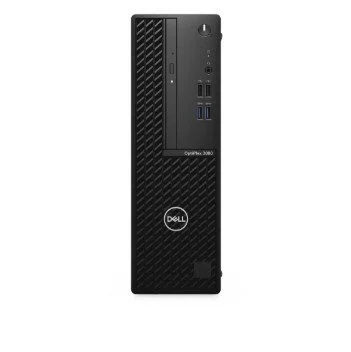
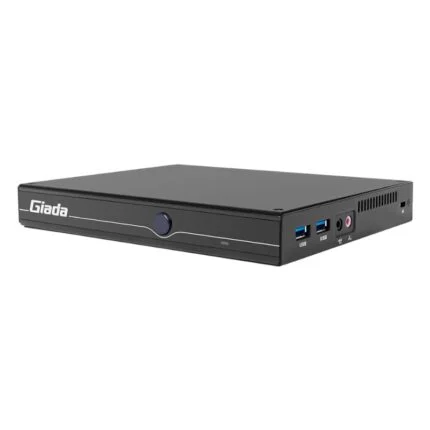
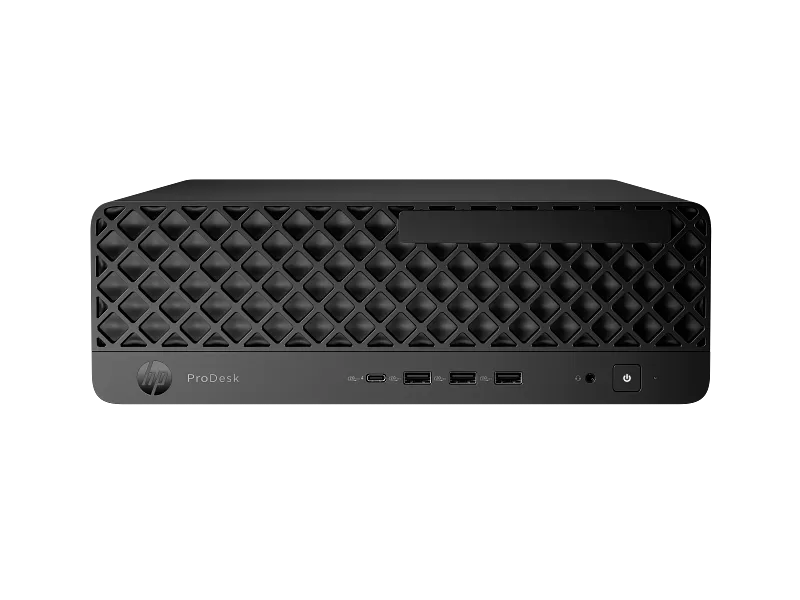
The black small-form-factor chassis brings the supplied Windows 11 Pro system, 16GB DDR5 memory and 512GB NVMe SSD into one desktop-sized enclosure. Keep it horizontal as pictured, or plan a supported vertical installation with ventilation and cable space.
Core Ultra platform
Compute, graphics and an NPU in one system.
The listed Core Ultra 5 225 combines ten CPU cores with integrated Intel Graphics and Intel AI Boost. Its dedicated NPU can be used by compatible applications; features, software licences and results depend on the application. The 4.9GHz turbo figure is an upper CPU frequency, not a sustained-speed guarantee.
Memory and storage
An upgrade path with clear boundaries.
Start with the listed 16GB DDR5-5600 memory and 512GB PCIe NVMe M.2 SSD. The SFF platform has two UDIMM slots and supports up to 64GB, with two M.2 2280 storage sockets. Confirm installed module population and occupied slots before buying upgrades. Extra hard-drive or optical-drive installation can require additional bay hardware; this configuration has no optical drive.
Desk connections
Fast-access USB where you reach for it.
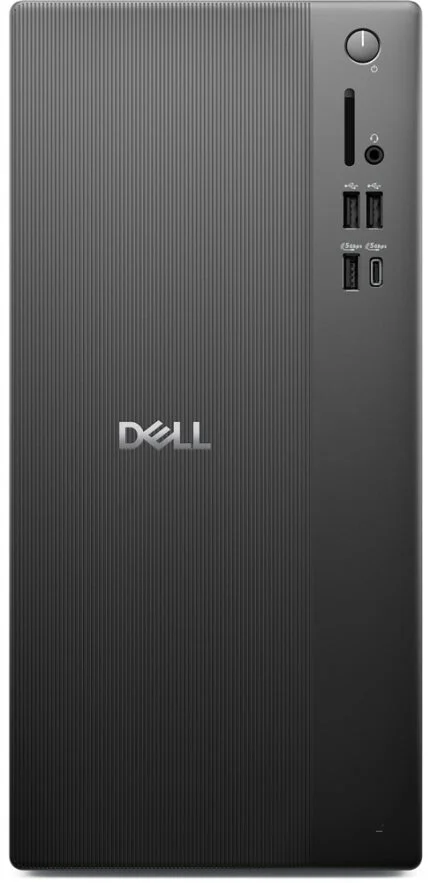
The front panel puts a 10Gbps USB-C port, three 10Gbps USB-A ports and a headset combo jack within reach. Standard rear connections add five USB-A ports, RJ-45, audio-out and AC input. USB signalling rates describe the interface; connected devices and workloads determine actual transfer speed.
Display planning
HDMI and DisplayPort, with the details that matter.
Connect suitable displays through the listed HDMI 2.1 and DisplayPort 2.1 outputs. The SFF on-board DisplayPort link is HBR3. Front USB-C is specified as a data connection; optional video-capable USB-C or Flex I/O modules should not be assumed included. HP’s higher family display counts require additional configured hardware.
Wireless workspace
Wi-Fi 6E alongside wired networking.
The native configuration lists an Intel AX211 2×2 card with Wi-Fi 6E and Bluetooth 5.3. Use it with compatible network equipment and peripherals, or use the RJ-45 connector for wired networking. Access to the 6GHz band depends on regional regulations, software and network support.
Power and ownership
Understand the system you are putting on the desk.
The listed internal 280W supply includes active power-factor correction and an efficiency rating up to 92%; it does not draw 280W continuously. The catalogue includes three-year onsite support. Confirm the supplied unit’s regional entitlement and service terms, and use HP’s SFF-specific support resources for Windows, firmware and maintenance guidance.
Reviews
There are no reviews yet.