
HP 4303dw setup and user guide (PDF)
HP’s guide lists 4303dw (5HH65A) and covers setup, paper handling, operation and maintenance. Select the 4303dw variant when reading shared instructions.
Open official support (opens in a new tab)Checking which support options are available…
Who would you like help from?
Enter your name to begin your live chat with an online consultant.
What can we help you with?
Your details are used only to respond. MatzoBot requests are securely passed to the MatzoTech team.
Your request has been emailed to MatzoTech. A consultant will reply using the email address or mobile number you supplied.

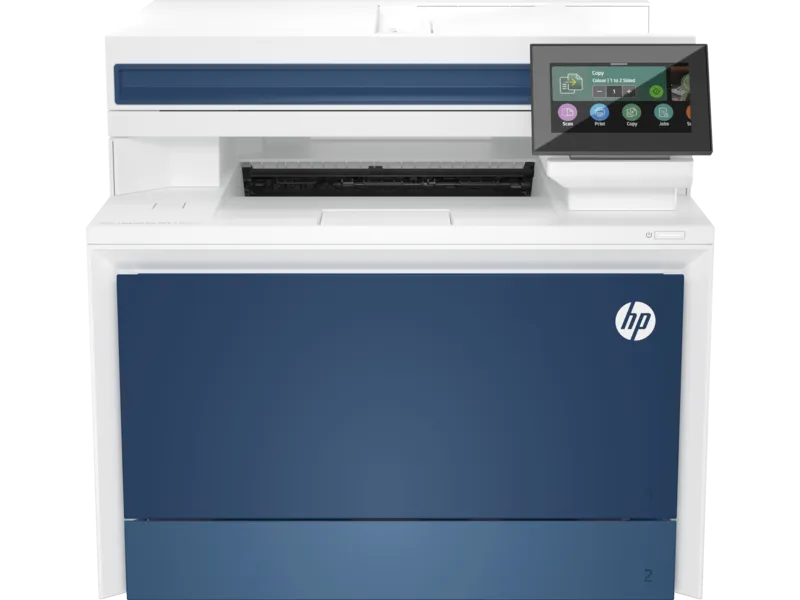
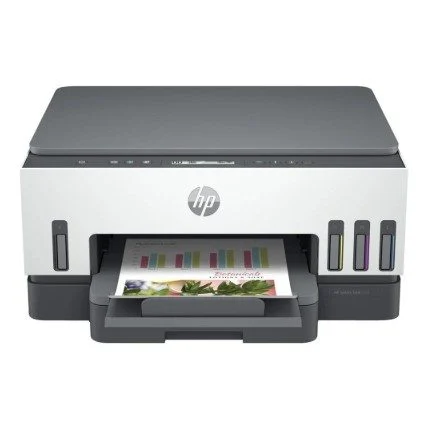
HP 4303dw colour laser MFP with 33 ppm A4 printing, automatic two-sided print, flatbed scanning and a 50-sheet document feeder.
R10,689.00
In Stock with Supplier 2 — 10 avail
Clear fulfilment, warranty and payment details.
Official manufacturer overview
HP Support · HP’s setup guide for the 4301–4303 MFP family, including the 4303dw. Tray, fax and connection options depend on the exact model.
Play to load this video from YouTube.
HP Color LaserJet Pro | 4303dw
The HP Color LaserJet Pro MFP 4303dw brings A4 colour printing, copying and scanning together. Automatic two-sided printing handles longer documents, while the flatbed and 50-sheet feeder let you switch between a single original and a stack.
One desk, three jobs
Print proposals and reports in colour, make copies at the device, and bring paper originals into a digital workflow. The 4.3-inch touchscreen brings those jobs together. When printing on both sides, the printer flips the paper automatically.
Originals
The 50-sheet document feeder scans one side per pass. Use it for loose pages up to 216 × 356 mm. Lift the lid for a bound, delicate or irregular original up to 216 × 297 mm. Choose PDF, JPEG or TIFF to suit the next step.
Paper handling
Leave A4 paper in the 250-sheet tray and use the 50-sheet multipurpose tray for items such as envelopes or labels. Add the separately available 550-sheet input tray if you want to reload less often. Standard print output capacity is 150 sheets.
Network and walk-up printing
Connect the printer by Gigabit Ethernet or dual-band Wi-Fi, or connect one computer by USB. Wi-Fi Direct and walk-up USB support direct jobs. HP also documents AirPrint and Mopria for compatible mobile print workflows.
Toner
The starter set has one black cartridge and three introductory colour cartridges. HP 230A and higher-yield 230X supplies give you two refill sizes. The listed page yields use continuous ISO testing and will vary with what you print.
| Manufacturer model | HP Color LaserJet Pro MFP 4303dw (5HH65A) |
|---|---|
| UPC | 195161204975 |
| Functions | Colour and monochrome laser printing, copying and scanning |
| A4 print speed | Up to 33 ppm black or colour, ISO; up to 29 images/min two-sided |
| First A4 page from Ready | As fast as 9.5 seconds black or 10.5 seconds colour |
| Print resolution | Up to 600 × 600 dpi black and colour; HP ImageREt 2400 |
| Print volume | Recommended 750–4,000 pages/month; up to 50,000 A4 pages/month maximum duty cycle |
| Print trays | 50-sheet multipurpose tray + 250-sheet input tray; optional 550-sheet tray |
|---|---|
| Print output | Up to 150 sheets |
| Automatic two-sided print | Yes |
| Media types | Laser-compatible plain, bond, brochure, letterhead, glossy or recycled paper, postcards, labels and envelopes |
| Custom print sizes | Tray 1: 76.2 × 127 to 216 × 356 mm; Tray 2: 98 × 148 to 216 × 356 mm; duplex: 148 × 148 to 216 × 356 mm |
| Media weight | 60–163 g/m²; HP lists supported specialty media up to 176 g/m² for postcards and 200 g/m² for HP Color Laser glossy photo paper |
| Automatic document feeder | 50 uncurled sheets, single-sided; 105 × 148 to 216 × 356 mm |
| Flatbed scan area | Up to 216 × 297 mm |
| Scanning | Up to 1200 dpi optical; A4 up to 29 ppm black or 26 ppm colour; PDF, JPEG and TIFF |
| Copying | Up to 33 A4 copies/min black or colour, up to 600 × 600 dpi; 25–400% sizing |
| Fax | No fax function on 4303dw |
| Wired | Gigabit Ethernet; Hi-Speed USB 2.0 device and host connections |
|---|---|
| Wireless | Dual-band Wi-Fi 5 (802.11ac) and Wi-Fi Direct |
| Mobile printing | Apple AirPrint, Mopria, and compatible HP app workflows |
| HP-listed platforms | Windows 10 and 11, selected macOS and Windows Server releases, Linux, ChromeOS, Android and iOS. Available features and software depend on the platform and version. |
| Included toner | Preinstalled black (~2,000 pages) and introductory cyan, magenta and yellow (~1,000 pages each) |
|---|---|
| Original HP 230A | W2300A black (~2,000 pages); W2301A cyan, W2303A magenta, W2302A yellow (~1,800 pages each) |
| Original HP 230X | W2300X black (~7,500 pages); W2301X cyan, W2303X magenta, W2302X yellow (~5,500 pages each) |
| Toner yield basis | Declared under ISO/IEC 19798 with continuous printing. Actual output varies with page content and printing conditions. |
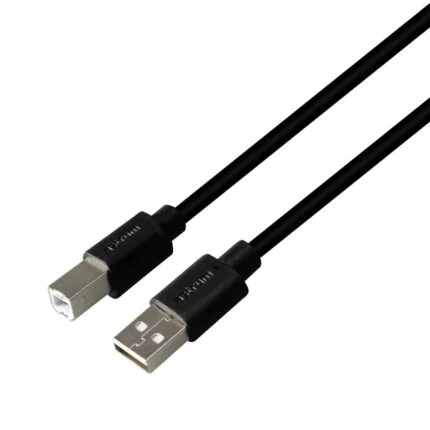
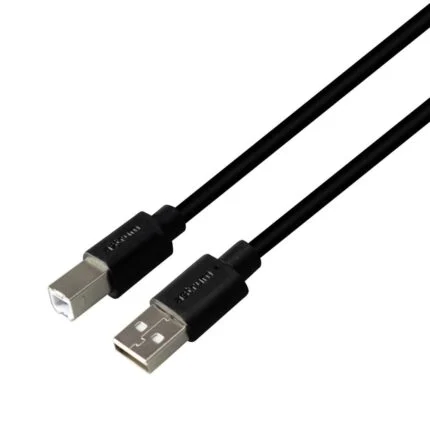
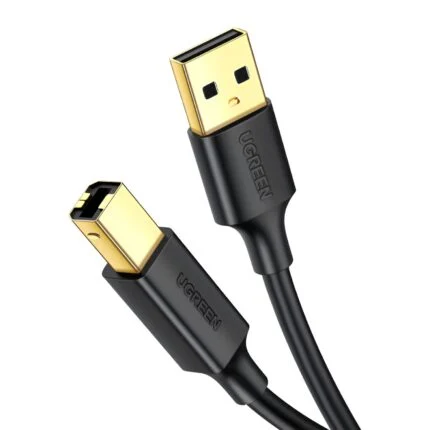
| Other listed box items | Setup and reference material, power cable, USB cable, and warranty card where required |
| Dimensions and weight | 421 × 435 × 384 mm (W × D × H), about 20.4 kg |
|---|---|
| Maximum space with optional tray | 421 × 686 × 761 mm (W × D × H) |
| Mains input | 220–240 V AC, 50/60 Hz |
| Manufacturer power figures | 585 W printing, 18 W ready, 0.8 W sleep, measured by HP at 115 V under its stated test method |
| Operating environment | 10–32.5 °C and 10–80% non-condensing relative humidity |
| Manufacturer warranty | HP South Africa lists one year of onsite repair. Service terms can vary with country and legal requirements. |
Allow room to open the scanner and trays. For a stack of two-sided originals, plan to turn the pages between scans. HP uses dynamic security, so check chip compatibility before choosing replacement cartridges.
Use official support resources for this product. Each link opens in a new tab.
HP’s guide lists 4303dw (5HH65A) and covers setup, paper handling, operation and maintenance. Select the 4303dw variant when reading shared instructions.
Open official support (opens in a new tab)Help other shoppers by sharing an honest review.
Write a reviewYou are offline. Reconnect to check prices and shop.
Reviews
There are no reviews yet.