GIZZU · USB-C to HDMI
Keep the display. Match the connection.
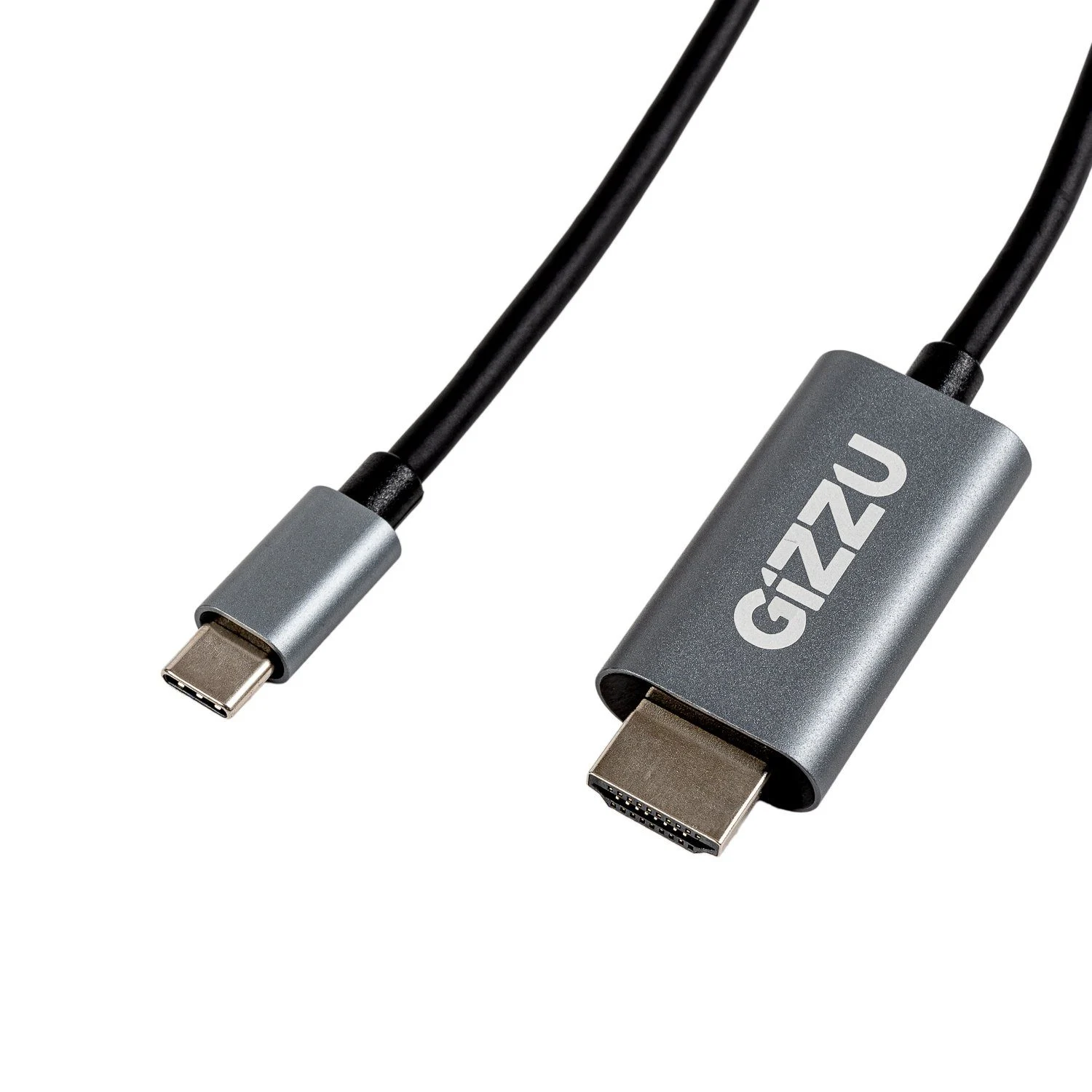
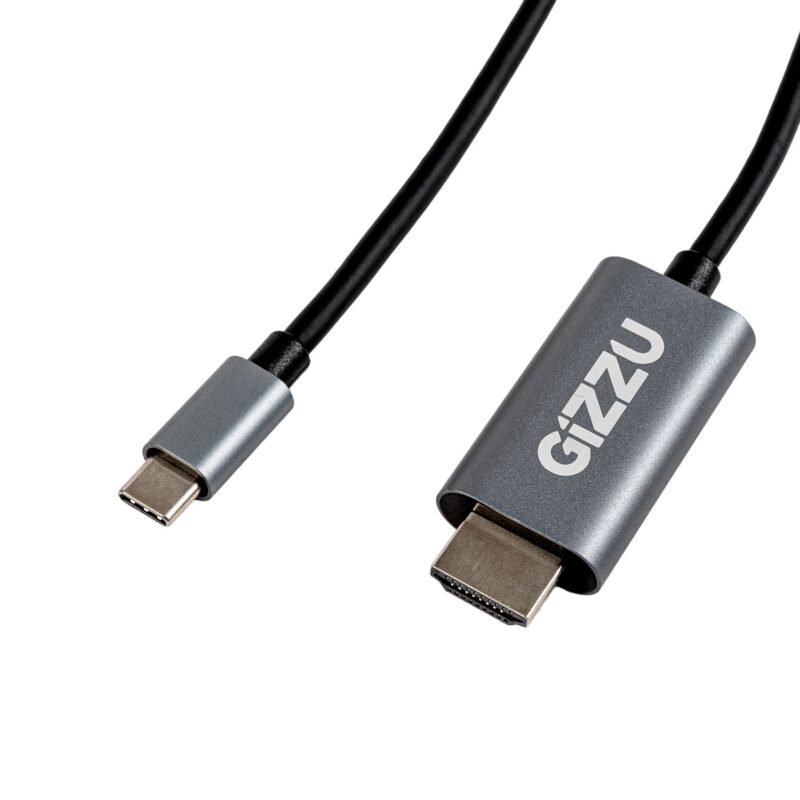
Connect a compatible USB-C video source to an HDMI display with the 2m GIZZU GCPCH2 cable. The manufacturer specifies one-way audio and video transmission and up to 4K at 60 Hz support. Check the source port’s video capability before choosing this cable.

Choose by the output
The source comes first
Connect the Type-C male end to a compatible video-output port and the HDMI male end to the display input. A USB-C connector by itself does not establish video support. Check the computer, tablet or phone manufacturer’s documentation for external-display capability and cable compatibility.
A practical display route
Set a mode both devices can use
The published maximum is 4K at 60 Hz. Source capability, the display’s supported timing and the operating-system configuration determine the mode available in practice. The checked model reference does not establish HDR, HDMI version, colour depth, chroma format or every USB-C video protocol.
A useful desk length
Reach the display without a separate adapter
The black 2m cable has aluminium connector housing and carries audio and video in the stated direction. Audio still needs compatible source and display support, plus the correct output selection. A separate charging or USB data connection is not listed.
Before ordering
Check the details that matter
Confirm that the source device supports video output through its USB-C port and explicitly supports the intended cable and display combination. A charging or USB data port alone is insufficient. The exact conversion protocol and supported host list are not specified in the checked model reference.
Requires a compatible USB-C video-output source and HDMI input; connector shape alone is insufficient. Published display modes depend on the complete setup. The 65 g technical weight and 70 g additional-info weight need supplied-unit/package scope confirmation.

Reviews
There are no reviews yet.