
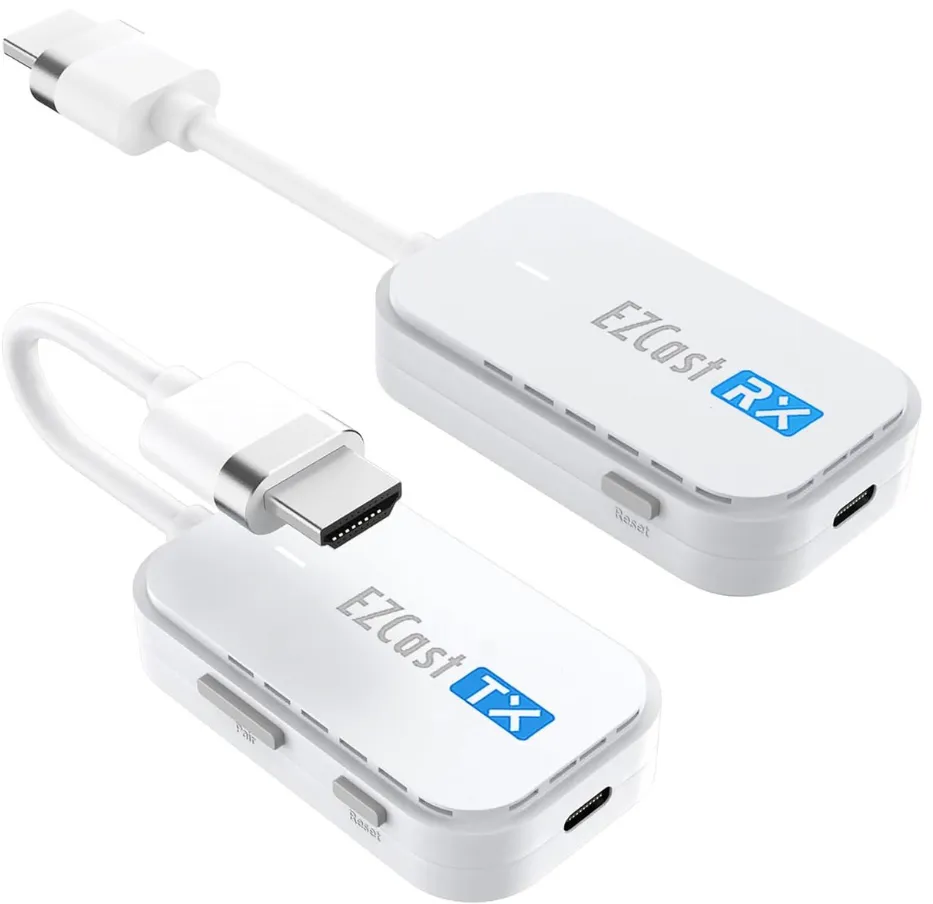
EZCast Pocket Wireless Type C Transmitter and HDMI Receiver
EZCast Pocket kit with a USB-C DisplayPort Alt Mode transmitter and HDMI receiver for a direct 5 GHz wireless display link up to 1080p.
R2,309.00
Supplier has stock — 1 avail
Key product details
Full specifications below- Mpn: EZCAST-POCKET-TC
Delivery & support
Clear fulfilment, warranty and payment details.
- Availability Supplier has stock — 1 avail Supplier has stock — 1 avail
- Delivery Nationwide courier delivery or collection from Strand, Cape Town. Courier nationwide or Strand collection
- Dispatch Backorder — usually dispatched in 2–3 working days after payment verification, subject to supplier confirmation. Backorder — usually dispatched in 2–3 working days after payment verification, subject to supplier confirmation.
- Warranty Manufacturer warranty applies where stated on the product page. As stated on this page
- Returns See our Returns Policy for eligible change-of-mind and faulty goods procedures. See Returns Policy
- Secure payment PayFast checkout with card, Instant EFT, and Mobicred. PayFast · card · EFT · Mobicred
Official manufacturer overview
EZCast Pocket wireless display family overview
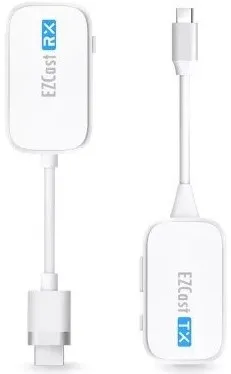
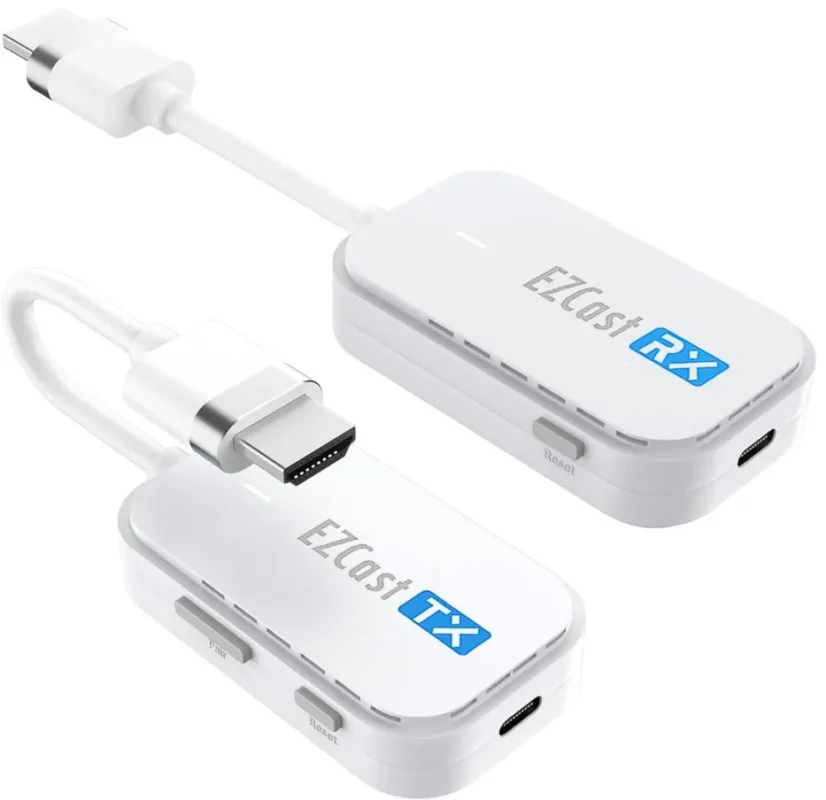
EZCast · EZCast shows both transmitter versions of the Pocket family. This kit uses the USB-C DisplayPort Alt Mode transmitter with an HDMI receiver.
Play to load this video from YouTube.
EZCAST · POCKET USB-C
Send your screen to an HDMI display
Connect the USB-C transmitter to a device with DisplayPort video output and use the receiver at the HDMI screen. The paired units make their own wireless link for a presentation, a mirrored screen or an extended desktop.
SOURCE
Check that the USB-C port carries video
The transmitter needs DisplayPort Alt Mode from the source’s USB-C port. Check that capability on the computer, phone or tablet before ordering.
DISPLAY
Connect the receiver at the screen
Plug the receiver into an HDMI input on the TV, monitor or projector and connect the receiver’s USB power lead. Choose the matching HDMI input on the display.
WORKSPACE
Mirror or extend on a compatible device
Use mirror mode to show your existing screen on the display. On a compatible host that supports an extended desktop, use the screen for a separate workspace. The kit’s direct connection does not need a router or an app for basic mirroring.
Specifications
Kit
| Local product code | EZCAST-POCKET-TC |
|---|---|
| Source connection | USB-C with DisplayPort Alt Mode |
| Display connection | HDMI receiver with separate USB power |
| Video output | Up to 1080p Full HD |
| Wireless link | 5 GHz |
| Display modes | Mirror or extend on compatible hosts |
| Host examples | Windows, macOS, Android and iOS devices with supported USB-C video output |
Check that your source supports DisplayPort Alt Mode and your display has an HDMI input. Availability of extended display modes depends on the host.
Reviews
There are no reviews yet.