
Epson SC-F100 drivers, software and manuals
Open the exact Epson SC-F100 support page and select your Windows or macOS version before downloading.
Open official support (opens in a new tab)Checking which support options are available…
Who would you like help from?
Enter your name to begin your live chat with an online consultant.
What can we help you with?
Your details are used only to respond. MatzoBot requests are securely passed to the MatzoTech team.
Your request has been emailed to MatzoTech. A consultant will reply using the email address or mobile number you supplied.

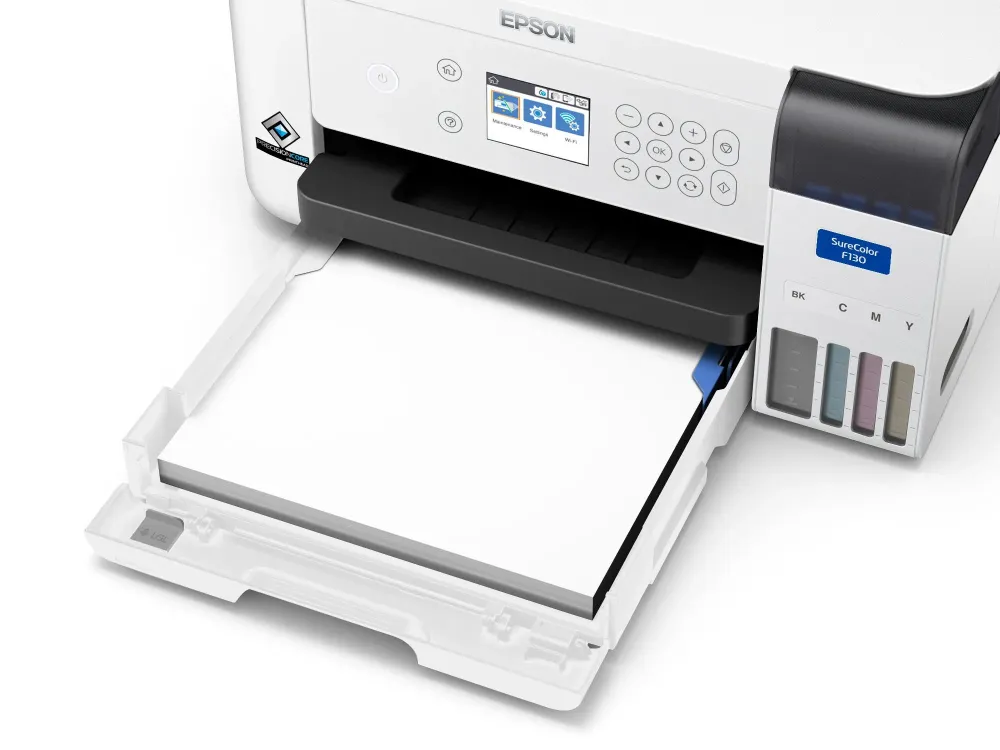
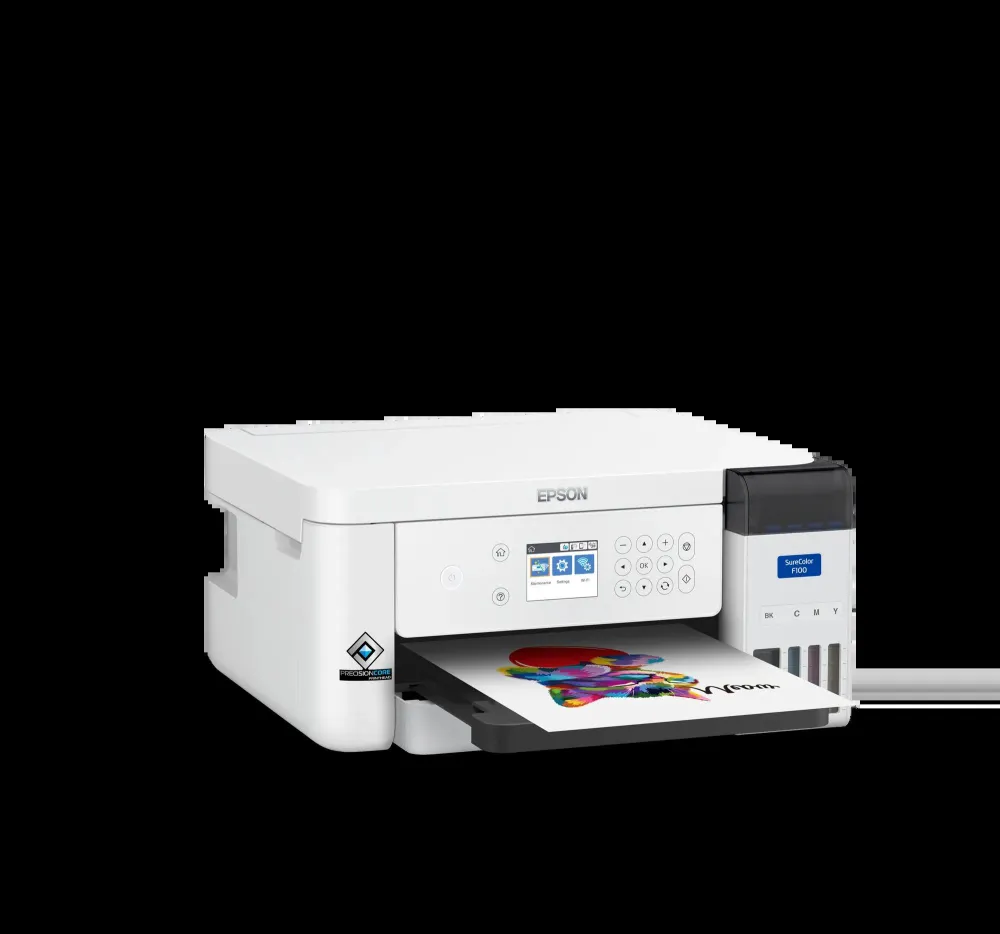
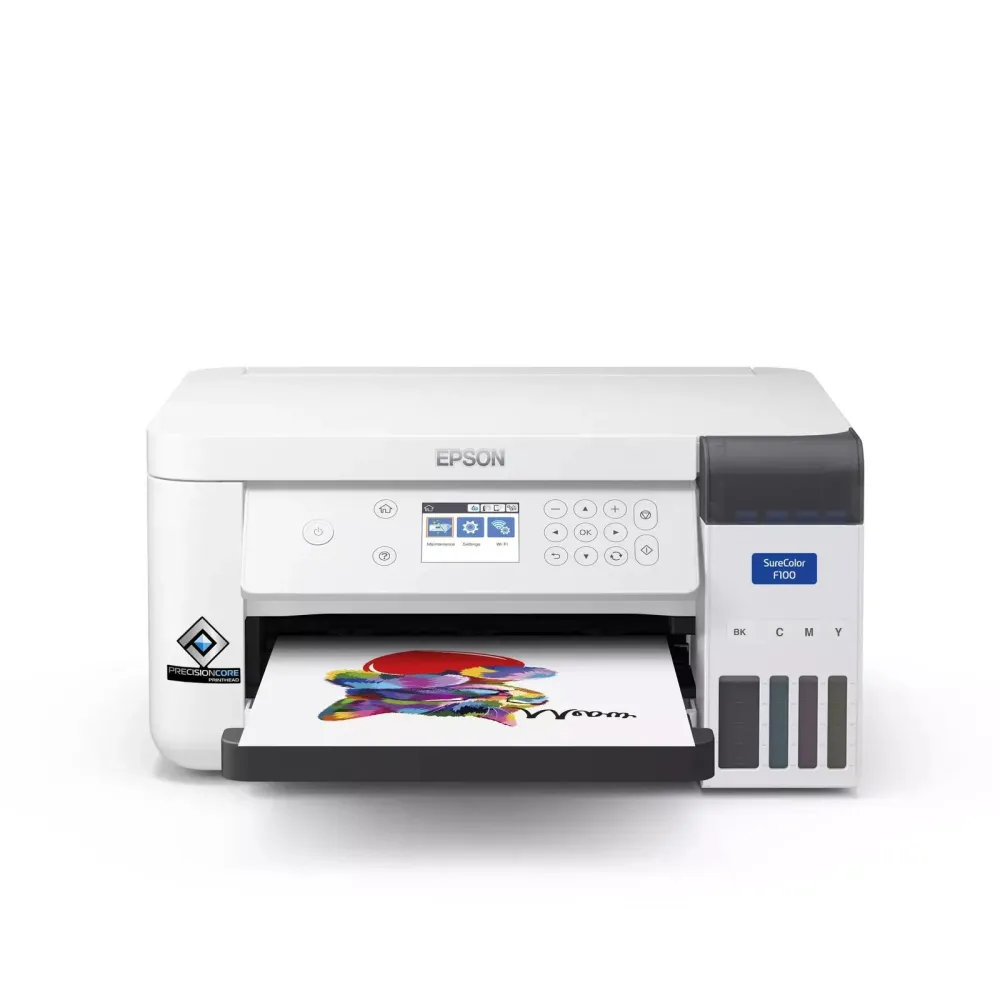
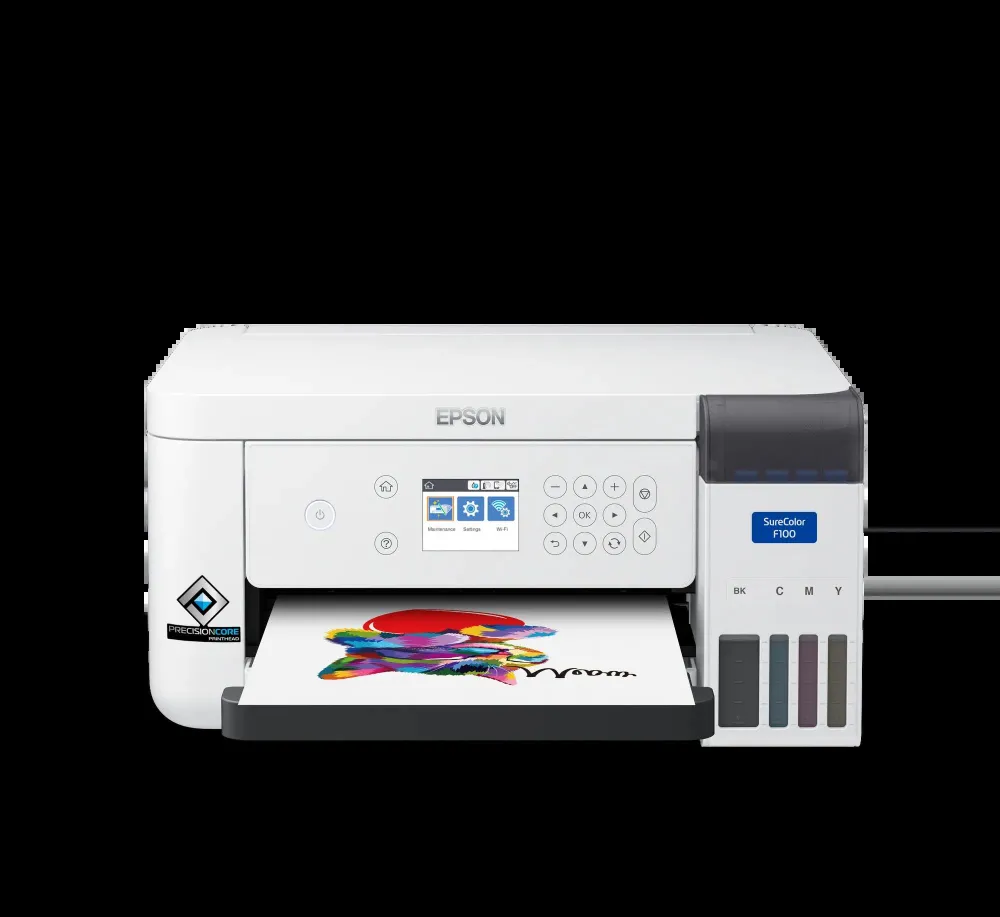
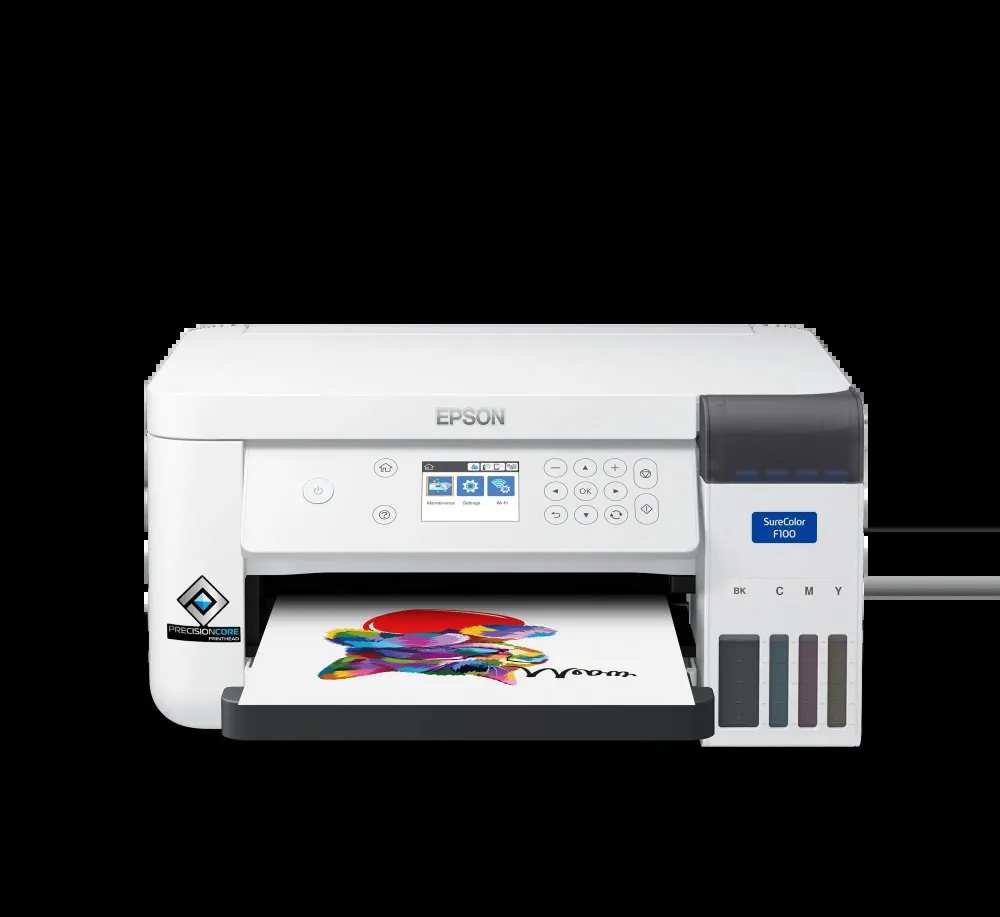
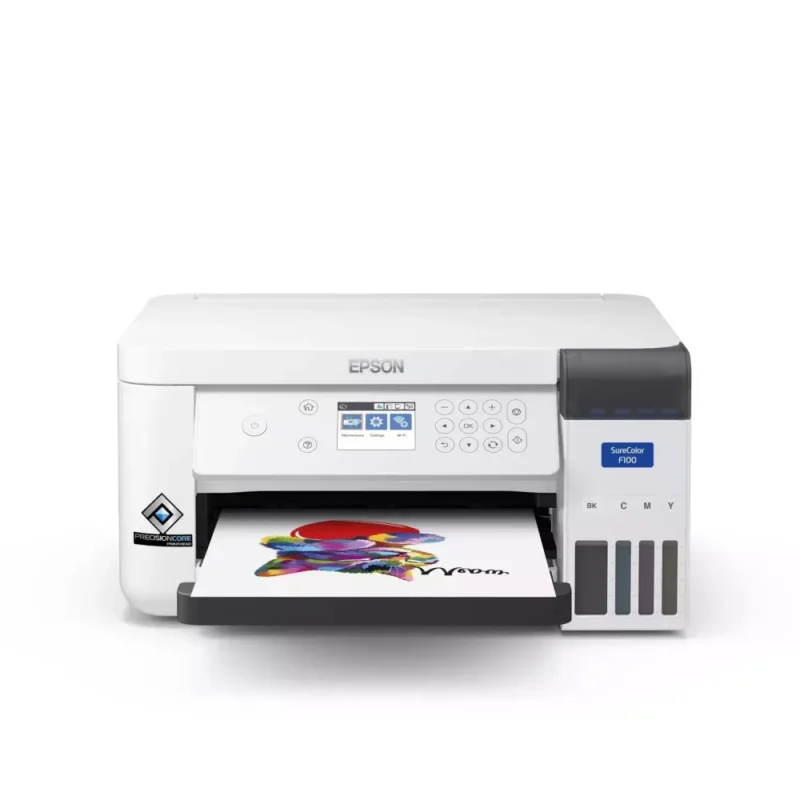
Epson SureColor SC-F100 desktop A4 dye sublimation printer with a front cassette, refillable CMYK ink tanks and USB, Ethernet or Wi-Fi.
R9,369.00
Supplier has stock — 3 avail
Clear fulfilment, warranty and payment details.
Official manufacturer overview
Epson Europe · Epson Europe shows how to load transfer paper into the front cassette of the SC-F100. The South African specifications identify this listing’s ink, media and warranty.
Play to load this video from YouTube.
Epson SureColor SC-F100 | A4 dye sublimation
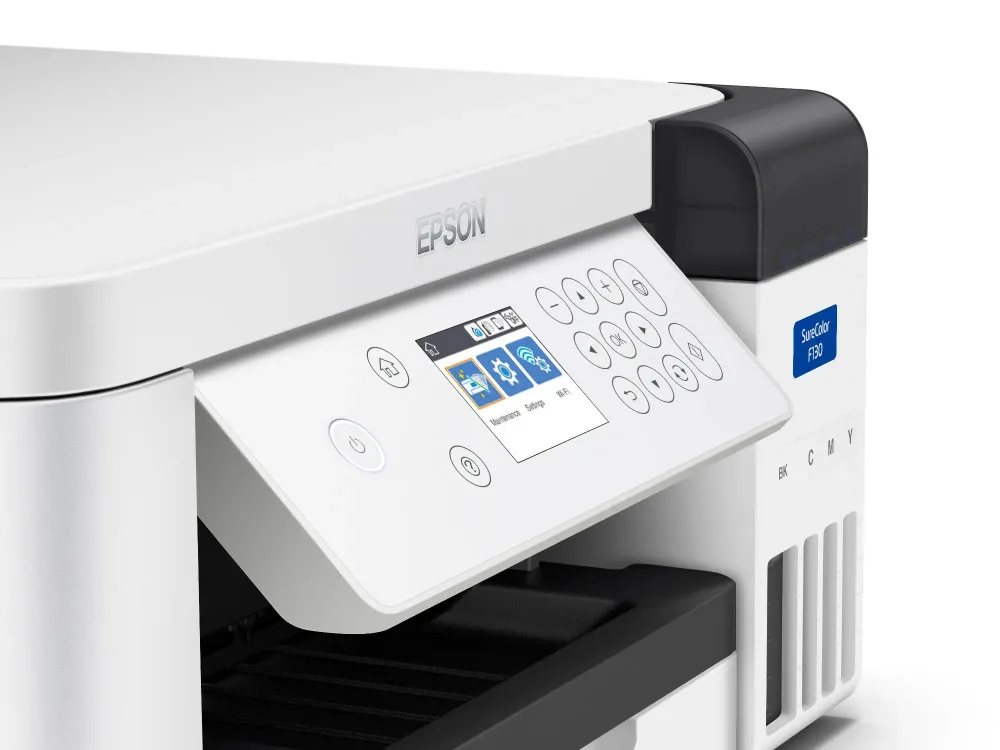
Print designs on A4 sublimation transfer paper with the Epson SureColor SC-F100. The compact printer puts the paper cassette and controls at the front, and its refillable four-colour tanks suit repeat runs of gifts, promotional pieces and compatible polyester textiles.
Transfer workflow
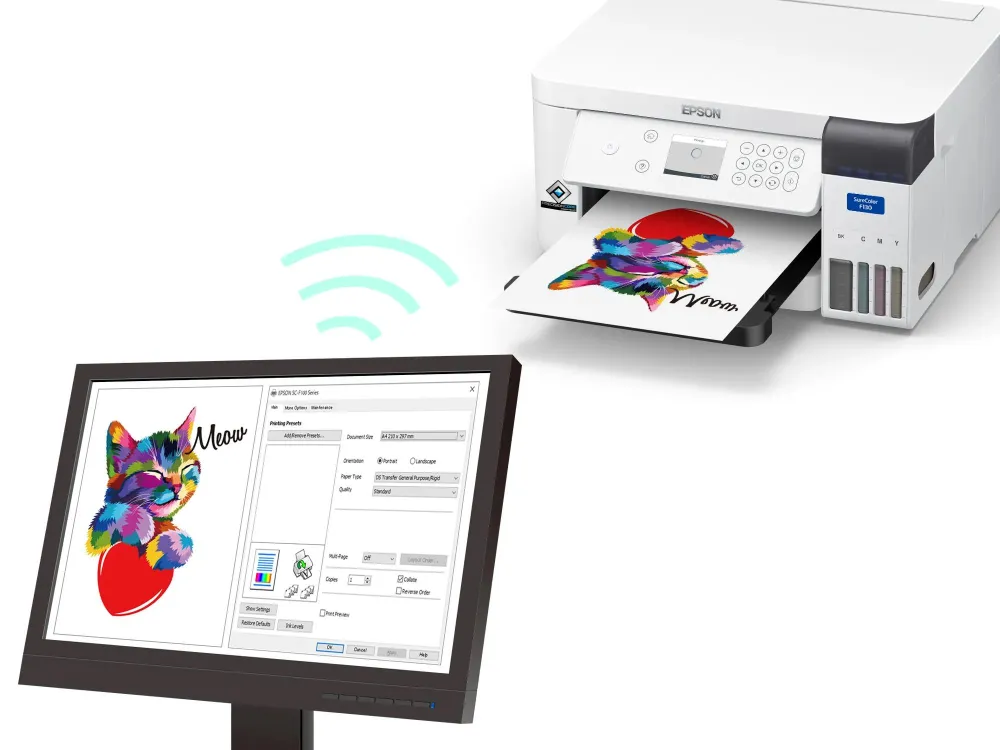
Build the design on your computer and print it onto transfer paper. A separate heat press applies it to a sublimation-compatible blank, such as coated drinkware or a suitable polyester textile. Use the blank maker’s time, temperature and pressure settings.
Paper handling
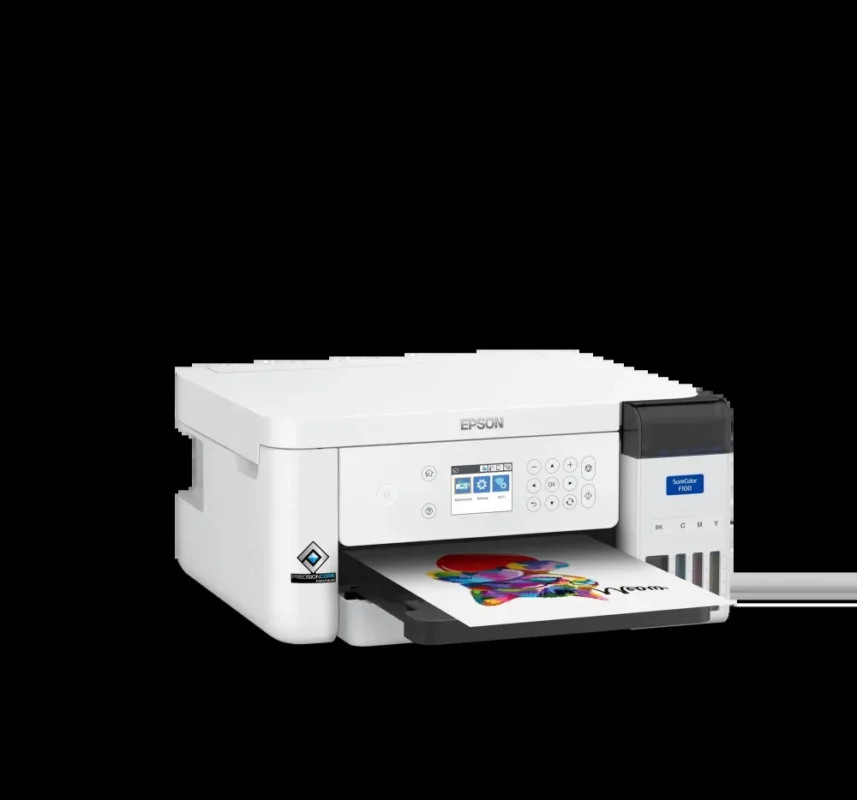
The cassette takes up to 150 sheets of Epson DS Transfer General Purpose A4 paper. The front panel provides access to printer settings and status so you can reload or check a job without moving the unit.
Ink and maintenance
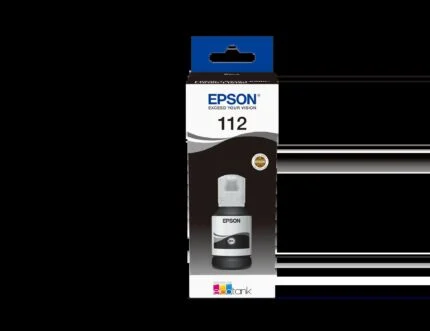
Separate tanks take black, cyan, magenta and yellow Epson sublimation ink. Each replacement bottle holds 140 mL. Ink usage varies with design coverage, initial ink charging and maintenance, so bottle volume does not translate into a fixed page yield.
Workstation setup
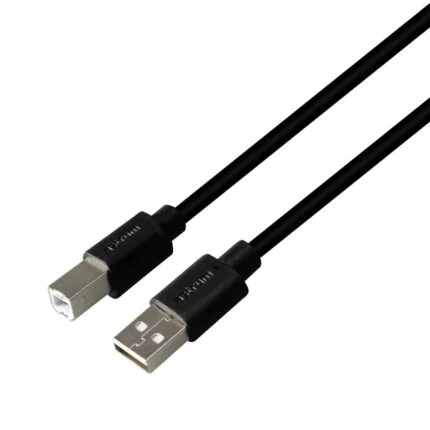
Connect a single workstation by USB 2.0, or use Ethernet, Wi-Fi or Wi-Fi Direct. Choose the Epson driver and settings for your current operating system and transfer workflow.
| Model | SureColor SC-F100 |
|---|---|
| South African product code | C11CJ80302 |
| Printing functions | Colour dye sublimation transfer printing |
| Printhead | PrecisionCore Micro TFP |
| Ink colours | Black, cyan, magenta and yellow |
| Print resolution | 600 × 1,200 dpi |
| Transfer sheet format | A4, 210 × 297 mm |
|---|---|
| Control panel | Tilting 2.4-inch colour display |
| Paper feed | Front cassette, up to 150 sheets of Epson DS Transfer General Purpose A4 paper |
| Epson A4 transfer paper reference | C13S400078 |
| Document handling | Print only. No scanner, copier, automatic document feeder or automatic duplex transfer printing. |
| Black ink | C13T49N100, 140 mL |
|---|---|
| Cyan ink | C13T49N200, 140 mL |
| Magenta ink | C13T49N300, 140 mL |
| Yellow ink | C13T49N400, 140 mL |
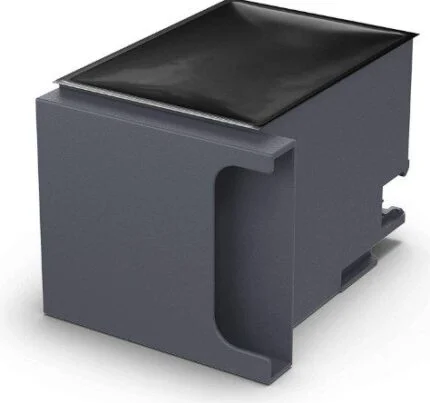
| Maintenance box | C13S210125 (S210125) |
| Yield | Epson’s South African datasheet does not state a page yield. Ink use depends on the image, initial filling and maintenance. |
| Epson South African box list | Printer with ink set, power cable, user guide and warranty document |
| Interfaces | USB 2.0, Ethernet, Wi-Fi and Wi-Fi Direct |
|---|---|
| Drivers | Epson provides model-specific Windows and macOS support. Select the exact operating system and version before downloading. |
| Dimensions (W × D × H) | 375 × 347 × 187 mm |
|---|---|
| Weight | Approx. 4.6 kg |
| Supply | AC 100–240 V. Check the printer’s rating label. |
| Power over USB test connection | Approx. 13 W printing (ISO/IEC 24712), 4.1 W ready, 0.7 W sleep and 0.2 W off |
| Regional manufacturer warranty | Epson South Africa lists carry-in service and specifies 12 months or 6,000 sheets, whichever comes first. Confirm eligibility for the supplied unit. |
Plan for compatible sublimation blanks, transfer paper and a separate heat press. Allow room in front for the paper cassette and output tray.
Use official support resources for this product. Each link opens in a new tab.
Open the exact Epson SC-F100 support page and select your Windows or macOS version before downloading.
Open official support (opens in a new tab)Help other shoppers by sharing an honest review.
Write a reviewYou are offline. Reconnect to check prices and shop.
Reviews
There are no reviews yet.