

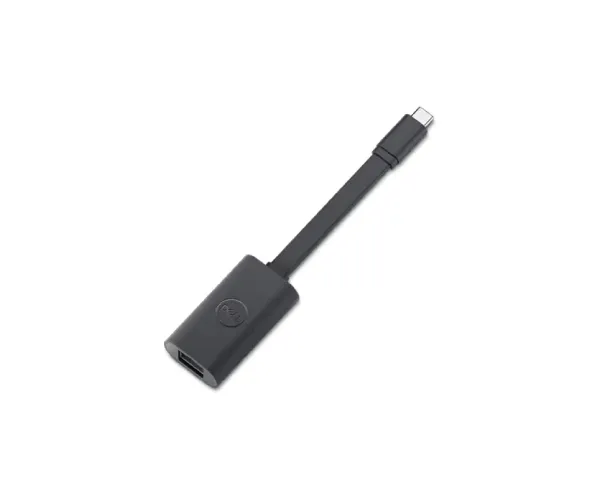
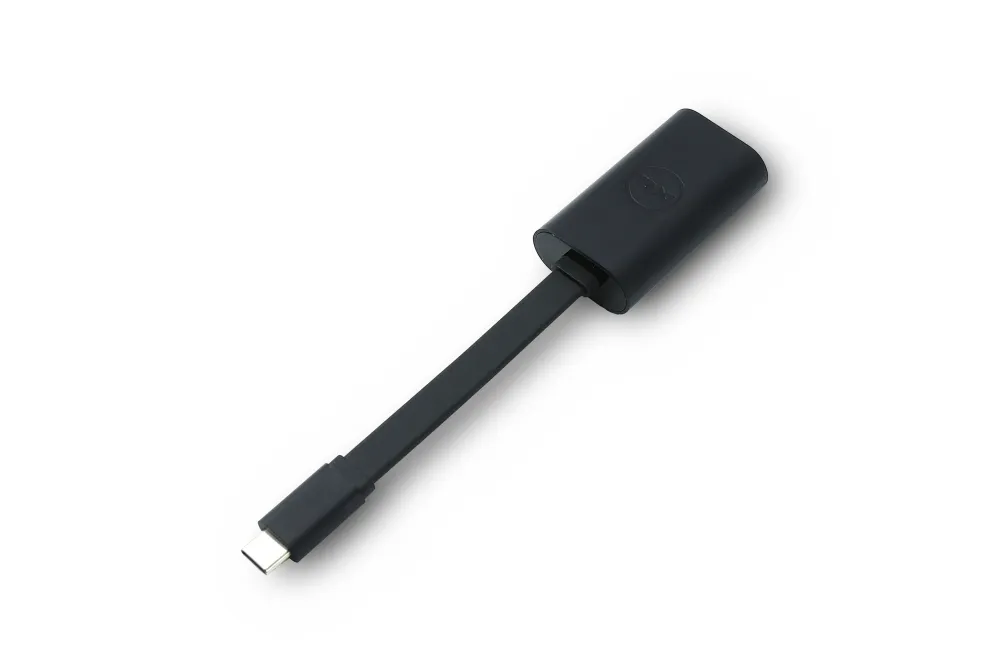
Dell Adapter USB-C to 2.5G Ethernet
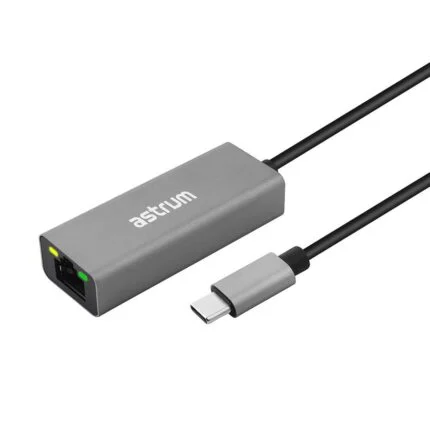
Dell 470-BCFV USB-C to RJ45 Ethernet adapter for wired networks at 10, 100, 1000 or 2500 Mb/s, with laptop-dependent PXE, Wake-on-LAN and MAC pass-through.
R579.00
Supplier has stock — 10 avail
Key product details
Full specifications below- Mpn: 470-BCFV
- Brand: Dell
Delivery & support
Clear fulfilment, warranty and payment details.
- Availability Supplier has stock — 10 avail Supplier has stock — 10 avail
- Delivery Nationwide courier delivery or collection from Strand, Cape Town. Courier nationwide or Strand collection
- Dispatch Backorder — usually dispatched in 2–3 working days after payment verification, subject to supplier confirmation. Backorder — usually dispatched in 2–3 working days after payment verification, subject to supplier confirmation.
- Warranty Manufacturer warranty applies where stated on the product page. As stated on this page
- Returns See our Returns Policy for eligible change-of-mind and faulty goods procedures. See Returns Policy
- Secure payment PayFast checkout with card, Instant EFT, and Mobicred. PayFast · card · EFT · Mobicred
DELL USB-C ETHERNET
A wired network port for your USB-C laptop
The Dell 470-BCFV adapter adds one RJ45 Ethernet connection through a USB-C port. It supports 10, 100 and 1000 Mb/s plus 2.5 Gb/s, so the same adapter can connect to older network ports and to compatible 2.5 Gigabit equipment.
NETWORK LINK
Use the gear already in the room
Connect an Ethernet cable between the adapter and the network port. The negotiated link speed depends on the host and network infrastructure. A 2.5 Gb/s link needs compatible equipment at the other end.
IT SUPPORT
Check laptop support for managed network features
Dell lists UEFI PXE boot, Wake-on-LAN in S3 or S0 and MAC address pass-through on laptops that support the respective feature. Check the target model and its firmware setup before deploying.
CONNECTORS
Know which ports you need
The built-in USB-C male plug connects to the computer. The RJ45 socket takes a standard Ethernet cable. At about 153 mm overall, the adapter is easy to keep with a laptop.
Specifications
Identity and fit
| Dell part | 470-BCFV |
|---|---|
| Manufacturer part | GX3Y3 |
| Model documentation | SA224 |
| Colour | Black |
| Dimensions (W × D × H) | 152.65 × 29 × 14 mm |
Interfaces and networking
| Host connector | USB-C male with USB 3.0 support |
|---|---|
| Power | Bus powered from USB-C |
| Verified OS | Windows 10 and 11 (64-bit). Dell documents plug-and-play without driver installation. |
| Link indicators | Green and amber LEDs |
| Network protocols | IPv4 and IPv6 |
| Jumbo frame support | Up to 16 KB |
| Network connector | RJ45 female |
| Link speeds | 10, 100, 1000 and 2500 Mb/s |
| Ethernet standard | 2.5GBASE-T with support for lower link rates |
| Host-dependent features | UEFI PXE boot, Wake-on-LAN (S3/S0) and MAC address pass-through |
| Maximum link requirement | 2.5 Gb/s requires compatible network infrastructure |

Reviews
There are no reviews yet.