
Canon online manual — includes PIXMA G3410
G3010-series manual explicitly includes G3410; printing, ink handling, safety and setup guidance.
Open official support (opens in a new tab)Checking which support options are available…
Who would you like help from?
Enter your name to begin your live chat with an online consultant.
What can we help you with?
Your details are used only to respond. MatzoBot requests are securely passed to the MatzoTech team.
Your request has been emailed to MatzoTech. A consultant will reply using the email address or mobile number you supplied.

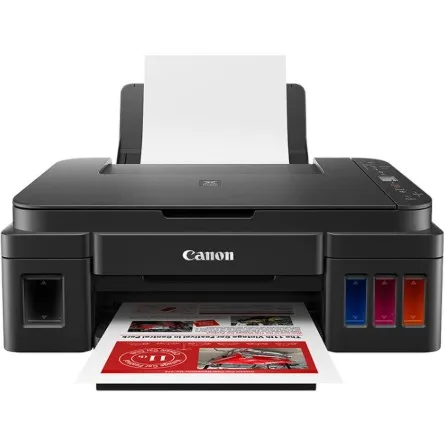
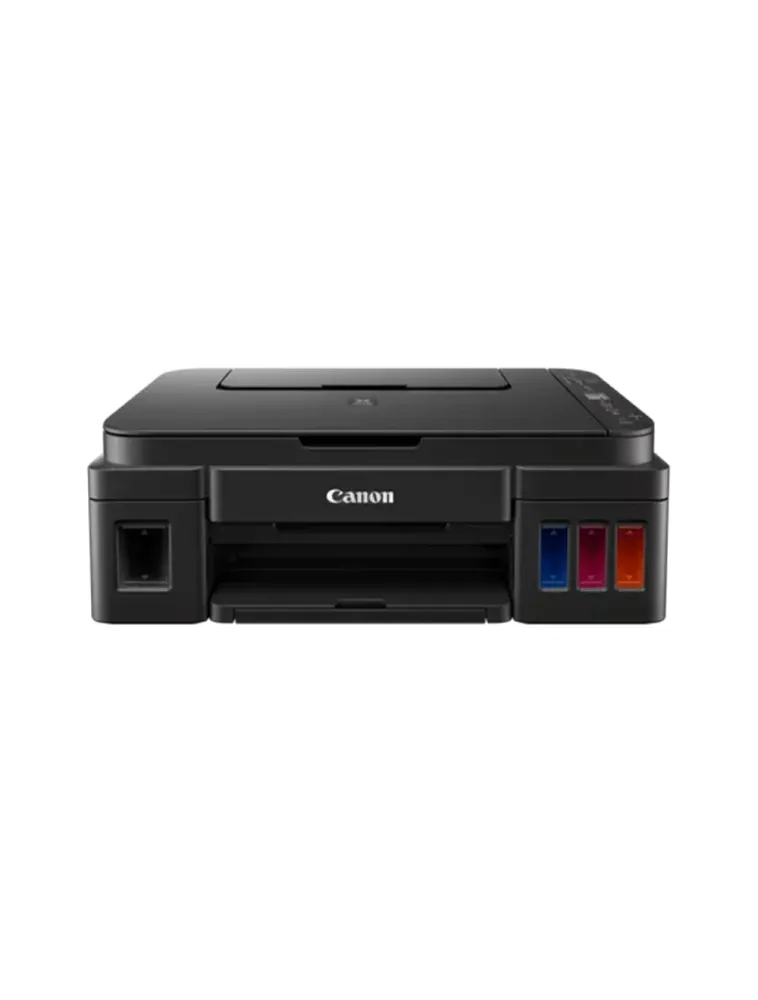
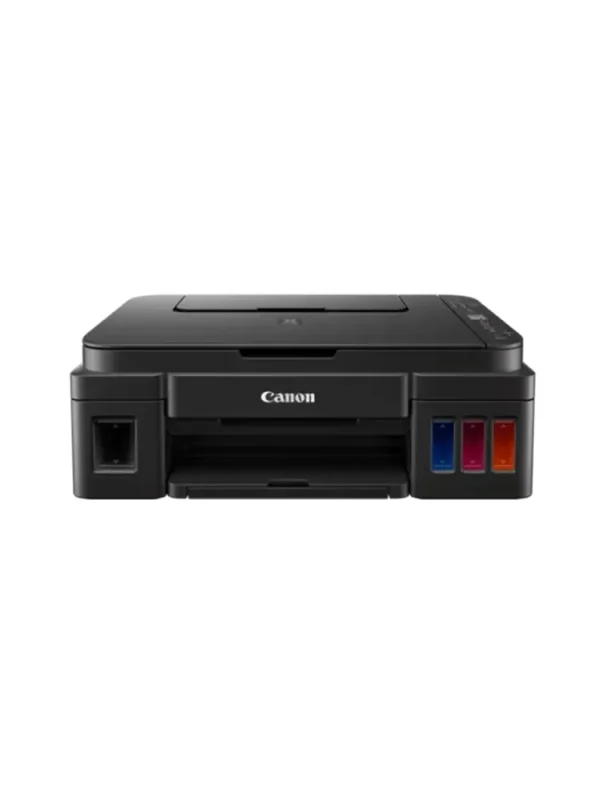
Canon PIXMA G3410 refillable-tank A4 printer with print, copy and flatbed scan, Wi-Fi, USB, borderless printing and a 100-sheet rear tray. Uses GI-490 ink.
R2,899.00
In Stock with Supplier 2 — 5 avail
Clear fulfilment, warranty and payment details.
Canon • PIXMA G3410 • Refillable ink
Print, copy and scan from one compact refillable-tank printer. The PIXMA G3410 combines A4 document printing with borderless photo options, a flatbed scanner and a 100-sheet rear tray. Connect a Windows computer by USB or use its built-in Wi-Fi for supported wireless workflows.
Refillable ink
Integrated ink tanks use GI-490 PGBK, cyan, magenta and yellow bottles. The supplier lists one bottle of each colour in this offer. Canon estimates replacement yields of 6,000 black pages or 7,000 colour pages per colour set after initial setup; these are test results, not a guarantee for the supplied first fill.
Print and photograph
The G3410 prints at up to 4,800 × 1,200 dpi, with approximately 8.8 ipm mono and 5.0 ipm colour A4 document speeds under ISO/IEC 24734 testing. Borderless sizes include A4 and 10 × 15 cm. Paper choice, settings and document complexity affect results and speed.
Scan and copy
Place documents or photographs on the CIS flatbed for optical scans up to 600 × 1,200 dpi, with an original area up to 216 × 297 mm. Copy plain-paper documents, select fit-to-page and make up to 20 copies. Originals are placed on the glass individually; this is not an ADF document feeder.
Paper handling
The rear tray holds up to 100 sheets of plain paper and supports documents, selected photo papers and envelopes. Two-sided printing uses the Windows driver’s manual duplex option: print one side, reload the paper as instructed, then print the other. It requires plain paper and compatible layout settings; it is not automatic duplex.
Connections
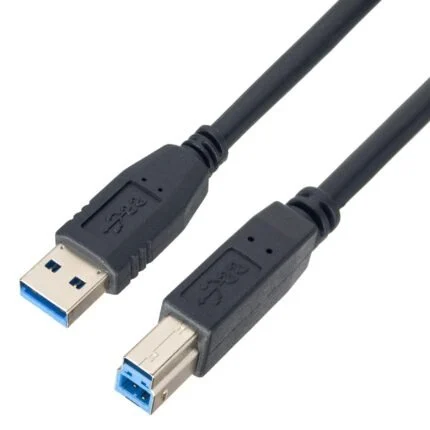
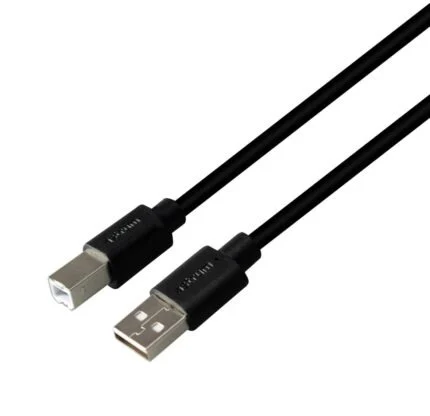
Hi-Speed USB Type-B and 2.4 GHz Wi-Fi 802.11b/g/n give two connection options. Canon lists Canon PRINT for iOS and Android, Mopria for Android and access-point mode. App and cloud features depend on current service availability. Desktop driver support is Windows-based; check Canon’s exact-model support page for the operating system you intend to use.
Space and setup
With its supports and trays retracted, the printer measures approximately 445 × 330 × 163 mm and weighs 6.3 kg. Allow extra space to load paper, open the scanner lid and extend the output tray. The 1.2-inch monochrome segment LCD provides local status and copy control.
| Model / supplier code | Canon PIXMA G3410 / 2315C056AA |
|---|---|
| Functions | Print, copy and scan; Wi-Fi connectivity |
| Technology | Refillable ink-tank inkjet; black and colour FINE print heads |
| Maximum resolution | 4,800 × 1,200 dpi; minimum droplet-placement pitch 1/4,800 inch |
| A4 document speed | Approx. 8.8 ipm mono; 5.0 ipm colour, average ESAT Office Category ISO/IEC 24734 |
| Borderless sizes | A4, Letter, 20 × 25, 13 × 18, 13 × 13 and 10 × 15 cm |
| Two-sided printing | Manual duplex in Windows driver; reload sheets; plain paper and compatible layout required |
| Replacement ink | GI-490 PGBK, GI-490 C, GI-490 M and GI-490 Y |
|---|---|
| Supplier-listed included ink | 1 × PGBK and 1 each cyan, magenta, yellow; regional carton contents require confirmation |
| A4 replacement yield | Estimated 6,000 black pages; 7,000 colour pages per colour set |
| Yield conditions | Canon method using ISO/IEC 24712 chart, continuous-print simulation, replacement after initial setup; actual yield varies with content, software, mode and paper |
| Paper input | Rear tray, up to 100 sheets plain paper |
|---|---|
| Media sizes | A4, A5, B5, Letter, Legal; 10 × 15, 13 × 18, 20 × 25 cm; DL and COM10 envelopes |
| Media types | Plain paper; Canon HR-101N, PP-201, LU-101, SG-201, GP-501 and MP-101; envelopes |
| Media weight | Plain paper 64–105 g/m²; supported Canon photo paper up to 275 g/m² |
| Scanner | CIS flatbed; originals placed individually; no ADF |
| Maximum original | 216 × 297 mm |
| Optical scan resolution | 600 × 1,200 dpi, ISO 14473; maximum scan size restricted at high resolution |
| Scan depth | Colour 48-bit input / 24-bit output; greyscale 16-bit / 8-bit |
| Copies / zoom | Up to 20 copies; fit-to-page; plain-paper document copying |
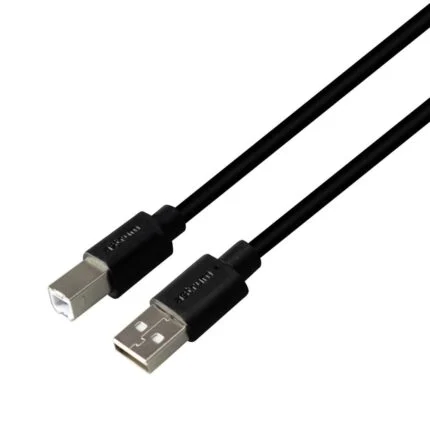
| Wired | Hi-Speed USB Type-B |
|---|---|
| Wireless | 2.4 GHz IEEE 802.11b/g/n; access-point mode |
| Mobile options | Canon PRINT app for iOS/Android; Mopria for Android; current service and device compatibility apply |
| Desktop operating system | Original specifications list Windows 10, 8.1 and 7 SP1; current drivers must be checked in exact-model support selector; no macOS driver promise |
| Control display | 1.2-inch monochrome segment LCD |
| Dimensions W × D × H | Approx. 445 × 330 × 163 mm, paper support/output tray retracted |
|---|---|
| Weight | Approx. 6.3 kg with print head and ink tanks installed |
| Mains input | AC 100–240 V, 50/60 Hz; supplied cord is region-specific |
| Power | Printing/copying ≤11 W; standby ≤1.2 W with wireless active; off ≤0.2 W |
| Operating conditions | 5–35°C, 10–90% RH, non-condensing; paper may have narrower conditions |
| Storage conditions | 0–40°C, 5–95% RH, non-condensing |
Ink yields describe replacement printing after initial setup, not a guaranteed first-fill result. Manual duplex requires sheet reloading. Confirm current Windows driver availability and regional included ink before ordering.
Use official support resources for this product. Each link opens in a new tab.
G3010-series manual explicitly includes G3410; printing, ink handling, safety and setup guidance.
Open official support (opens in a new tab)Help other shoppers by sharing an honest review.
Write a reviewYou are offline. Reconnect to check prices and shop.
Reviews
There are no reviews yet.