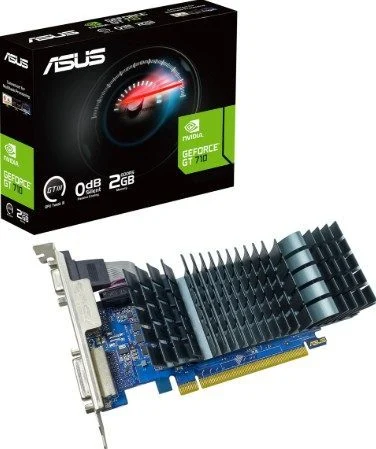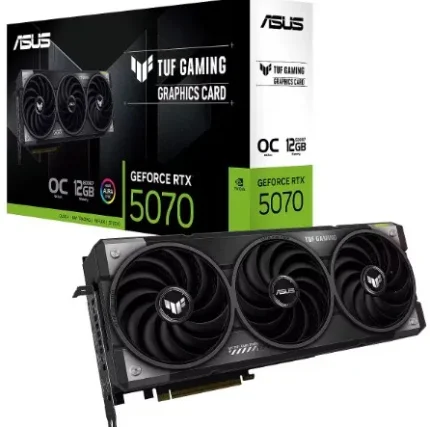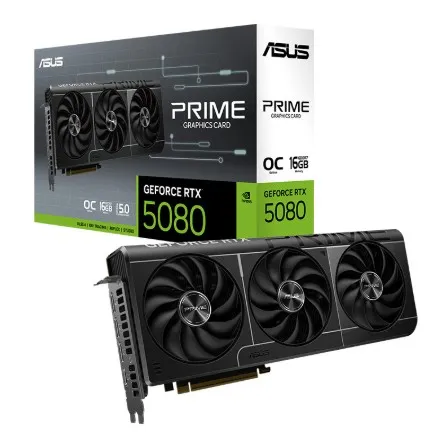
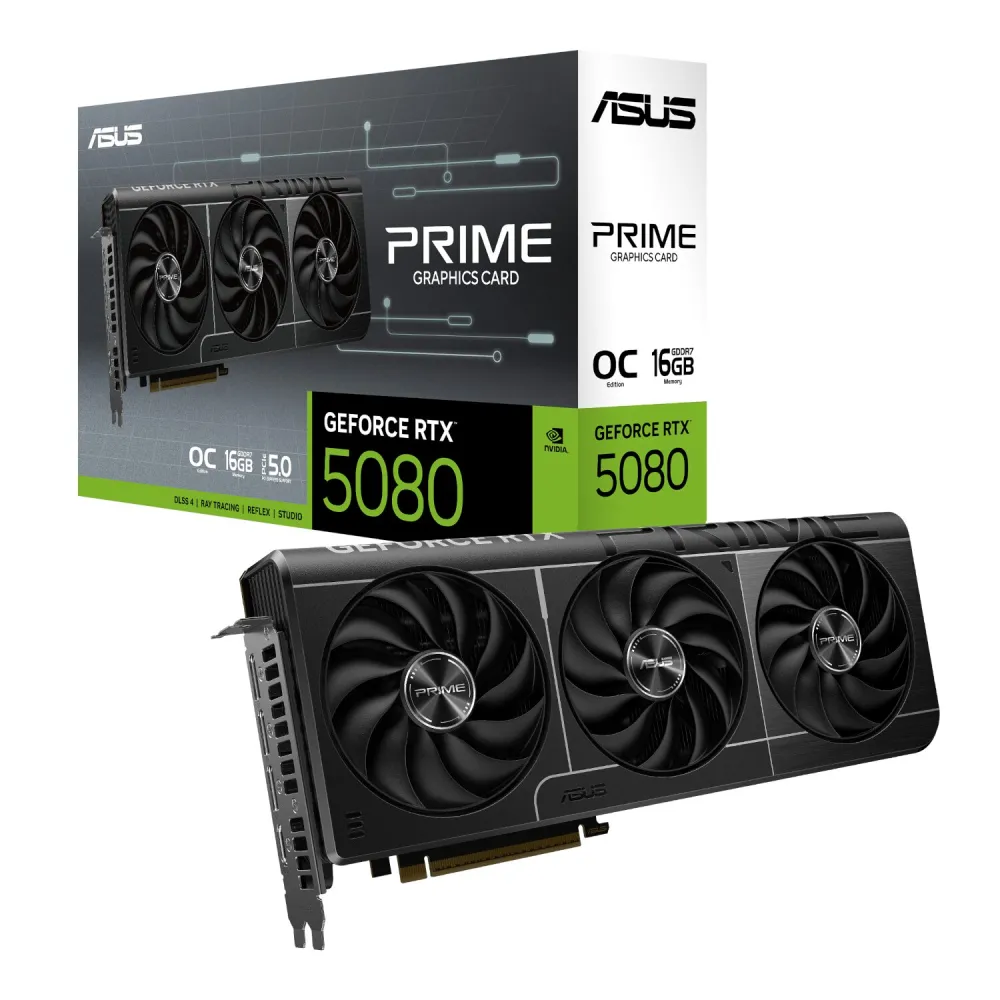

ASUS Prime • GeForce RTX 5080 OC Edition
Three fans. A considered fit.
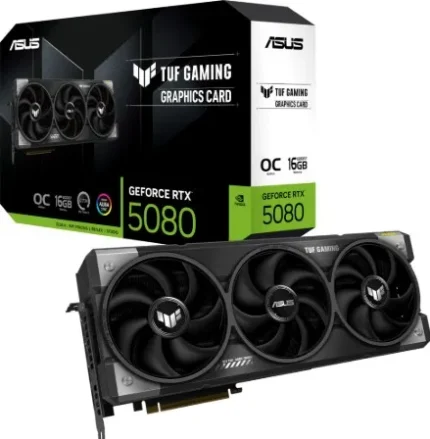
The ASUS Prime GeForce RTX 5080 OC Edition pairs 16GB of GDDR7 memory with a triple-fan cooler in a 2.5-slot design. NVIDIA Blackwell graphics bring ray tracing and DLSS 4 support to compatible games and creative applications. Exact model PRIME-RTX5080-O16G keeps the important build choices clear: clocks, connections, power and physical fit.

Graphics and memory
A defined hardware foundation.
With 10,752 CUDA cores and a 256-bit memory interface, this card carries 16GB of GDDR7 running at a specified 30 Gbps. Fifth-generation Tensor Cores and fourth-generation ray-tracing cores are part of the Blackwell design. DLSS 4, including Multi Frame Generation, depends on supported games, settings and drivers; the feature list is not a guaranteed frame rate or a promise of 8K gaming performance.
Clock modes
Know which clock you are choosing.
ASUS specifies a 2655 MHz boost clock in Default mode and 2685 MHz in OC mode. These are mode-specific rated clocks, not a fixed clock under every workload. GPU Tweak III provides monitoring and tuning controls; actual operating behaviour depends on the workload, temperature, power and system settings. Overclocking should be approached with the complete system in mind.
Cooling layout
Airflow, shaped around the card.
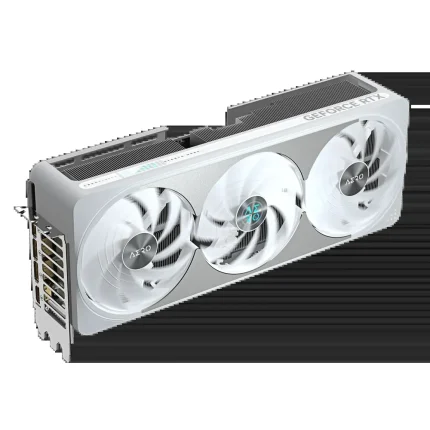
Three Axial-tech fans work with a vapor chamber and heatsink, a vented protective backplate, MaxContact heat-spreader processing and a phase-change GPU thermal pad. Dual-ball fan bearings complete the cooling assembly. ASUS describes fan stop below 50°C and restart above 55°C; this does not make a loaded system silent.
Engineering and control
Choose the cooling response.
A Dual BIOS switch offers Performance and Quiet modes. ASUS describes Quiet mode as retaining the power target and top-end settings with a less aggressive fan curve. The protective backplate supports the board, while Auto-Extreme manufacturing completes soldering in a single pass. A grade 304 stainless-steel mounting bracket and ASUS GPU Guard add structural protection.
Display connections
Plan the screens around the ports.
One native HDMI 2.1b and three native DisplayPort 2.1b outputs support up to four displays simultaneously. The specified maximum digital resolution is 7680 × 4320, with HDCP 2.3 support. Resolution, refresh rate and available display features depend on the selected output, monitor, cable and configuration. A maximum output resolution is not a performance benchmark.
System fit and power
Measure the complete installation.
The card measures 304 × 126 × 50mm and occupies 2.5 slots. Allow room for the 16-pin power connection and cable routing as well as the card itself. ASUS recommends a 850W system power supply based on a fully overclocked GPU-and-CPU system; choose for the whole build, connector availability and PSU guidance. ASUS lists this exact model as SFF-Ready, which still requires a suitable chassis and clearance checks.
Software and ownership
Support that follows the exact model.
Use the official ASUS model support page for drivers, GPU Tweak III, available utilities and documentation. Select the operating system and check model applicability before downloading; Windows 10 64-bit and Windows 11 64-bit selections were listed at review. Game Ready and Studio drivers serve different usage needs. MuseTree is listed by ASUS as an optional creative utility; availability and requirements should be checked on support. Firmware tools, where offered, require exact-model instructions and are not an automatic installation recommendation.


Reviews
There are no reviews yet.