Astrum DA450 · HDMI source to VGA display
Keep a useful VGA display in the picture.
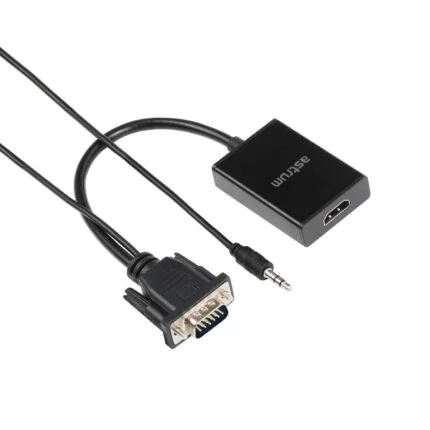
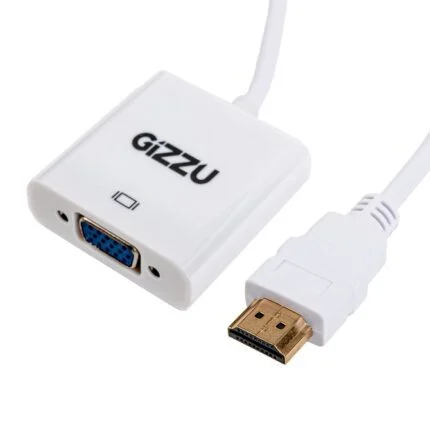
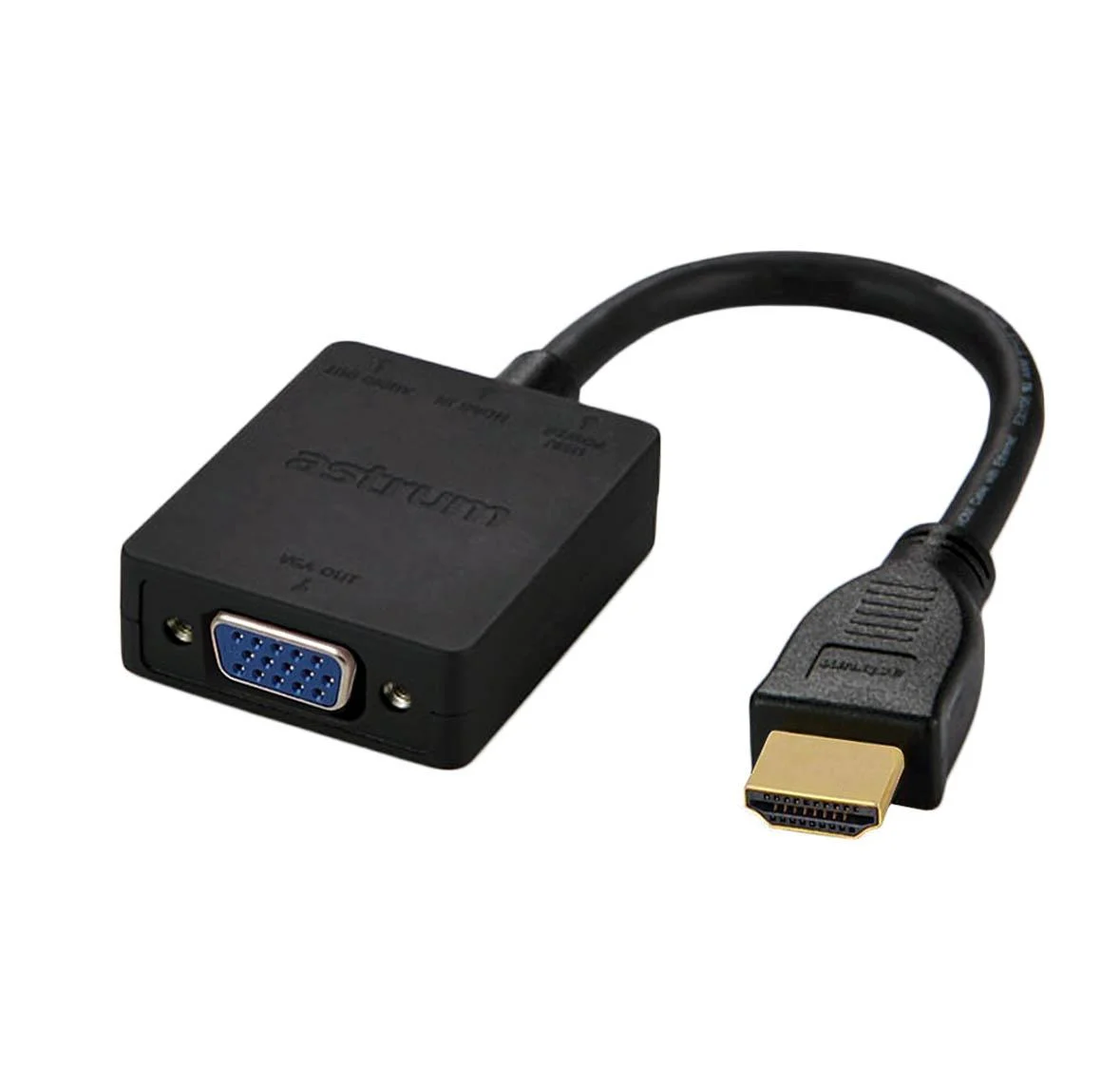
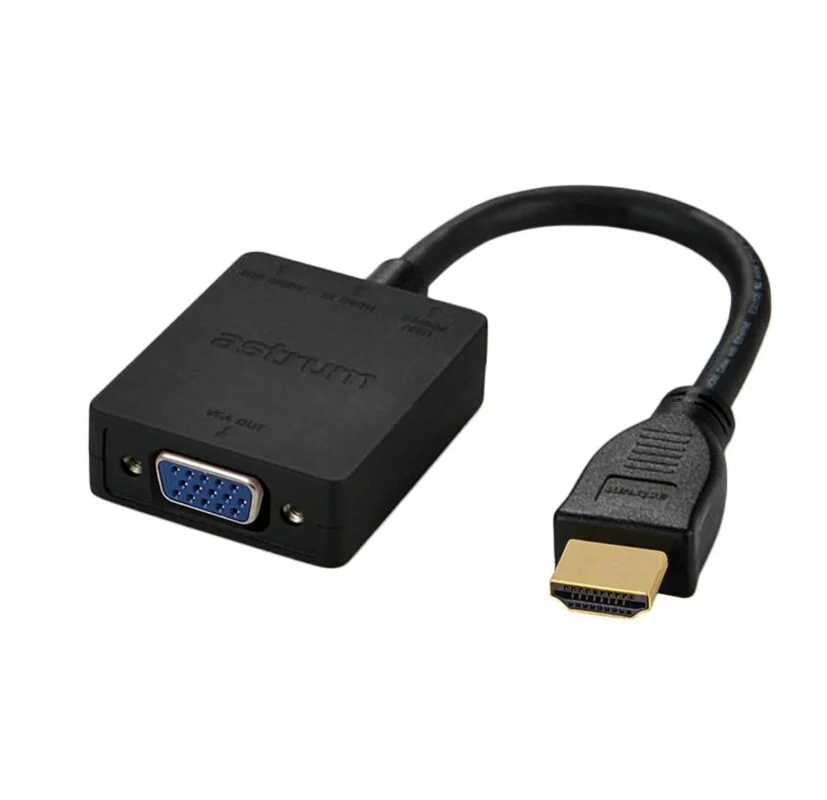
Connect an HDMI source to a VGA monitor or projector with the Astrum DA450. This active adapter converts the video signal in that direction, with a separate 3.5 mm audio output and a documented Full HD reference for a compatible setup.

Choose by direction
HDMI comes from the computer.
The HDMI male end connects to the source, while the VGA female socket connects to a suitable display cable. Select this direction when the computer has HDMI and the display needs VGA; the reverse connection requires a different converter.
Plan the complete connection
Give sound its own path.
Use the separate 3.5 mm audio output with suitable audio equipment. Check the source and display resolutions, cable connections and supplied adapter’s power arrangement. Extended or mirrored desktop modes depend on the computer and display setup.
The manufacturer table and datasheet document up to 1080p Full HD, while other page text makes inconsistent 4K claims. No verified 4K output or 4K-to-1080p scaling guarantee is made. The manufacturer lists Micro USB power; confirm the supplied unit’s power arrangement before purchase.

Reviews
There are no reviews yet.