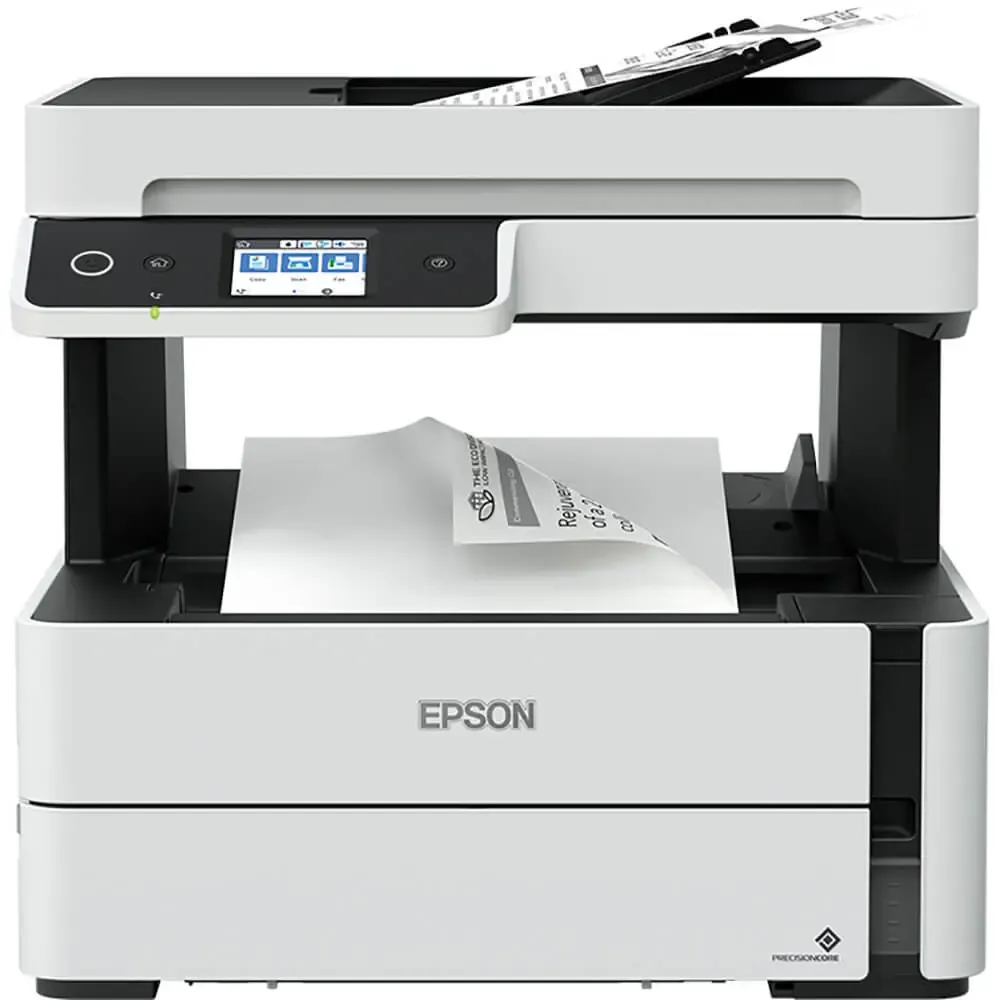
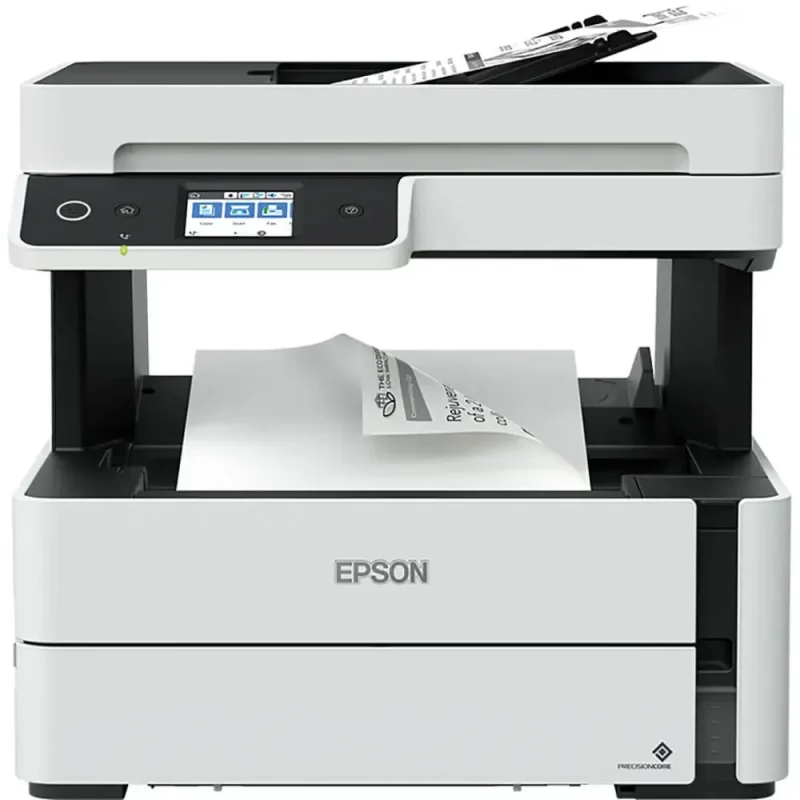
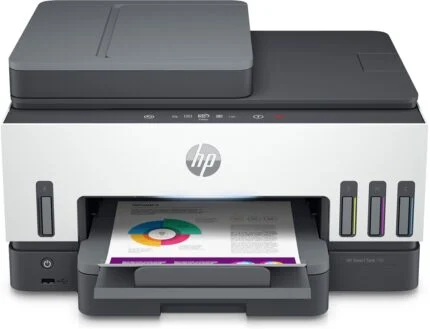
Bring printing, copying, scanning and faxing together in a compact EcoTank with a refillable black-ink tank. The M3170 pairs a 250-sheet cassette and automatic double-sided printing with a 35-page document feeder, a colour touchscreen and USB, Ethernet and wireless connections.
4-in-1Print, copy, scan and fax
20ppmISO monochrome simplex
250 sheetsMain paper cassette
35 pagesSingle-sided ADF
Office workflow
Four document tasks at one desk
Print black-text documents, copy originals, scan in colour and send faxes from a single machine. The colour touchscreen gives the controls a clear home, while the flatbed accommodates individual originals and the 35-page ADF handles suitable multi-page jobs.
Print and paper
Keep everyday work moving
Use the 250-sheet cassette for regular documents and the rear single-sheet path for suitable special media. Automatic double-sided printing helps turn multi-page documents into compact handouts. It is a print function: the ADF scans one side at a time.
PrecisionCore
A clear speed specification
For comparable office work, Epson rates monochrome simplex printing at 20 pages per minute under ISO/IEC 24734. The separate 39ppm figure is a maximum plain-paper rate, while automatic duplex is rated at 9 A4 pages per minute. Document complexity and settings affect actual results.
Refillable ink
See the level. Refill the tank.
The front-facing tank makes the remaining black ink visible without opening a toner compartment. Two bottles are included, with an advertised combined yield of up to 11,000 pages under Epson testing. Initial charging uses some ink, and real yield depends on what and how often you print.
Connected office
Choose the connection that fits
Connect one computer over USB, share the printer over Ethernet or use Wi-Fi. Wi-Fi Direct offers a direct wireless option for compatible devices. Epson iPrint, AirPrint and Scan-to-Cloud support mobile workflows when the device, network and service requirements are met.
Installation and care
Plan for the printer and its supplies
Allow space for the 375 × 347 × 346mm body, paper handling and access to the front tank. Choose ink and maintenance supplies against the M3170 model and your region. Epson support provides the place to select your operating system and check available software without relying on a fixed driver version.
Specifications
Product identity
Brand
Epson
Model
EcoTank M3170
Manufacturer part number
C11CG92404SA
EAN
8715946655192
Functions
Monochrome print, copy, scan and fax
Colour
White
Print engine and speed
Technology
PrecisionCore inkjet; pigment black ink
Print colour
Black only
Print resolution
Up to 1200 × 2400 dpi
Nozzles
400 black nozzles
ISO simplex speed
20 monochrome pages/min; ISO/IEC 24734
Maximum speed
Up to 39 monochrome pages/min on 75g/m² plain paper; not ISO speed
ISO duplex speed
9 A4 monochrome pages/min; ISO/IEC 24734
First page out
Manufacturer-rated 6 seconds, monochrome; workload and connection affect results
Automatic duplex
Double-sided printing; A4 plain paper as specified by Epson
Scan, copy and fax
Scanner
Flatbed CIS with ADF; colour scanning supported
Optical resolution
1200 × 2400 dpi
ADF capacity
Up to 35 pages; appropriate original sizes and weights required
ADF sides
Single-sided scan input; automatic double-sided scanning is not supported
ADF scan speed
7 images/min at 200dpi for A4 black or colour, manufacturer rating
Flatbed scan time
At 200dpi: A4 black 12 seconds; colour 27 seconds, manufacturer rating
Output formats
PDF, JPEG, PNG, TIFF, multi-TIFF, BMP and PICT, depending on application
Fax
Walk-up fax; up to 33.6kbps, approximately 3 seconds/page under rated conditions
Fax memory
Up to 180 pages using ITU-T No.1 chart
Speed dials
Up to 100 names and numbers
Fax features
PC Fax, auto redial, address book, broadcast, polling reception and fax preview
Paper and media
Main cassette
Up to 250 sheets of suitable plain paper
Rear feed
One sheet at a time; special-media path
Output tray
Up to 100 sheets
Formats
A4, Legal, Letter, Executive, A5, A6, B5 and B6; capacity and duplex availability depend on media
Media weight
64–256g/m² across supported paths; thick 91–256g/m² stock uses single-sheet rear feed, not automatic duplex
Duplex media limitation
Use supported plain paper and sizes; do not infer duplex support for every supported format or weight
Connectivity and control
Interfaces
USB 2.0, Ethernet, Wi-Fi and Wi-Fi Direct
Display
6.1cm (2.4-inch) colour touchscreen
Mobile services
Epson iPrint, Apple AirPrint and Epson Connect Scan-to-Cloud; compatible device, network and service requirements apply
OS selection
Select the exact M3170 model, country and operating-system version in Epson support. Historical specifications list Windows 10 and older Windows versions, and Mac OS X 10.6.8 or later; this is not a guarantee for every current OS release.
Ink and supplies
Ink system
Refillable front-facing monochrome tank with visible ink level
Included ink
Two black ink bottles, manufacturer-rated up to 11,000 pages collectively
Yield conditions
Epson extrapolated test-pattern simulation based on ISO/IEC 24712 or 29103, not ISO/IEC 24711 or 29102. Actual yield varies with document, media, frequency and environment; initial printhead charging reduces the bundled yield.
Compatible bottle families
Epson 110 pigment black (120ml) and 110S pigment black (40ml), listed by exact SA model datasheet
Replacement references
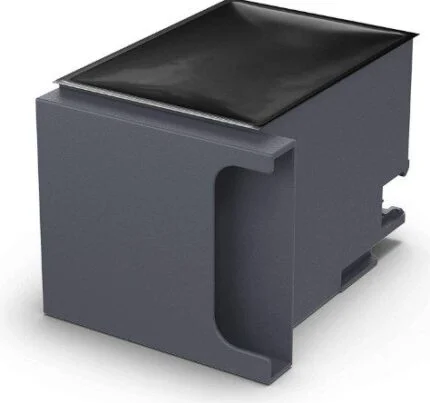
Epson model accessories list C13T03P14A (110), C13T01L14A (110S) and C13T04D100 maintenance box; confirm regional supply applicability with Epson SA.
Physical, power and warranty
Dimensions
375 × 347 × 346mm (W × D × H); allow additional operating and paper clearance
Weight
7.3kg, Epson M3170 model specification
Supply
AC 100–240V, manufacturer model specification; use the supplied regional power cable
Energy reference
Epson M3170 model specification: 12W standalone copying using ISO/IEC 24712 pattern, 5.4W ready, 0.9W sleep and 0.2W off; these are mode-specific values, not printing-power guarantees.
In the box
Printer, two ink bottles, power cable and warranty document
Warranty
12-month or 100,000-page carry-in warranty, whichever occurs first; regional terms and purchase eligibility apply.
Print speeds and ink yields are manufacturer test ratings, not guaranteed results. Duplex printing and single-sided ADF scanning are separate capabilities. Select software and supplies for the exact model and region.
Driver & Software Downloads
Use official support resources for this product. Each link opens in a new tab.
Epson M3170 — official drivers and software
Exact M3170 support page. Select the correct country and operating-system version to see applicable drivers, utilities and documentation; verify the listed model before downloading.
Necessary cookies keep the site, cart, checkout, account, and security features working. With your permission, we also use optional analytics and advertising cookies to measure and improve our service. “Accept optional cookies” consents only to that optional processing; use of the site remains separately governed by our Terms. You can choose Necessary only and change your choice at any time.


Reviews
There are no reviews yet.