Official manufacturer overview
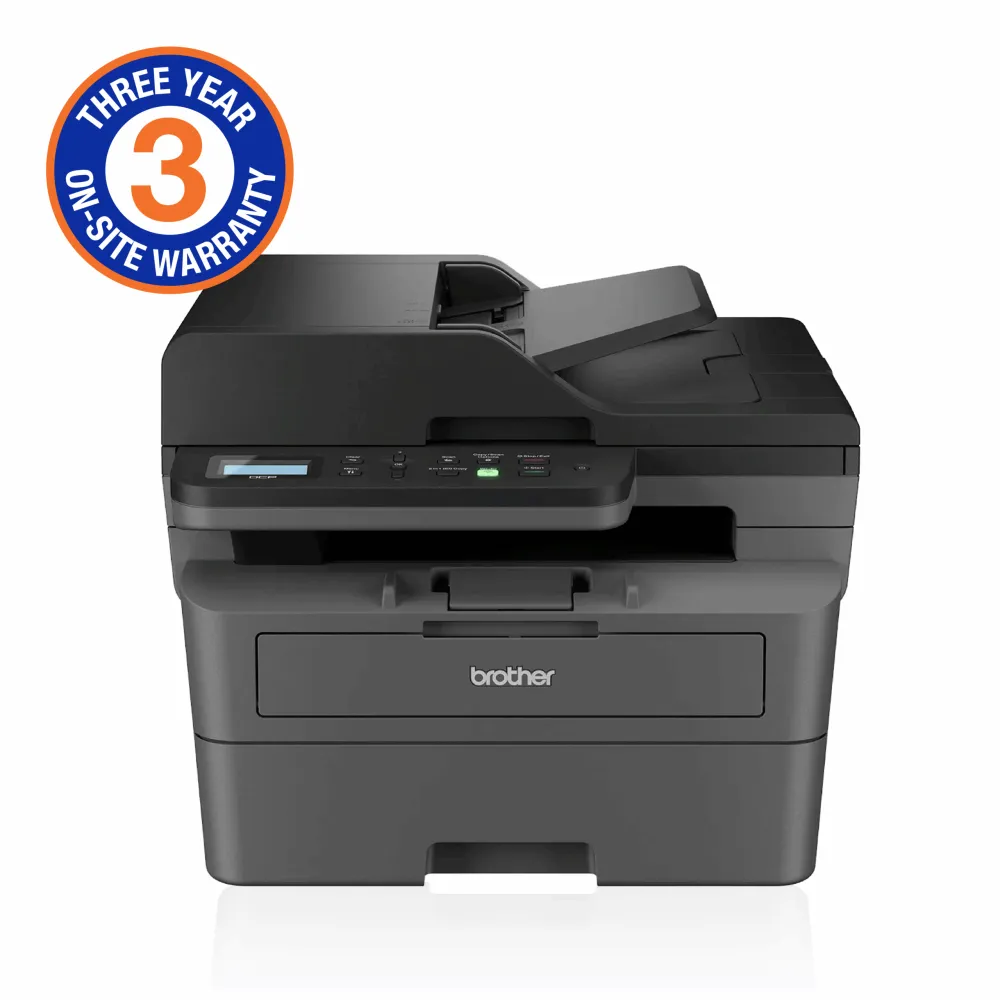
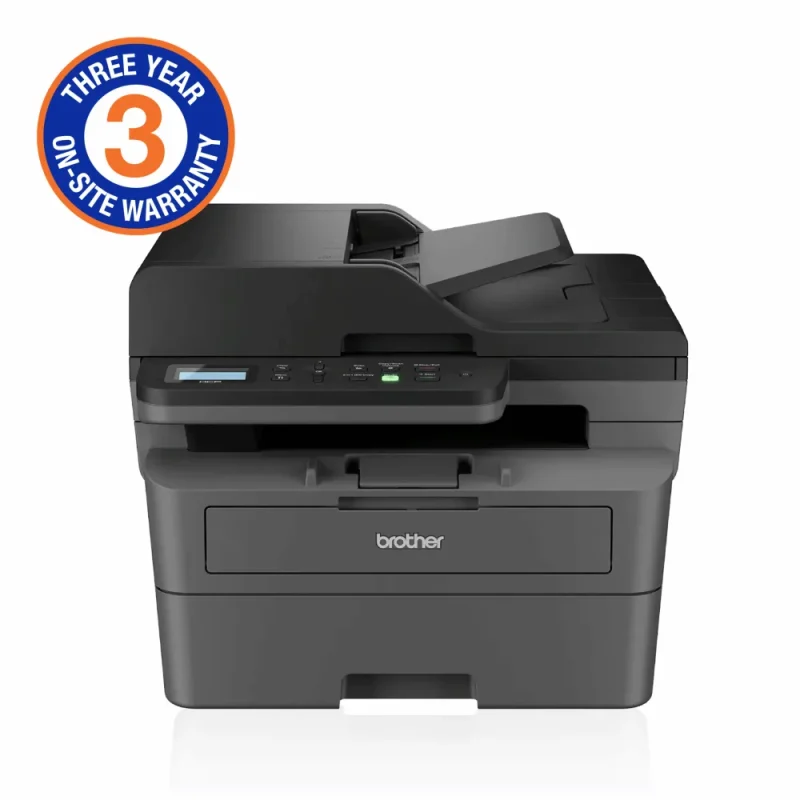
Brother DCP-L2640DW — official Australian model overview
BrotherAU · Brother Australia overview of DCP-L2640DW; regional supplies,software and warranty can differ. Follow South Africa specification and entitlement for this listing.
Play to load this video from YouTube.
Brother mono laser 3-in-1
A clear path through everyday paperwork.
The Brother DCP-L2640DW brings fast monochrome laser printing, automatic A4 two-sided output, copying and colour scanning together. A 250-sheet tray, 50-sheet ADF and wired or wireless connections help a small workspace move from paper to finished work.

A focused office tool
Print, copy and scan. One clear workflow.
The DCP-L2640DW combines monochrome laser output with colour scanning in a compact desktop machine. Its two-line display and physical buttons keep everyday copying close at hand, while 256 MB of memory supports the printer’s document workflow. This is a three-function model, with no fax.
Pages with less handling
Two-sided printing, ready when you are.
Print at up to 34 mono pages per minute, or use automatic A4 two-sided printing at up to 16 sides per minute with supported paper. A 250-sheet tray keeps ordinary paper loaded, while the single-sheet manual slot gives suitable envelopes, labels and heavier media their own route. Automatic duplex printing does not mean automatic two-sided scanning or copying.
From paper to a useful file
A flatbed for detail. An ADF for batches.
Use the glass for originals that need individual handling, or feed a stack through the 50-sheet ADF. Optical resolution reaches 1200 × 1200 dpi from the flatbed and 600 × 600 dpi from the ADF. Brother quotes scan speeds up to 22.5 images per minute in mono and 7.5 in colour under ISO/IEC 17991 conditions; format and software choices affect the available workflow.
Connect your workspace
USB, Ethernet or wireless.
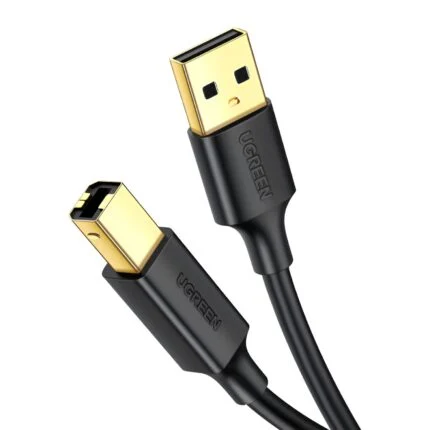
Connect one computer over USB, share the printer through Fast Ethernet or Wi-Fi, or use Wi-Fi Direct for a supported direct wireless connection. AirPrint, Mopria and Brother Mobile Connect offer mobile workflows, subject to device, app and network requirements. Confirm the supplied unit’s wireless band before planning a band-specific network; choose the exact OS on Brother’s South Africa download page.
Supplies and local support
Replace the part you need.
A separate drum and toner cartridge let you replace each supply on its own schedule. The included toner is rated for approximately 1,200 pages; a higher-yield option is rated for approximately 3,000, with ISO/IEC 19752 yield conditions and actual output varying. Brother South Africa lists a three-year on-site warranty for eligible local purchases after 31 August 2025, subject to its terms and proof of purchase. Confirm the exact regional replacement cartridge code before ordering.


Reviews
There are no reviews yet.