
Cudy WR11000 1.0 downloads
Official WR11000 hardware revision 1.0 documentation and firmware selector. Confirm the model, hardware version and region printed on the device before selecting firmware.
Open official support (opens in a new tab)Checking which support options are available…
Who would you like help from?
Enter your name to begin your live chat with an online consultant.
What can we help you with?
Your details are used only to respond. MatzoBot requests are securely passed to the MatzoTech team.
Your request has been emailed to MatzoTech. A consultant will reply using the email address or mobile number you supplied.

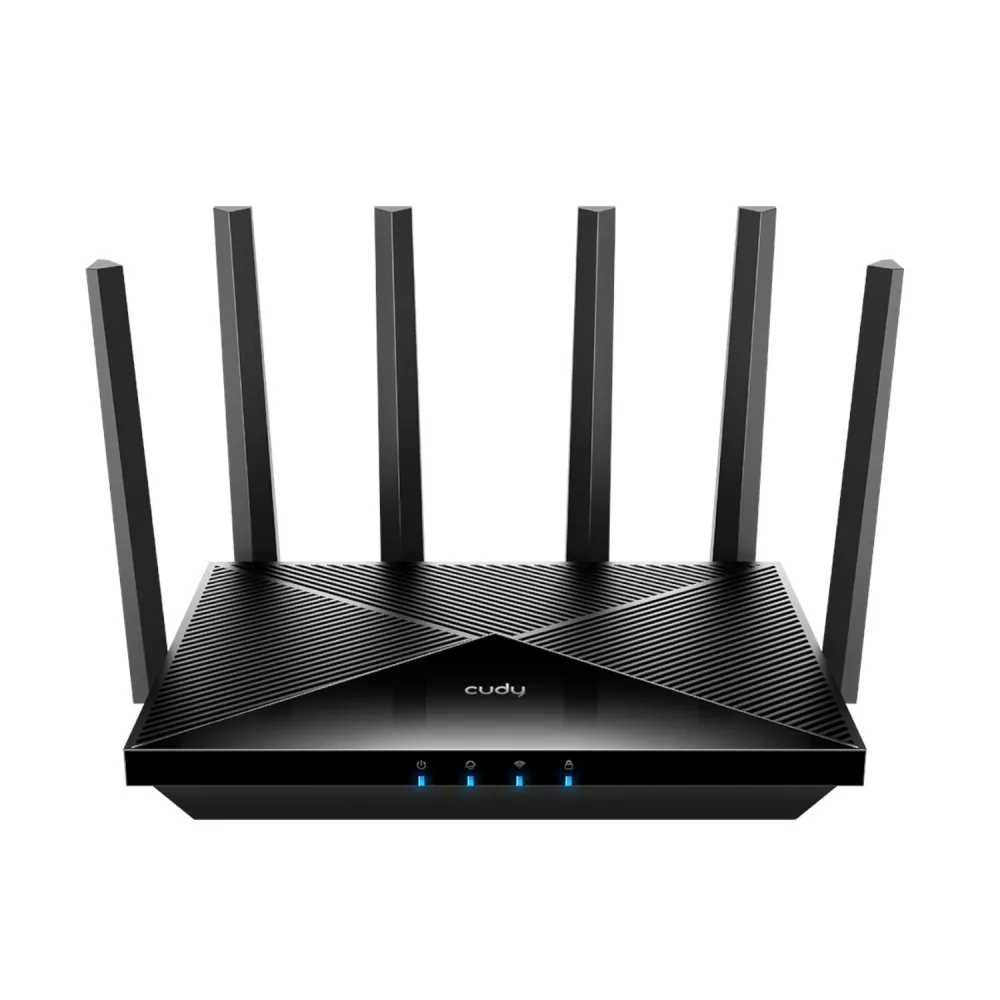
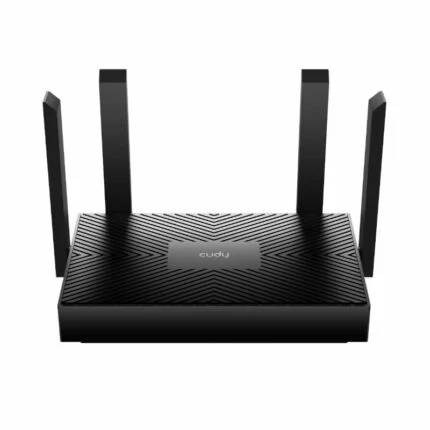
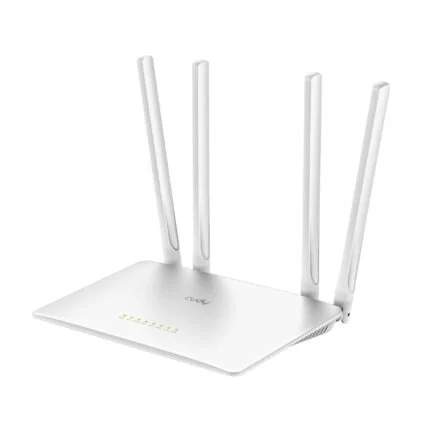
Cudy WR11000 BE11000 tri-band Wi-Fi 7 router with four 2.5GbE ports, Cudy Mesh and app management.
R2,989.00
Supplier has stock — 10 avail
Clear fulfilment, warranty and payment details.
Official manufacturer overview
Cudy · Cudy’s shared setup guide covers multiple router and Mesh models and explicitly includes the WR11000. It illustrates setup steps. Hardware details, controls and available options can vary by model and firmware.
Play to load this video from YouTube.
CUDY WR11000 · TRI-BAND WI-FI 7
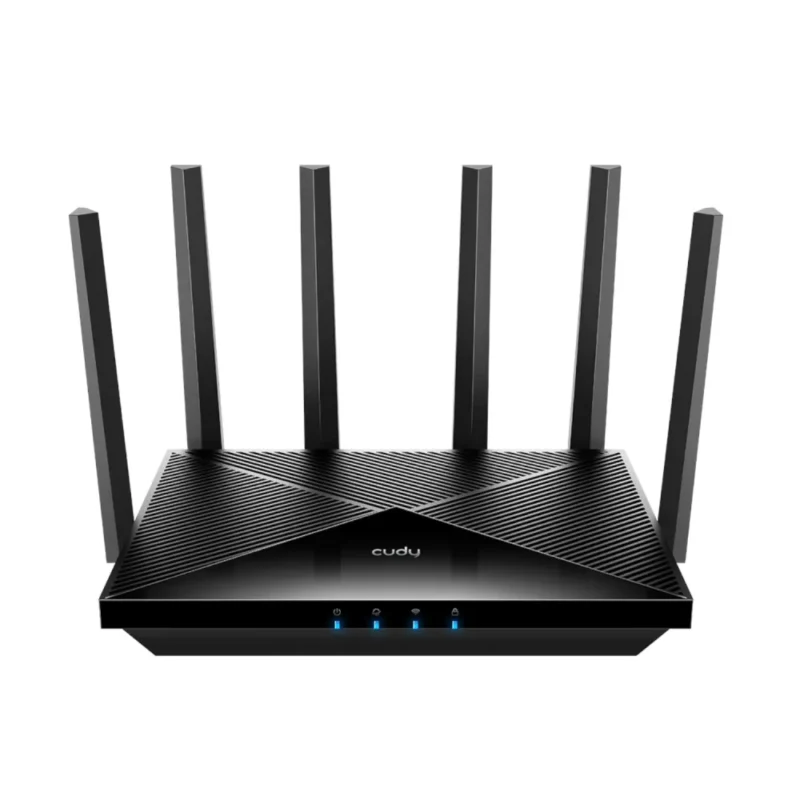
Give newer wireless clients a 6 GHz band and keep wired devices on four 2.5GbE ports. The Cudy WR11000 can run as your main router or extend an existing network, with compatible Cudy Mesh units linked over Ethernet or Wi-Fi.
RADIO
The six fixed antennas use beamforming and the 5 GHz and 6 GHz radios each have two high-power front-end modules. Multi-Link Operation lets supported devices use multiple links. Actual rates and usable channels depend on the client, local rules and conditions.
ETHERNET
Connect your internet equipment to the 2.5GbE WAN port, leaving three 2.5GbE LAN ports for devices such as a compatible switch, workstation or network storage.
MESH AND SETUP
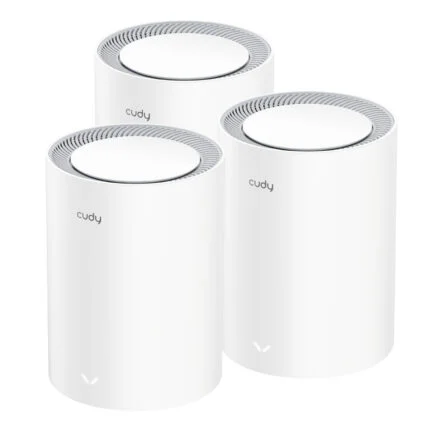
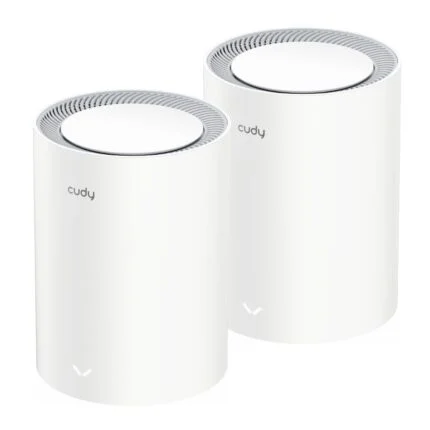
Use the web setup wizard or Cudy app. Select router, access point, range extender, WISP or client mode to suit the installation. Compatible Cudy Mesh nodes can use wired or wireless backhaul.
MANAGEMENT
Create profiles, set schedules or pause access with parental controls. Guest networking, WPA3 and supported VPN client and server modes give you additional ways to manage access.
| Model | Cudy WR11000, BE11000, black |
|---|---|
| EAN | 6971690793357 |
| Manufacturer technical reference | WR11000 hardware version 1.0 |
| Bands | 2.4 GHz, 5 GHz and 6 GHz, two spatial streams each |
|---|---|
| Manufacturer maximum link rates | 688 Mbps at 2.4 GHz, 4,324 Mbps at 5 GHz with 240 MHz or 2,882 Mbps with 160 MHz, and 5,765 Mbps at 6 GHz |
| Channel widths | Up to 320 MHz depending on band, client and region |
| Radio features | MLO, puncturing, OFDMA, MU-MIMO and beamforming |
| Security | WPA, WPA2 and WPA3; guest networks and WPS |
| Antennas | Six fixed omnidirectional antennas |
| Ethernet | 1 × 2.5GbE WAN and 3 × 2.5GbE LAN, RJ45 |
|---|---|
| Processor | Qualcomm 1.5 GHz quad-core Arm Cortex-A53 |
| Memory and flash | 512 MB DDR4 and 128 MB NAND |
| Controls | Power, WPS and reset buttons |
| DC input | 12 V / 2 A through DC jack |
| Power consumption | 22 W maximum and 12 W idle per Cudy |
| Size | 253 × 152.5 × 48.2 mm body, 175 mm antennas |
| Placement | Desktop or wall mount |
| Modes | Router, access point, range extender, WISP and client |
|---|---|
| Mesh | Compatible Cudy Mesh, wired and wireless backhaul |
| Management | Web interface, Cudy app and cloud management; parental profiles and access schedules |
| Networking | IPv4/IPv6, VPN server and client, and TR-069/TR-098/TR-111/TR-181 remote management support |
| Included | Router, power adapter, Ethernet cable and quick installation guide |
| Local offer warranty | 12 months |
BE11000 describes the radio class. The listed rates are theoretical link rates rather than measured throughput or speeds available to one device. Check the hardware revision printed on the device before choosing firmware.
Use official support resources for this product. Each link opens in a new tab.
Official WR11000 hardware revision 1.0 documentation and firmware selector. Confirm the model, hardware version and region printed on the device before selecting firmware.
Open official support (opens in a new tab)Help other shoppers by sharing an honest review.
Write a reviewYou are offline. Reconnect to check prices and shop.
Reviews
There are no reviews yet.