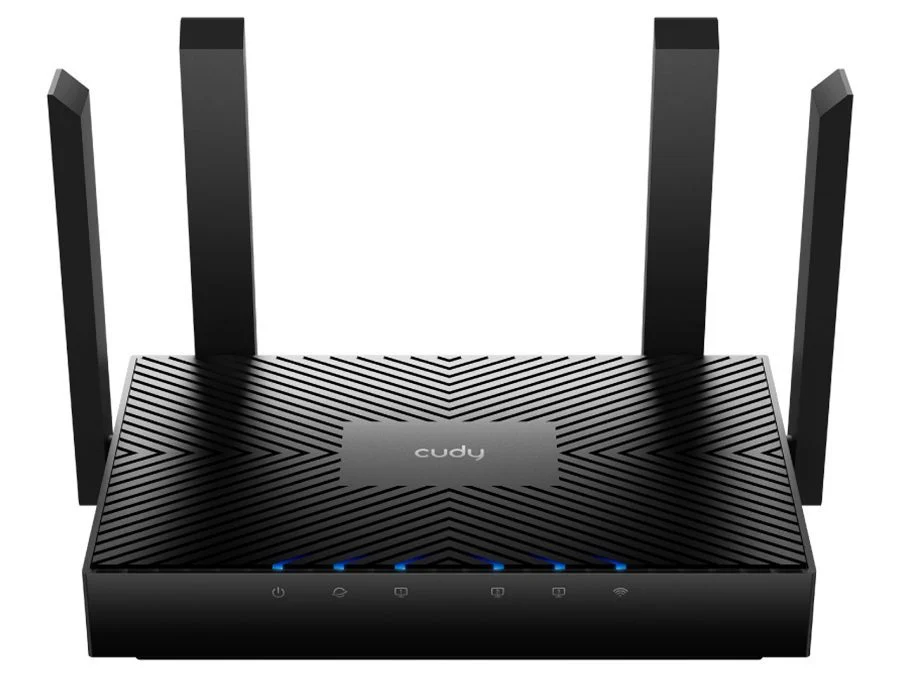
Cudy WR3000 · Dual-band Wi-Fi 6 · Gigabit Ethernet
A considered centre for your connected home.
Bring wireless devices and wired connections together with Cudy WR3000. Dual-band AX3000 Wi-Fi 6, four Gigabit Ethernet ports and Cudy Mesh support provide the building blocks for a home network. Confirm the unit’s hardware label before ordering or selecting firmware: the detailed reference here is WR3000 1.0, which Cudy now marks end of life.

Wireless design
Give each device a place on the network.
WR3000 combines up to 2,402 Mbps on 5 GHz with 574 Mbps on 2.4 GHz. Wi-Fi 6 scheduling features include OFDMA and MU-MIMO, while 1024-QAM and 160 MHz channels support higher link rates with compatible clients. These are wireless signalling rates across two bands, not a 3 Gbps internet connection or a guaranteed speed for one device.

Wired connections
Three local connections. One way to the internet.
One Gigabit WAN socket connects to a suitable modem, fibre terminal or other upstream Ethernet source. Three Gigabit LAN sockets accommodate wired devices or a separate switch. Each Ethernet port is limited to 1 Gbps. Internet access requires an appropriate service and upstream equipment; this router is not a DSL modem or cellular router.

Coverage planning
Place it well. Expand when the rooms demand it.
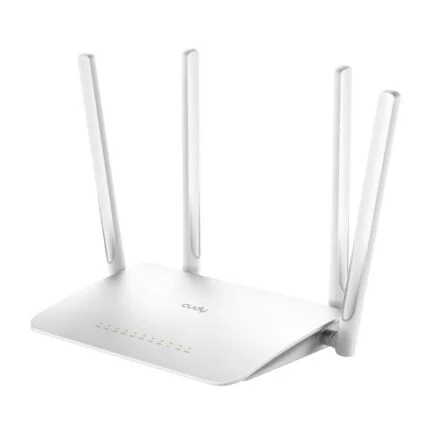
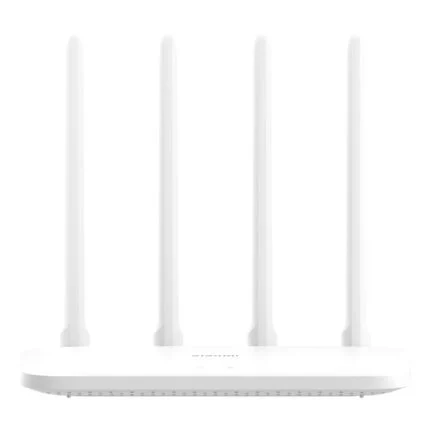
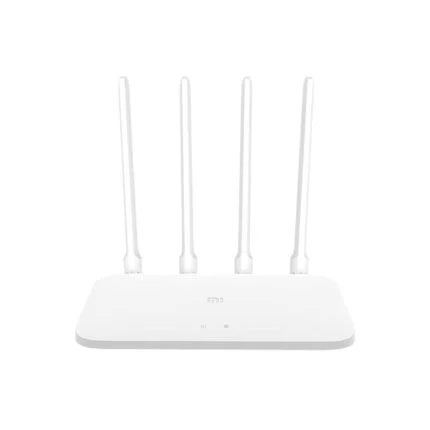
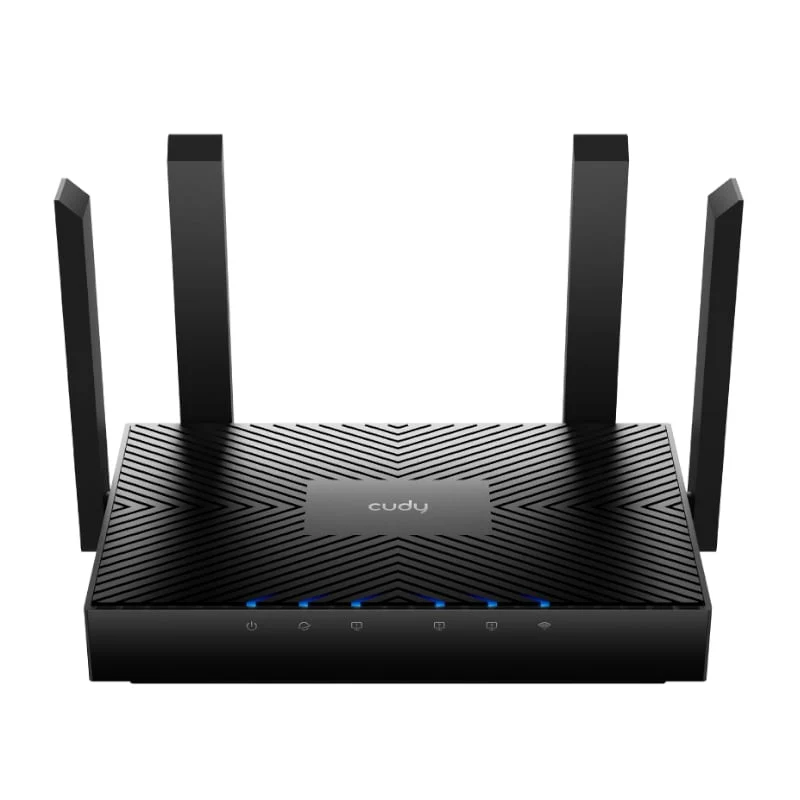
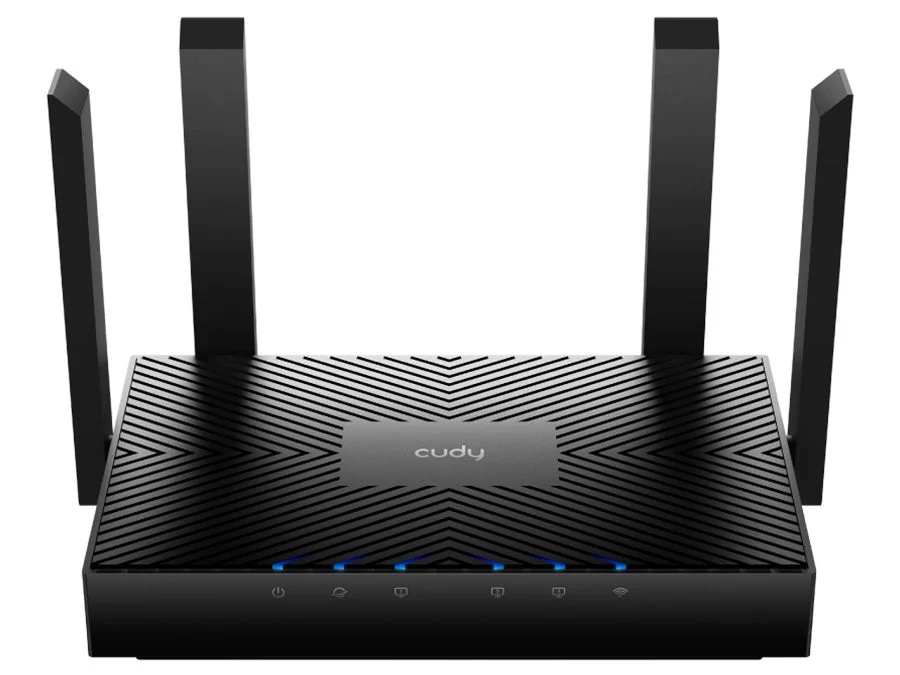
The four fixed antennas and beamforming work with the placement of the router and connected devices. Cudy Mesh supports compatible extra units, wired or wireless backhaul and multi-band backhaul in the 1.0 reference. Start with a central, ventilated location. Walls, interference, device support and traffic shape the actual coverage; additional mesh units are separate purchases.
Household control
Separate visitors. Set a routine.
The reference firmware offers 2.4 GHz and 5 GHz guest networks, WPA/WPA2/WPA3 security, parental profiles, time schedules, internet pause and web filtering. Set rules for the devices that need them, and check which functions remain available in the selected operating mode. Browser and Cudy App management are supported; remote functions depend on configuration.
Connections beyond home
Plan remote access around your workload.
WireGuard, OpenVPN, L2TP and PPTP server/client functions are listed for WR3000 1.0. DNS over TLS options include Cloudflare, Google, Quad9 or a custom service. Match VPN protocol, provider requirements and firmware before deployment. VPN throughput depends on encryption, settings, the service and the connection; the Gigabit port rating is not a VPN speed guarantee.
Inside the enclosure
Understand the revision before comparing the hardware.
The original listing’s 1.3 GHz dual-core ARM Cortex-A53 processor matches Cudy’s 1.0 reference, which lists 256 MB DDR3 RAM and 16 MB NOR flash. Newer WR3000 revisions use different hardware, so the shared model name alone is insufficient. Check the label and support expectations; the manufacturer marks version 1.0 end of life, although its official documentation and firmware page remain available.
Useful management
Make changes with a clear view of the network.
IPv4/IPv6, DHCP reservations, rate controls, VLAN/IPTV options and port forwarding provide configuration choices for a suitable installation. The reference supports local browser setup, Cudy App control and selected provider-management protocols. Network status, mesh topology, logs and diagnostic tools help investigate a connection; back up the configuration before changing settings or firmware.
Installation essentials
A small package with a few important checks.
The native listing includes one black WR3000, a power adapter, RJ45 Ethernet cable and quick installation guide. The 1.0 reference accepts 12 V DC at 1 A and supports desktop or wall placement. Confirm the supplied regional adapter and allow room for antennas, plugs and ventilation rather than planning a tight fit from enclosure dimensions alone.
Reviews
There are no reviews yet.