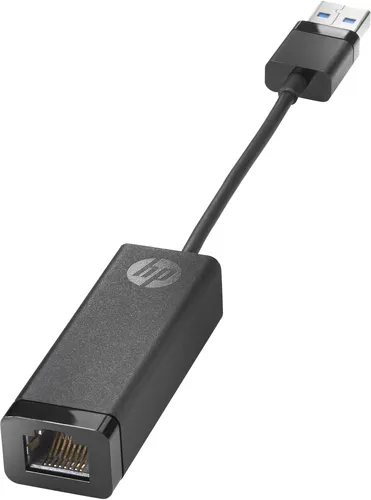
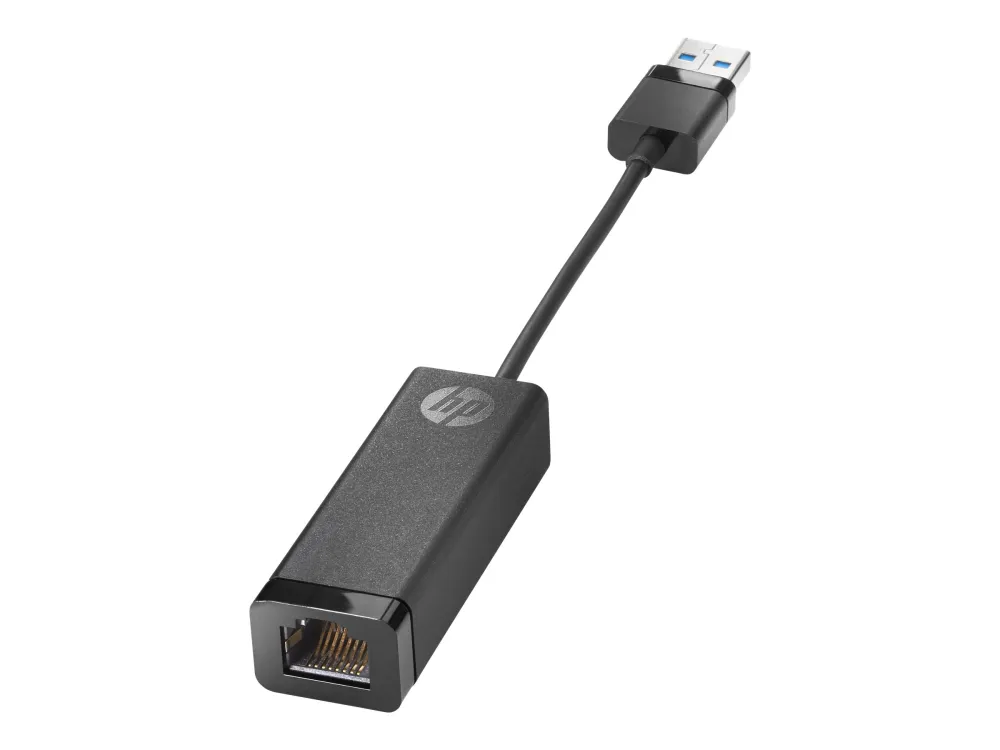
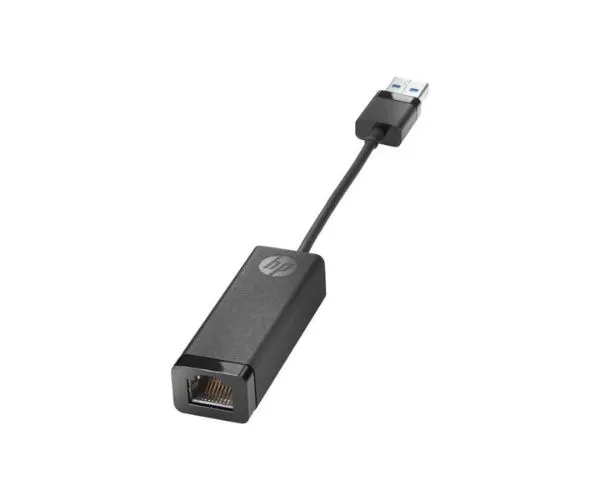
HP USB 3.0 to Gigabit RJ45 Adapter G2
Wired Ethernet through the USB-A port you already have
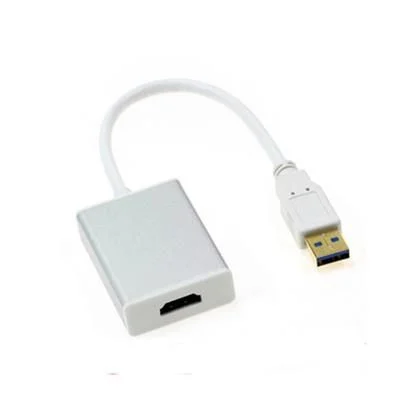
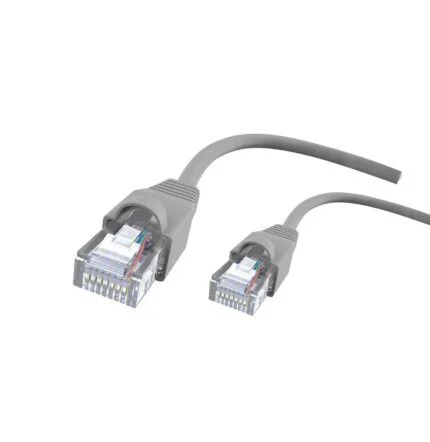
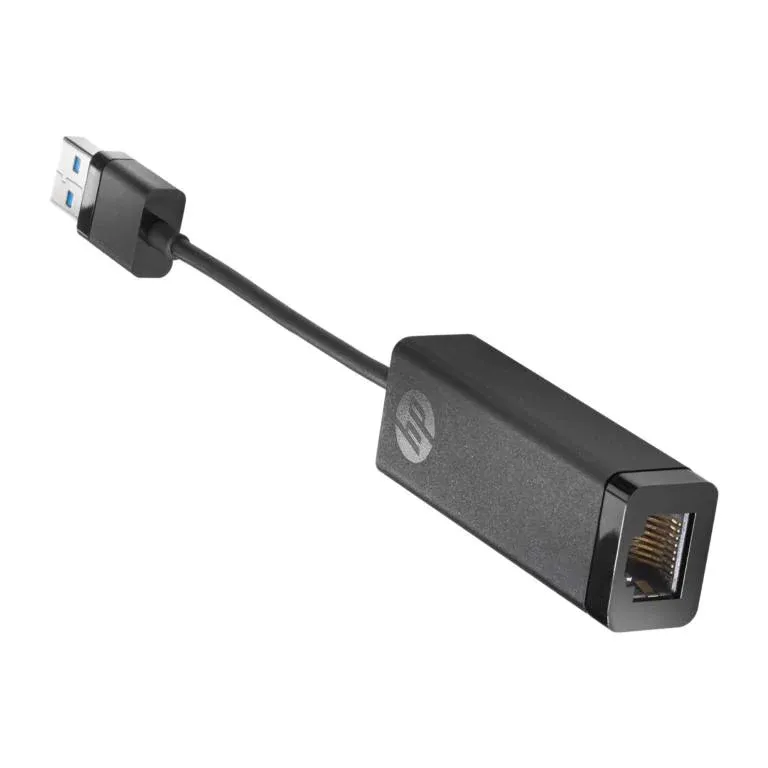
Give a compatible laptop an RJ45 network port with the HP G2 adapter. The short USB-A lead plugs into the laptop, and a separately supplied Ethernet cable connects the adapter to your router, switch or office network socket.

Network connection
From USB-A to a wired network
Connect the adapter to a USB-A port on the computer, then plug the Ethernet cable into the RJ45 socket. The link runs at 10, 100 or 1,000 Mbps according to the network equipment and cabling. Gigabit is the maximum Ethernet link rate.
Operating systems
Built-in drivers for a straightforward setup
HP lists Windows 10, Windows 11, macOS and Chrome OS for this part. HP describes the standard setup as using drivers already installed on the host. On Windows, use Windows Update for the network driver if the required version is missing.
IT deployment
Network boot and remote wake on supported PCs
HP documents PXE boot, Wake-on-LAN and MAC address pass-through. These features depend on the computer and its configuration. For Wake-on-LAN in Connected Modern Standby, keep the computer on AC power and use a USB port that supports both charging and data.
Check the host’s documentation for PXE, Wake-on-LAN and MAC address pass-through support before planning a managed deployment.


Reviews
There are no reviews yet.