

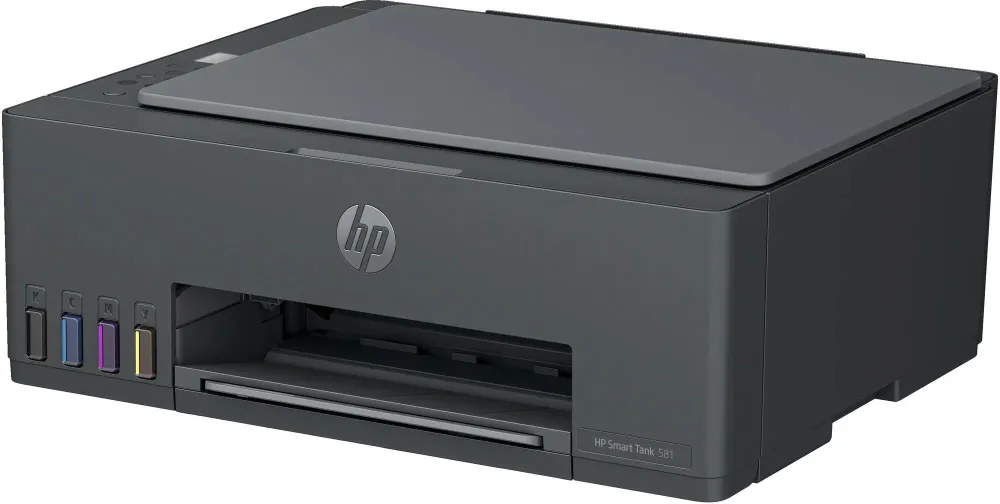
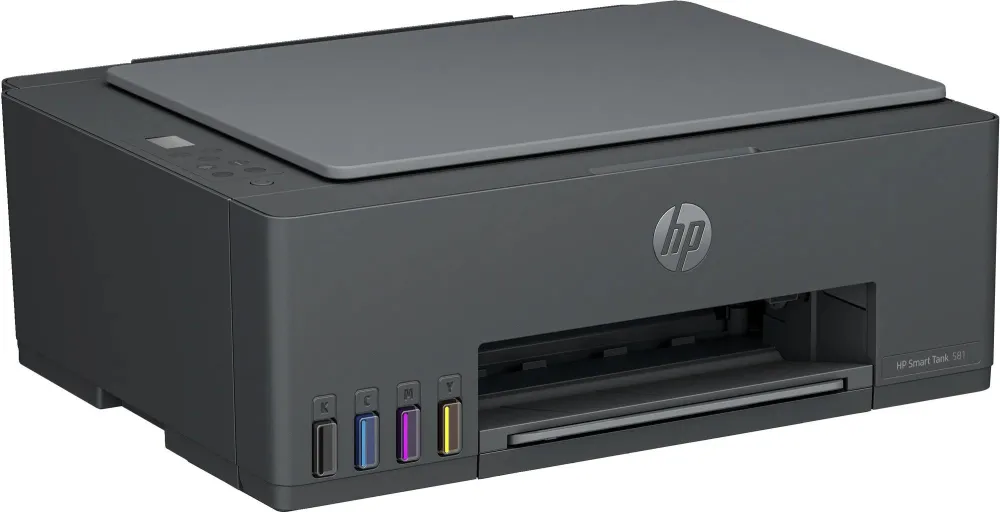
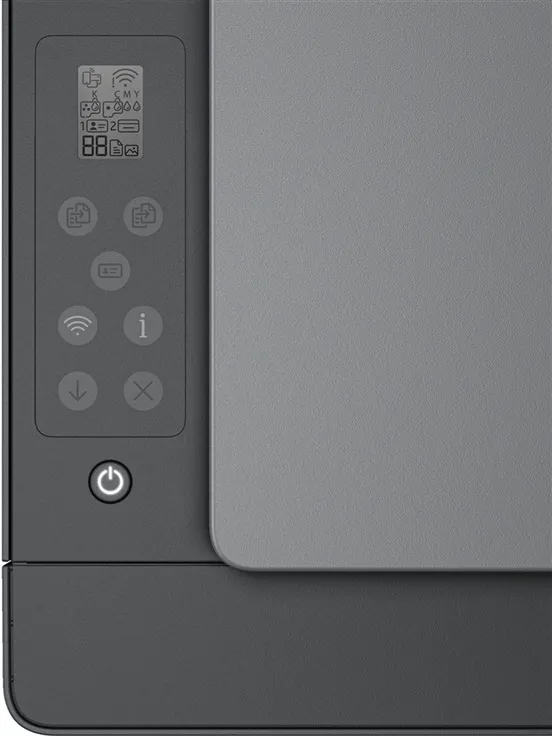
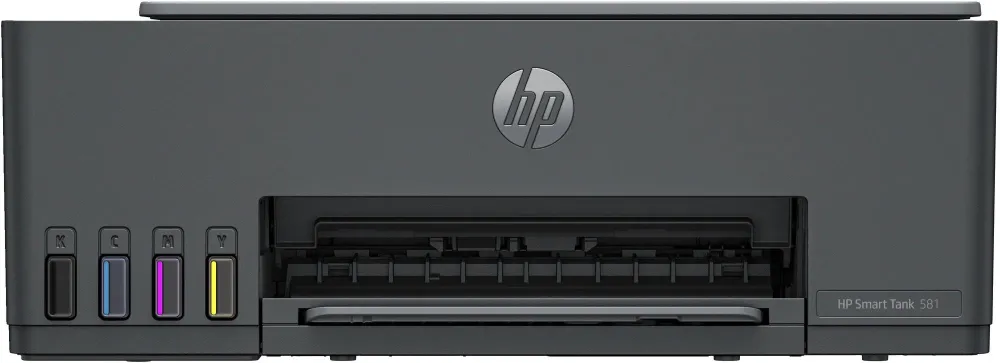
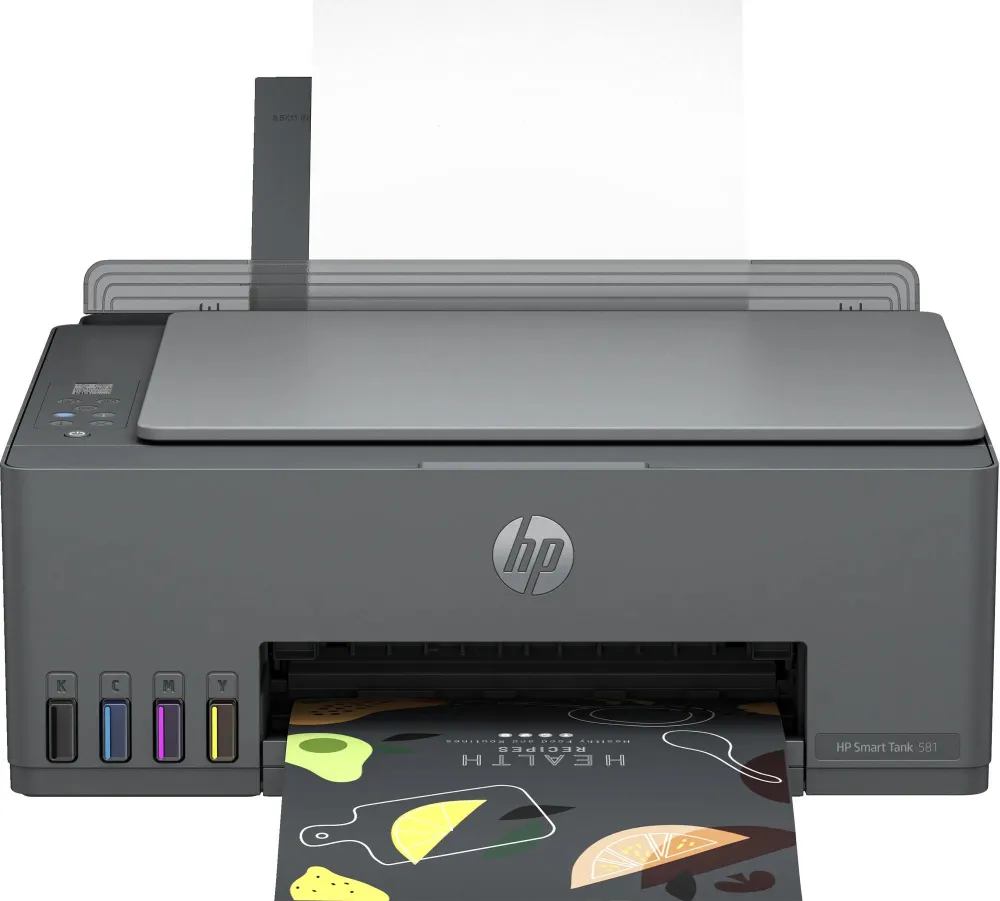
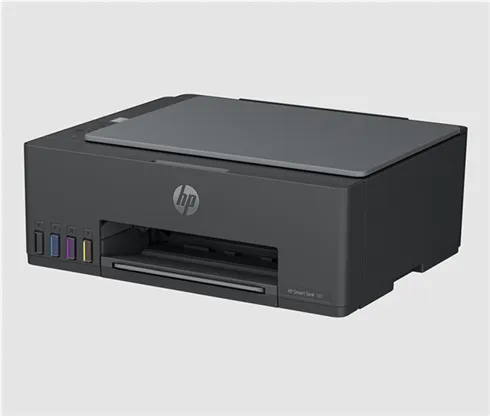
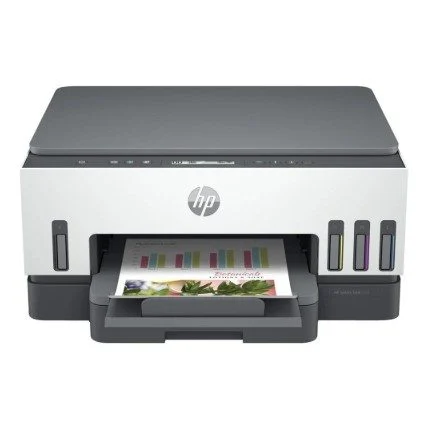
HP Smart Tank 581 All-in-one Printer
HP Smart Tank 581 A4 print, scan and copy inkjet with refillable ink, 2.4 GHz Wi-Fi and manual two-sided printing.
R4,219.00
In Stock with Supplier 2 — 10 avail
Key product details
Full specifications below- Upc: 196548867004
- Gtin: 196548867004
- Brand: Hp
Delivery & support
Clear fulfilment, warranty and payment details.
- Availability In Stock with Supplier 2 — 10 avail In Stock with Supplier 2 — 10 avail
- Delivery Nationwide courier delivery or collection from Strand, Cape Town. Courier nationwide or Strand collection
- Dispatch Backorder — usually dispatched in 2–3 working days after payment verification, subject to supplier confirmation. Backorder — usually dispatched in 2–3 working days after payment verification, subject to supplier confirmation.
- Warranty Manufacturer warranty applies where stated on the product page. As stated on this page
- Returns See our Returns Policy for eligible change-of-mind and faulty goods procedures. See Returns Policy
- Secure payment PayFast checkout with card, Instant EFT, and Mobicred. PayFast · card · EFT · Mobicred
Official manufacturer overview
HP Smart Tank family setup
HP Support · HP Smart Tank 580 family setup, including shared ink filling and alignment steps. Controls and included items can vary. Use the instructions for your 581.
Play to load this video from YouTube.
HP SMART TANK 581
Refill when the tank runs low
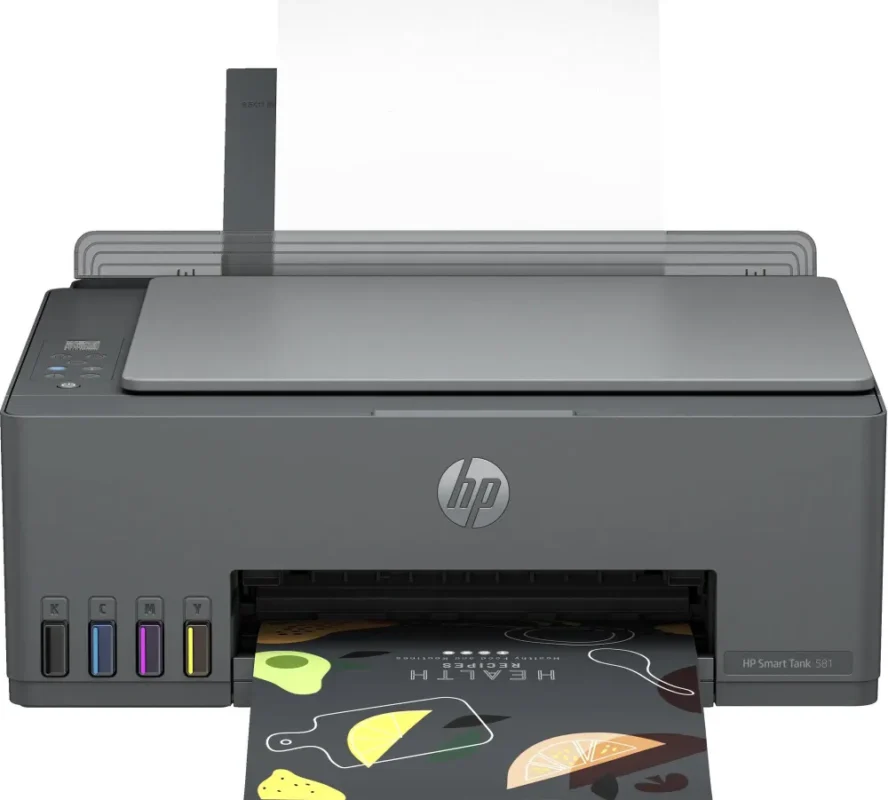
Use this refillable A4 inkjet for colour printing, flatbed scanning and everyday copying. Connect by USB or share the printer over 2.4 GHz Wi-Fi. The translucent tank windows let you see the ink levels before a job.
REFILLABLE INK
Know what comes in the box
HP lists a 135 ml GT53XL black bottle and three 50 ml GT52 colour bottles. Its exact model feature sheet reports up to 6,000 black or colour pages with the included ink under its test conditions. Initial setup uses some ink.
PAPER
Choose the right media for the job
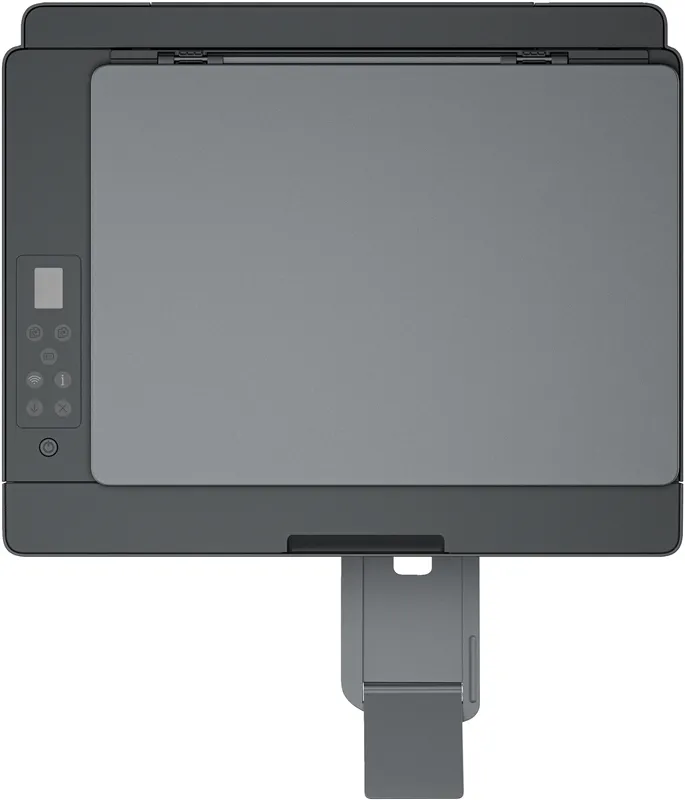
The rear tray holds up to 100 sheets of plain paper. It also handles supported photo papers, brochure stock and envelopes. To print on both sides, turn the paper over when prompted.
SCAN AND COPY
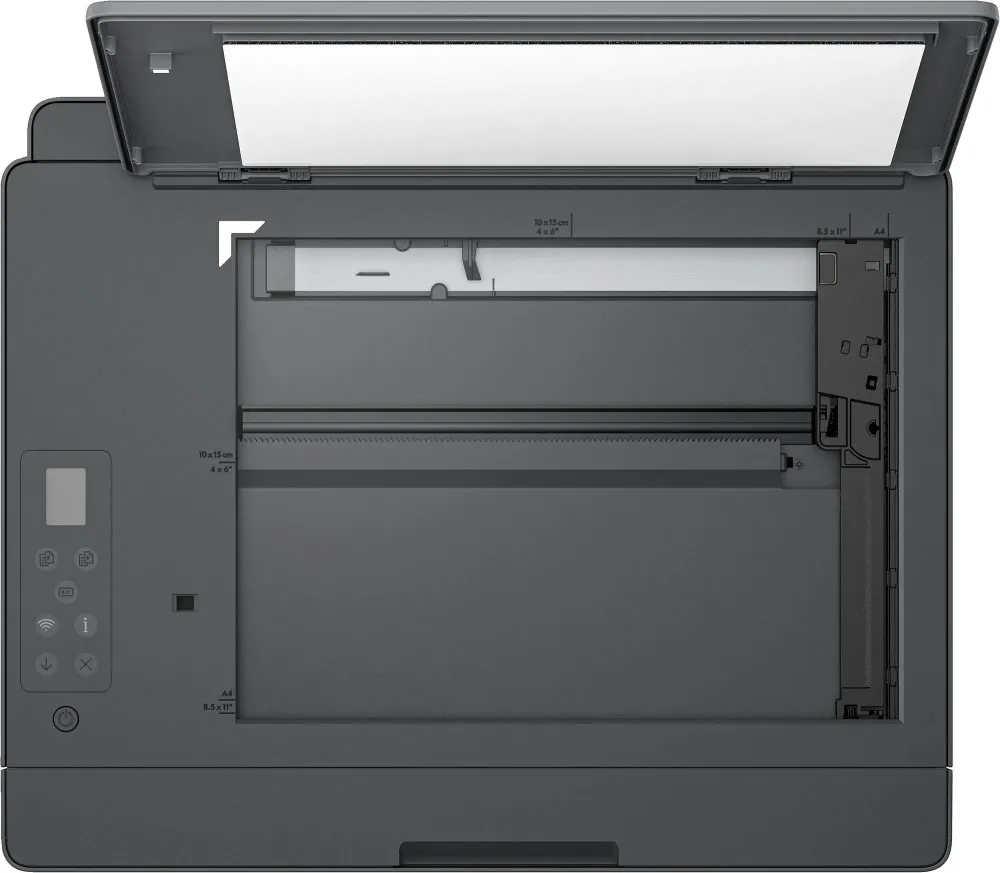
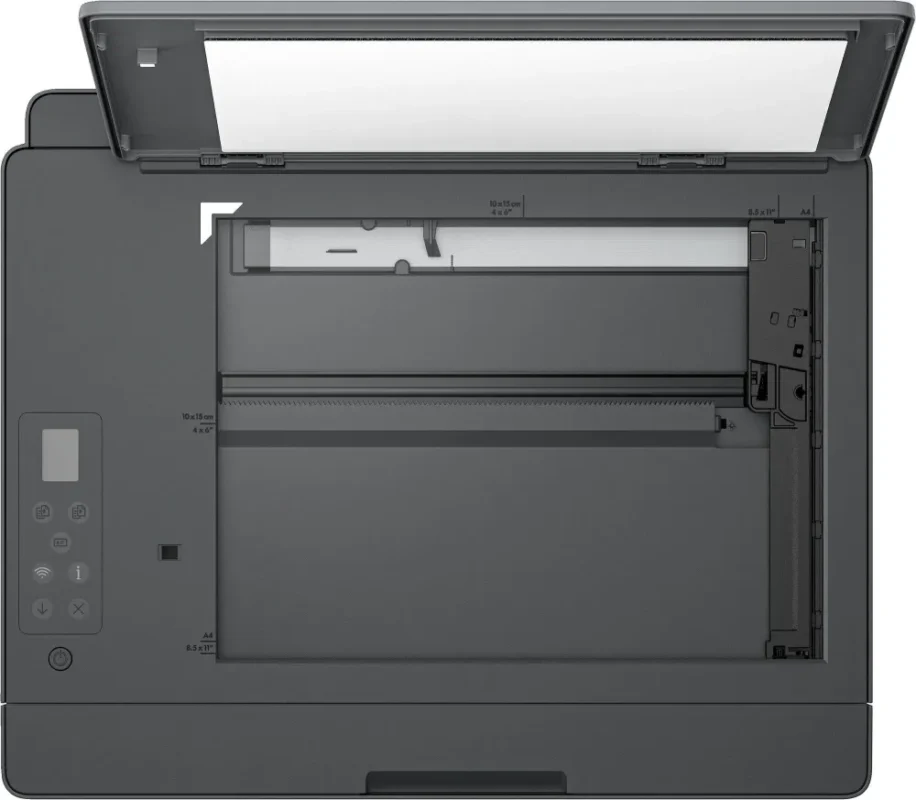
Place originals on the glass
Use the flatbed for a single original. The scanner reaches up to 1,200 dpi optically and the copier supports up to 99 copies per job.
CONNECTIVITY
Print from a compatible phone or computer
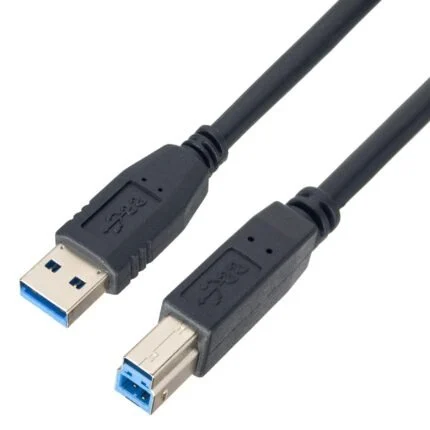
The printer supports USB 2.0, 2.4 GHz Wi-Fi and Wi-Fi Direct. Use the HP app or a supported mobile print service such as AirPrint or Mopria.
Specifications
Functions and output
| Model and SKU | Smart Tank 581 (4A8D4A) |
|---|---|
| Functions | Print, copy and scan |
| Engine | HP thermal inkjet |
| ISO A4 speed | Up to 12 ppm black and 5 ppm colour |
| Print resolution | Black up to 1,200 × 1,200 rendered dpi. Colour up to 4,800 × 1,200 optimised dpi from a computer at 1,200 dpi input. |
| Recommended monthly volume | 400–800 pages. Maximum A4 duty cycle 3,000 pages. |
| Two-sided printing | Manual with driver support |
Scanning and copying
| Original handling | Flatbed CIS only |
|---|---|
| Scan area | 216 × 297 mm |
| Optical scan resolution | Up to 1,200 × 1,200 dpi |
| Copy speed | Up to 10 black or 2 colour copies per minute, ISO |
| Copy resolution and count | Up to 600 dpi and up to 99 copies |
Media
| Tray capacity | 100-sheet input, 30-sheet output |
|---|---|
| Sizes | A4, B5, A6, Legal and DL envelopes; 88.9 × 127 to 215.9 × 355.6 mm custom |
| Media types | Supported plain, matte or glossy brochure, photo paper and envelopes |
| Borderless | Supported up to A4 / Letter |
| Recommended paper weight | 75 g/m² |
Ink
| Included | GT53XL black (135 ml), GT52 cyan, magenta and yellow (50 ml each), black and tri-colour printheads |
|---|---|
| EMEA replacement codes | GT53XL black 1VV21AE; GT52 cyan M0H54AE, magenta M0H55AE, yellow M0H56AE |
| Yield qualification | HP's exact 4A8D4A feature sheet lists up to 6,000 black or colour pages with supplied ink under its simulated continuous-print tests. Actual yield varies and setup consumes ink. |
Connectivity and operating systems
| Interfaces | Hi-Speed USB 2.0, Wi-Fi 802.11b/g/n at 2.4 GHz and Wi-Fi Direct |
|---|---|
| Mobile printing | HP app, Apple AirPrint, Mopria, HP Print Service Plugin and Wi-Fi Direct |
| HP system list | Windows 11/10, macOS 10.15–14, ChromeOS, Android and iOS on supported configurations. Check your exact OS release. |
Physical and power
| Size | 434.66 × 361.53 × 157.26 mm (W × D × H) |
|---|---|
| Maximum size | 434.66 × 580.65 × 259.37 mm (W × D × H) |
| Weight | 5.03 kg |
| Power draw | 3.023 W ready, 1.096 W sleep, 0.109 W manually off |
| Hardware warranty | One year or 30,000 pages, whichever occurs first, under HP’s limited hardware warranty |

Reviews
There are no reviews yet.