
HP LaserJet Enterprise M430/M431 user guide (PDF)
Official English guide. Follow the M430f (3PZ55A) instructions for setup, supplies and troubleshooting.
Open official support (opens in a new tab)Checking which support options are available…
Who would you like help from?
Enter your name to begin your live chat with an online consultant.
What can we help you with?
Your details are used only to respond. MatzoBot requests are securely passed to the MatzoTech team.
Your request has been emailed to MatzoTech. A consultant will reply using the email address or mobile number you supplied.

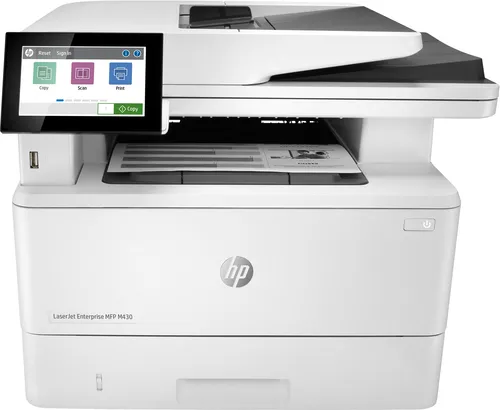
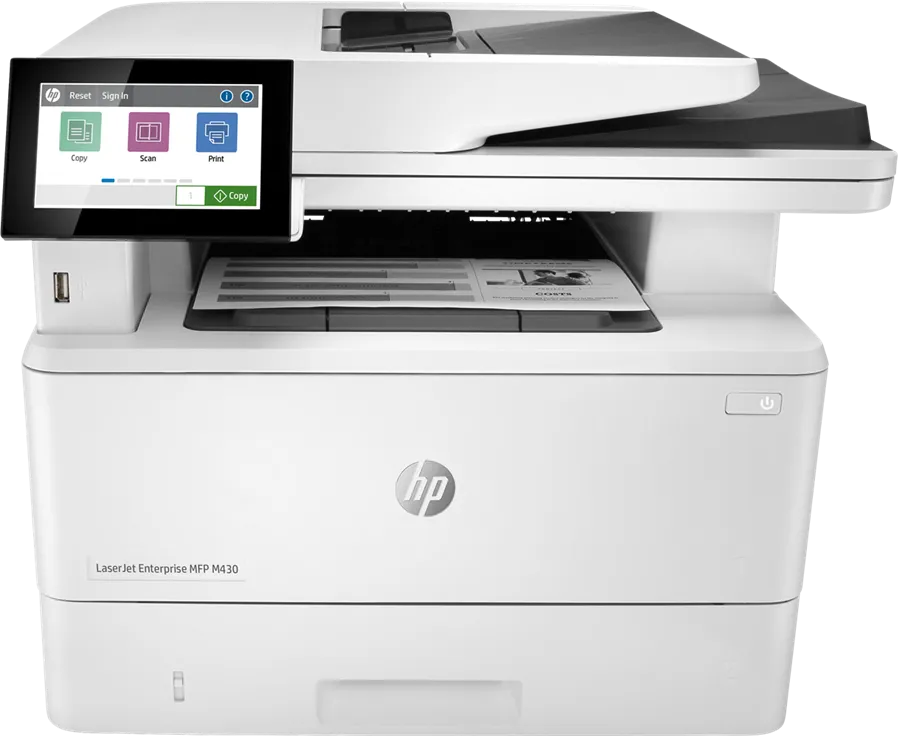
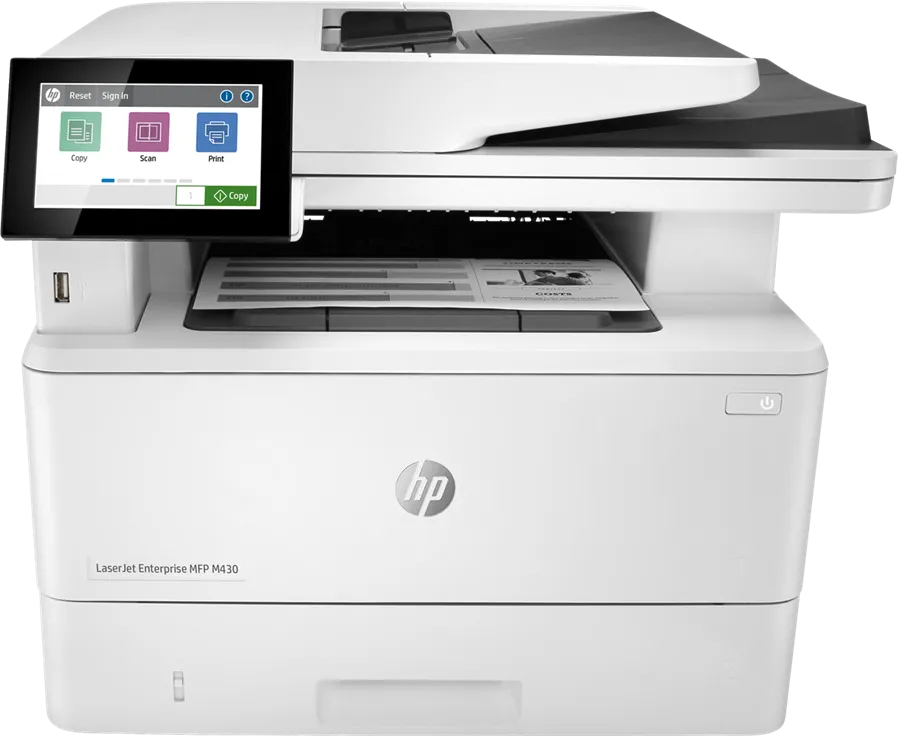
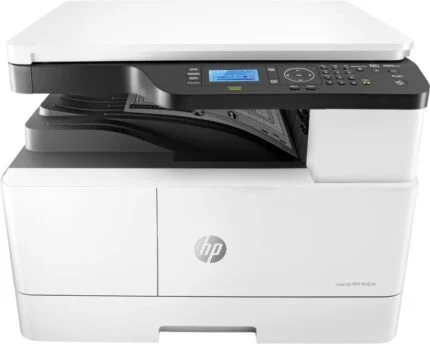
HP LaserJet Enterprise MFP M430f monochrome A4 printer, copier, scanner and fax with automatic duplex and a 50-sheet feeder.
R12,669.00
In Stock with Supplier 2 — 10 avail
Clear fulfilment, warranty and payment details.
Official manufacturer overview
HP Support · HP’s toner replacement tutorial covers several LaserJet families, including the M430/M431 series. This listing is for the M430f.
Play to load this video from YouTube.
HP LASERJET ENTERPRISE MFP M430F
Print, copy, scan and fax from one shared A4 device. The M430f prints in black and white, while its 50-sheet document feeder scans both sides of an original in one pass, in colour or black and white.
PRINT AND COPY
The M430f prints at up to 38 pages per minute on A4 by default, or up to 40 in HP High Speed mode. Two-sided printing is automatic and on by default. HP recommends 900 to 4,800 pages a month for day-to-day use.
DOCUMENT HANDLING
The document feeder scans both sides in one pass. Switch to the flatbed for a single loose sheet or a bound original. Use the 10.9 cm colour touchscreen to select a configured destination such as email, a network folder or a USB drive.
SHARED SETUP
Gigabit Ethernet is built in for sharing over a wired network. USB and fax are also standard. Wi-Fi and Wi-Fi Direct use an optional HP Jetdirect accessory. The two standard trays hold 350 sheets together, with a separate 550-sheet option for installations that need more capacity.
TONER
The South African model uses HP 59A or 59X black toner. The 59A is rated for approximately 3,000 pages and the 59X for approximately 10,000 pages under HP’s continuous-printing test.
| HP product number | 3PZ55A |
|---|---|
| Functions | Monochrome laser printing and copying, colour or monochrome scanning, and fax |
| A4 print speed | Up to 38 ppm by default or 40 ppm in HP High Speed mode |
| First A4 page from ready | As fast as 6.5 seconds |
| Print resolution | Up to 1,200 × 1,200 dpi in Best mode |
| A4 copy speed | Up to 38 copies per minute |
| Automatic duplex printing | Standard, enabled by default |
| Recommended monthly volume | 900–4,800 pages |
| Maximum A4 monthly duty cycle | 100,000 pages |
| Fax modem | Up to 33.6 kbps, 14.4 kbps by default |
| Print languages | PCL 6, PCL 5, PostScript Level 3 emulation and native PDF 1.7 |
| Scanner | CIS flatbed and 50-sheet single-pass duplex document feeder |
|---|---|
| Optical resolution | Up to 600 dpi |
| A4 simplex speeds | Up to 29 ppm in black and white and 20 ppm in colour |
| A4 duplex speeds | Up to 46 images/min in black and white and 35 images/min in colour |
| Flatbed scan area | Up to 216 × 297 mm |
| ADF document size | 127 × 178 mm to 216 × 356 mm |
| File formats | PDF, PDF/A, TIFF, multipage TIFF, JPEG and XPS |
| Routing | Configured destinations include email, network folder, USB and SharePoint |
| Input trays | 100-sheet multipurpose tray and 250-sheet standard tray. Optional 550-sheet third tray. |
|---|---|
| Output | 150 sheets |
| Custom paper sizes | Tray 1: 76 × 127 to 216 × 356 mm. Tray 2 and optional tray: 105 × 148 to 216 × 356 mm. |
| Example media | A4, A5 and A6 paper, plus B5, C5, C6 and DL envelopes via the multipurpose tray. Labels supported. |
| Included toner | One black HP LaserJet cartridge, approximately 3,000 pages |
| South African replacement toner | HP 59A CF259A, approximately 3,000 pages. HP 59X CF259X, approximately 10,000 pages. |
| Yield basis | ISO/IEC 19752 and continuous printing. Actual yield varies with page content and use. |
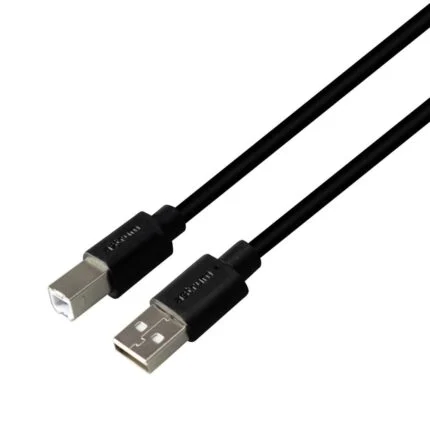
| Interfaces | Gigabit Ethernet, two USB 2.0 hosts, one USB 2.0 device port and fax |
|---|---|
| Optional wireless | HP Jetdirect 3100w 3JN69A for dual-band Wi-Fi and Wi-Fi Direct |
| Mobile printing | Apple AirPrint and Mopria |
| System support | HP lists Windows 11/10/8.1/8/7, macOS 10.12–10.15, Android and iOS. Check HP Support for software for your OS and version. |
| Control panel and memory | 10.9 cm colour touchscreen, 2 GB RAM and 16 GB eMMC |
| Closed size | 420 × 390 × 323 mm (W × D × H) |
|---|---|
| Fully open | 453 × 839 × 577 mm (W × D × H) |
| Weight | 13.01 kg with toner cartridge |
| AC input | 220–240 V, 50/60 Hz for the local model |
| Consumption | 525 W active printing, 10.1 W ready, 1.2 W sleep |
Keep the approved manufacturer user guide. Recheck a working exact-model software/driver selector.
Use official support resources for this product. Each link opens in a new tab.
Official English guide. Follow the M430f (3PZ55A) instructions for setup, supplies and troubleshooting.
Open official support (opens in a new tab)Help other shoppers by sharing an honest review.
Write a reviewYou are offline. Reconnect to check prices and shop.
Reviews
There are no reviews yet.