

Dell Micro Form Factor All-in-One Stand – MFS22 Stands and Mounts
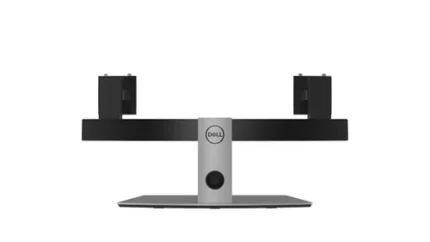
Dell MFS22 all-in-one stand for a compatible 19–27-inch monitor and supported Dell Micro desktop. Silver, with cable routing and height adjustment.
R2,399.00
In Stock with Supplier 2 — 10 avail
Key product details
Full specifications below- Mpn: 482-BBEO
- Brand: Dell
Delivery & support
Clear fulfilment, warranty and payment details.
- Availability In Stock with Supplier 2 — 10 avail In Stock with Supplier 2 — 10 avail
- Delivery Nationwide courier delivery or collection from Strand, Cape Town. Courier nationwide or Strand collection
- Dispatch Backorder — usually dispatched in 2–3 working days after payment verification, subject to supplier confirmation. Backorder — usually dispatched in 2–3 working days after payment verification, subject to supplier confirmation.
- Warranty Manufacturer warranty applies where stated on the product page. As stated on this page
- Returns See our Returns Policy for eligible change-of-mind and faulty goods procedures. See Returns Policy
- Secure payment PayFast checkout with card, Instant EFT, and Mobicred. PayFast · card · EFT · Mobicred
Dell MFS22 | 482-BBEO
Mount a display and Micro desktop on one stand
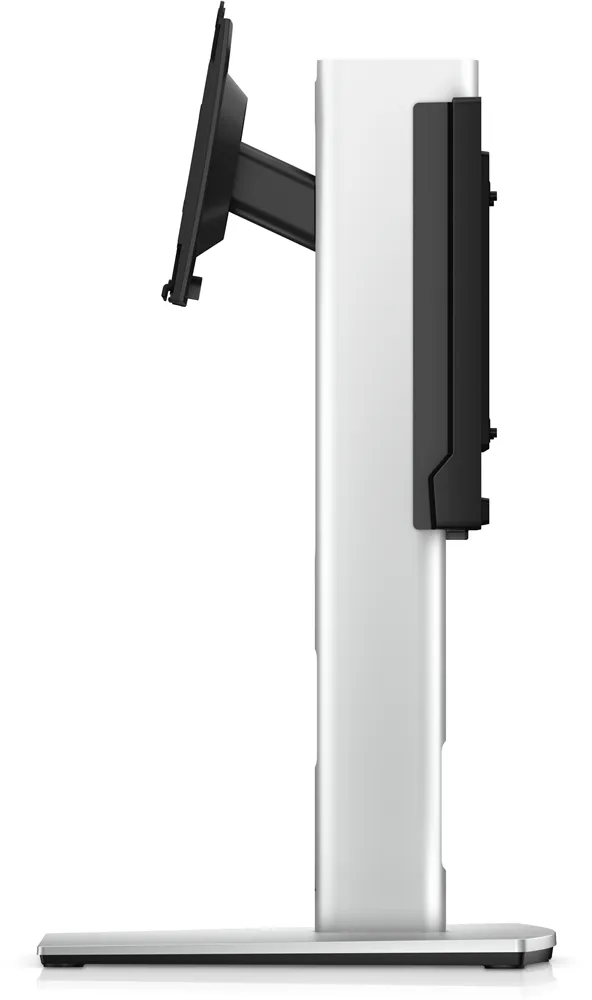
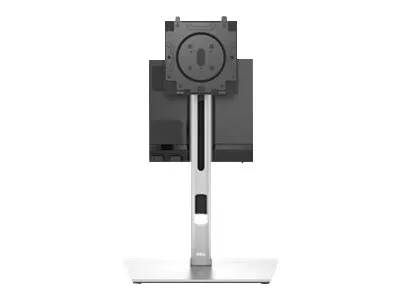
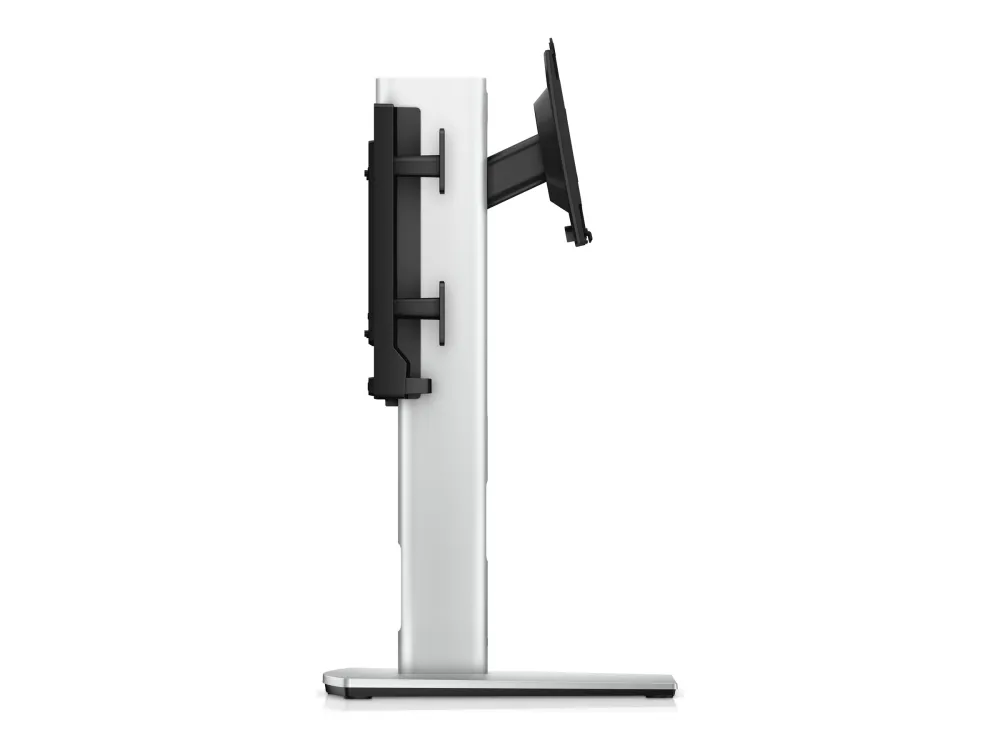
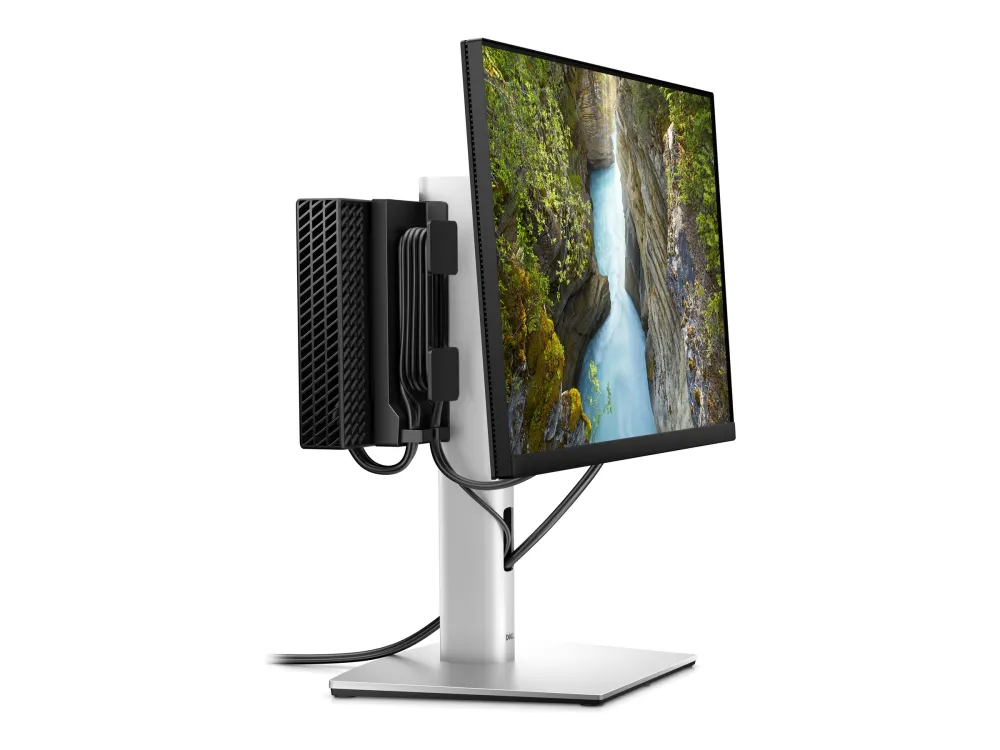
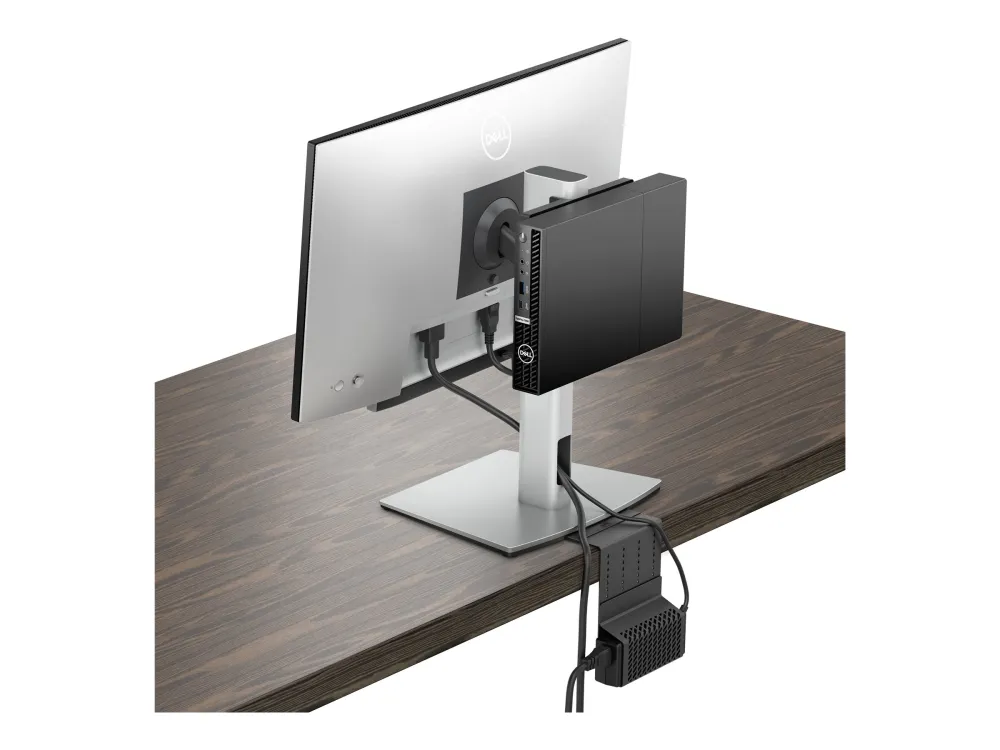
The Dell MFS22 brings one compatible monitor and a supported Dell Micro desktop onto a freestanding base. The rear mounting plate and cable channels keep the computer and its leads close to the display.
Monitor fit
Set up the right monitor and Micro desktop
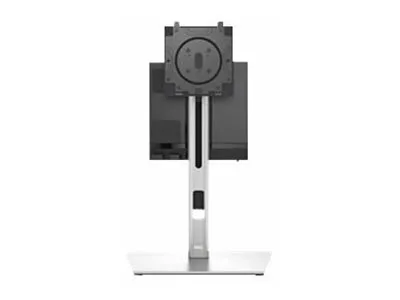
Dell Quick Release fits selected Dell displays. Use the appropriate 100 × 100 mm VESA plate for a compatible monitor with that mounting pattern. Check the exact Dell Micro chassis against the MFS22 guide before fitting it.
Cable routing
Keep the rear of the desk tidy
Pass display and computer cables through the stand’s routing slots and use the rear hooks to manage extra length. The installed computer sits on the stand’s rear mount. Dell lists the AC adapter sleeve separately.
Adjustments
Position the screen at a comfortable height
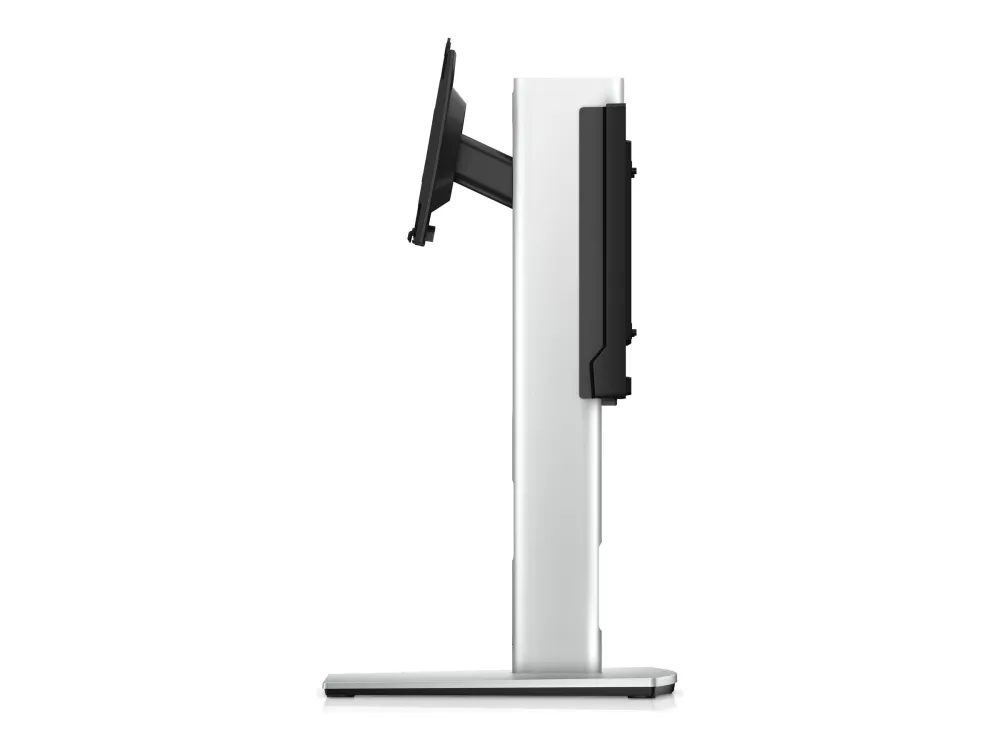
Raise or lower the screen through 150 mm of travel. The stand also offers tilt, swivel and pivot adjustments. Follow Dell’s movement instructions when changing orientation.
Specifications
Identity and fit
| Model | MFS22 |
|---|---|
| Dell part | 482-BBEO (RMWF9) |
| Mount type | Freestanding monitor and Micro desktop stand |
| Monitor size | One 19–27-inch display |
| Supported monitor weight | 2.2–5.8 kg |
| Mount patterns | Dell Quick Release on selected models or VESA 100 × 100 mm |
Adjustment and build
| Height adjustment | 150 mm |
|---|---|
| Tilt | −5° to +21° |
| Swivel | ±45° |
| Pivot | Bidirectional |
| Cable routing | Integrated mounting-arm slots and rear cable hooks |
| Colour | Silver |
| Dimensions (W × D × H) | 27.5 × 22 × 38.5 cm |
| Stand weight | Approximately 3.4 kg |
Monitor and computer pictured for illustration. Confirm that both devices fit the stand before ordering.

Reviews
There are no reviews yet.