

Dell Dual Stand – MDS19
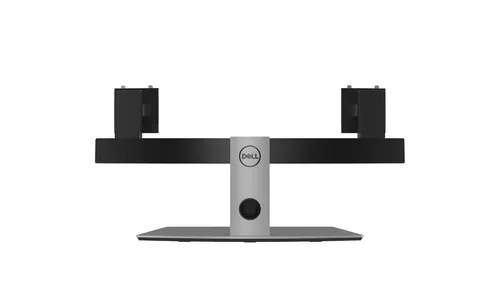
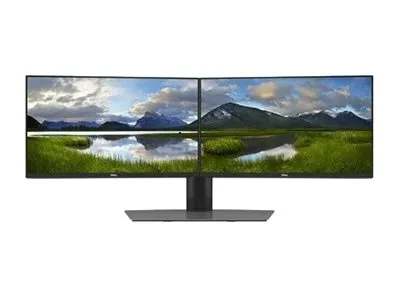
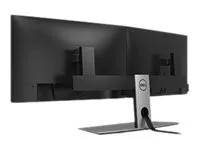
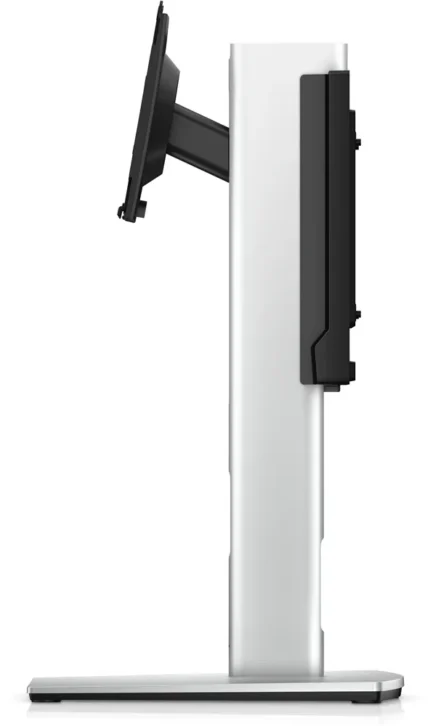
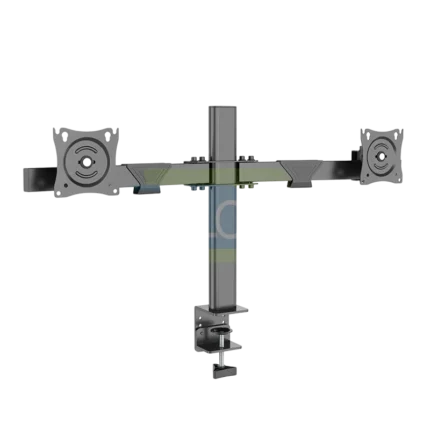
Dell MDS19 stand for two compatible 19–27-inch monitors. Independent height and angle adjustments, 100 × 100 mm VESA and concealed cable routing.
R2,949.00
Supplier has stock — 3 avail
Key product details
Full specifications below- Ean: 5397184091777
- Gtin: 5397184091777
- Brand: Dell
Delivery & support
Clear fulfilment, warranty and payment details.
- Availability Supplier has stock — 3 avail Supplier has stock — 3 avail
- Delivery Nationwide courier delivery or collection from Strand, Cape Town. Courier nationwide or Strand collection
- Dispatch Backorder — usually dispatched in 2–3 working days after payment verification, subject to supplier confirmation. Backorder — usually dispatched in 2–3 working days after payment verification, subject to supplier confirmation.
- Warranty Manufacturer warranty applies where stated on the product page. As stated on this page
- Returns See our Returns Policy for eligible change-of-mind and faulty goods procedures. See Returns Policy
- Secure payment PayFast checkout with card, Instant EFT, and Mobicred. PayFast · card · EFT · Mobicred
Dell MDS19 | 482-BBCY
Give two monitors one adjustable base
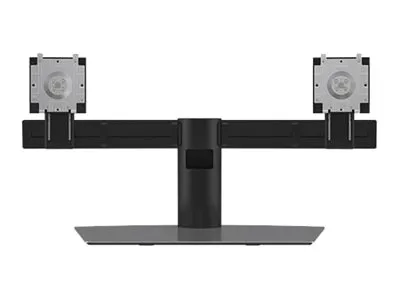
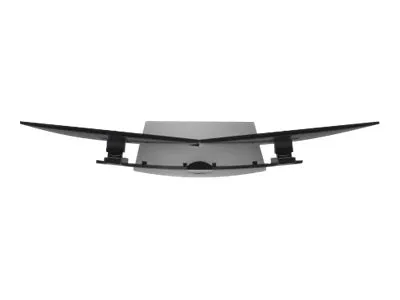
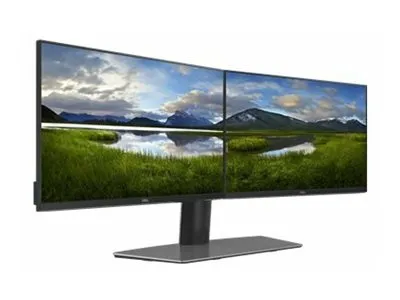
The Dell MDS19 holds two compatible displays on one curved crossbar. Adjust each screen for your setup, route the cables behind the crossbar and keep the area in front of the stand available for work.
Screen layout
Set each screen where you need it
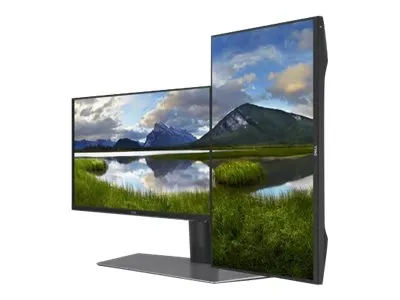
Adjust screen height and angle independently. A screen can turn through 90° in either direction for portrait work, subject to its size and clearance from the second screen.
Cable routing
Move the leads behind the displays
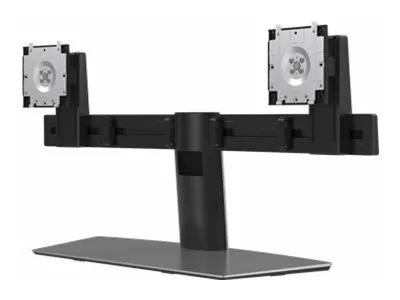
Clips along the crossbar retain each monitor’s cables. Feed the leads through the channel in the central stand to keep them together behind the base.
Mounting
Check the plate and weight before mounting
Use Dell Quick Release on supported displays or the correct VESA adapter plate on compatible monitors. The exact Dell 482-BBCY specification recommends 19–27-inch displays in the supported weight range.
Specifications
Identity and fit
| Dell model | MDS19 |
|---|---|
| Dell part | 482-BBCY (9JMJ8) |
| Stand type | Freestanding dual monitor stand |
| Displays supported | Two compatible 19–27-inch monitors |
| Per-monitor load | 2.2–6.0 kg |
| Mount pattern | 100 × 100 mm VESA or compatible Dell Quick Release |
Adjustment and build
| Lift | 130 mm per display |
|---|---|
| Tilt | −5° to +24° |
| Swivel | −10° to +15° |
| Pivot | −90° to +90° |
| Cable management | Crossbar clips and a central cable slot |
| Dimensions (W × D × H) | 80.01 × 24.51 × 38.00 cm |
| Stand weight | 8.38 kg |
Displays are shown for illustration. Check mounting recess, screen clearance and weight with your particular monitors.
Reviews
There are no reviews yet.