

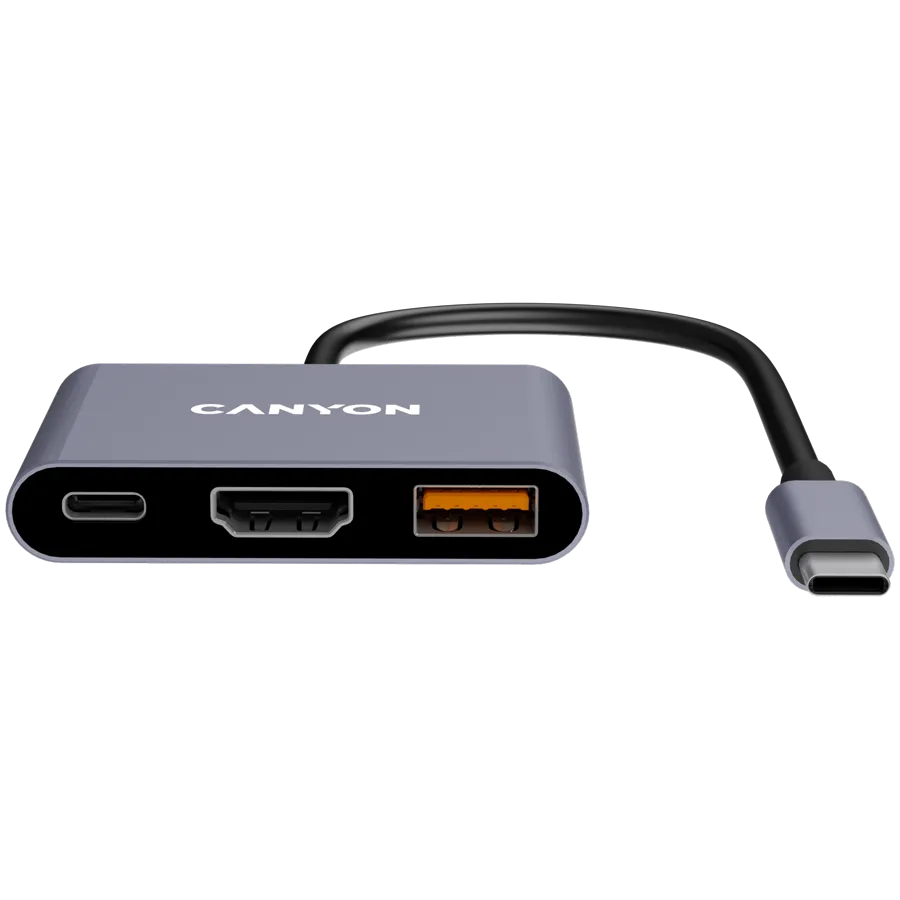
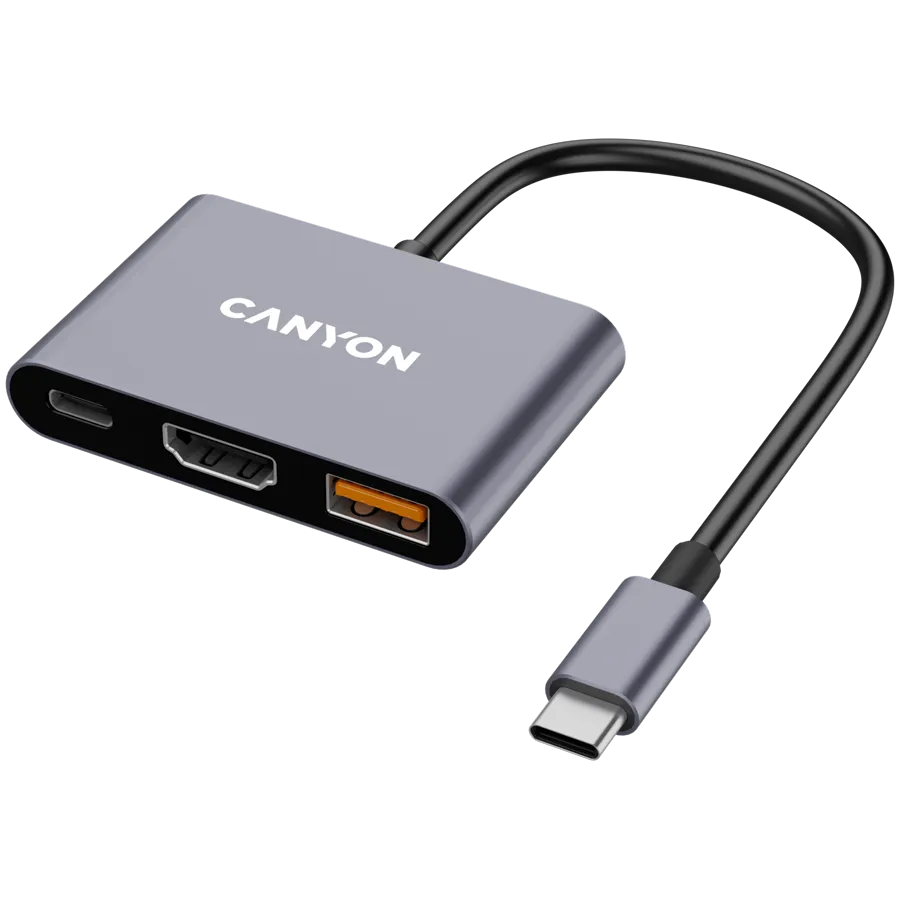
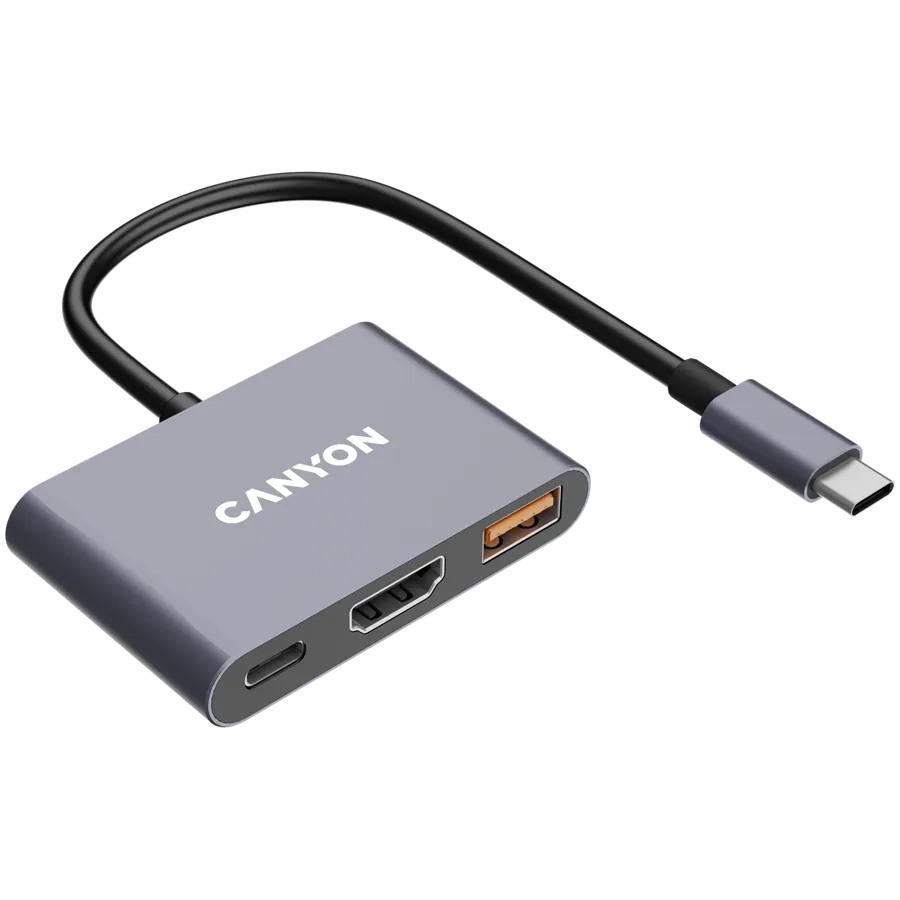
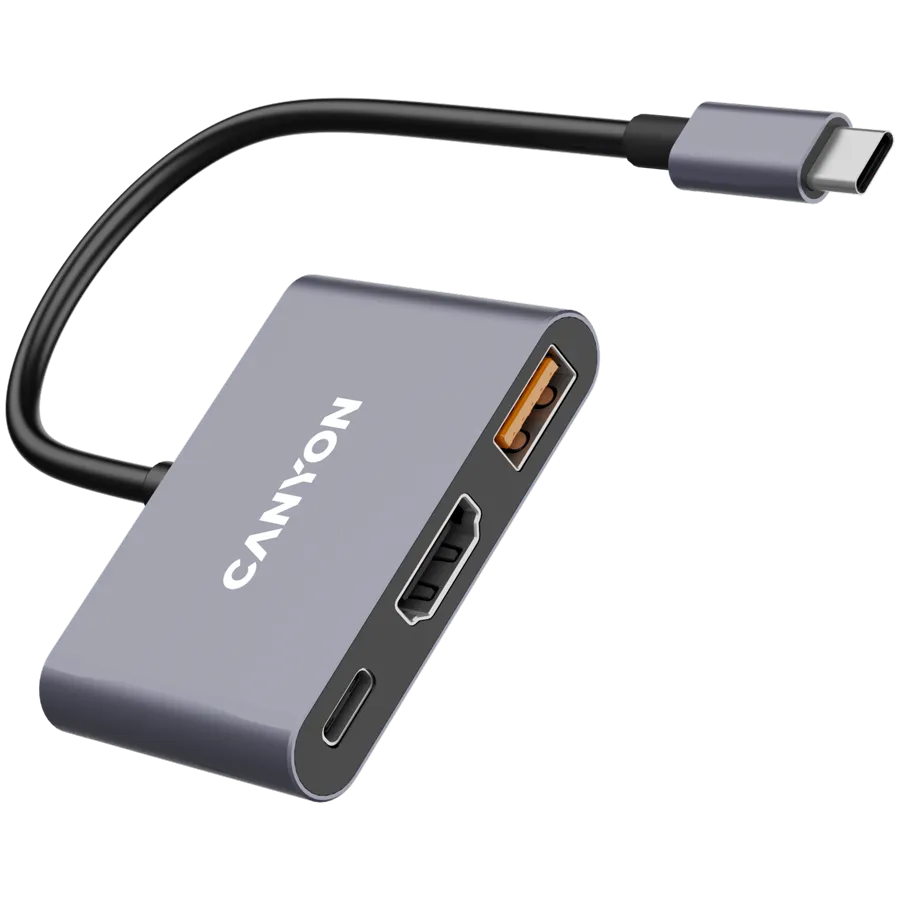
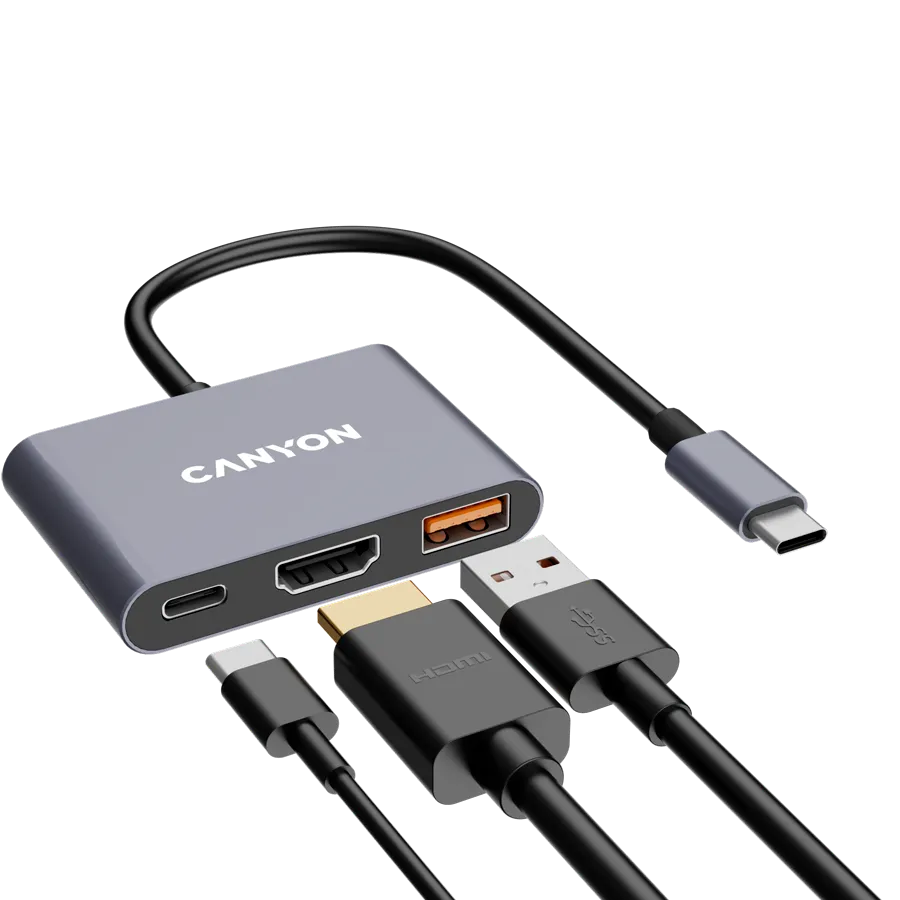
CANYON hub DS-4 3in1 USB-C Grey
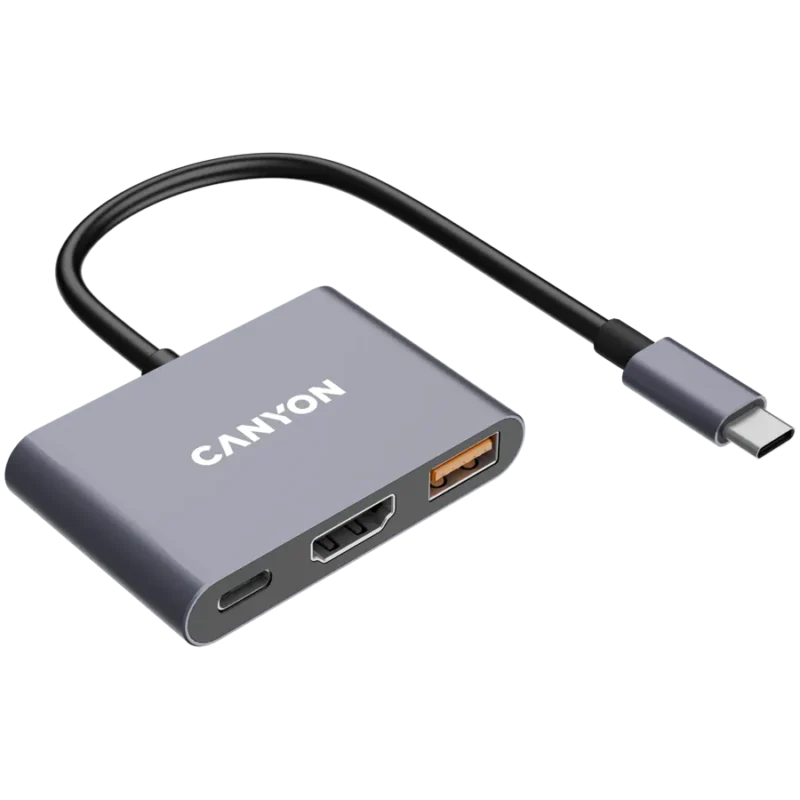
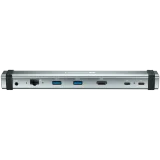
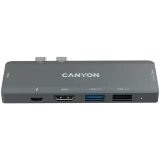
Canyon DS-4 CNS-TDS4 grey aluminium USB-C hub with HDMI up to 4K at 30 Hz, USB-A up to 10 Gbps and up to 100 W PD input.
R259.00
Supplier has stock — 10 avail
Key product details
Full specifications below- Ean: 5291485016784
- Gtin: 5291485016784
- Brand: CANYON
Delivery & support
Clear fulfilment, warranty and payment details.
- Availability Supplier has stock — 10 avail Supplier has stock — 10 avail
- Delivery Nationwide courier delivery or collection from Strand, Cape Town. Courier nationwide or Strand collection
- Dispatch Backorder — usually dispatched in 2–3 working days after payment verification, subject to supplier confirmation. Backorder — usually dispatched in 2–3 working days after payment verification, subject to supplier confirmation.
- Warranty Manufacturer warranty applies where stated on the product page. As stated on this page
- Returns See our Returns Policy for eligible change-of-mind and faulty goods procedures. See Returns Policy
- Secure payment PayFast checkout with card, Instant EFT, and Mobicred. PayFast · card · EFT · Mobicred
Canyon DS-4 | OnHub 4
Three useful ports from one USB-C socket
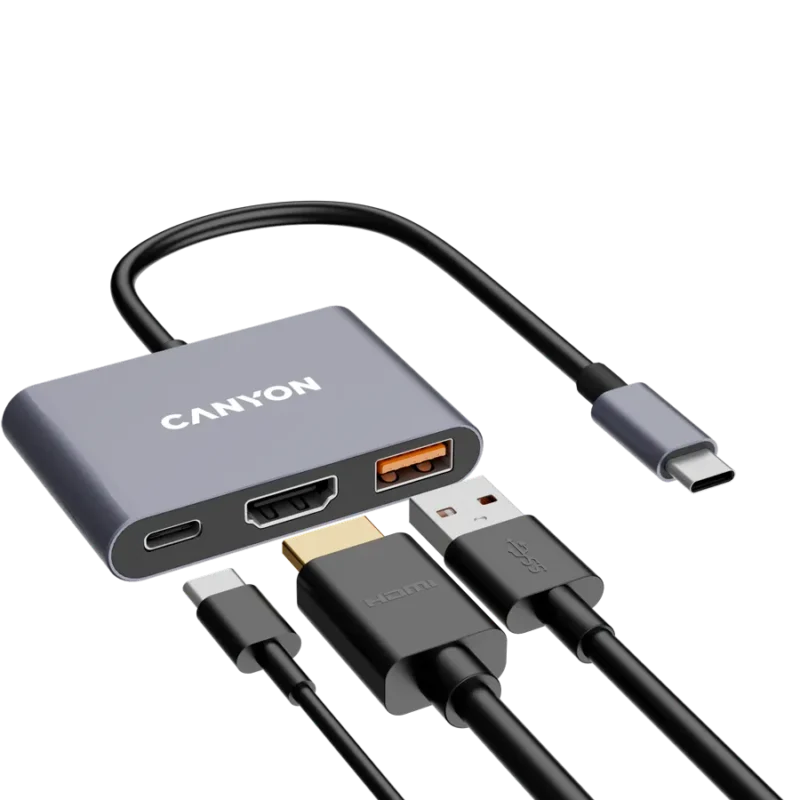
Take the compact Canyon DS-4 between desks to connect one HDMI screen, a USB-A peripheral and a USB-C Power Delivery charger. Check the USB-C capabilities of your computer before relying on all three functions.
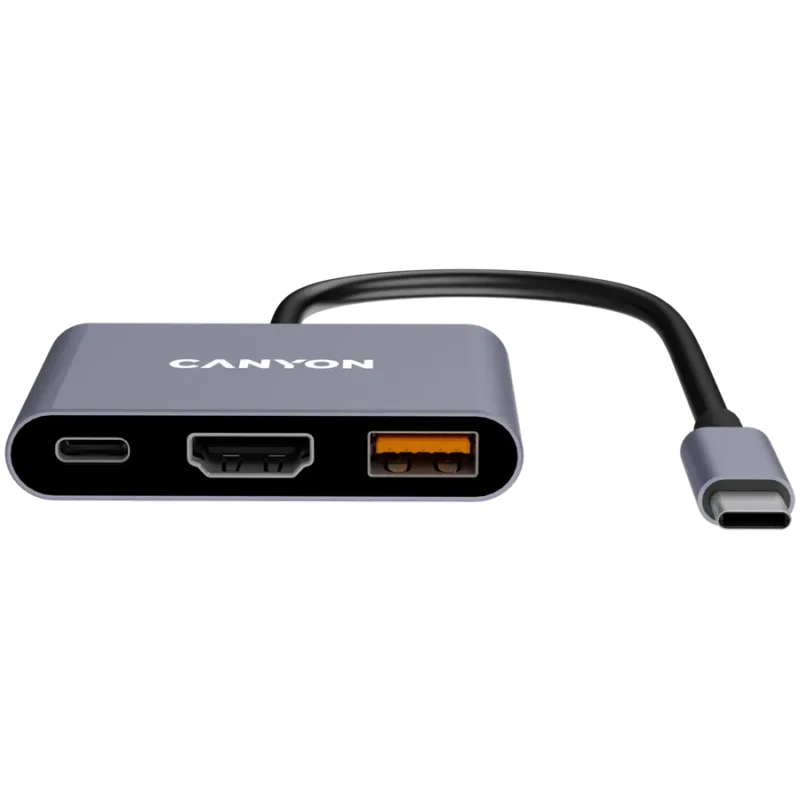
External display
Connect one screen over HDMI
The HDMI output supports up to 4K at 30 Hz with a compatible host and display. The host USB-C port needs video output capability. Connecting to a data-only USB-C socket leaves HDMI unavailable.
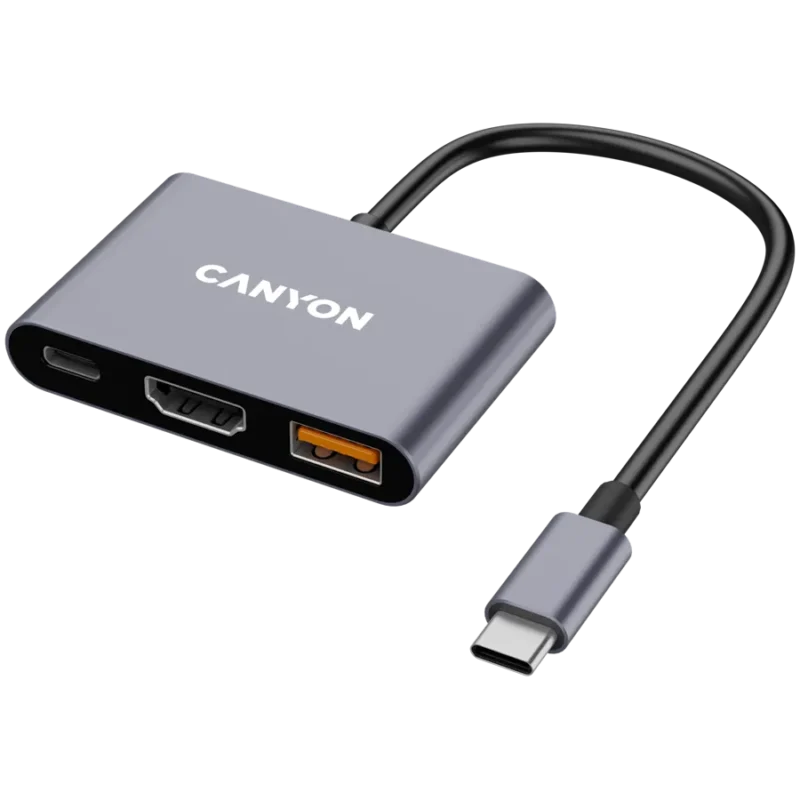
USB data
Add one USB-A accessory
Use the USB 3.2 Gen 2 Type-A port for a drive or another USB peripheral. Canyon quotes a link ceiling of 10 Gbps, with actual speed determined by the host, device and workload.
Pass-through power
Keep the laptop connected to its charger
Connect a compatible USB-C PD adapter to the charging port. The 100 W figure is the hub’s stated PD limit. The compatible charger, cable, hub and connected computer determine the power the computer actually receives.
Portable connection
Bring the hub to another desk
The grey aluminium shell and attached 12 cm lead keep the adapter compact. For everyday connections Canyon describes it as plug and play on Windows, macOS and compatible Android devices.
Specifications
Identity
| Model | Canyon DS-4 / OnHub 4 (CNS-TDS4) |
|---|---|
| Finish | Grey aluminium |
| EAN | 5291485016784 |
Ports and capabilities
| Host connection | USB-C, 12 cm built-in lead |
|---|---|
| Video | 1 × HDMI Type A, up to 4K at 30 Hz |
| External displays | One with a video-capable USB-C host |
| USB data | 1 × USB-A, USB 3.2 Gen 2 up to 10 Gbps |
| Charging port | 1 × USB-C Power Delivery input up to 100 W |
| Ethernet, audio and card reader | None |
Construction and support
| Dimensions (L × W × H) | 61.4 × 40 × 11.4 mm |
|---|---|
| Weight | 31.1 g |
| Listed platforms | Windows, macOS and compatible Android devices |
| Software | Plug and play for supported functions |
| Retail pack | One hub with attached lead |
| Manufacturer warranty | 24 months, serial-number validation per native product record |




Reviews
There are no reviews yet.