
Epson EcoTank • M3180
A monochrome workhorse with more than printing in mind.
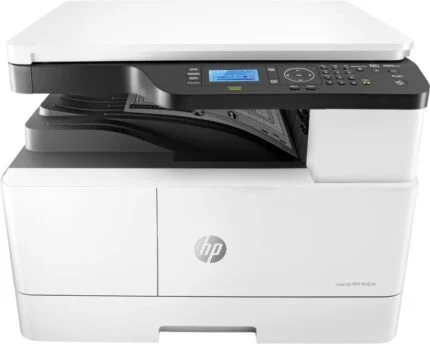
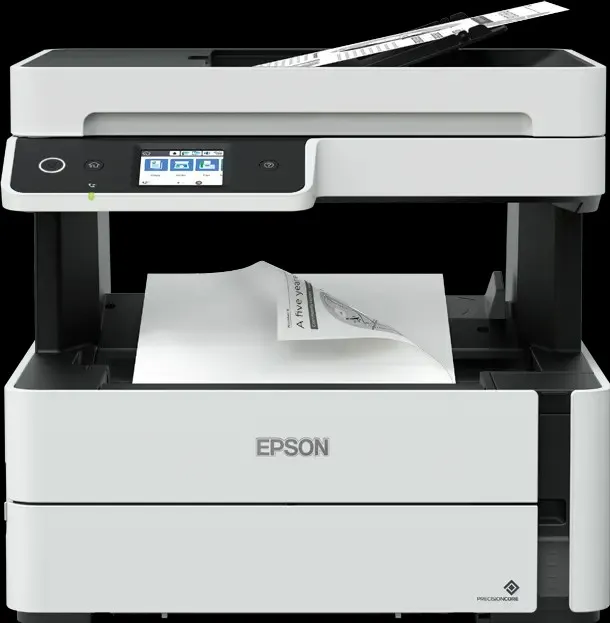
EcoTank M3180 combines black-and-white printing with scanning, copying and fax in one desktop device. Its refillable pigment-black tank, 250-sheet cassette and 35-page ADF suit everyday office documents, while automatic A4 duplex printing helps keep longer jobs manageable.

Office printing
Choose a speed figure that matches the job.
Epson rates A4 monochrome printing at 20 pages/min under ISO/IEC 24734 and duplex output at 9 A4 pages/min. The 39 ppm figure is a separate maximum/draft-style rate on plain paper, not the ISO office-document speed. First-page output is approximately six seconds; a 1200 × 2400 dpi print resolution supports text and graphics at the selected quality setting.
Paper flow
Keep everyday paper ready and special jobs separate.
A 250-sheet front cassette and one-sheet rear feed provide 251 sheets total input. The rear route handles a separate special-media job without unloading the main cassette. Automatic double-sided printing applies to A4 plain paper. The 35-page ADF feeds originals for multi-page work, but scanning is single-sided; two-sided originals require manual handling.
Scan, copy and fax
Monochrome output does not mean a monochrome scanner.
The CIS flatbed scans in colour or monochrome at up to 1200 × 2400 dpi optical resolution; ADF scanning is rated 7 images/min at 200 dpi. Copy output is black-and-white, with up to 17 ipm simplex ADF copying and 25–400% reduction/enlargement. The fax supports colour sending to a compatible recipient, but receives faxes in black-and-white only. Colour transmission requires ECM and supports one recipient at a time.
Ink andmaintenance
Refill the front tank with the matched black bottle.
The supplied two bottles are rated for up to 11,000 pages in total¹. Replacement 110 pigment-black bottles use code C13T03P14A (120 ml); 110S uses C13T01L14A (40 ml). Check the bottle code and the visible tank level before refilling. The maintenance box is C13T04D100. Epson laboratory/extrapolated yields are estimates, not a guaranteed page count. Initial ink charging, page coverage, paper, settings, print frequency and environment affect actual results.
Connections andcontrol
Share the printer in the way the office works.
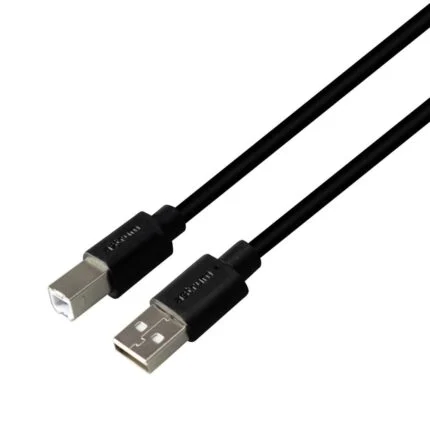
Connect through USB 2.0, Ethernet, Wi-Fi or Wi-Fi Direct, and use the 6.1 cm colour touchscreen for walk-up tasks. PCL 5e and PCL 6 support document workflows that require those printer languages. Epson Connect/iPrint provides supported mobile functions; app features need compatible software and the appropriate network connection.
Fit anddaily use
Allow room for paper, originals andservice access.
The device measures 375 × 347 × 346 mm and weighs approximately 7.3 kg before ink and power cord. Leave access to the rear feed, tank, ADF and output area. Epson lists 14 W while printing and 12 W for standalone copying under its test conditions. The South African supply specification is 220–240 V AC; verify the rating label and use the matching power connection.

Reviews
There are no reviews yet.