
TP-Link UE300 manuals and drivers
Choose the exact hardware version printed on your adapter or packaging. Select a driver only for your operating system and revision.
Open official support (opens in a new tab)Checking which support options are available…
Who would you like help from?
Enter your name to begin your live chat with an online consultant.
What can we help you with?
Your details are used only to respond. MatzoBot requests are securely passed to the MatzoTech team.
Your request has been emailed to MatzoTech. A consultant will reply using the email address or mobile number you supplied.

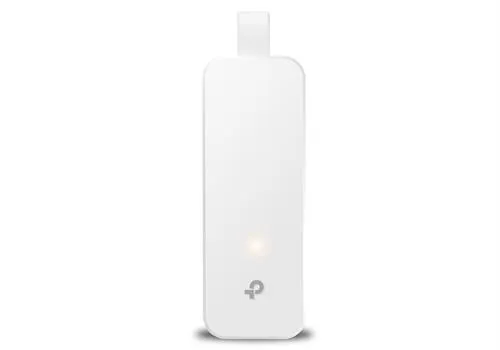
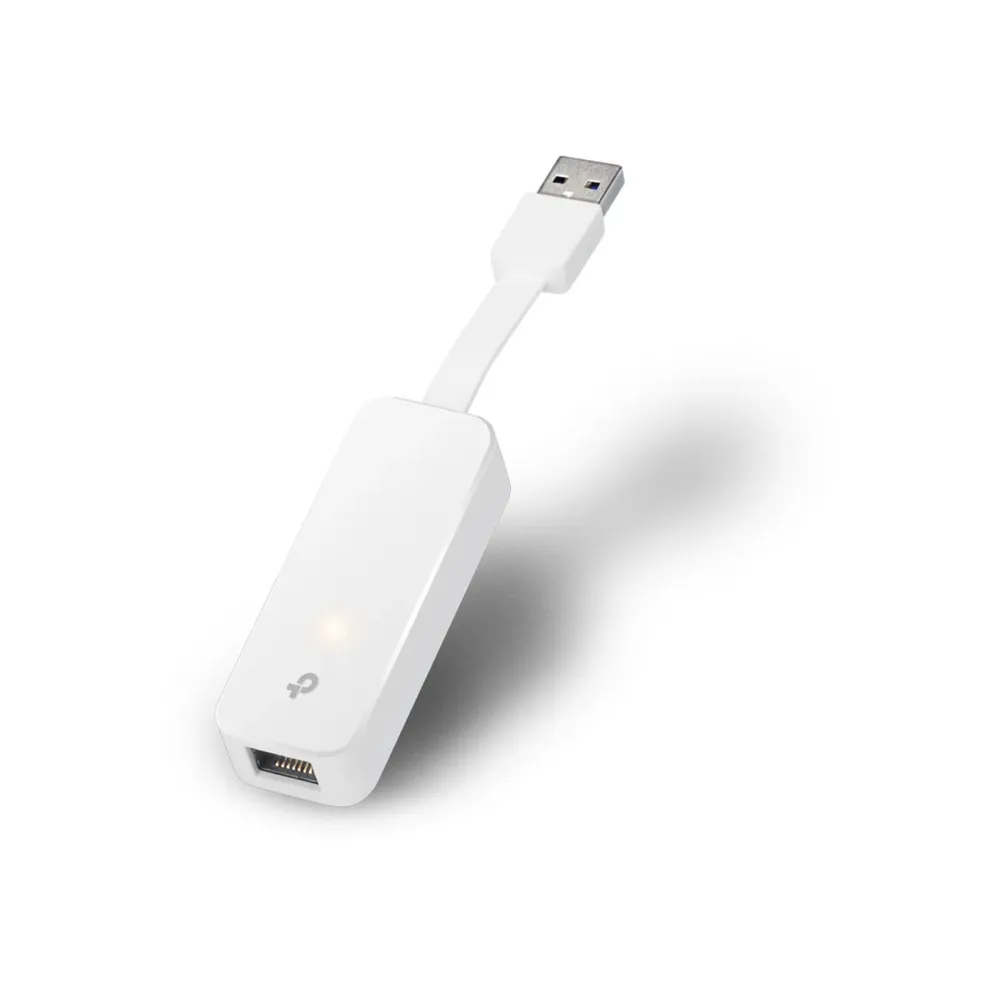
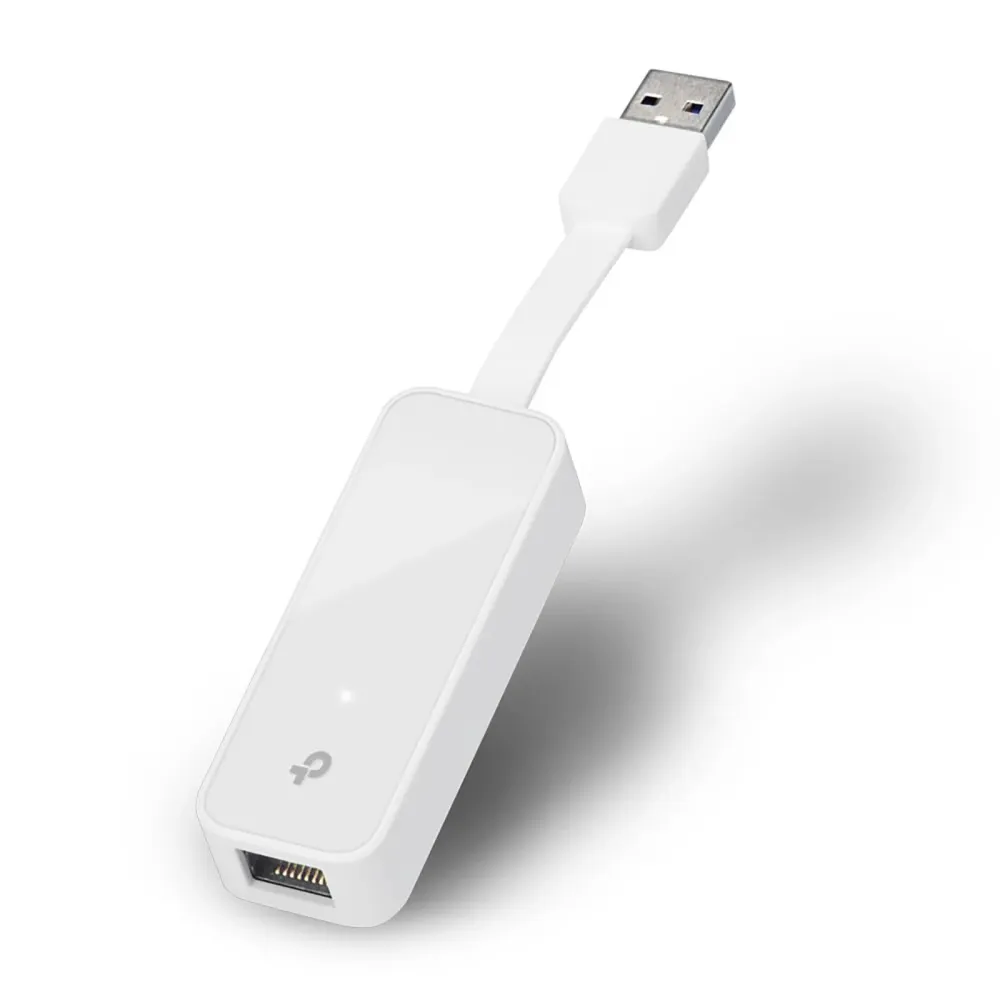
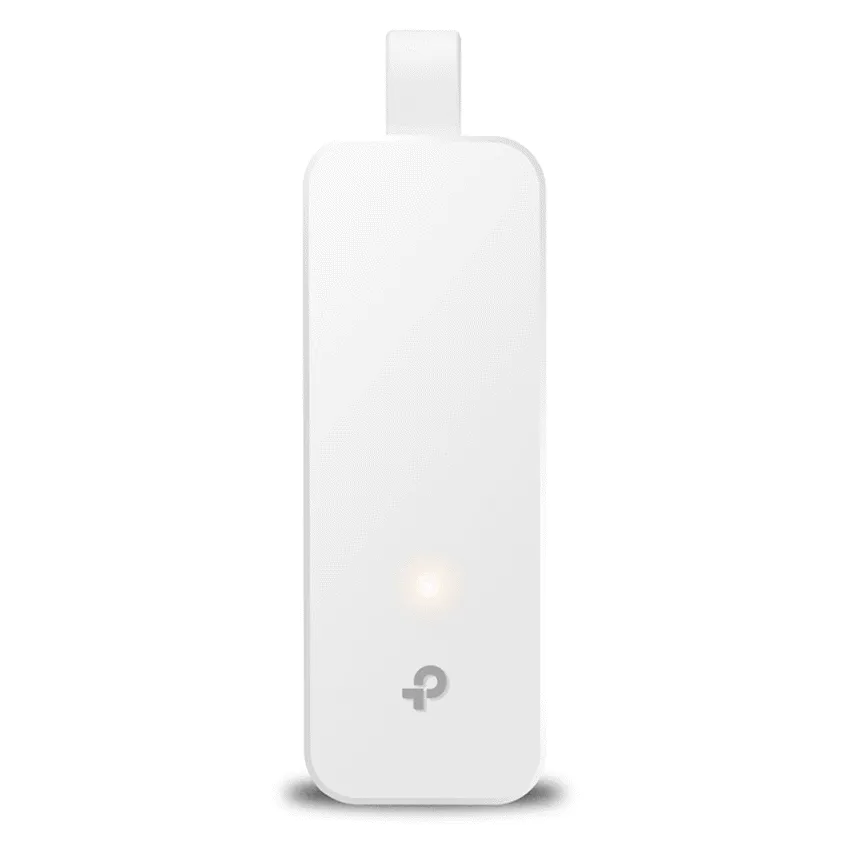
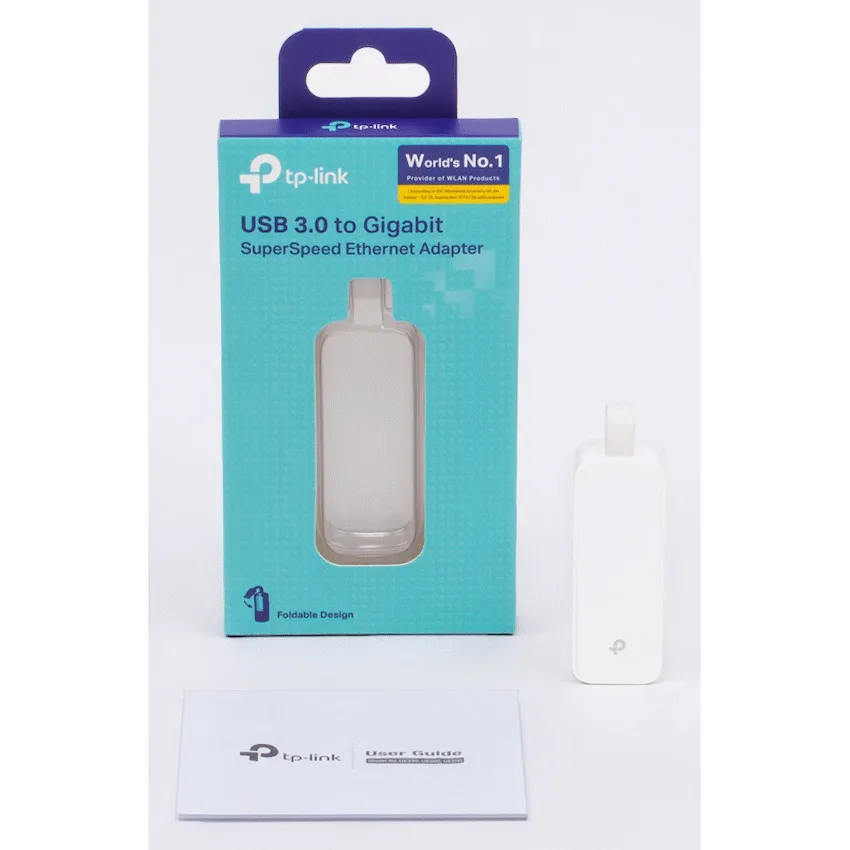
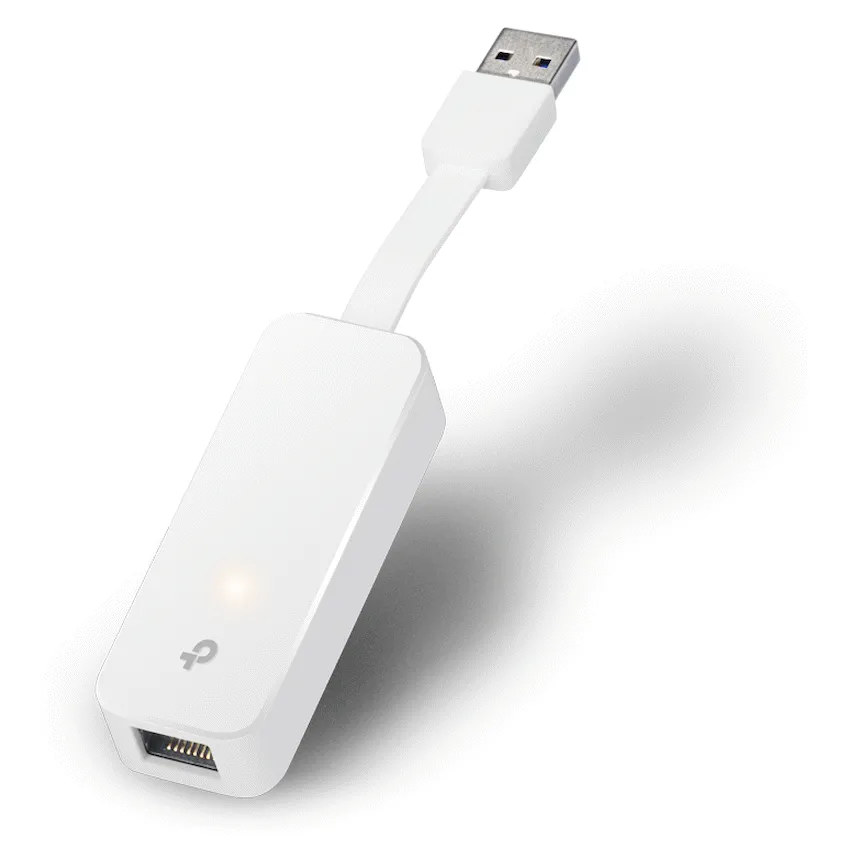
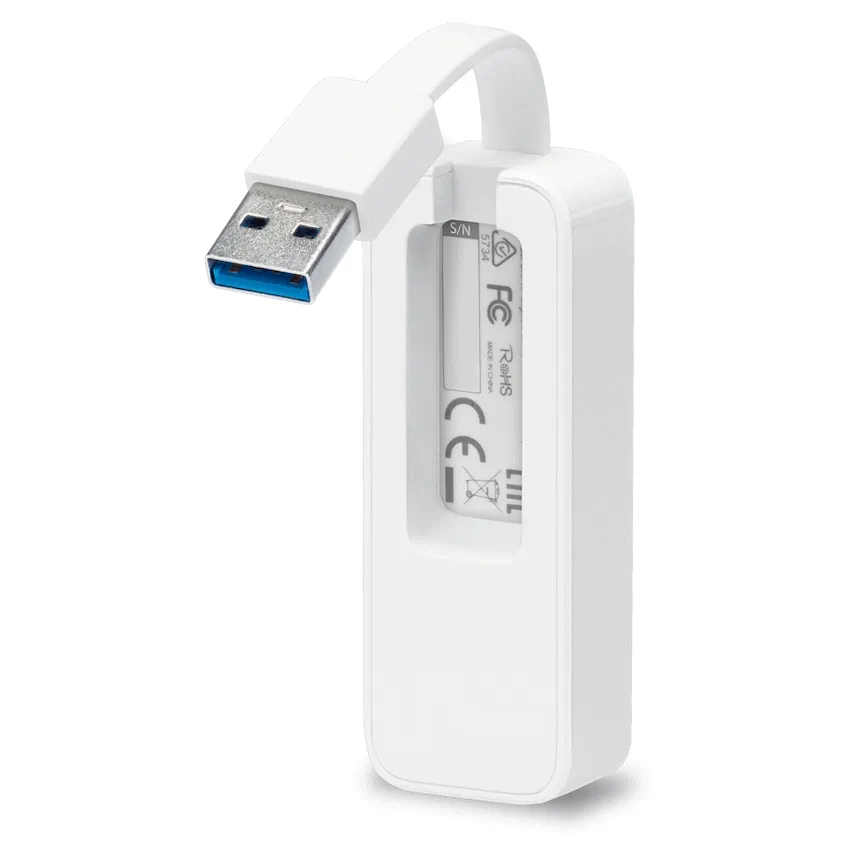
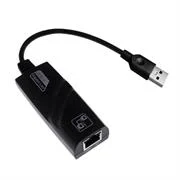
TP-Link UE300 adds a 10/100/1000 Mbps RJ45 connection to a computer with USB-A. The attached USB 3.0 cable folds into the housing.
R259.00
Supplier has stock — 10 avail
Clear fulfilment, warranty and payment details.
TP-Link UE300 | Foldable USB-A Ethernet adapter
Plug the UE300 into a USB-A port to connect to wired Ethernet. Its attached cable folds back against the housing, so it takes up less room when you pack it away.
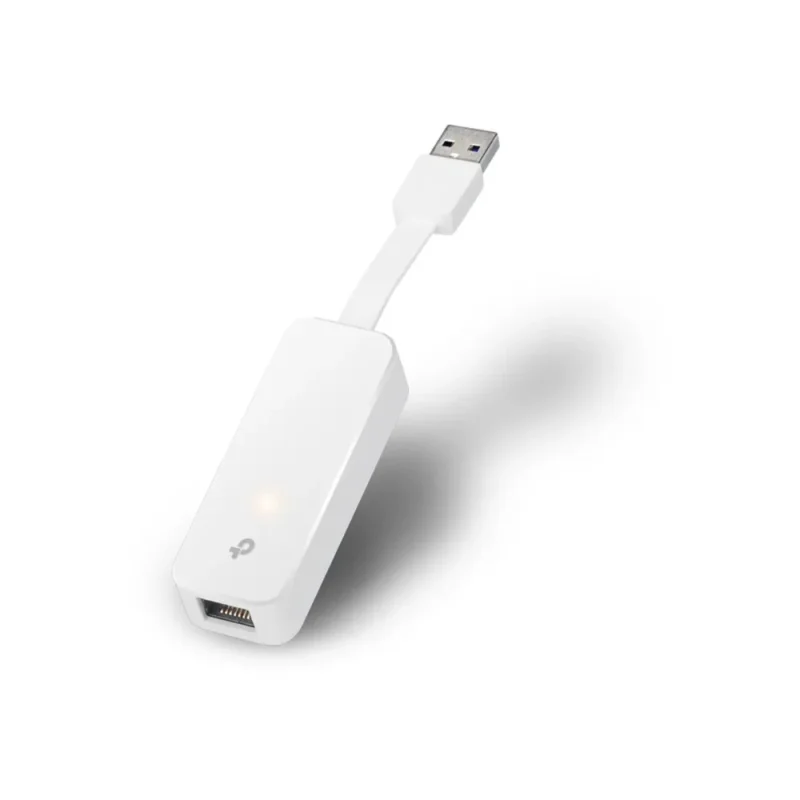
Wired network
Plug the adapter into USB-A and connect an Ethernet cable to the RJ45 port. The adapter supports 10, 100 or 1,000 Mbps Ethernet link rates. The host USB connection, network equipment and cable affect the speed you get.
Carry
The attached USB-A lead folds into the adapter housing. The network socket stays accessible when the adapter is in use.
Setup
Many supported systems recognise the adapter automatically. If you need a driver, check the hardware revision printed on the adapter or box and match it to your operating system on the South African support page.
| Brand | TP-Link |
|---|---|
| Model | UE300 |
| Colour | White |
| Host connector | USB 3.0 Type-A with attached folding lead |
|---|---|
| Network connector | 1 × RJ45 |
| Ethernet link rates | 10/100/1000 Mbps |
| Backward USB compatibility | USB 2.0 and USB 1.1 at their lower link speeds |
| Driver selection | Match the hardware version and operating system on TP-Link’s South African support page |
|---|---|
| Retail pack | UE300 adapter and quick installation guide |
| Limited warranty | 2 years as listed for this offer |
Use official support resources for this product. Each link opens in a new tab.
Choose the exact hardware version printed on your adapter or packaging. Select a driver only for your operating system and revision.
Open official support (opens in a new tab)Help other shoppers by sharing an honest review.
Write a reviewYou are offline. Reconnect to check prices and shop.


Reviews
There are no reviews yet.