
Screw-base fit
Check the fitting before you order
Look for an E27 thread on your existing holder. A normal on/off switch supplies power to the bulb. Adjust the light level in the app, with the wall switch left on while you use connected controls.
Checking which support options are available…
Who would you like help from?
Enter your name to begin your live chat with an online consultant.
What can we help you with?
Your details are used only to respond. MatzoBot requests are securely passed to the MatzoTech team.
Your request has been emailed to MatzoTech. A consultant will reply using the email address or mobile number you supplied.

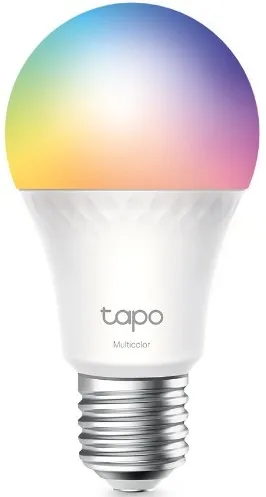
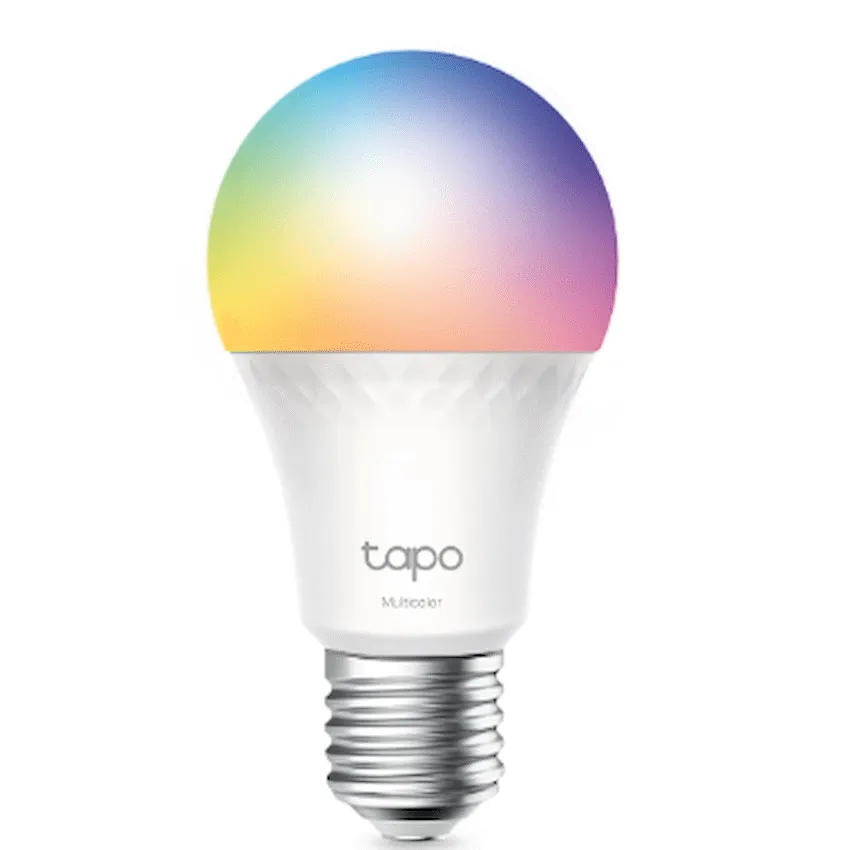
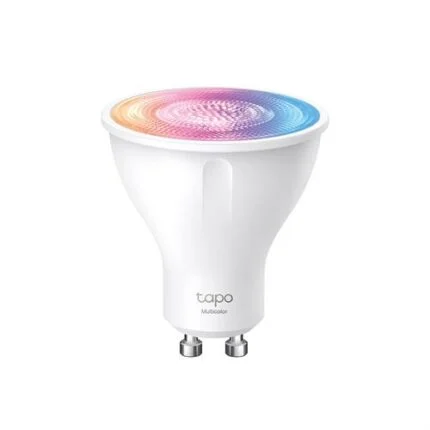
TP-Link Tapo L535E multicolour E27 Edison screw smart bulb, with 1055 lm, app dimming, schedules and 2.4 GHz Wi-Fi.
R239.00
Supplier has stock — 1 avail
Clear fulfilment, warranty and payment details.
Official manufacturer overview
TP-Link Global Support · TP-Link’s Bluetooth setup guide for the L535E V3 and V3.20. Check the hardware version printed on your bulb or box and select it in TP-Link South Africa support. Follow the current Tapo app prompts.
Play to load this video from YouTube.
Tapo L535E • E27 Edison screw
Fit this E27 bulb in a compatible lamp or ceiling fitting. Set a brighter white light when you need it and store a gentler setting for later. The Tapo app gives you control over colour, brightness and when the light comes on.
Screw-base fit
Look for an E27 thread on your existing holder. A normal on/off switch supplies power to the bulb. Adjust the light level in the app, with the wall switch left on while you use connected controls.
White and colour
Choose a white tone from 2500 to 6500 K, adjust the brightness and save a preset you can call up again. Use schedules for regular routines or a timer for the lamp beside your bed.
App setup
Use a 2.4 GHz Wi-Fi network and follow the Tapo app prompts for your hardware version. TP-Link’s guides for V3 and V3.20 demonstrate Bluetooth onboarding. A compatible Matter setup can also be used with the bulb.
| Model | TP-Link Tapo L535E |
|---|---|
| Bulb format and base | A60, E27 Edison screw |
| Rated luminous flux | 1055 lm |
| Tunable white range | 2500–6500 K |
| Colour and dimming | Adjustable through the app |
| Beam angle | 220° |
| Colour rendering index | ≥80 |
| Lamp dimensions | 115 mm high × 60 mm diameter |
| Supply | 220–240 V AC, 50/60 Hz |
|---|---|
| Maximum power | 8.6 W |
| Standby power | 0.4 W |
| Manufacturer-rated lamp life | 25,000 hours |
| Switch type | Regular on/off switch. Avoid wall dimmers and emergency fittings. |
| Wi-Fi | 2.4 GHz IEEE 802.11b/g/n |
|---|---|
| Wireless security | WPA-PSK, WPA2-PSK or WPA3-SAE |
| App features | Schedules, timers, brightness, colour presets and energy monitoring through Tapo |
| Matter | Compatible with a supported Matter setup |
| Bluetooth | Setup only on supported hardware. Check the Ver marking and model support. |
| Manufacturer-listed pack contents | Smart bulb and quick start guide |
Use official support resources for this product. Each link opens in a new tab.
For the E27 model, select the Ver marking printed on your bulb or box before using the setup guide or firmware notes. TP-Link distributes device updates through the Tapo app.
Open official support (opens in a new tab)Help other shoppers by sharing an honest review.
Write a reviewYou are offline. Reconnect to check prices and shop.


Reviews
There are no reviews yet.