
TP-Link Tapo S200D setup and support
Select the hardware version on the product label for setup, battery replacement, manuals and the Tapo app.
Open official support (opens in a new tab)Checking which support options are available…
Who would you like help from?
Enter your name to begin your live chat with an online consultant.
What can we help you with?
Your details are used only to respond. MatzoBot requests are securely passed to the MatzoTech team.
Your request has been emailed to MatzoTech. A consultant will reply using the email address or mobile number you supplied.

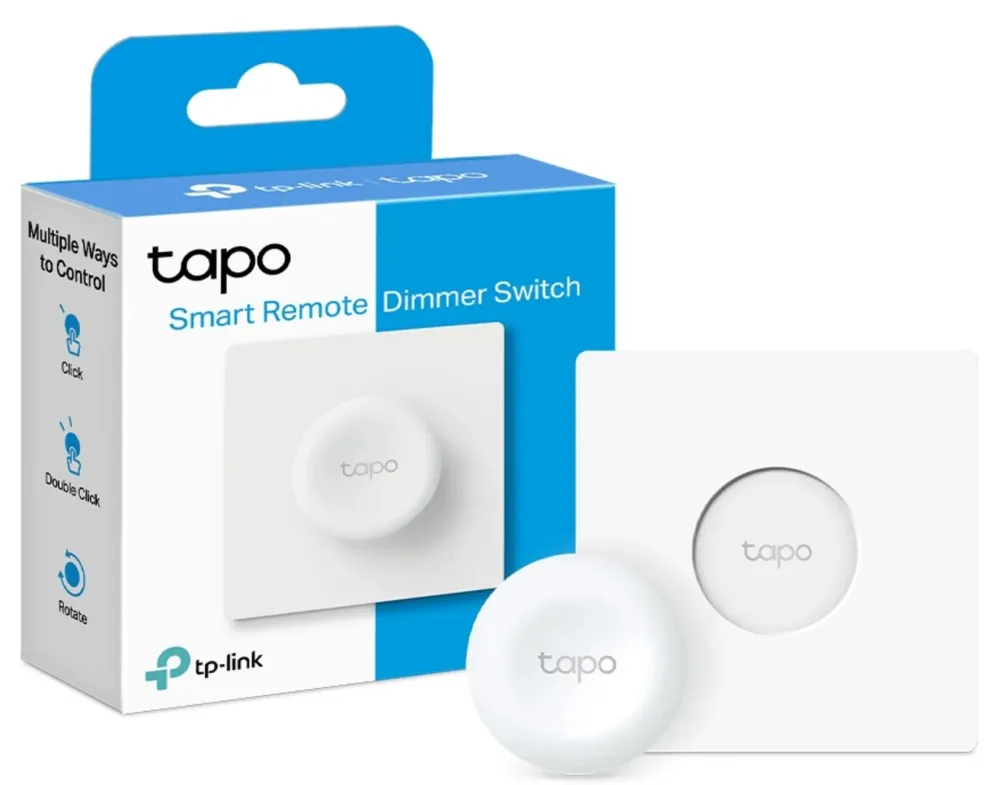
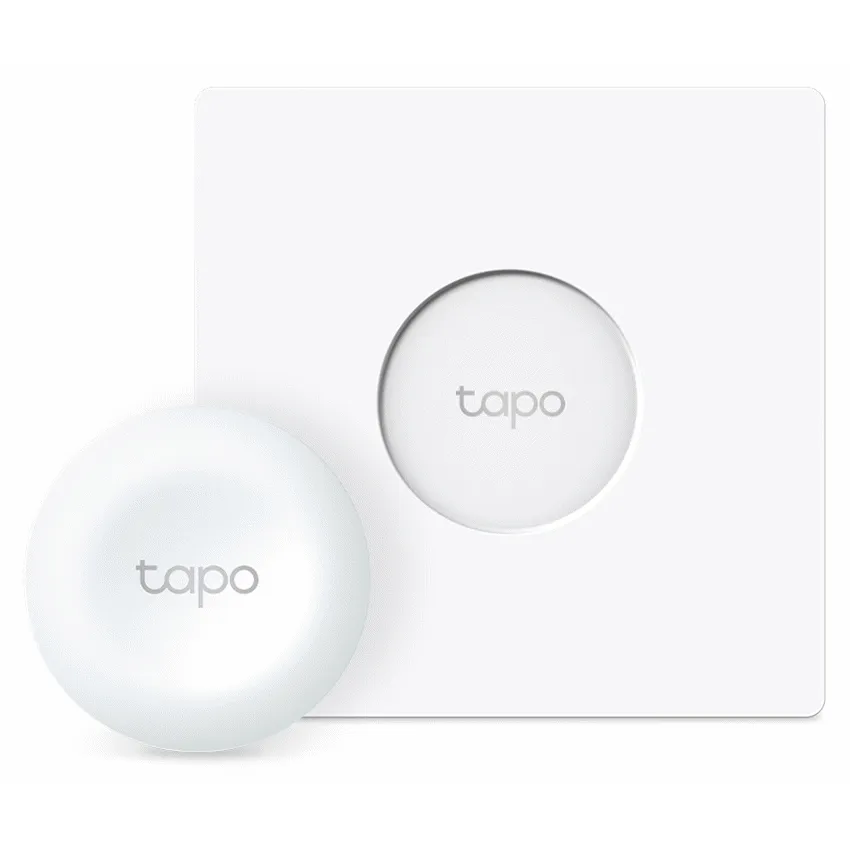
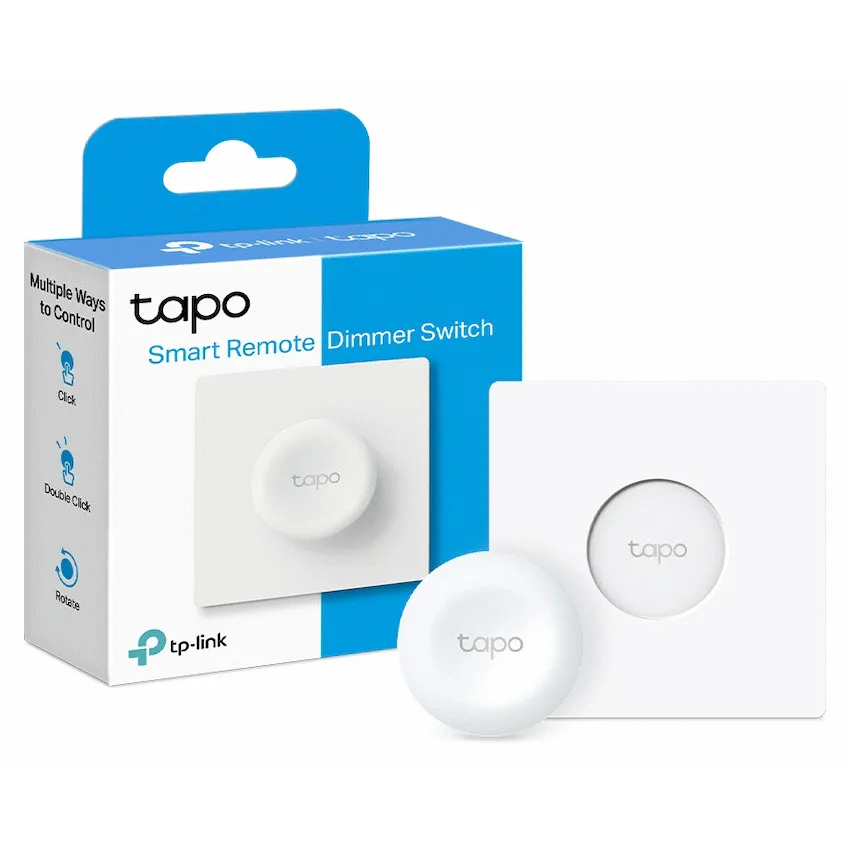
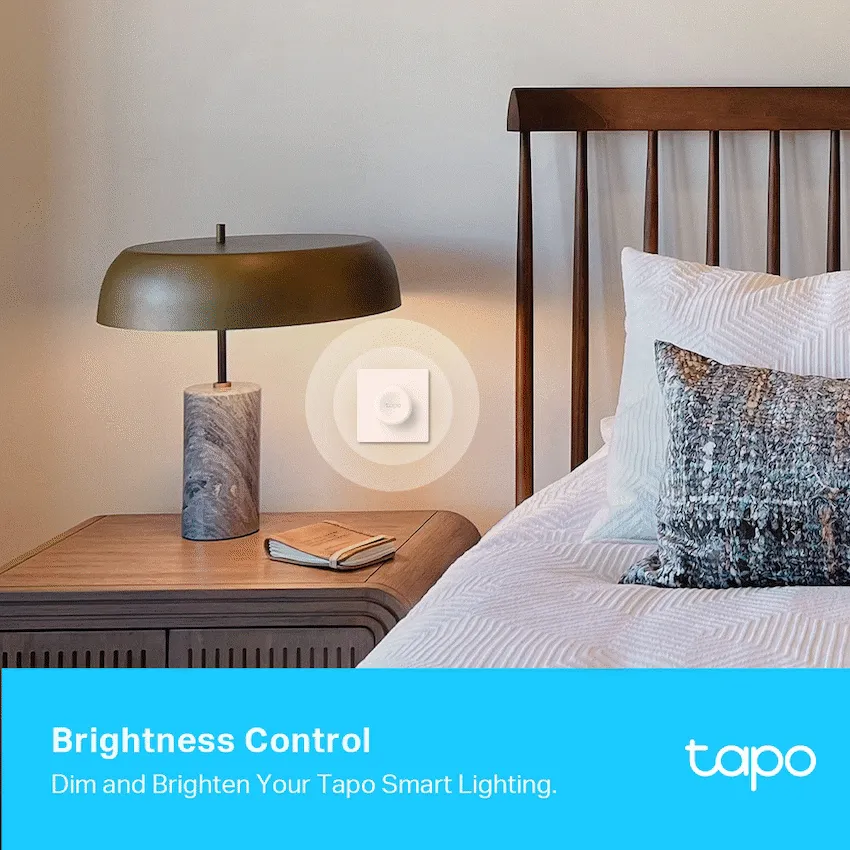
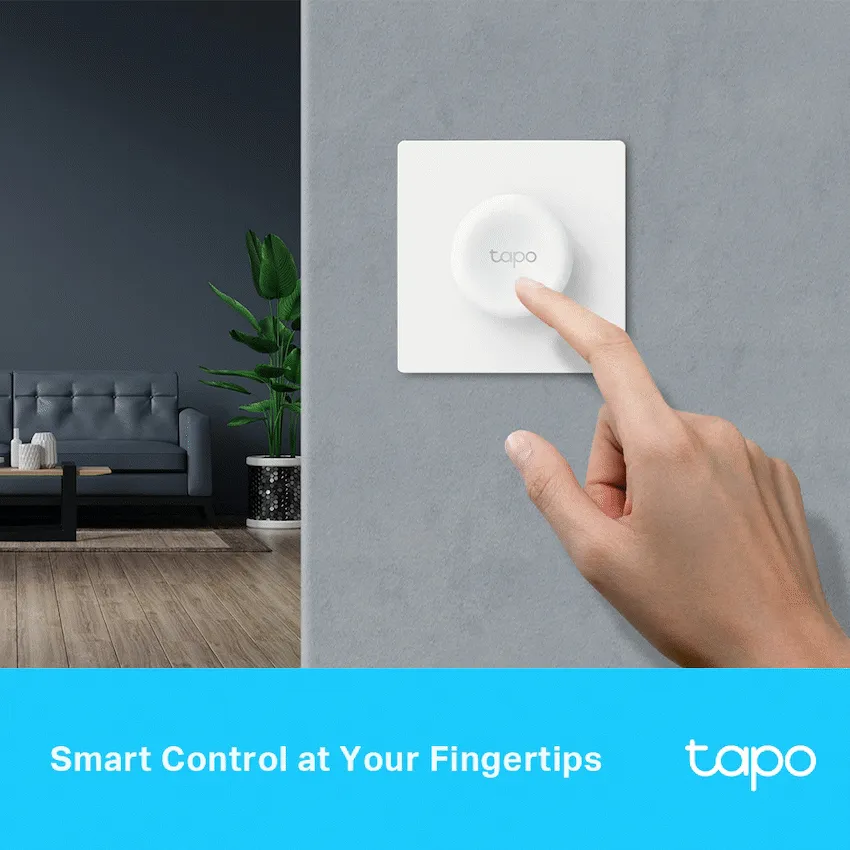
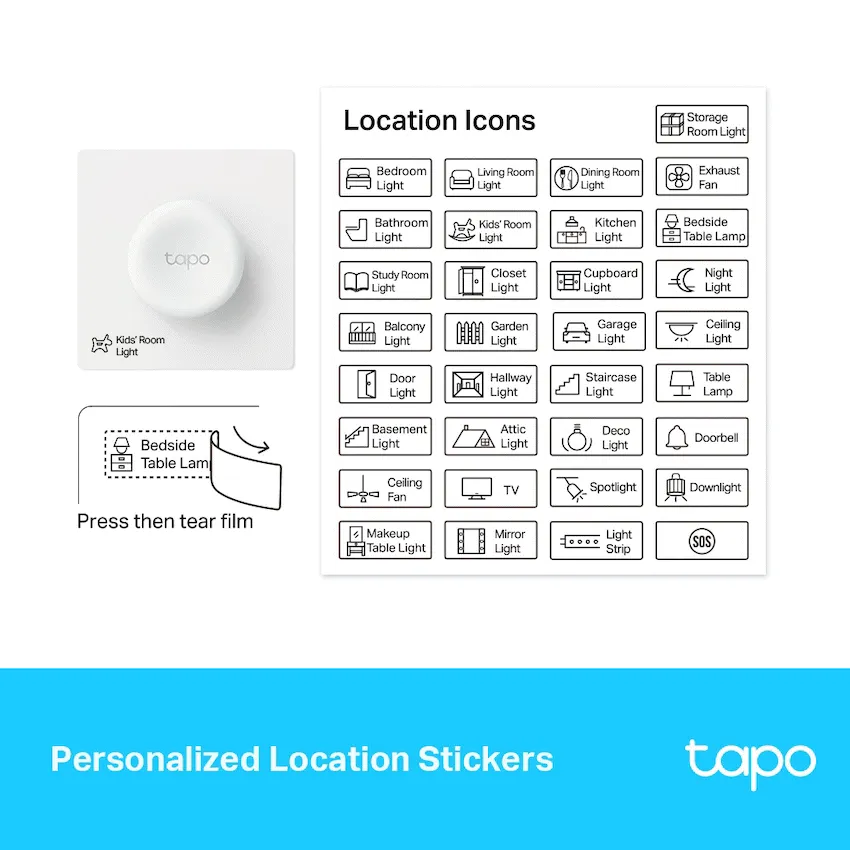
Tapo S200D wireless smart dimmer remote with tap and turn controls, a square wall plate and included CR2032 battery. Requires a Tapo H100 hub.
R349.00
Supplier has stock — 10 avail
Clear fulfilment, warranty and payment details.
Official manufacturer overview
TP-Link Global Support · TP-Link demonstrates S200D setup. Check your regional hub and wall-plate version before following the mounting steps.
Play to load this video from YouTube.
Tapo S200D | Wireless dimmer remote
Give compatible Tapo lights a physical control where you need it. Use the Tapo app to assign one press, two presses and a turn. The battery-powered button can sit on a table or attach to its square wall plate. Pair it with a compatible Tapo H100 hub, sold separately.
Control
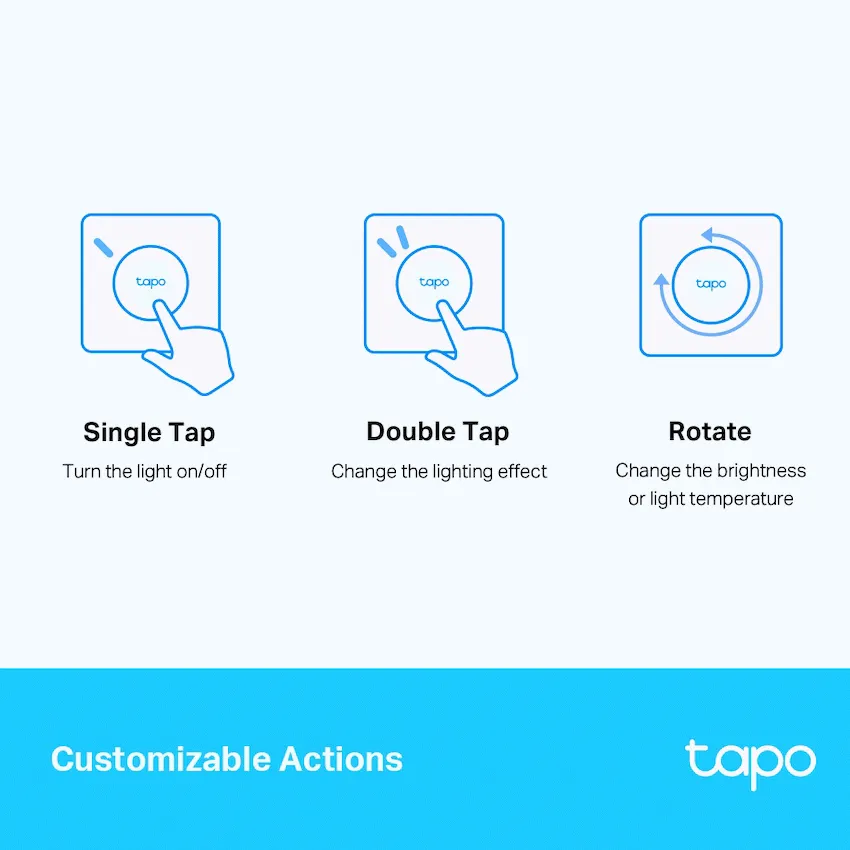
Assign single press, double press and rotation in the Tapo app. For a compatible light, use a press to switch it on and a turn to adjust brightness, or assign a press to recall a lighting scene.
Placement
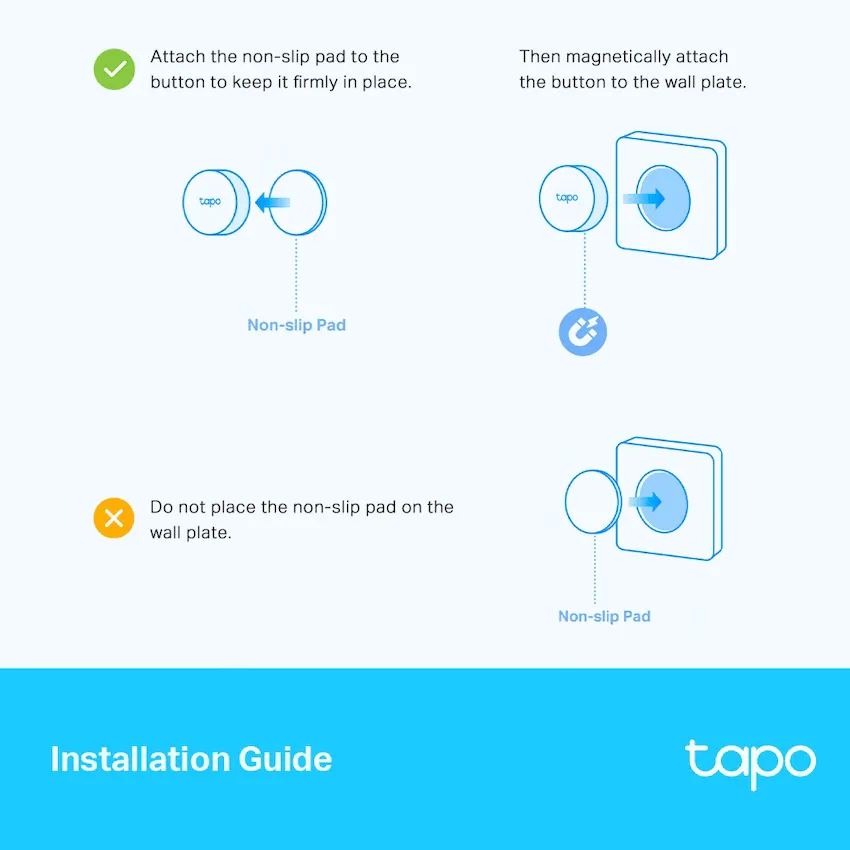
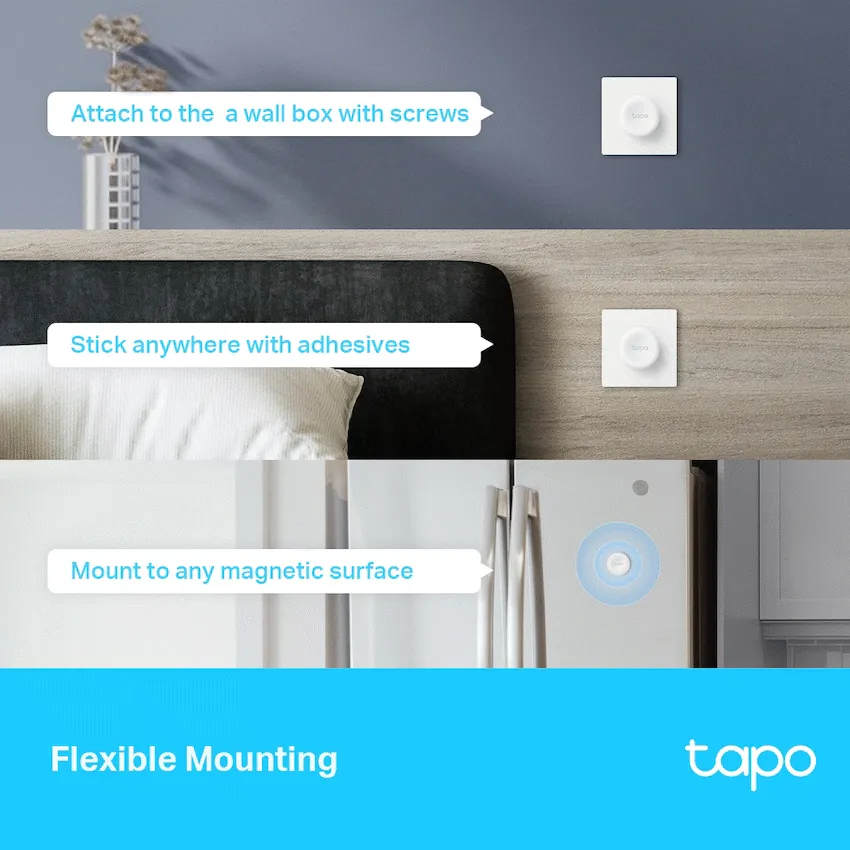
The remote can sit freestanding or attach magnetically to the square plate. The plate can be fitted using screws or adhesive according to the instructions for the hardware version. The button controls paired Tapo equipment through the hub.
Setup
The offered square-plate model uses the 868 MHz band and requires a compatible Tapo H100 hub. Use the Tapo app to pair the switch and set its actions. Actual battery life varies with use and conditions.
| Brand | TP-Link Tapo |
|---|---|
| Model | S200D |
| Finish | White |
| Product type | Battery-powered wireless dimmer remote |
| Radio | 868 MHz band for the offered regional version |
|---|---|
| Hub | Compatible Tapo H100 hub required, sold separately |
| Control gestures | Single press, double press and rotation |
| Setup and assignments | Tapo app on a compatible Android or iOS device |
| Placement | Freestanding or wall mount |
|---|---|
| Plate dimensions | 86 × 86 × 23.7 mm |
| Battery | 1 × CR2032 included |
| Operating temperature | 0–40 °C |
| Pack includes | Tapo S200D remote, wall plate, CR2032 battery, anti-slip and double-sided tape, and quick-start guide |
Use official support resources for this product. Each link opens in a new tab.
Select the hardware version on the product label for setup, battery replacement, manuals and the Tapo app.
Open official support (opens in a new tab)Help other shoppers by sharing an honest review.
Write a reviewYou are offline. Reconnect to check prices and shop.


Reviews
There are no reviews yet.