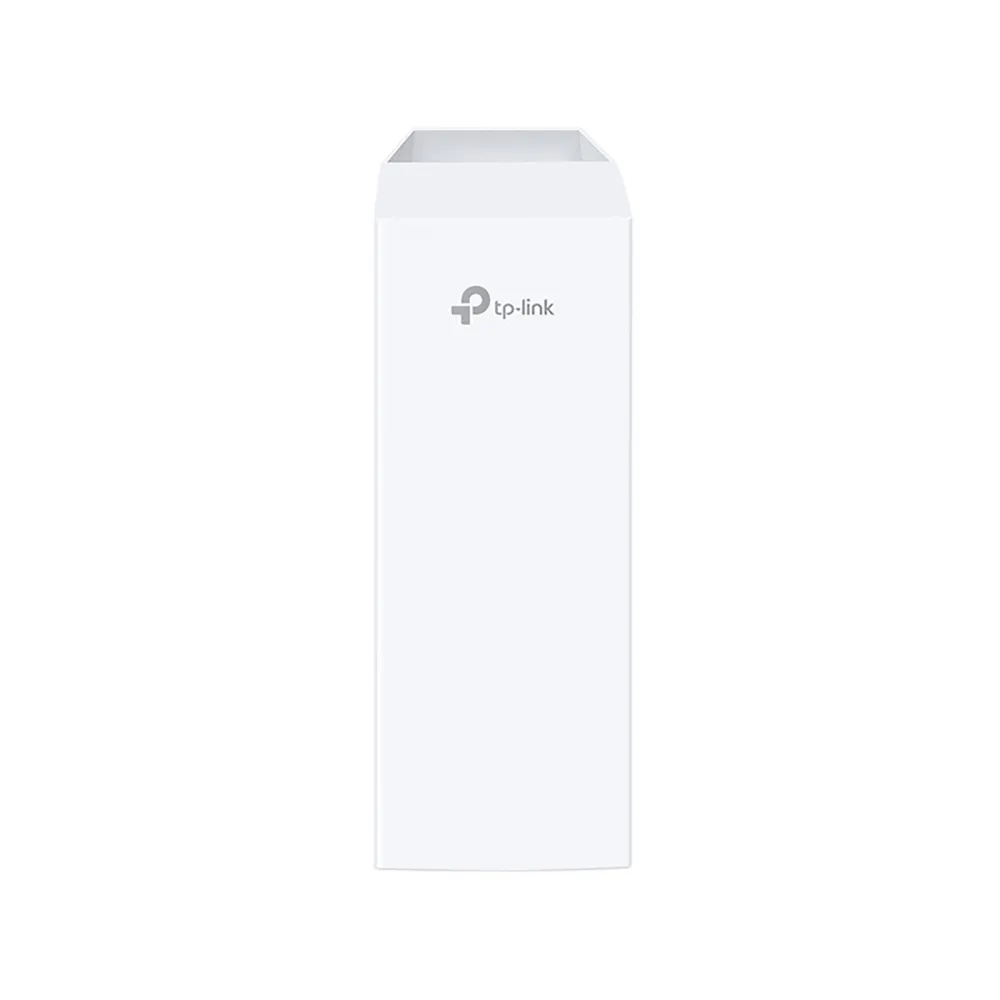
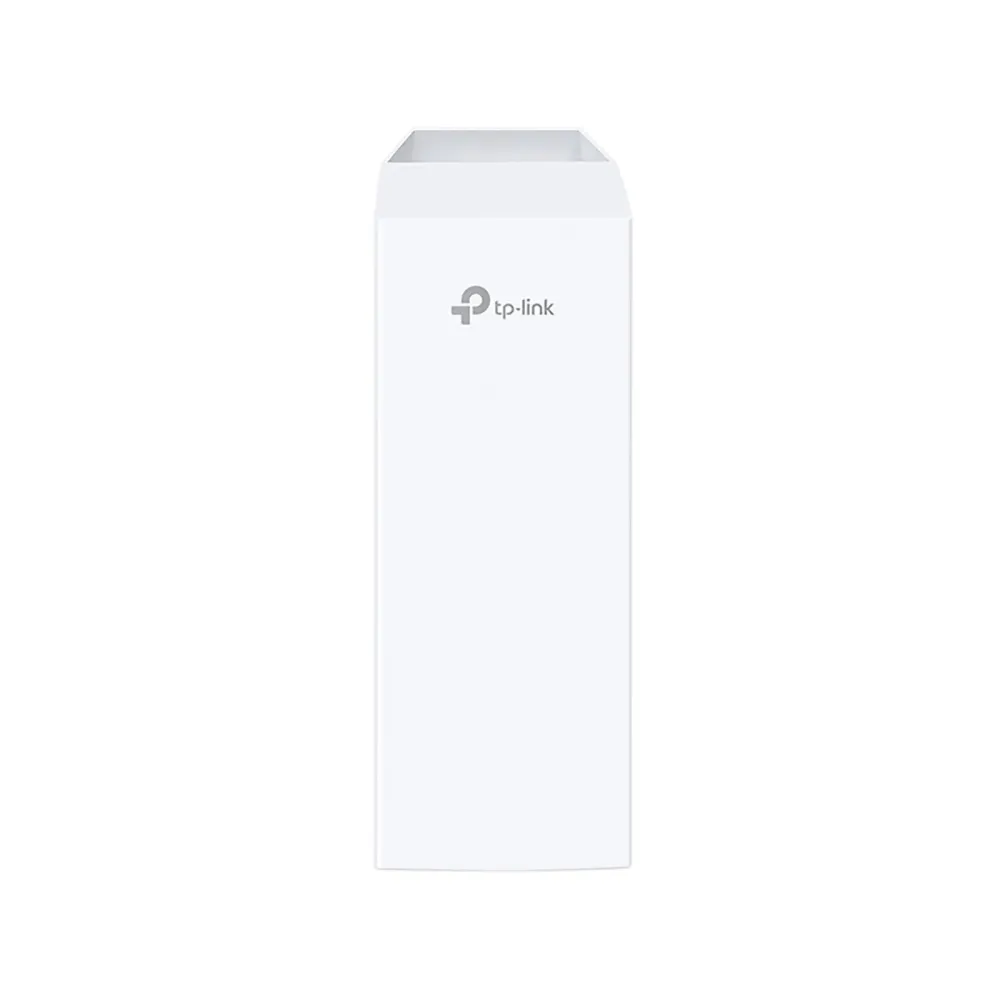
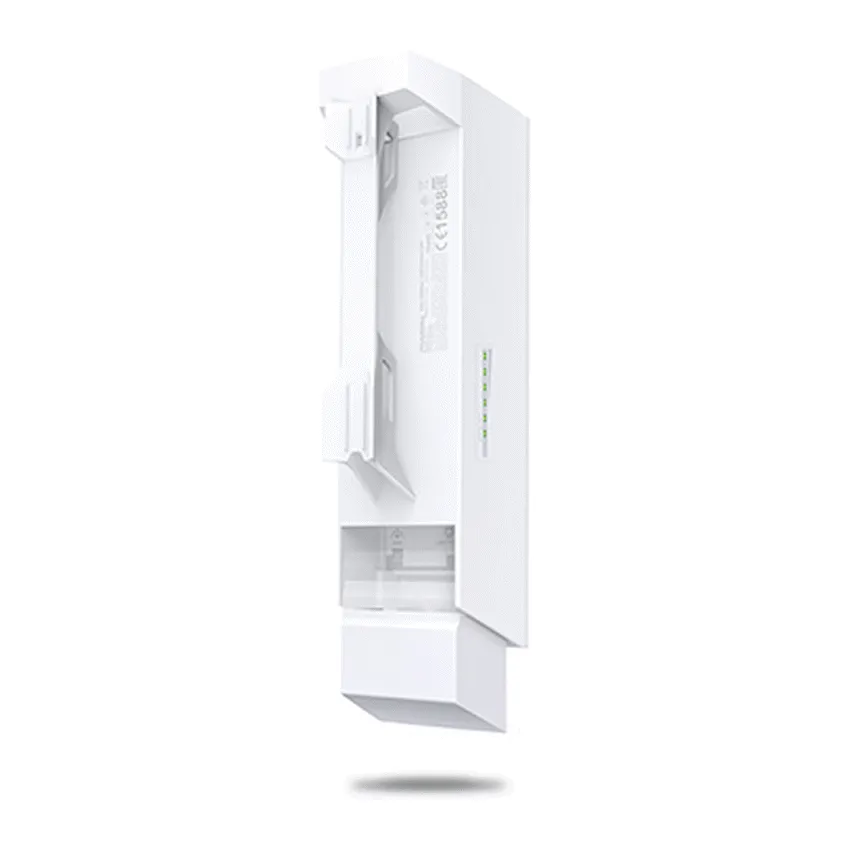
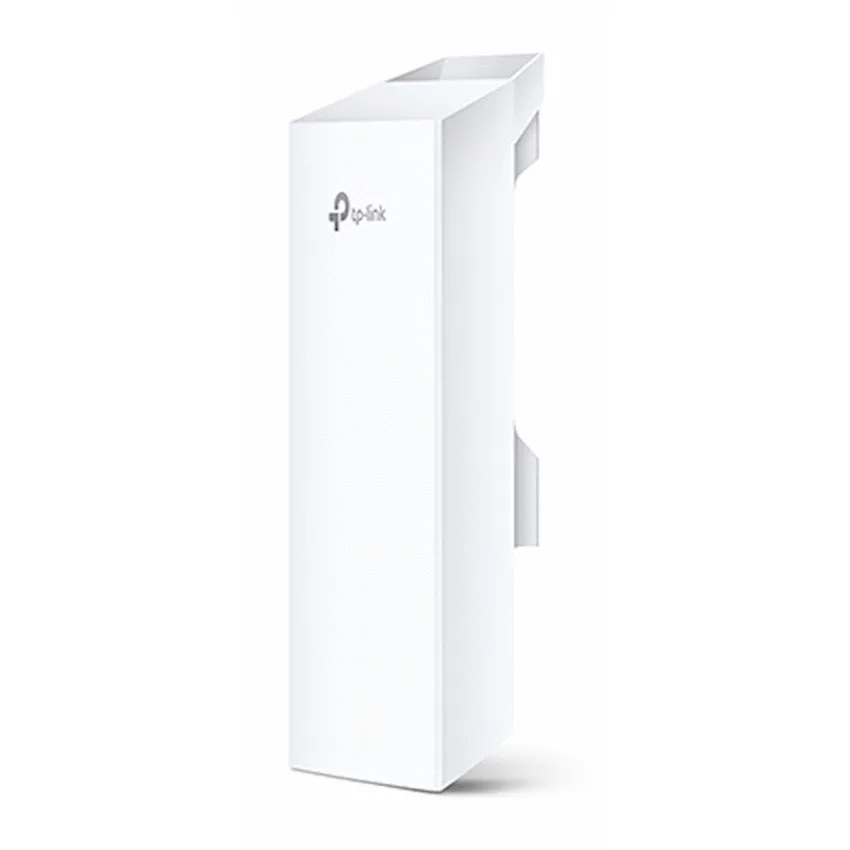
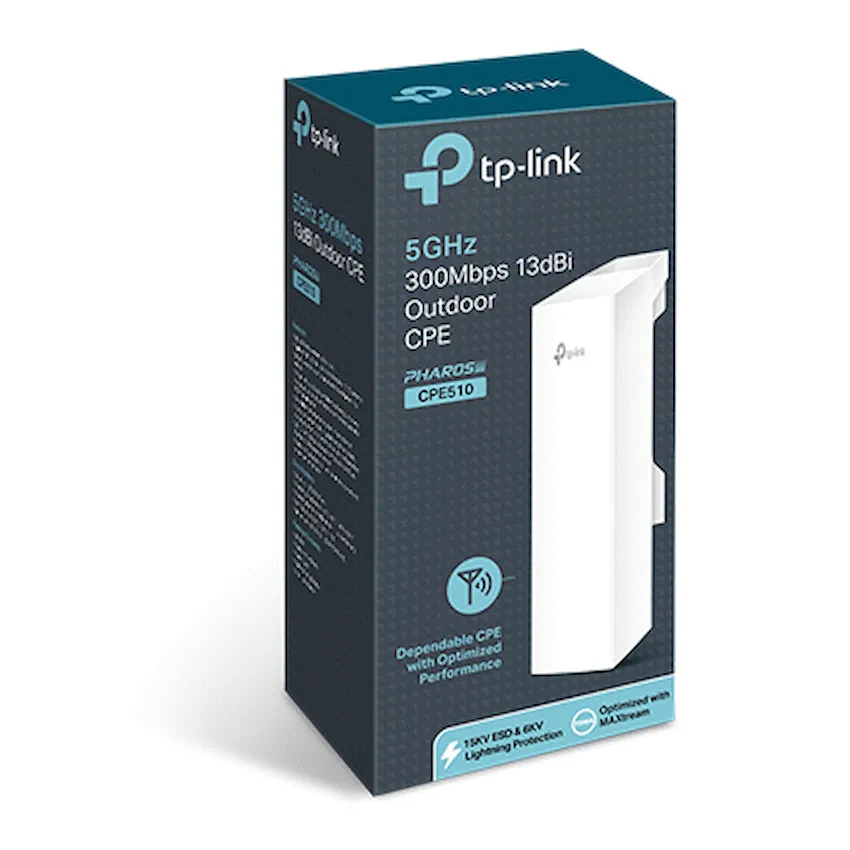
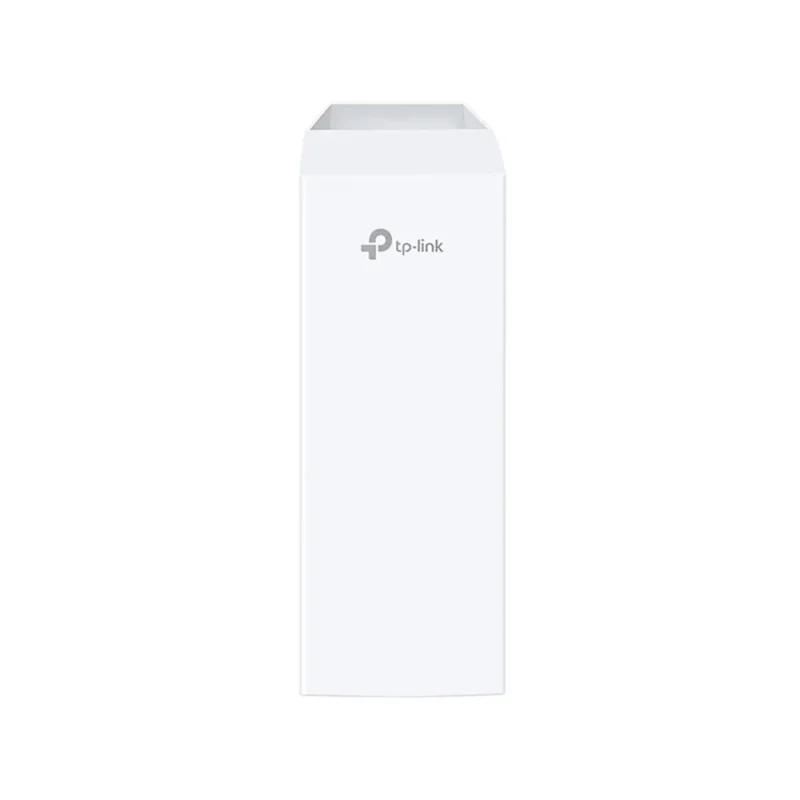
TP-LINK PHAROS CPE510
A directional link between separated network points
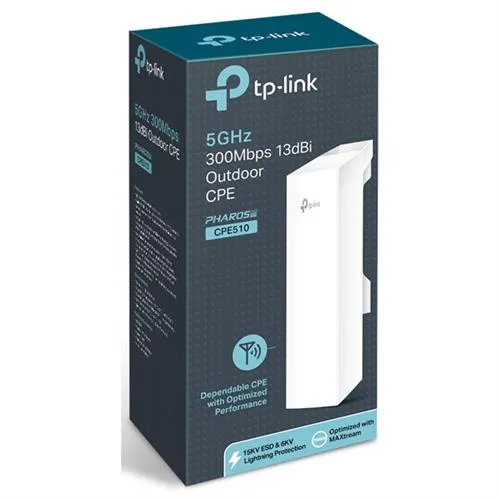
The TP-Link CPE510 combines a built-in 13 dBi directional antenna and 5 GHz radio for links between aligned network points. It can act as the access point or the receiving client, depending on where it sits in the installation.

DIRECTIONAL LINK
Aim the antenna at the far end
The antenna focuses the signal in one direction. Choose a mounting point with clear line of sight, then use the signal indicator and management tools to fine-tune alignment. Interference, obstacles and regulatory settings affect range.
INSTALLATION
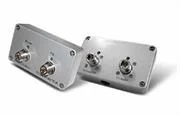
Power the unit over the Ethernet cable
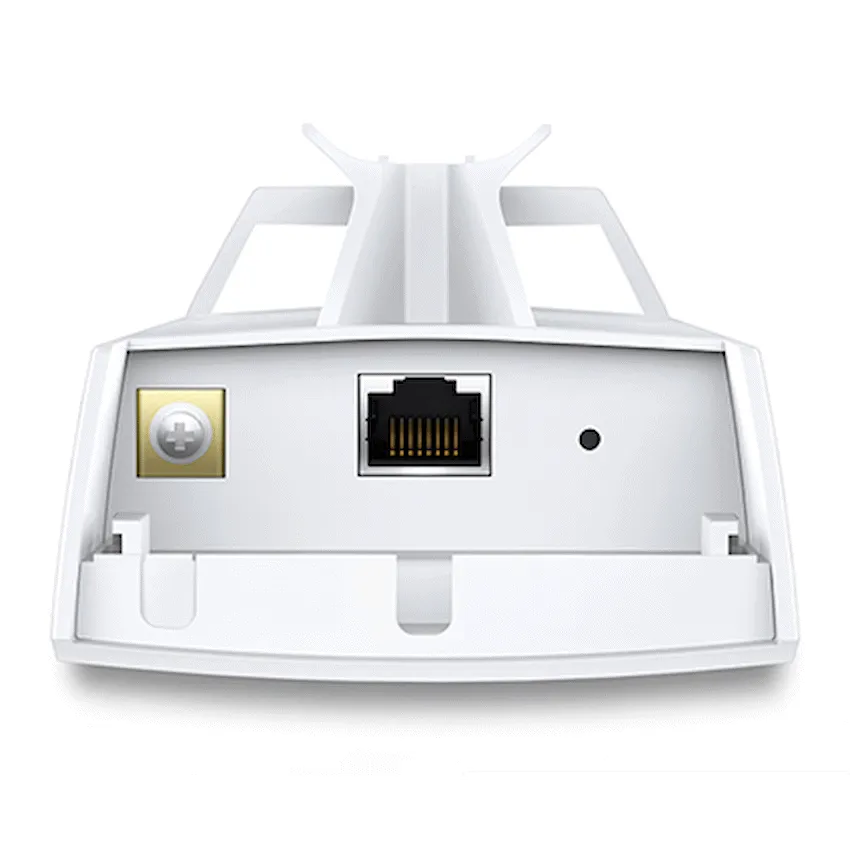
The supplied 24 V passive PoE injector puts power and data on one cable. Connect equipment to the correct injector ports, use suitable outdoor cabling and follow TP-Link’s grounding instructions. The CPE’s wired interface runs at 10/100 Mb/s.
NETWORK ROLE
Configure a base station or receiving client
Use AP or Client mode for a directional link. AP Router and AP Client Router (WISP) modes are also available. Pharos Control can manage compatible devices, while MAXtream TDMA requires compatible Pharos peers.


Reviews
There are no reviews yet.