Official manufacturer overview
Archer NX200 setup and product walkthrough
TP-Link Germany · Archer NX200 model-family walkthrough in German. Check the hardware label for the South African revision and use the matching regional firmware.
Play to load this video from YouTube.
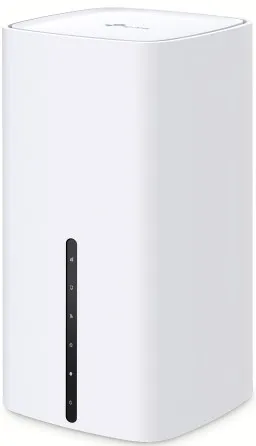
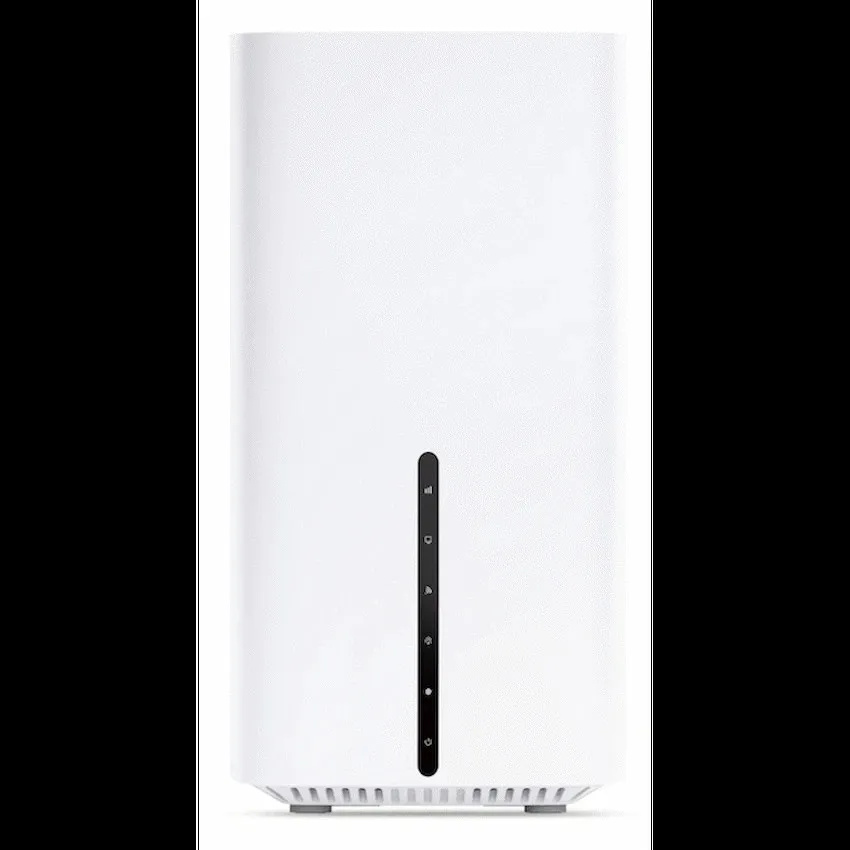
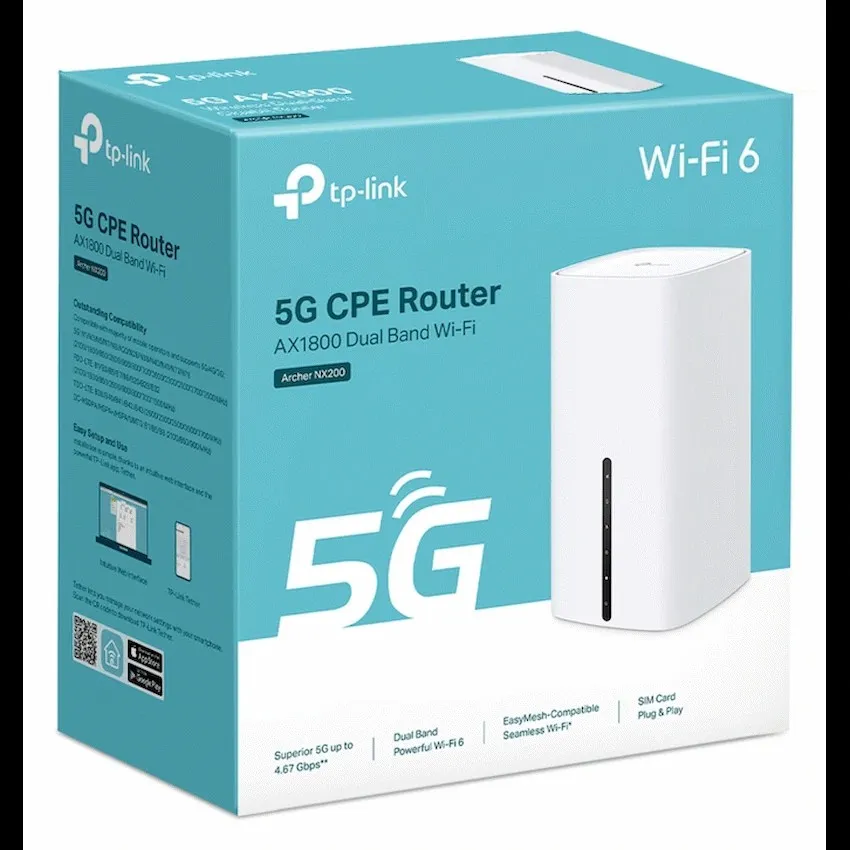
TP-Link Archer NX200 · 5G AX1800
Give a 5G SIM a place on your home network
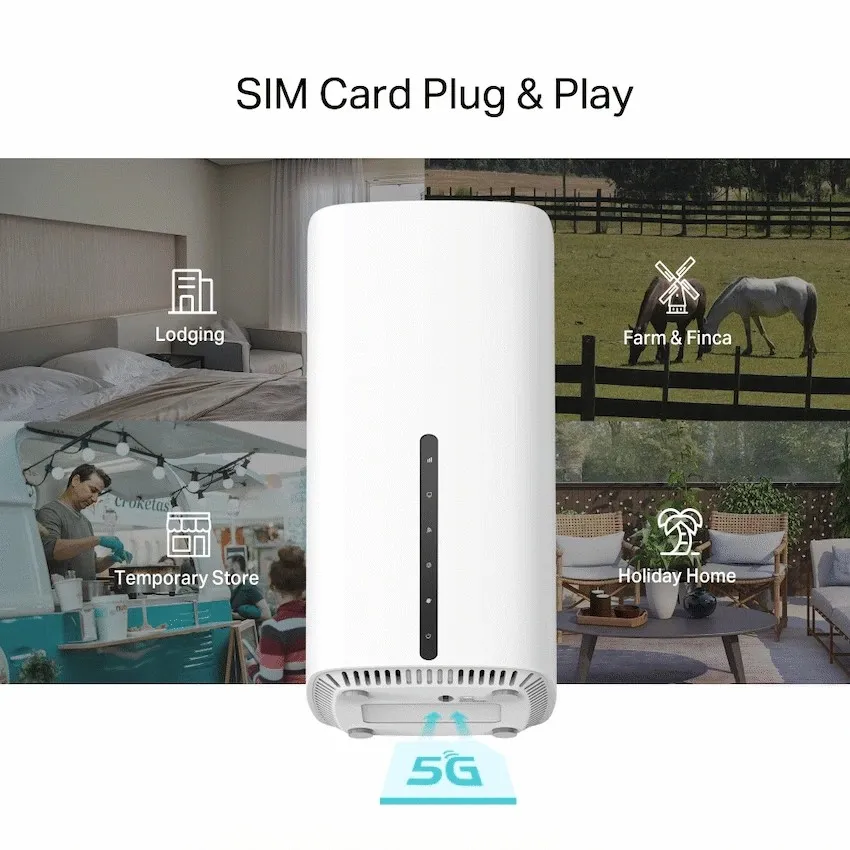
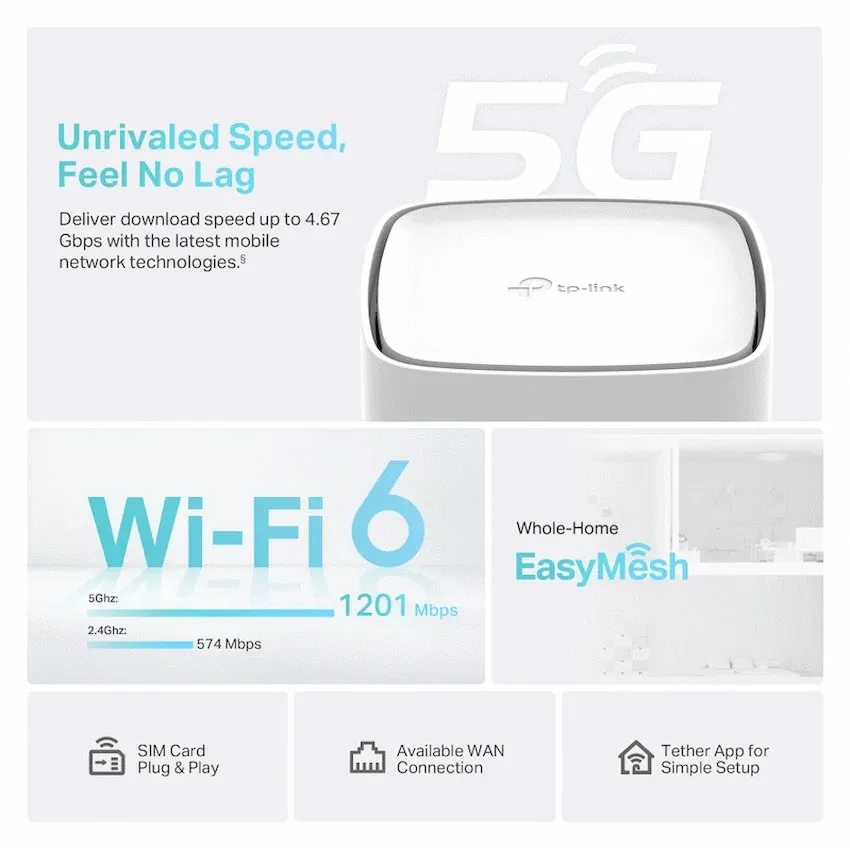
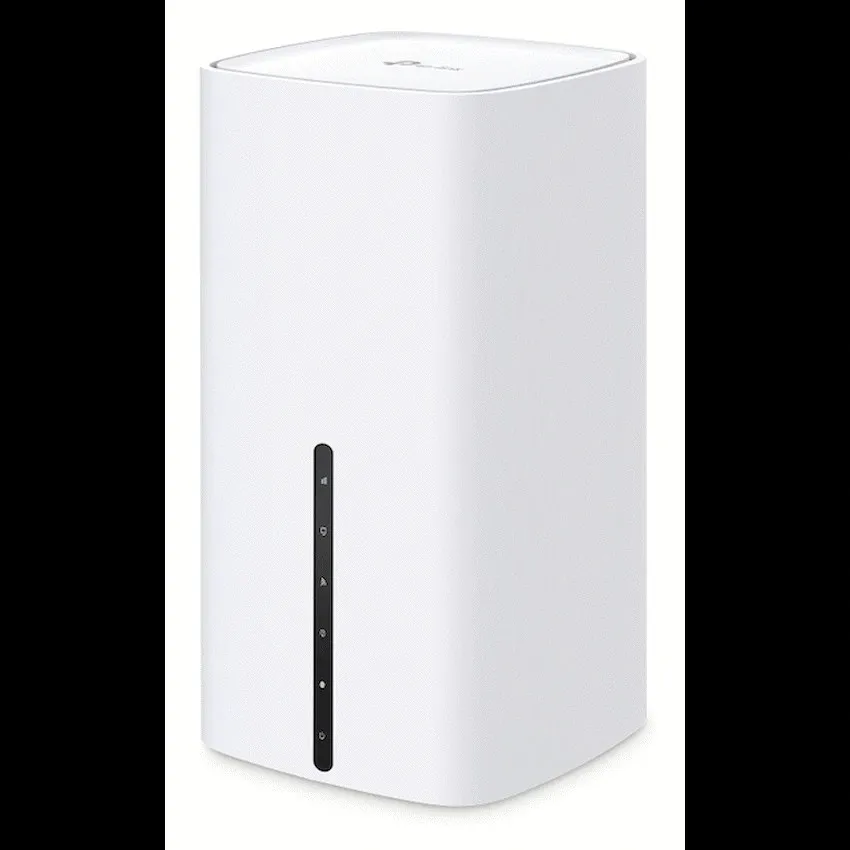
The Archer NX200 turns a compatible nano-SIM connection into dual-band Wi-Fi 6 and wired Gigabit Ethernet. Use the mobile connection where fixed broadband is unavailable, or link a separate modem through the WAN port and configure mobile backup.

Mobile internet
Start with the SIM
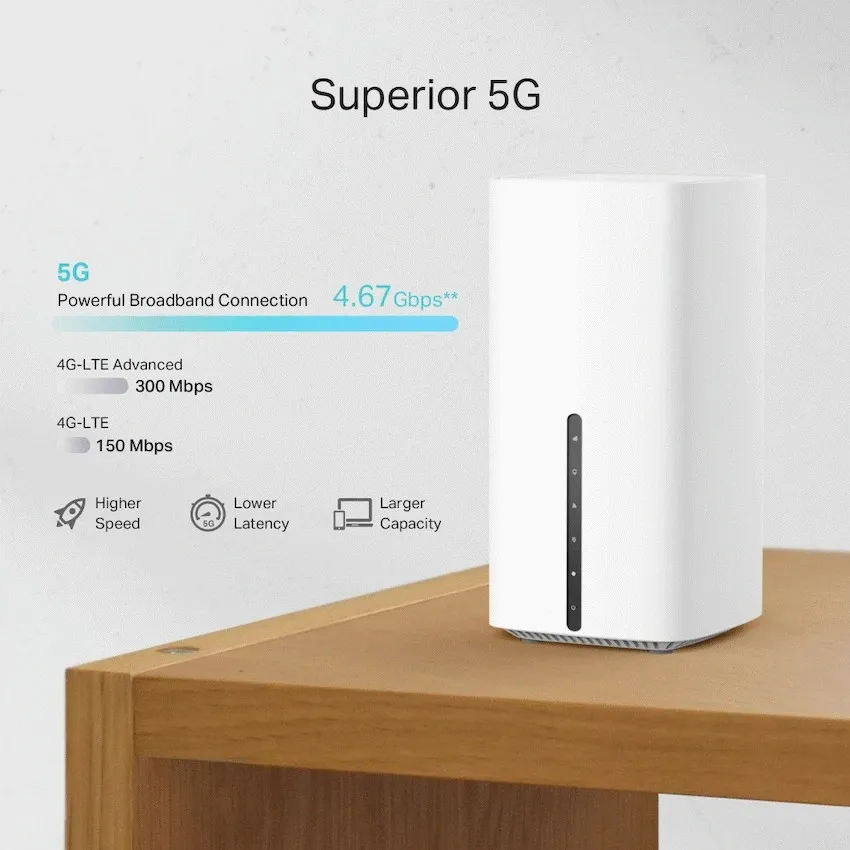
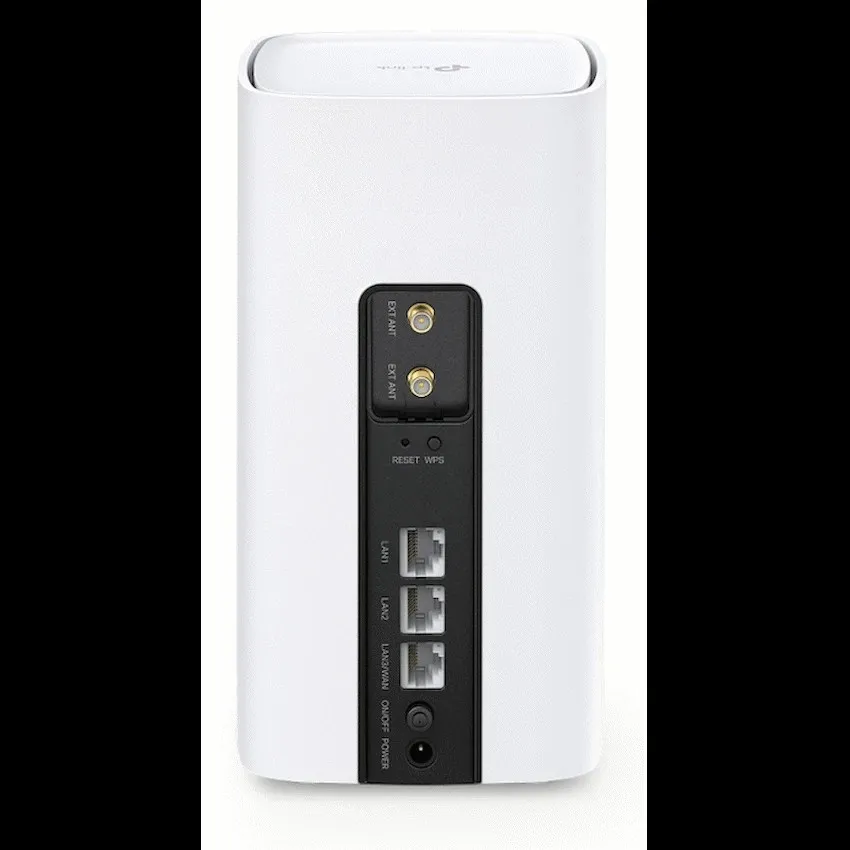
Place the router where it receives a usable mobile signal. Insert the nano-SIM from a compatible data plan and check the connection status in the Tether app or web interface. The router can also connect over 4G where your carrier provides it.
Wired and wireless
Give wired connections their own ports
Two Gigabit LAN ports connect equipment such as a desktop or switch. The third port can serve as LAN or take an Ethernet feed from a separate modem. In router mode, cellular backup can take over when configured for the connection.
Wi-Fi 6
Set up both bands from one router
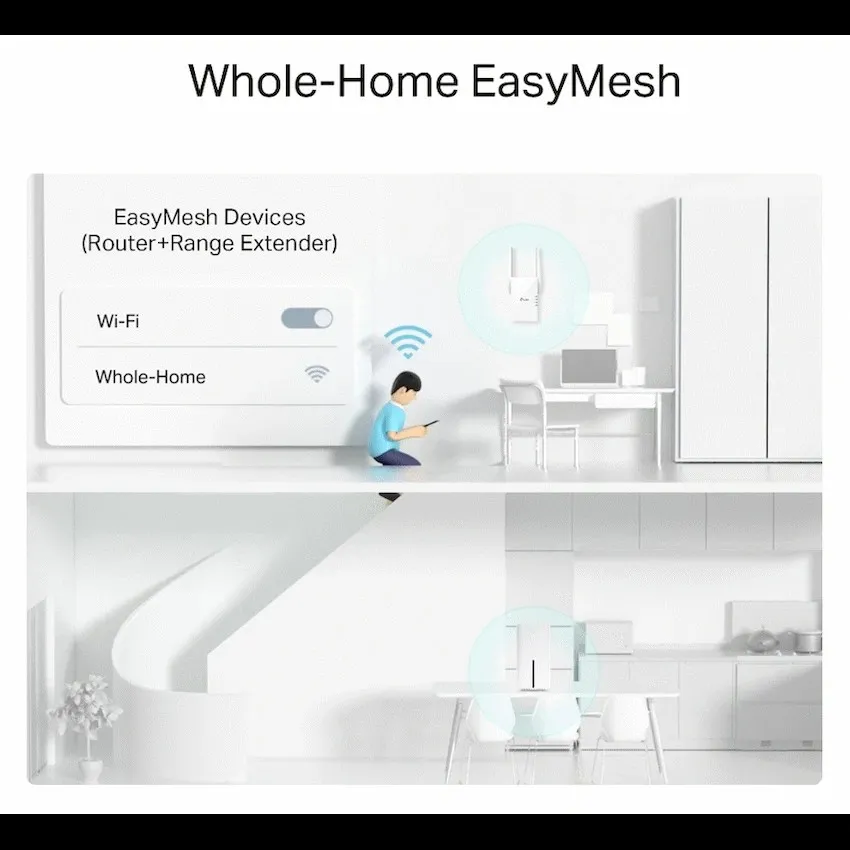
The 5 GHz band has the higher rated link speed. Use the 2.4 GHz band for compatible devices that need it. Add compatible EasyMesh hardware if you need Wi-Fi coverage farther from the router.
Hardware version
Check the underside label before downloading firmware
TP-Link documents several NX200 versions. Read the hardware version and region from your unit before using the support selector or choosing external antennas. Use Tether on compatible Android or iOS devices, or the router’s web interface.


Reviews
There are no reviews yet.