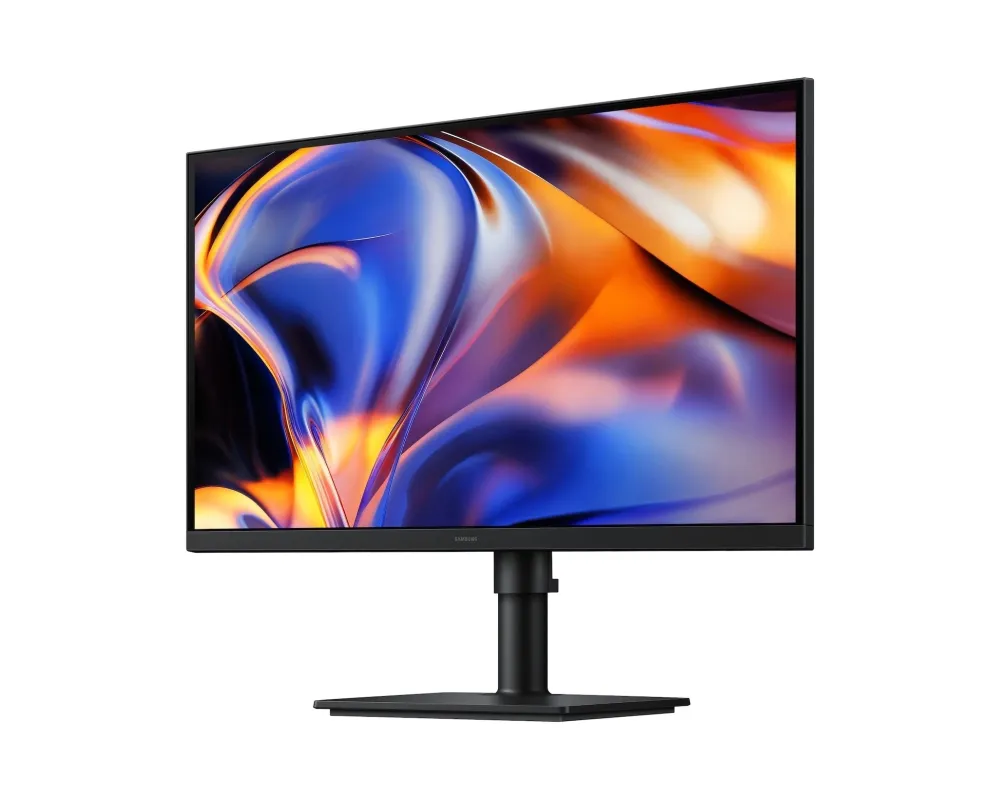

Samsung ViewFinity S8 • S80HF • 27-inch 5K
More detail. A more considered desk.
Bring fine detail and everyday connections into one 27-inch workspace. The ViewFinity S8 S80HF pairs a 5120 × 2880 IPS panel with USB-C power delivery, Ethernet and a built-in KVM, giving documents, creative tools and two-computer working a clear place on the desk.

Workspace
Room for the detail that matters
A flat 27-inch IPS panel combines 5K resolution with 218 pixels per inch. Fine text, dense spreadsheets and detailed images have more pixels to work with. Choose an operating-system scaling level that keeps text comfortable; screen size and usable workspace depend on your settings.
Colour and motion
A balanced view for everyday creation
Samsung specifies 99% sRGB coverage, support for up to 1.07 billion colours and HDR10 input. Typical brightness is 350cd/m², with a 1000:1 static contrast ratio. The maximum refresh rate is 60Hz and the response rating is 5ms grey-to-grey; these are panel specifications, not a gaming input-lag or colour-accuracy guarantee.
Connections
Connect the laptop. Keep the desk ready.
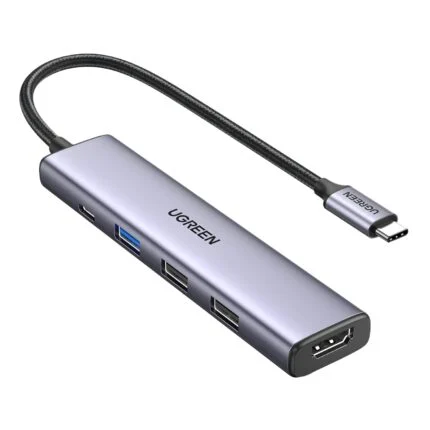
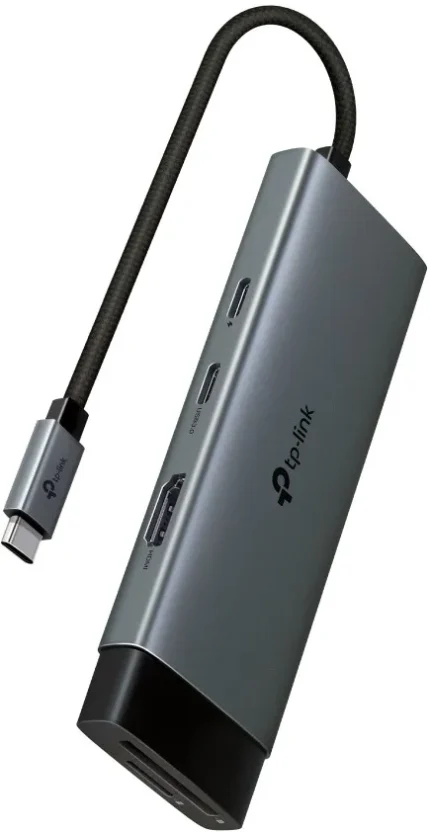
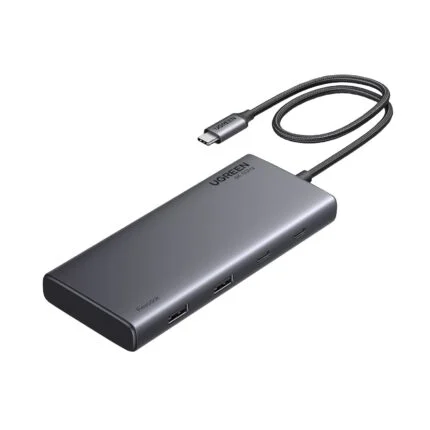
A compatible USB-C connection carries display, data and up to 90W charging through one cable. DisplayPort 1.4 and HDMI 2.1 provide separate video inputs. Built-in Ethernet and downstream USB ports place everyday connections at the monitor; USB-B provides another upstream path for KVM use.
Two sources
Share peripherals across your work
The integrated KVM lets compatible connected computers share a keyboard and mouse. Picture-by-Picture shows two sources beside each other; Picture-in-Picture keeps one source in a smaller window. Connect the required upstream USB paths and follow Samsung’s setup instructions. Auto Source Switch+ helps select a newly active input.
Position
Set the screen around your work
Raise or lower the stand through its 120mm adjustment range, tilt it, swivel it or pivot to portrait. A 100 × 100mm VESA mounting pattern provides an alternative to the supplied stand with a suitable separately selected mount. Eye Saver Mode and Flicker Free are available for display comfort.
Control and support
Keep settings and support close
Samsung Display Manager provides supported display-management tools for eligible Windows and macOS configurations. The stable model support page keeps manuals and current software selections together. Check the complete rear-label model code and operating-system requirements before downloading, and select the input, resolution and scaling supported by your actual computer.

Reviews
There are no reviews yet.