
Poly CCX Microsoft Teams quick tips
HP’s Teams-mode calling reference includes the CCX 400.
Open official support (opens in a new tab)Checking which support options are available…
Who would you like help from?
Enter your name to begin your live chat with an online consultant.
What can we help you with?
Your details are used only to respond. MatzoBot requests are securely passed to the MatzoTech team.
Your request has been emailed to MatzoTech. A consultant will reply using the email address or mobile number you supplied.

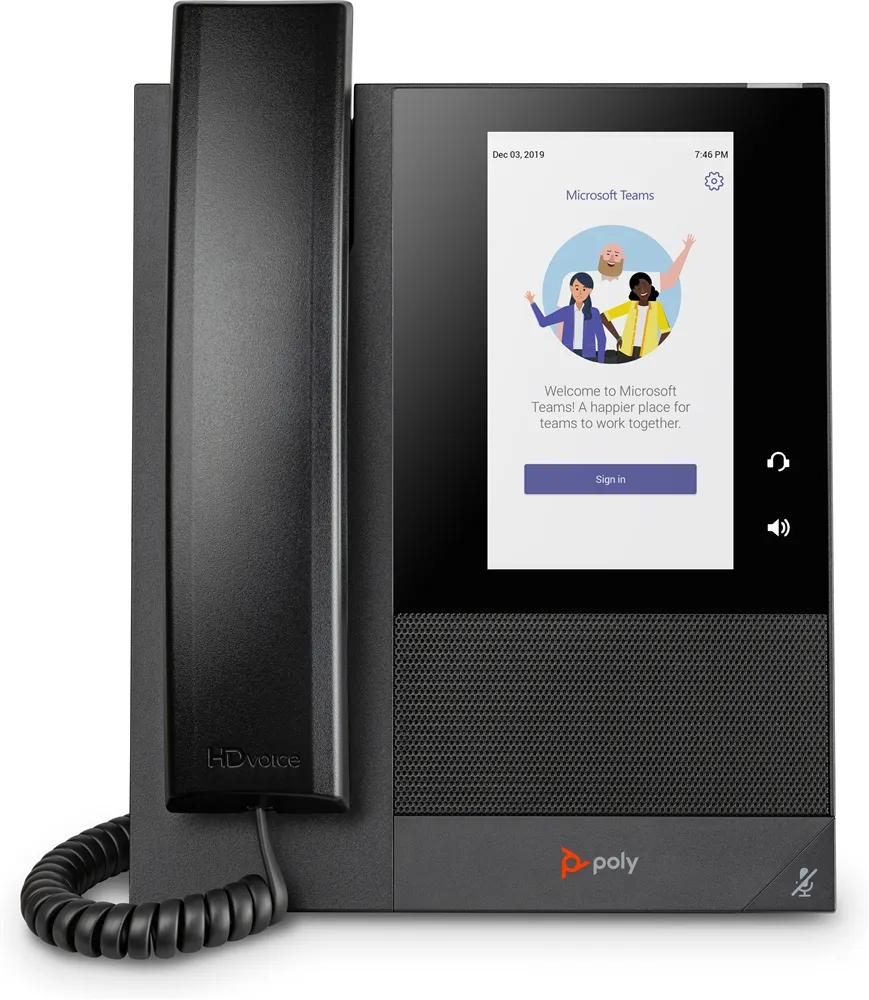
Poly CCX 400 848Z8AA Microsoft Teams desk phone with 5-inch colour touchscreen, corded handset and Power over Ethernet.
R5,599.00
Supplier has stock — 2 avail
Clear fulfilment, warranty and payment details.
Official manufacturer overview
HP Support · CCX family walkthrough for Teams mode on the 400, 500 and 600. Some controls and features vary by model.
Play to load this video from YouTube.
HP POLY CCX 400
Make calls and reach contacts on the Poly CCX 400 without moving to a computer. This 848Z8AA variant combines a corded handset with a 5-inch colour touchscreen and a wired Power over Ethernet connection.
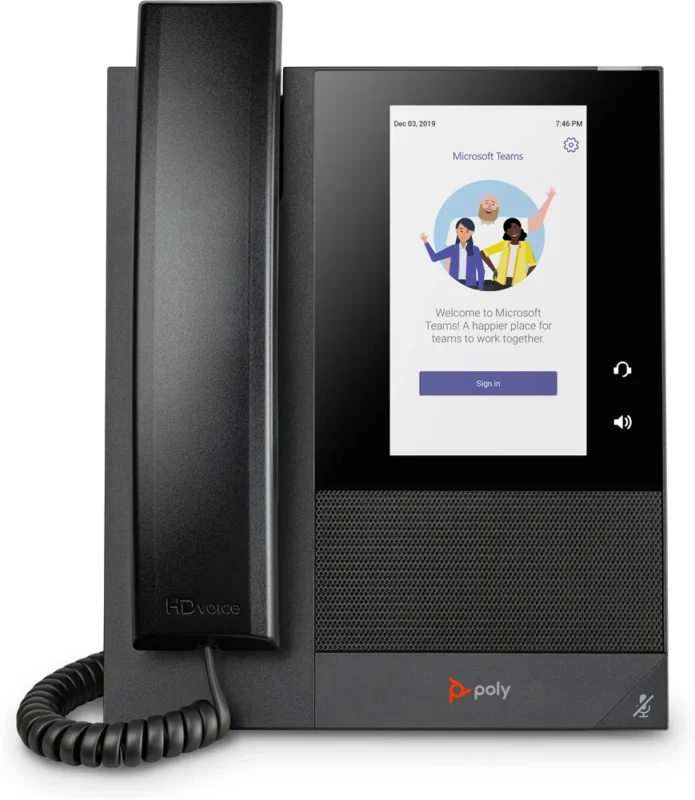
Call handling
Use the touchscreen to reach contacts and calls. The handset suits private conversations, and the desk phone is managed as part of a Microsoft Teams calling deployment.
Voice
Poly HD Voice and Acoustic Clarity are part of the phone’s audio design. Acoustic Fence helps reduce distracting noise in the calling environment.
Deployment
Plan a PoE connection, then provision the unit for the organisation’s Teams calling setup. The listed box includes the handset, cord, desk stand and a CAT5e network cable.
| Model | Poly CCX 400 Business Media Phone for Microsoft Teams |
|---|---|
| HP product number | 848Z8AA |
| Controls | 5-inch colour multi-touch LCD, corded handset |
| Calling platform | Microsoft Teams edition |
| Audio technologies | Poly HD Voice, Acoustic Clarity and Acoustic Fence |
|---|---|
| Network | Wired Ethernet, Power over Ethernet enabled |
| Deployment | Microsoft Teams provisioning and calling configuration required |
| HP-listed contents | Console, desk stand, handset and cord, CAT5e LAN cable and setup sheet |
|---|
Use official support resources for this product. Each link opens in a new tab.
HP’s Teams-mode calling reference includes the CCX 400.
Open official support (opens in a new tab)HP’s setup sheet covers the CCX 400 and its PoE connection.
Open official support (opens in a new tab)Help other shoppers by sharing an honest review.
Write a reviewYou are offline. Reconnect to check prices and shop.




Reviews
There are no reviews yet.