
NAUTILUS 240 / 360 RS LCD installation and setup guide
Official exact-series manual; use the 240mm edition instructions and included-parts counts. Covers mounting, USB/PWM wiring, LCD setup and care.
Open official support (opens in a new tab)Checking which support options are available…
Who would you like help from?
Enter your name to begin your live chat with an online consultant.
What can we help you with?
Your details are used only to respond. MatzoBot requests are securely passed to the MatzoTech team.
Your request has been emailed to MatzoTech. A consultant will reply using the email address or mobile number you supplied.


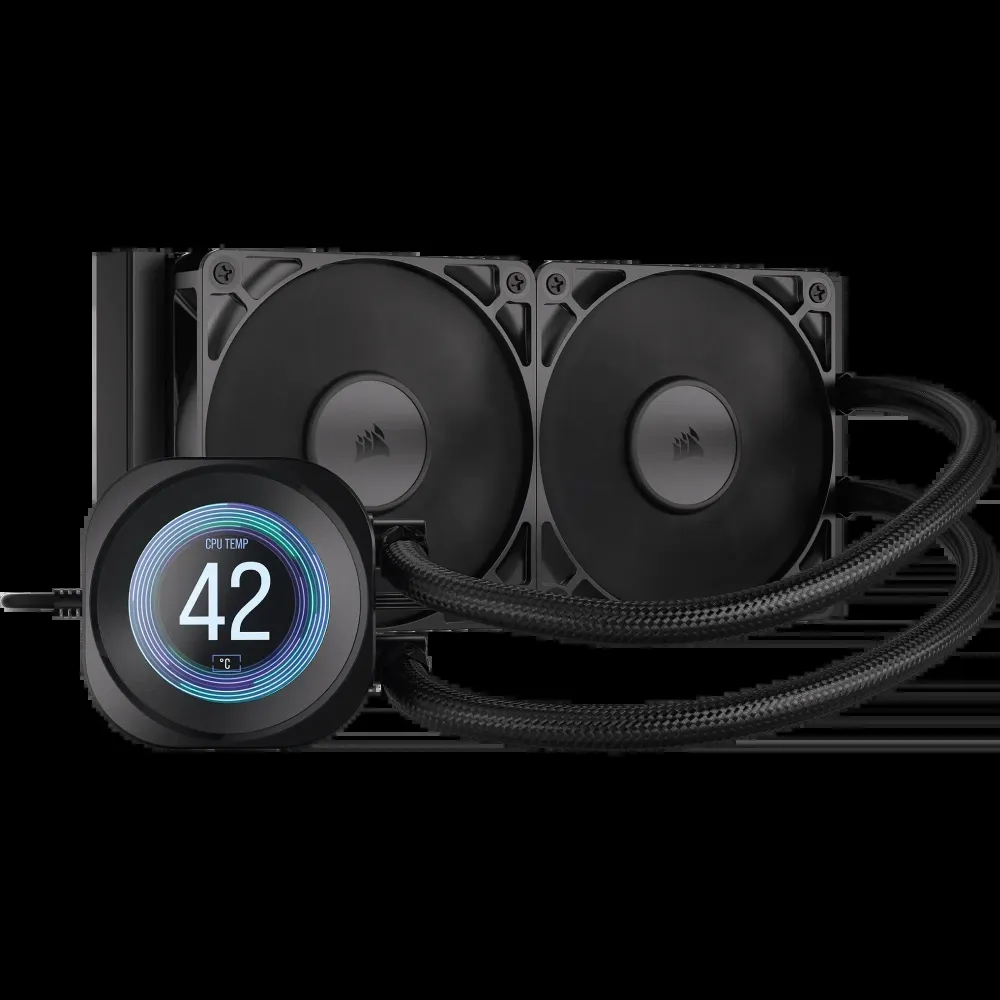
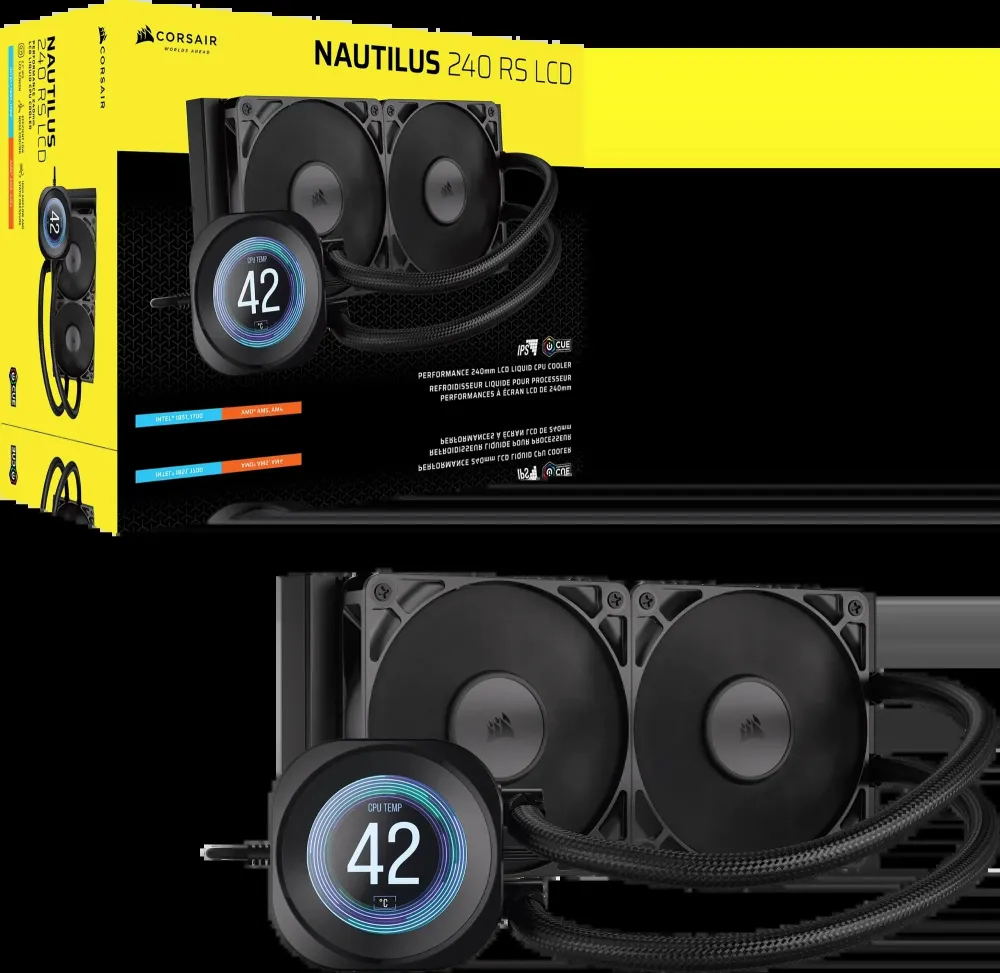
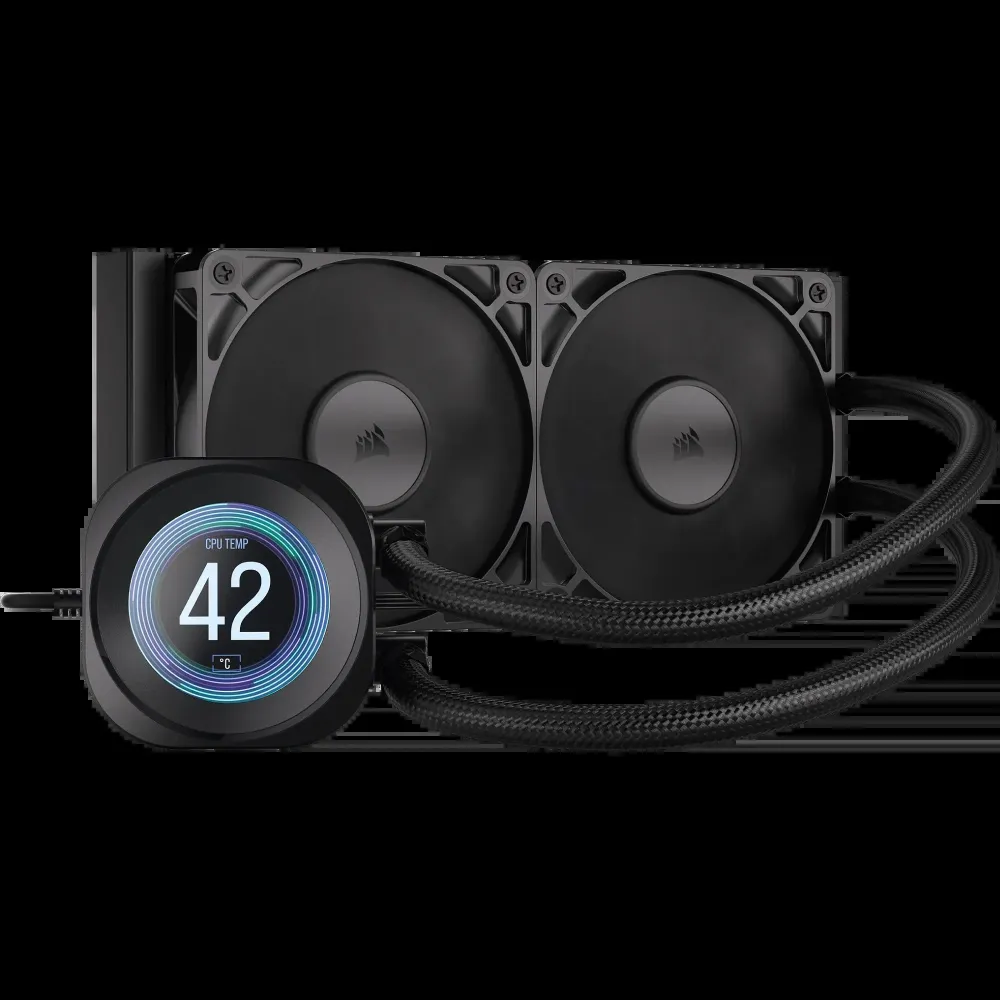
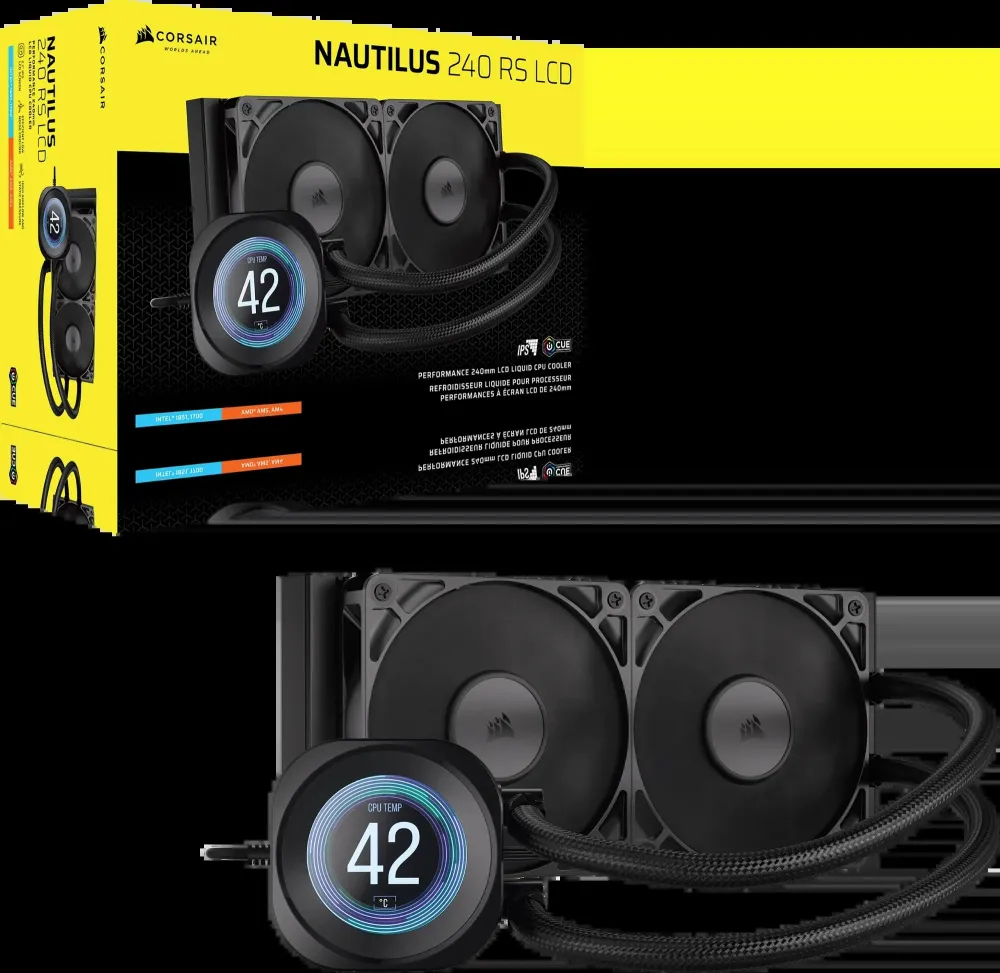
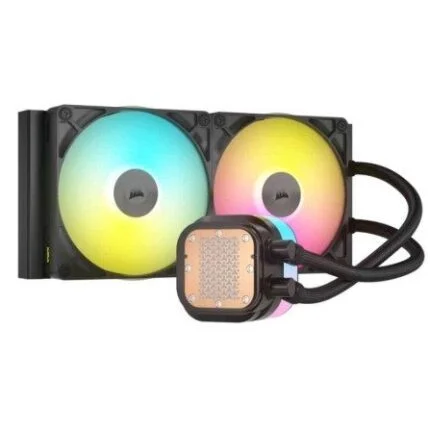
Black Corsair NAUTILUS 240 RS LCD liquid CPU cooler (CW-9061031-WW) with a 2.1-inch IPS display, 240mm radiator and two RS120 PWM fans. Supports Intel LGA 1851/1700 and AMD AM5/AM4.
R2,899.00
Supplier has stock — 3 avail
Clear fulfilment, warranty and payment details.
Corsair NAUTILUS 240 RS LCD · Black
Build around a 240mm liquid cooler with a personal display at its centre. The black NAUTILUS 240 RS LCD pairs two RS120 PWM fans and a copper cold plate with a 2.1-inch IPS screen for useful system information, images or animated GIFs. Its motherboard-controlled cooling connections and separate USB display link make the installation plan clear.
A clear installation plan
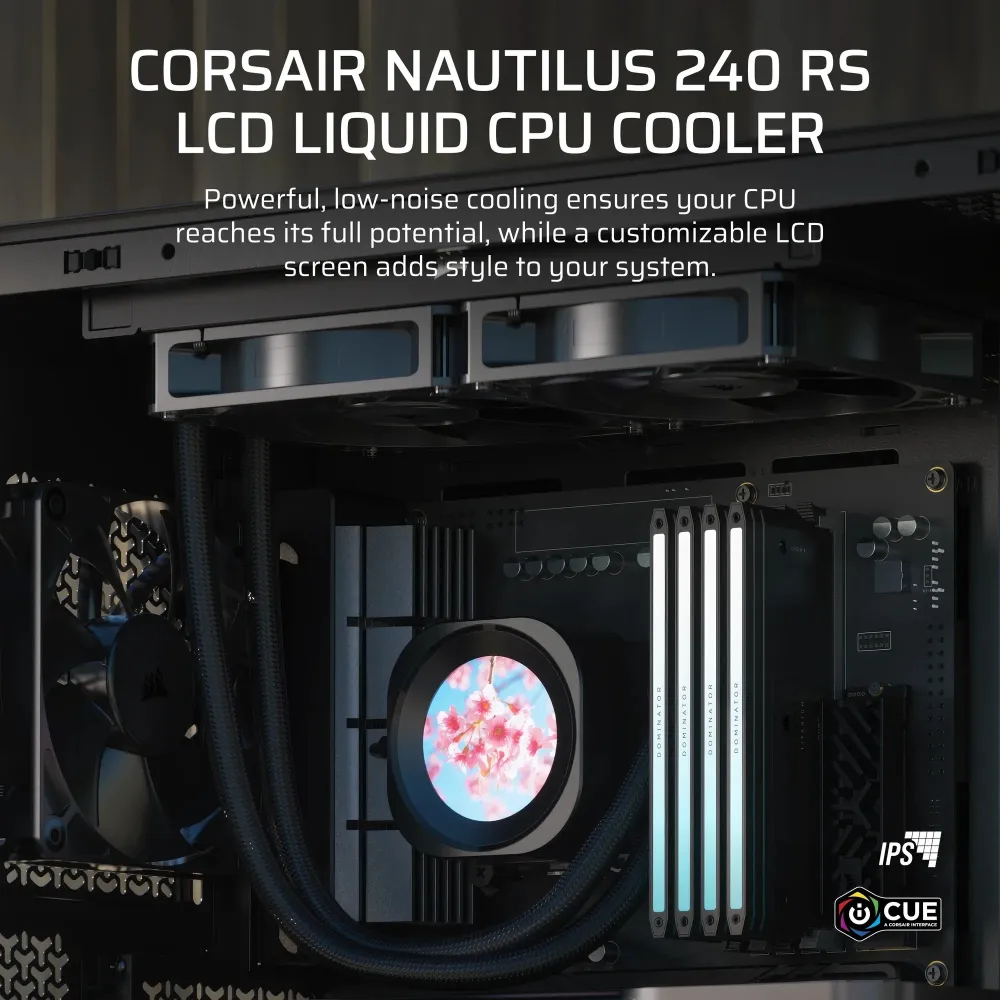
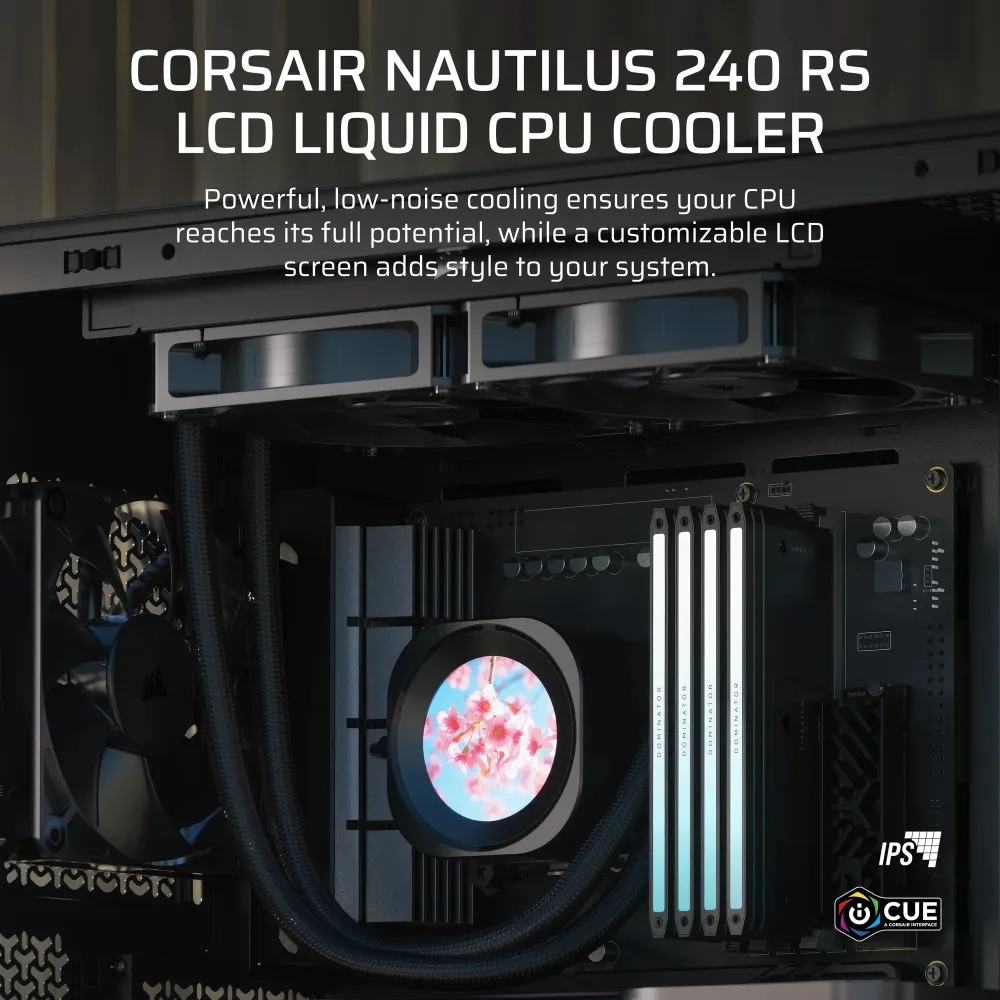
This black 240mm all-in-one cooler combines a 276 × 120 × 27mm aluminium radiator with two 120mm fans and 400mm sleeved tubes. Allow space for the complete radiator-and-fan assembly, mounting screws, nearby motherboard components and tube routing. A case advertising a 240mm mount still needs a complete clearance check. The illustrated PC is an installation example; its other components are separate purchases.
Your screen, your system
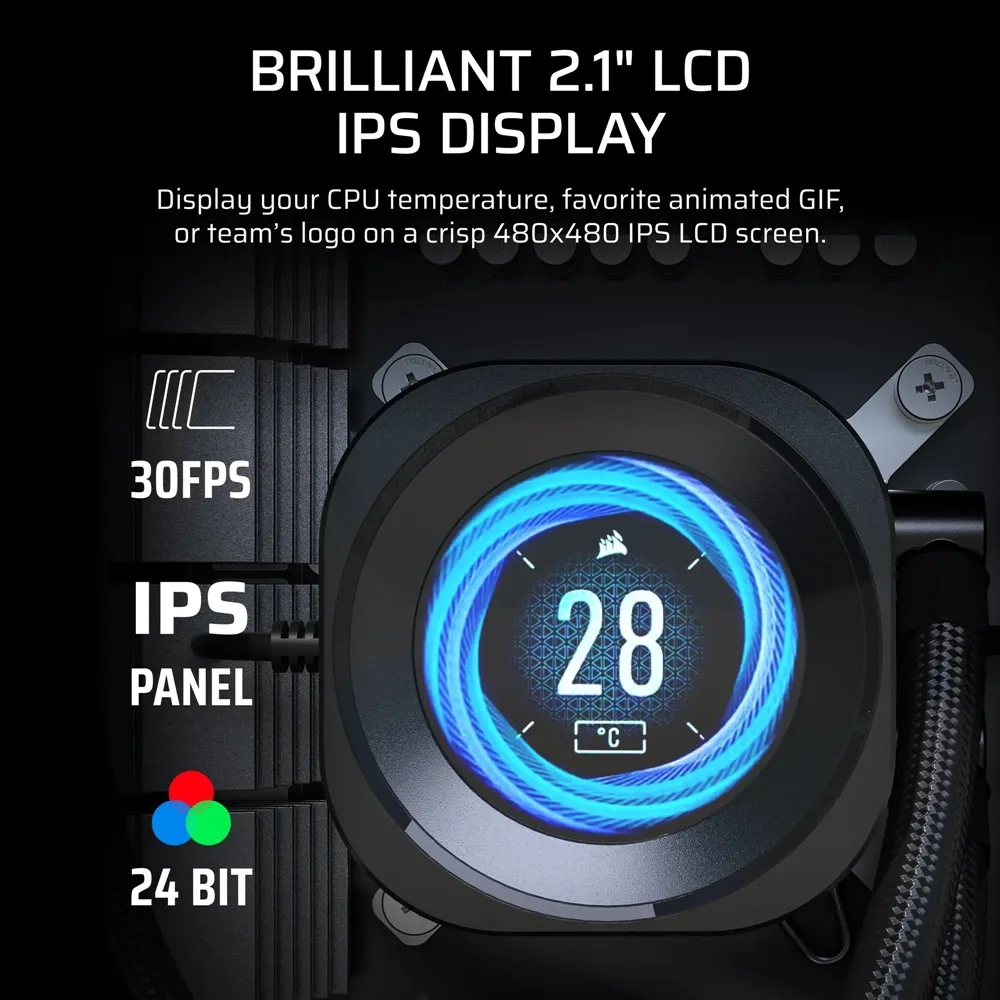
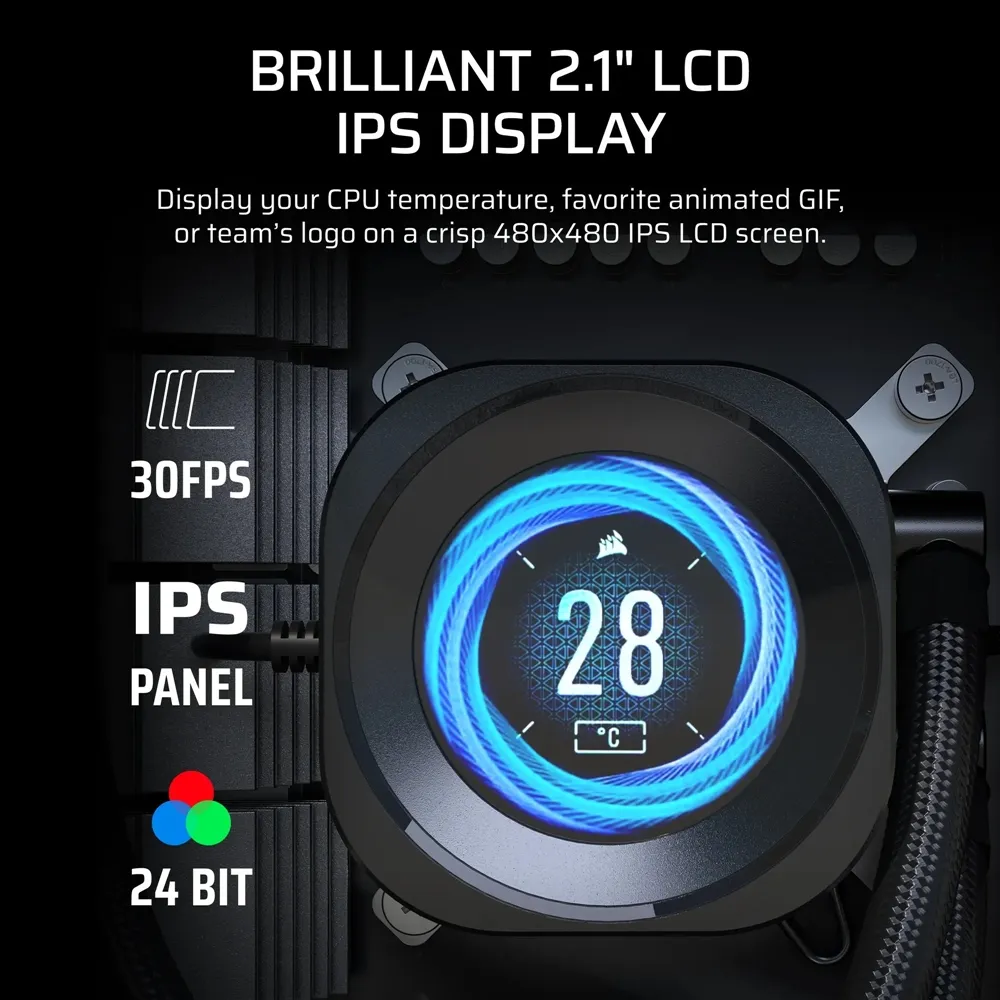
A 2.1-inch IPS LCD sits at the centre of this black NAUTILUS cooler. Its 480 × 480 display can show CPU temperature, a personal image or an animated GIF, with up to 30 frames per second, 24-bit colour and a 600cd/m² backlight. The screen is the visual focus; the included black RS120 fans have no RGB lighting.
Personalisation in iCUE
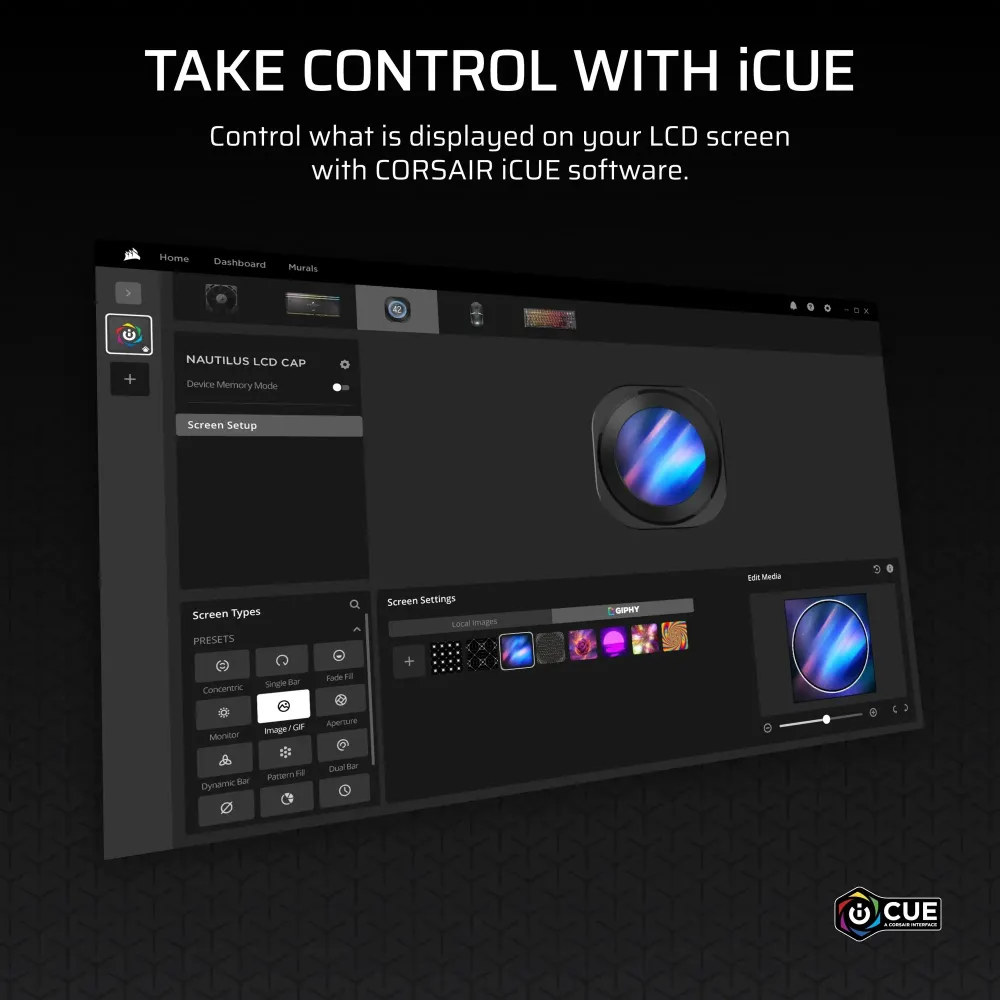
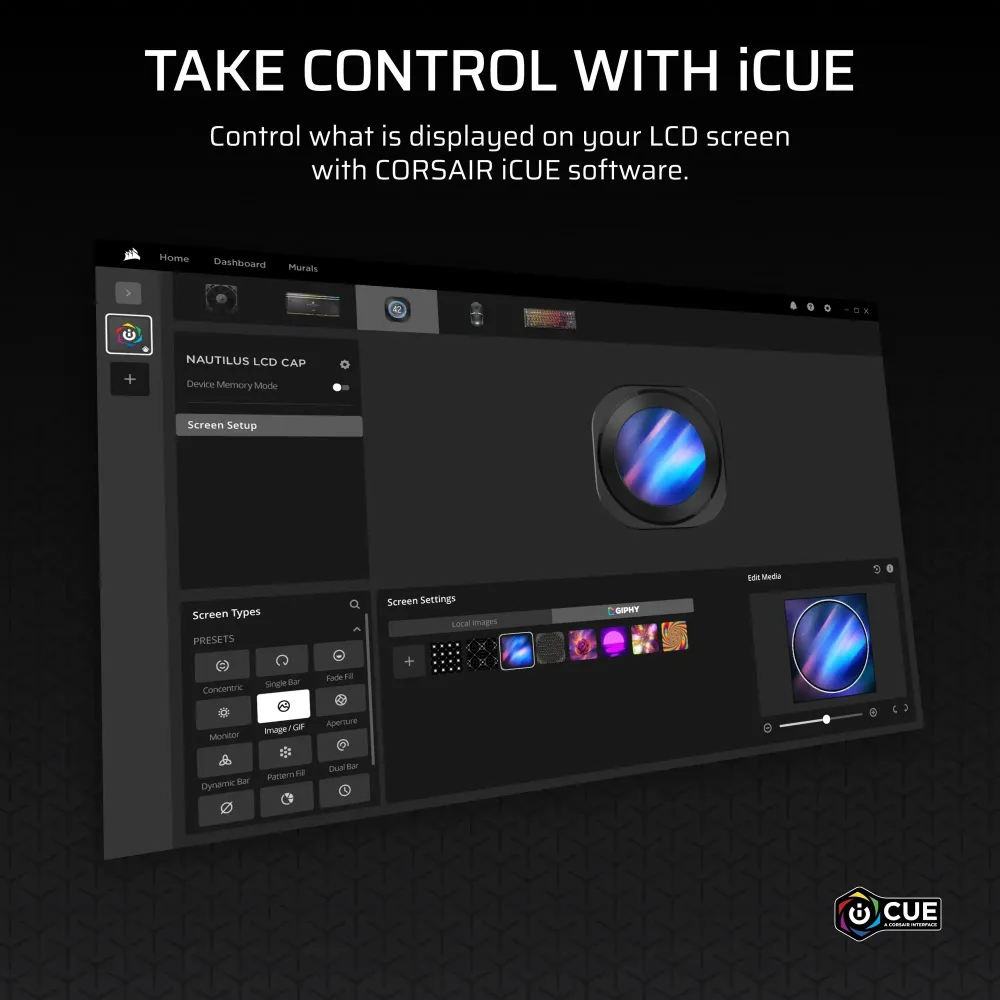
Use Corsair iCUE to select screen presets, upload images and GIFs, rotate the display and adjust brightness or frame rate. Device Memory Mode lets you save an available image for times when iCUE is not running, such as system startup. Display setup uses the included USB lead and an available internal USB 2.0 9-pin motherboard header. The display has its own USB connection, separate from the cooling hardware’s PWM leads.
Two RS120 fans
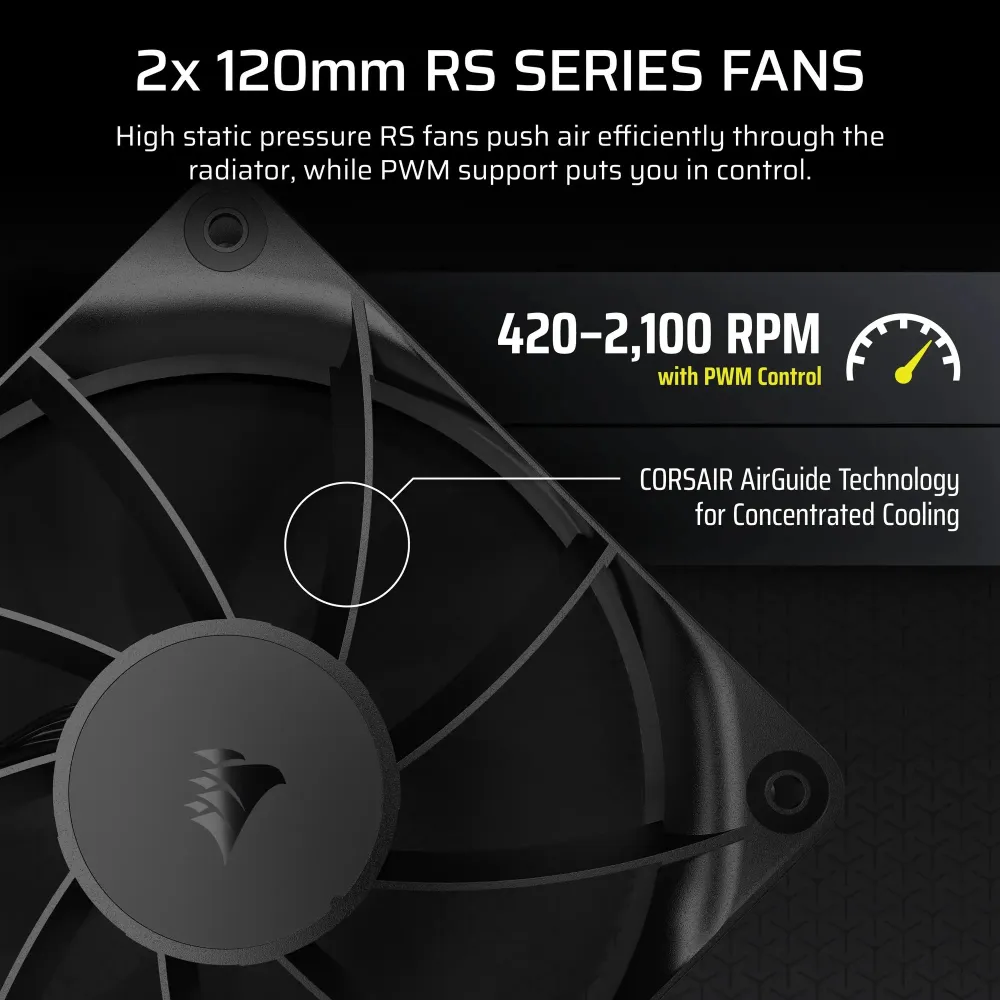
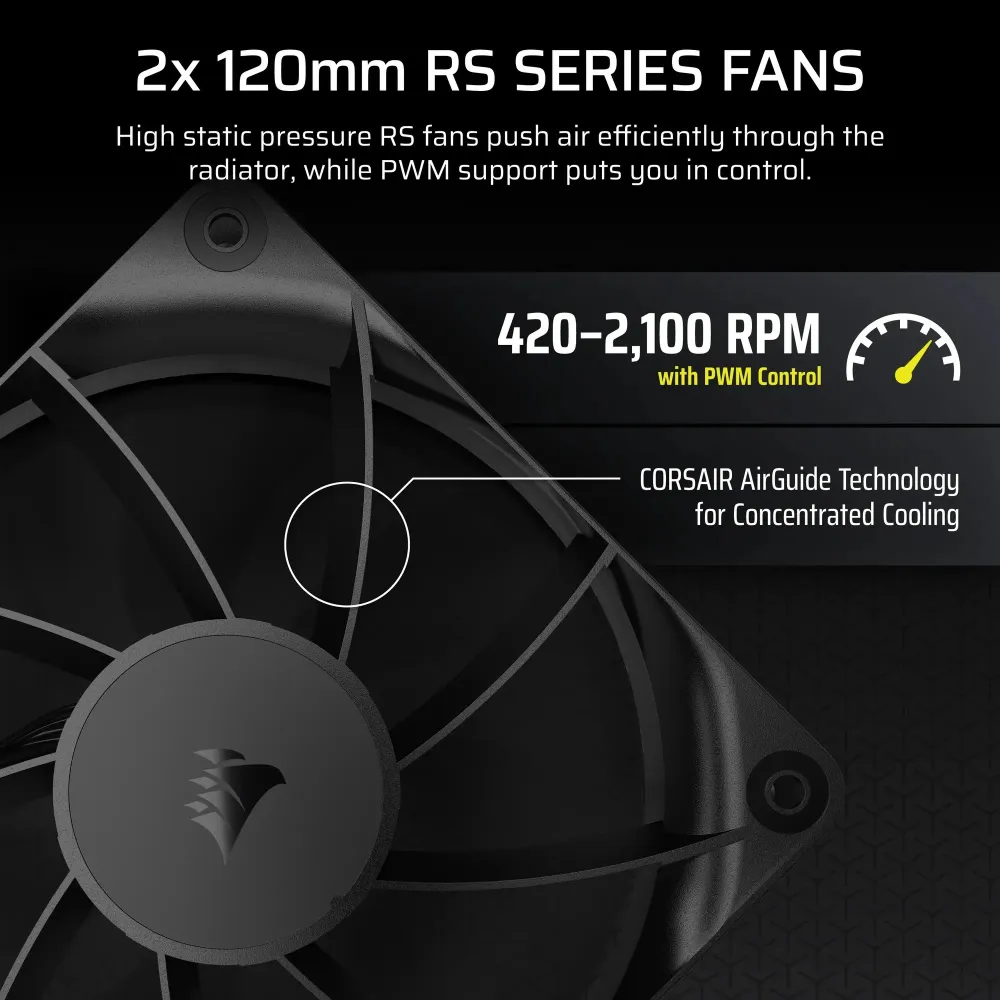
The included RS120 PWM fans operate across a specified 420–2100 RPM range, with a ±10% speed tolerance. AirGuide vanes direct airflow through the radiator. Daisy-chain the fan leads into one group and connect the supplied PWM extension to the motherboard SYS_FAN header as shown in the guide. Corsair lists a 10–36dBA fan noise range; that is a component rating, not a finished-PC sound measurement.
Bearing and fan-stop control
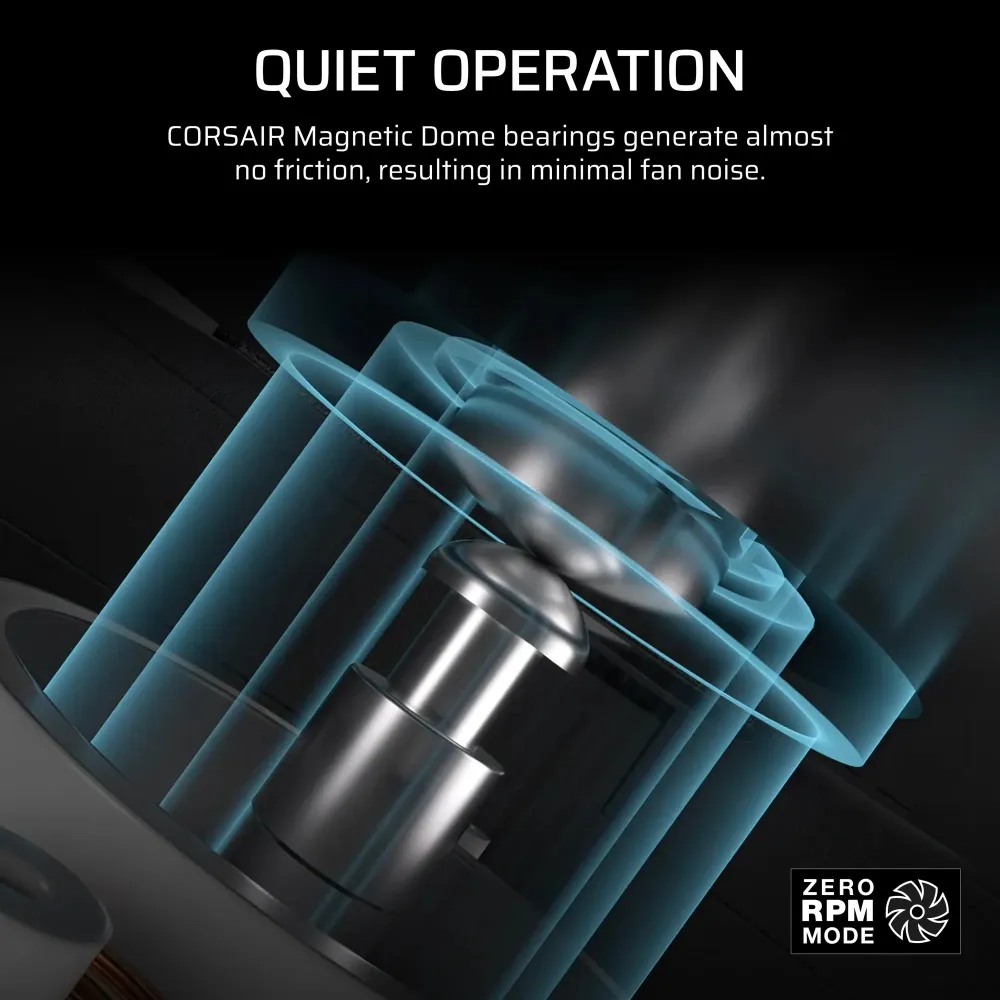
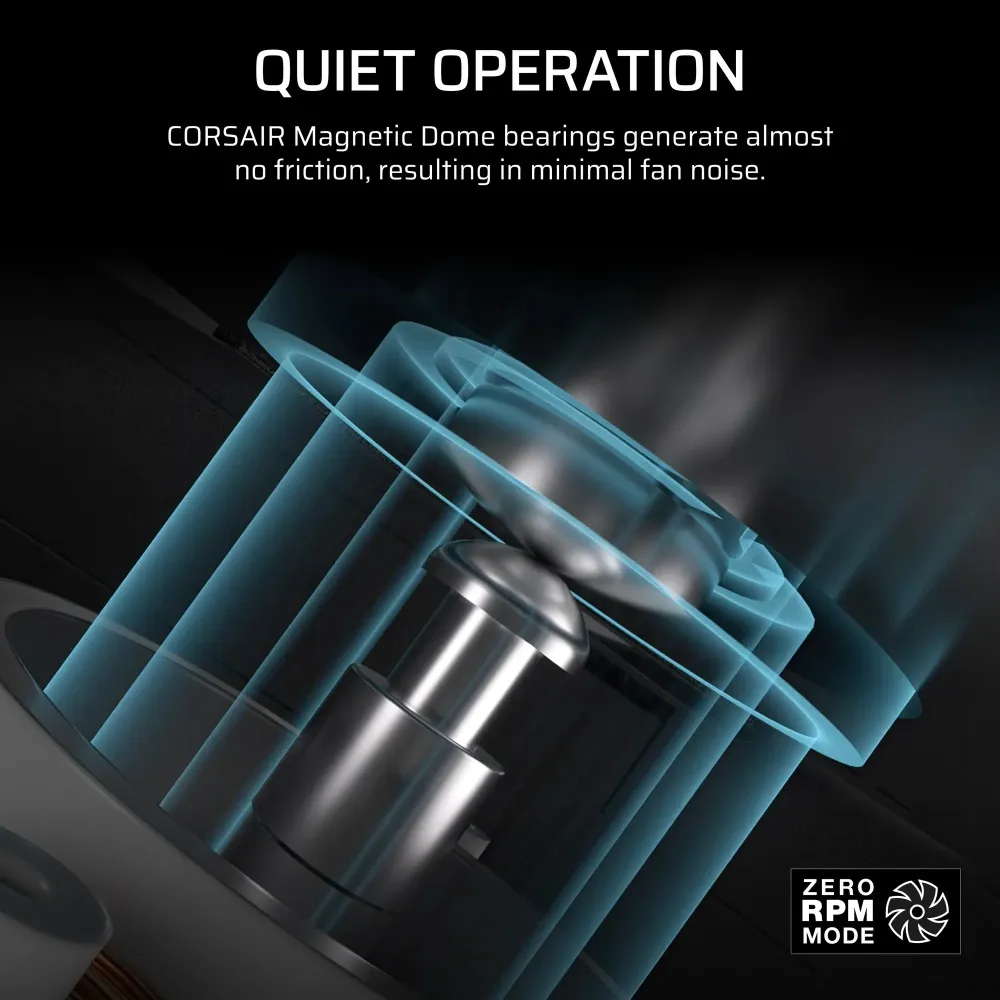
Magnetic Dome bearings support the RS120 fan mechanism. Fan speeds and any supported Zero RPM fan-stop behaviour depend on the motherboard controls and the chosen fan curve. A stopped fan does not mean the complete cooling system is silent: the pump remains a separate part of the installation. Use motherboard PWM controls for the connected fans; iCUE configures the LCD in the standard wiring arrangement.
Separate pump control
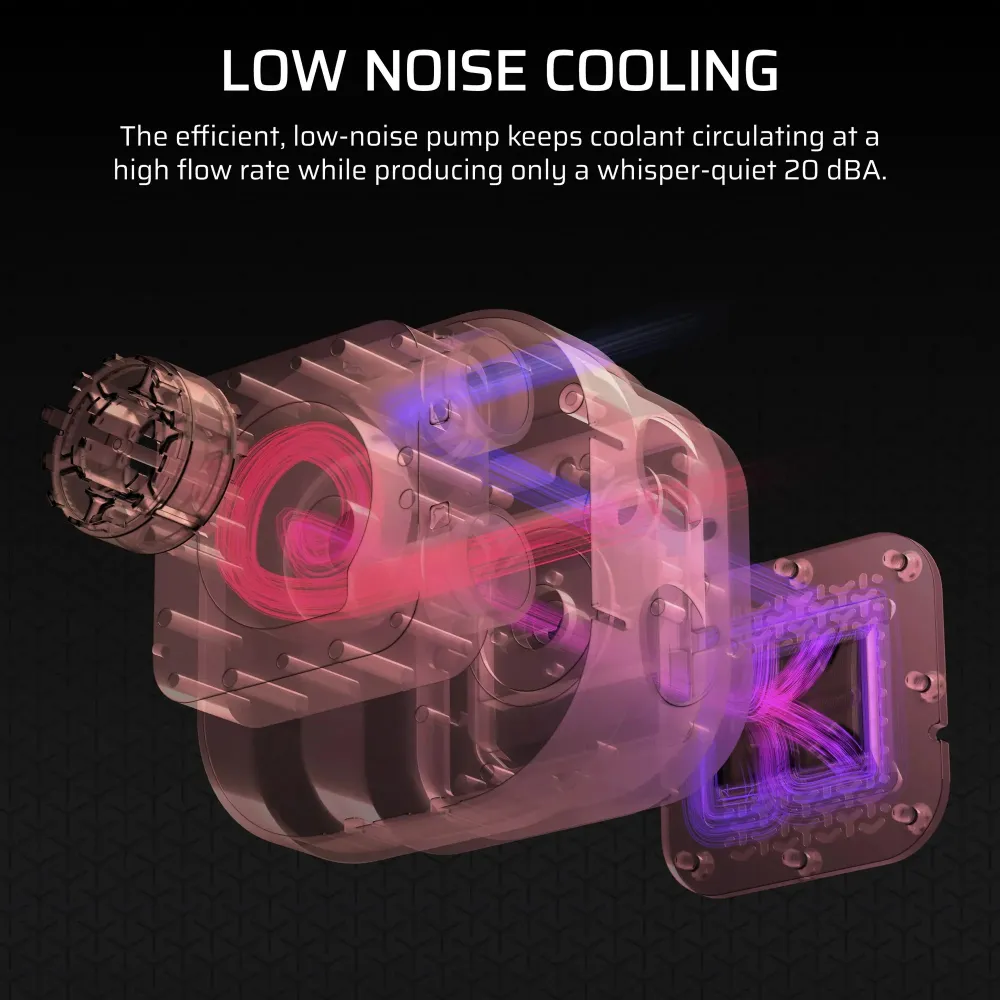
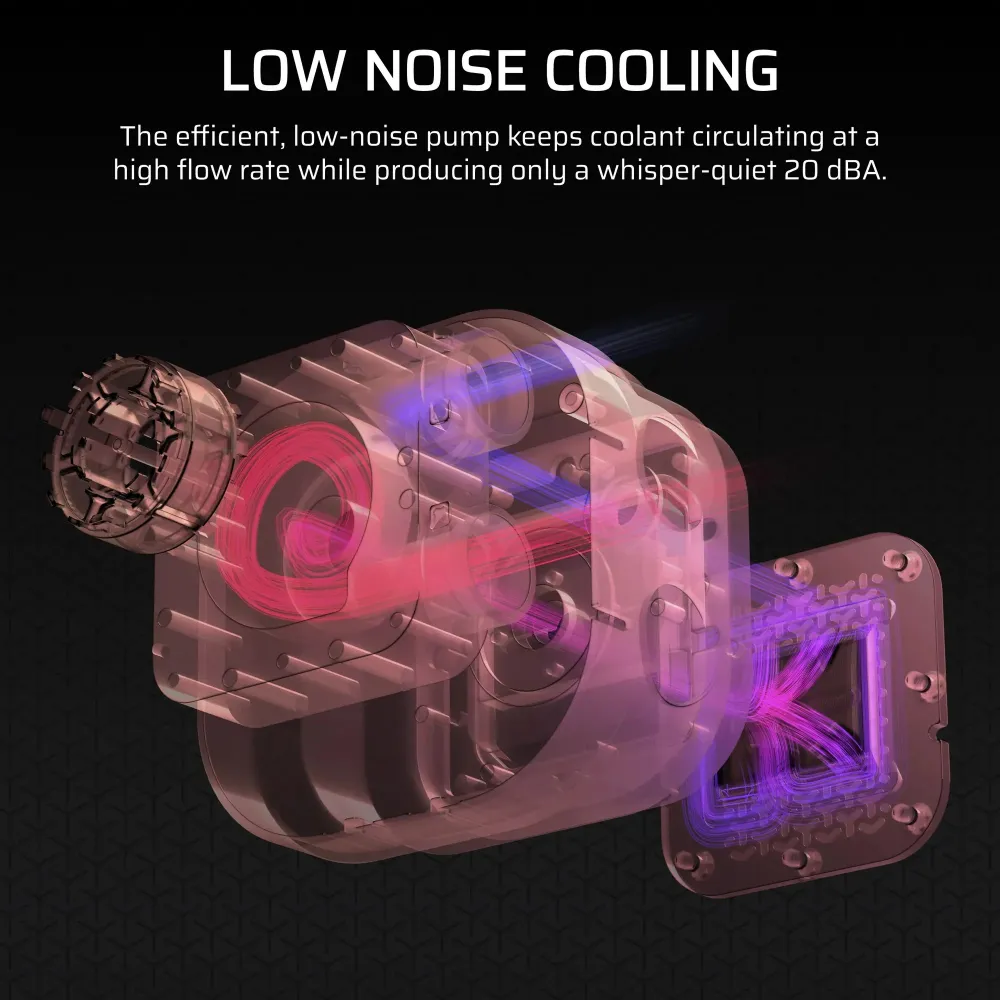
The pump has its own 4-pin PWM lead, connected to CPU_FAN in the official installation guide. The manufacturer’s pump illustration quotes 20dBA for the pump, while the fan specifications give a separate noise range. These component figures do not guarantee the sound level of your finished PC. Corsair recommends keeping the radiator’s highest point above the CPU pump; follow the guide when choosing the installation orientation.
A prepared contact surface
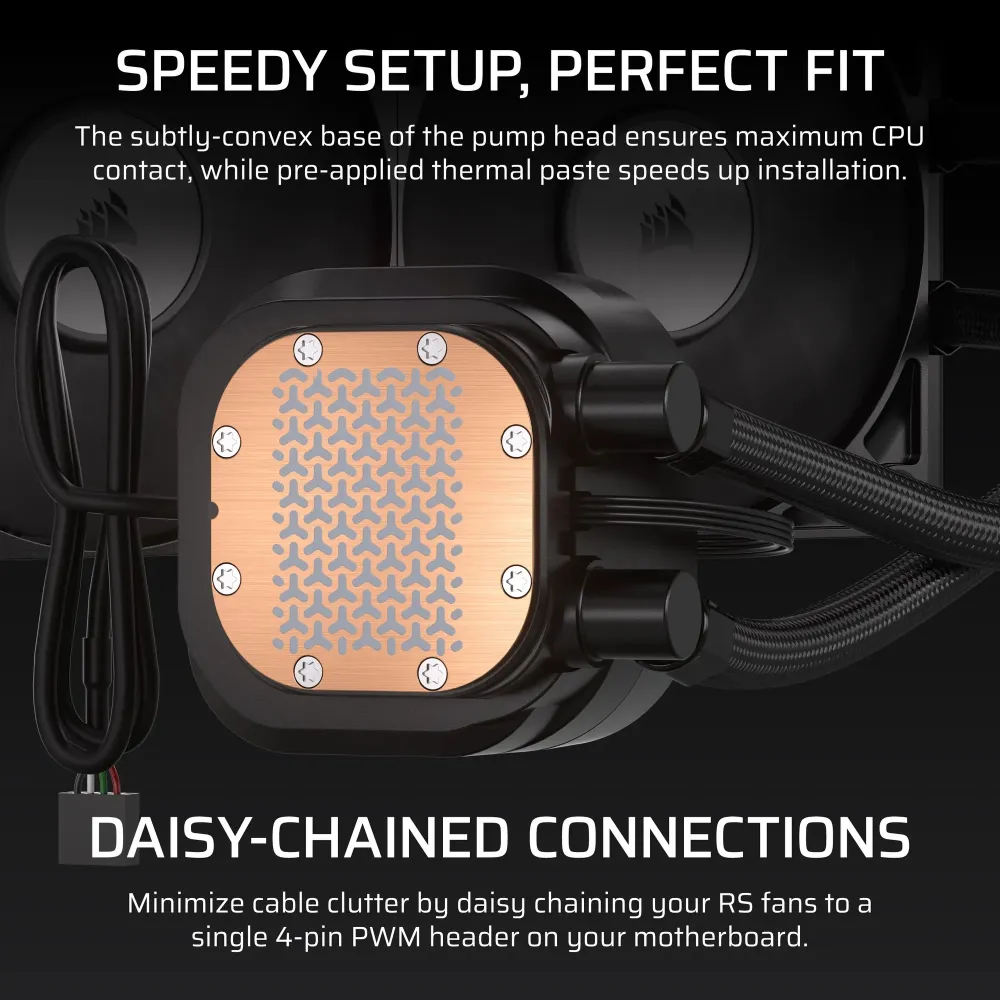
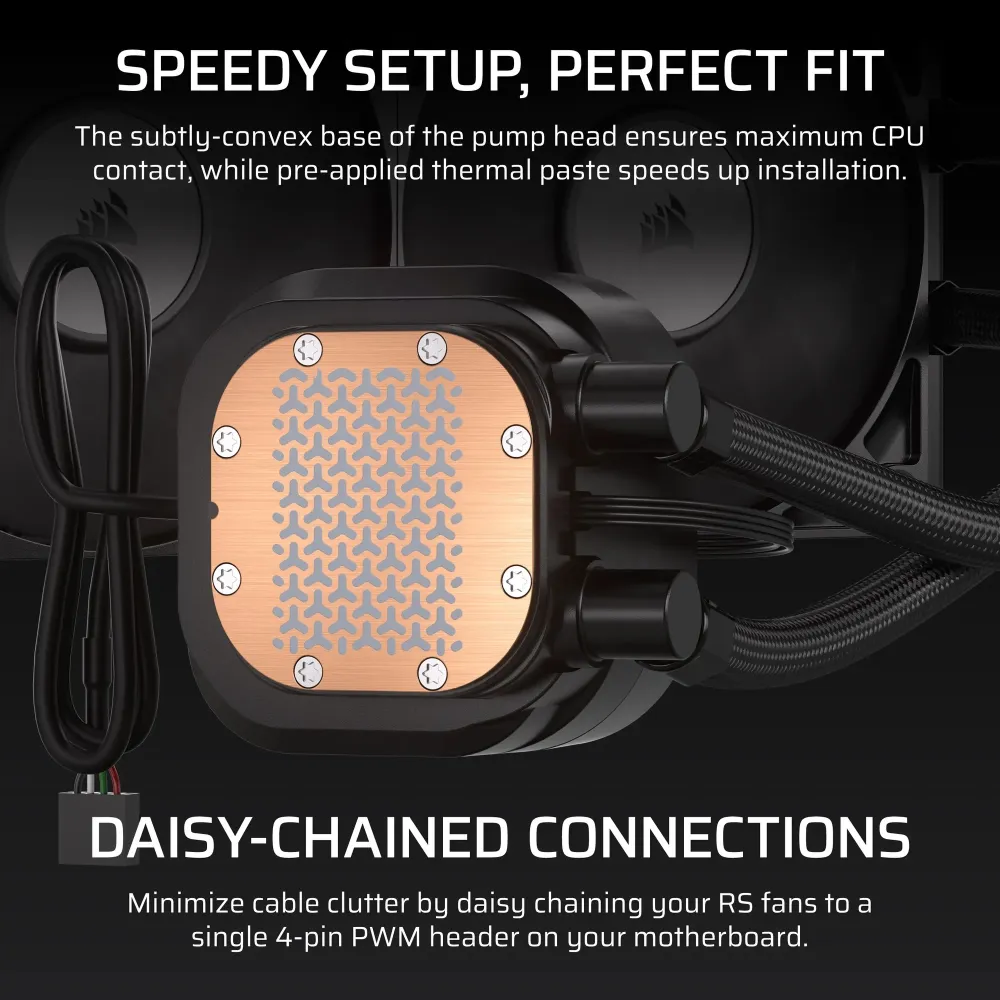
The copper cold plate uses a slightly convex contact surface and arrives with thermal paste applied. Follow the matching socket instructions and tighten the pump mount across opposite corners. If you remove and reinstall the cooler, clean away the used paste and apply fresh thermal compound. The RS fan leads daisy-chain to reduce the number of motherboard fan connections; keep their cables clear of the blades and follow the official wiring guide.
Intel and AMD sockets
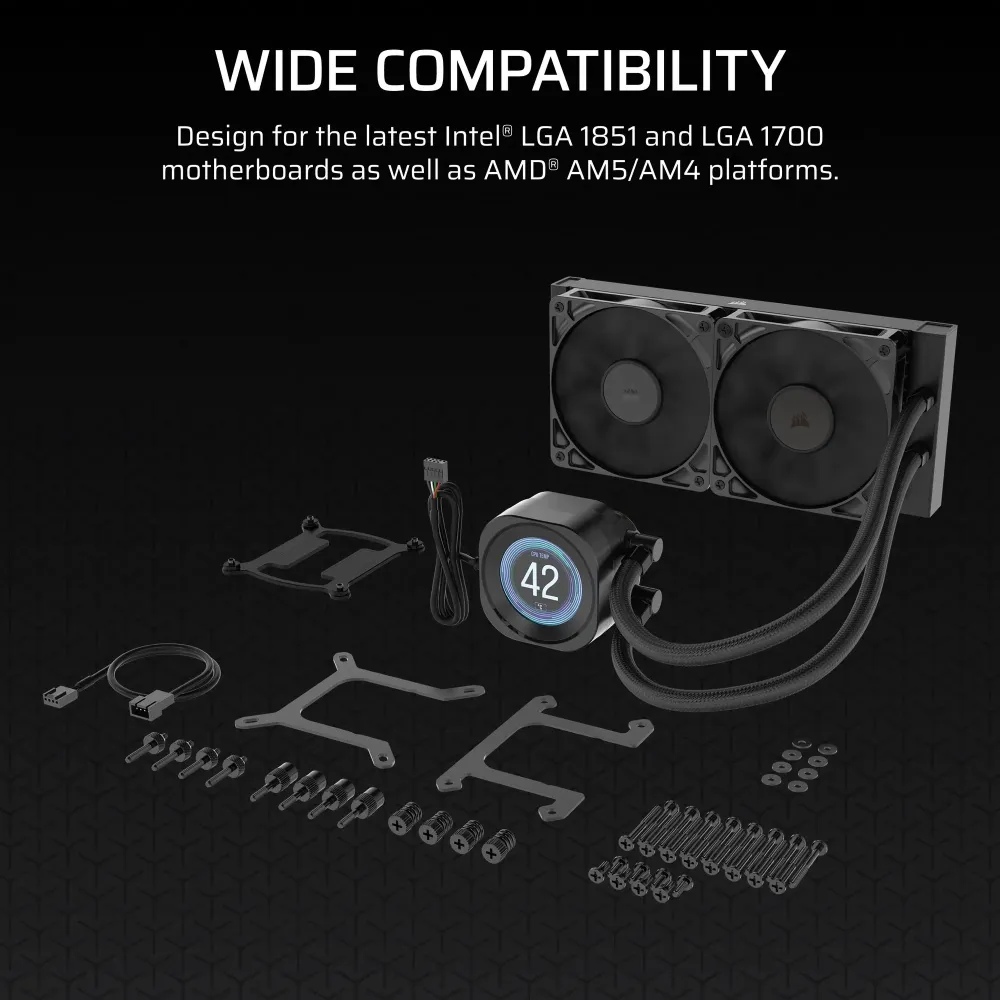
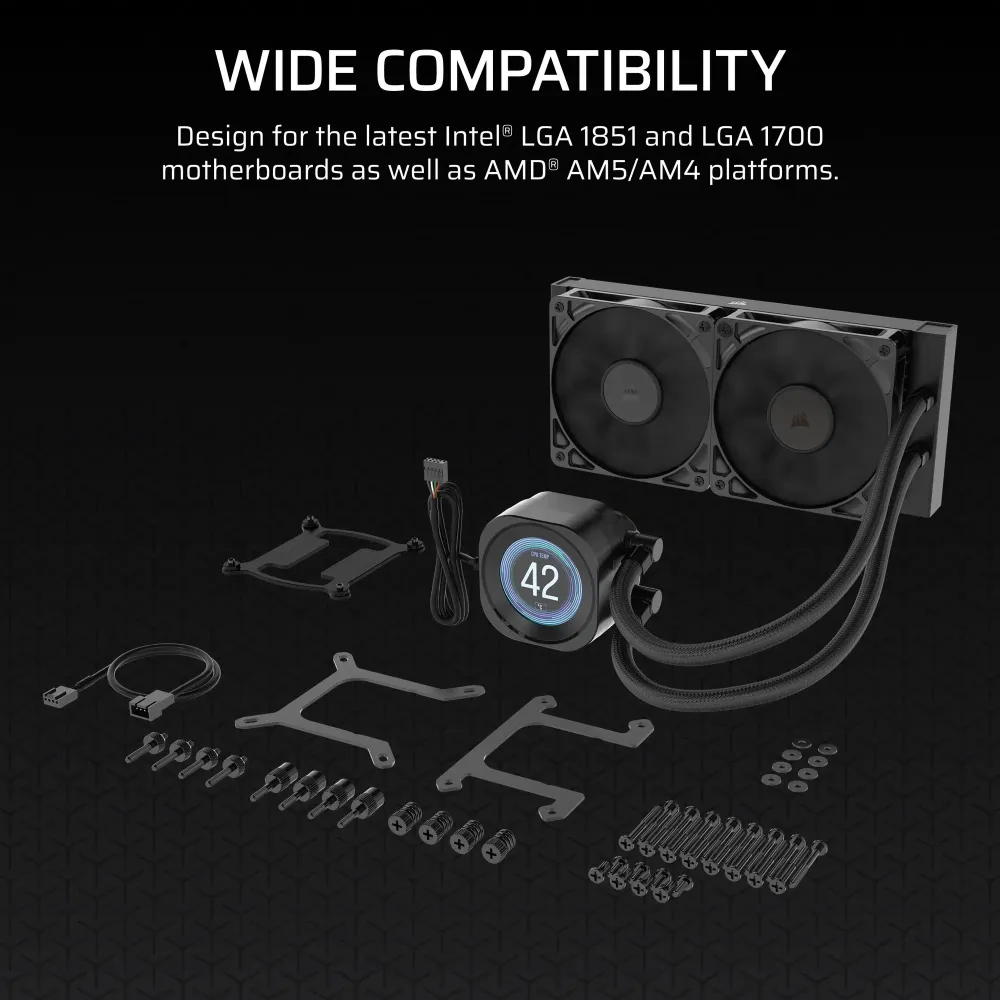
This exact CW-9061031-WW model supports Intel LGA 1851 and LGA 1700, plus AMD AM5 and AM4. The Intel bracket is pre-installed; the AMD bracket and platform mounting hardware are included. Socket support does not guarantee that every motherboard, case and nearby component arrangement will fit. Check radiator space, USB and PWM headers, tubing route and motherboard instructions before installation.
The 240mm package
The 240mm edition includes the radiator/pump assembly with LCD module, two RS120 fans, Intel and AMD mounting parts, fan/radiator fasteners, washers and a PWM extension cable. Use the 240mm edition’s quantities in the guide; the 360mm model uses different fan and fastener counts. Processor, motherboard, memory, chassis and other PC components shown in the installation images are separate purchases.
Manufacturer support
Corsair lists a five-year NAUTILUS cooler warranty, subject to the applicable regional terms and product eligibility. The native warranty illustration also notes that local country regulations apply. Keep the purchase details and consult the applicable support process if assistance is needed. The warranty term describes manufacturer cover; it does not promise a particular temperature, noise level or fit in an unchecked build.

| Manufacturer | Corsair |
|---|---|
| Model | NAUTILUS 240 RS LCD |
| MPN | CW-9061031-WW |
| UPC / GTIN | 840440400332 |
| Colour | Black |
| Cooler type | All-in-one liquid CPU cooler |
| Radiator class | 240mm |
| Fan lighting | None; LCD display is separate from fan lighting |
| Panel type | IPS LCD |
|---|---|
| Diagonal | 2.1 inches |
| Resolution | 480 × 480 pixels |
| Maximum frame rate | 30 FPS |
| Colour depth | 24-bit; over 16.7 million colours |
| Backlight brightness | 600cd/m² manufacturer rating |
| Content | CPU temperature; images; animated GIFs; iCUE presets |
| Display connection | Internal USB 2.0 9-pin motherboard header |
| Software | Corsair iCUE for LCD configuration; check operating-system requirements |
| Device Memory Mode | Save an available image for operation while iCUE is not running |
| Display settings | Brightness; rotation; LCD frame rate via iCUE |
| Radiator dimensions (L × W × H) | 276 × 120 × 27mm; radiator only |
|---|---|
| Radiator material | Aluminium |
| Cold plate material | Copper |
| Contact surface | Slightly convex |
| Thermal paste | Pre-applied; renew after removal/reinstallation |
| Tubing length | 400mm |
| Tubing covering | Sleeved tubing |
| Fit check | Allow extra space for fans, screws, tubes and surrounding components |
| Radiator orientation | Highest radiator point must be above CPU pump; follow installation guide |
| Included fans | 2 × Corsair RS120 120mm fans |
|---|---|
| Fan control | PWM through motherboard |
| Fan speed | 420–2100 RPM ±10% |
| Fan airflow | 13.3–72.8 CFM manufacturer range |
| Fan static pressure | 0.2–4.15mm-H₂O manufacturer range |
| Fan noise | 10–36dBA manufacturer range; not total-system noise |
| Bearing | Corsair Magnetic Dome |
| Airflow guide | Corsair AirGuide |
| Fan cabling | Daisy-chain fan group; included PWM extension |
| Fan header in installation guide | SYS_FAN |
| Zero RPM | Supported fan-stop capability; motherboard control/curve dependent |
| Pump header in installation guide | CPU_FAN; separate 4-pin PWM cable |
|---|---|
| LCD power / data | Internal USB 2.0 9-pin |
| Pump power rating | 12V DC, 0.3A maximum |
| LCD cap power rating | 5V DC, 0.3A |
| RS120 fan power rating | 12V DC, 0.4A per fan |
| Control qualification | iCUE configures the LCD; motherboard PWM controls the connected cooling hardware |
| Intel sockets | LGA 1851; LGA 1700 |
|---|---|
| AMD sockets | AM5; AM4 |
| Pre-installed bracket | Intel LGA 1851/1700 |
| Alternative included bracket | AMD AM5/AM4 |
| Backplate | Intel LGA 1851/1700 backplate included |
| Platform standoffs | 4 Intel and 4 AMD standoffs listed in guide |
| Pump fastening | 4 thumb nuts; tighten across opposite corners |
| Case requirement | Compatible 240mm radiator position with full installed clearance |
| Motherboard headers | CPU_FAN; SYS_FAN; internal USB 2.0 9-pin as specified in guide |
| Cooling assembly | 1 × 240mm radiator and NAUTILUS RS pump with LCD module |
|---|---|
| Fans in 240mm edition | 2 × RS120 |
| PWM extension | 1 included |
| Fan screws | 16 long fan screws listed for 240mm edition |
| Radiator screws | 8 listed for 240mm edition |
| Washers | 8 listed for 240mm edition |
| Manufacturer warranty | Five years; applicable regional terms and product eligibility apply |
| Other PC components | Sold separately; installation images are examples |
Check socket, radiator-and-fan clearance, tubing route and required motherboard headers before purchase. Other PC components shown are sold separately. Manufacturer component ratings do not guarantee temperatures or noise in a finished system.
Use official support resources for this product. Each link opens in a new tab.
Official exact-series manual; use the 240mm edition instructions and included-parts counts. Covers mounting, USB/PWM wiring, LCD setup and care.
Open official support (opens in a new tab)Official software downloads for LCD setup. Check operating-system requirements before downloading; firmware checks are available through iCUE.
Open official support (opens in a new tab)Exact CW-9061031-WW model page with official Downloads and conformity documentation; keep the black 240mm RS LCD variant selected.
Open official support (opens in a new tab)Help other shoppers by sharing an honest review.
Write a reviewYou are offline. Reconnect to check prices and shop.
Reviews
There are no reviews yet.