

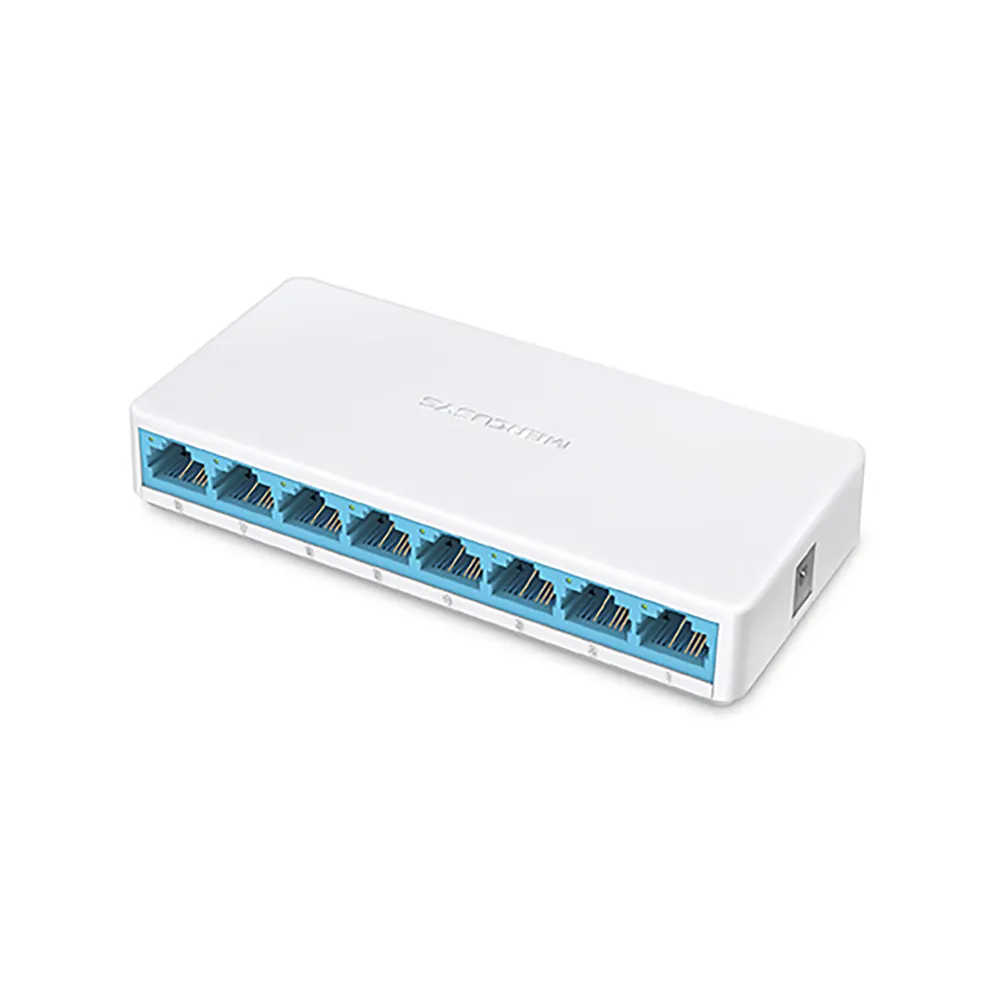
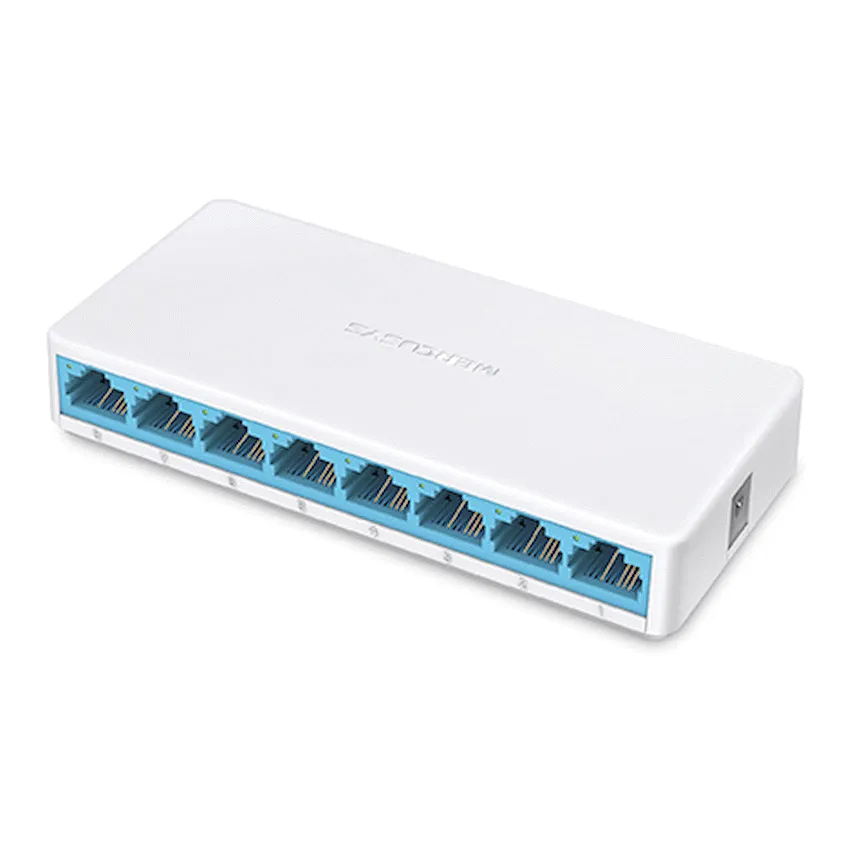
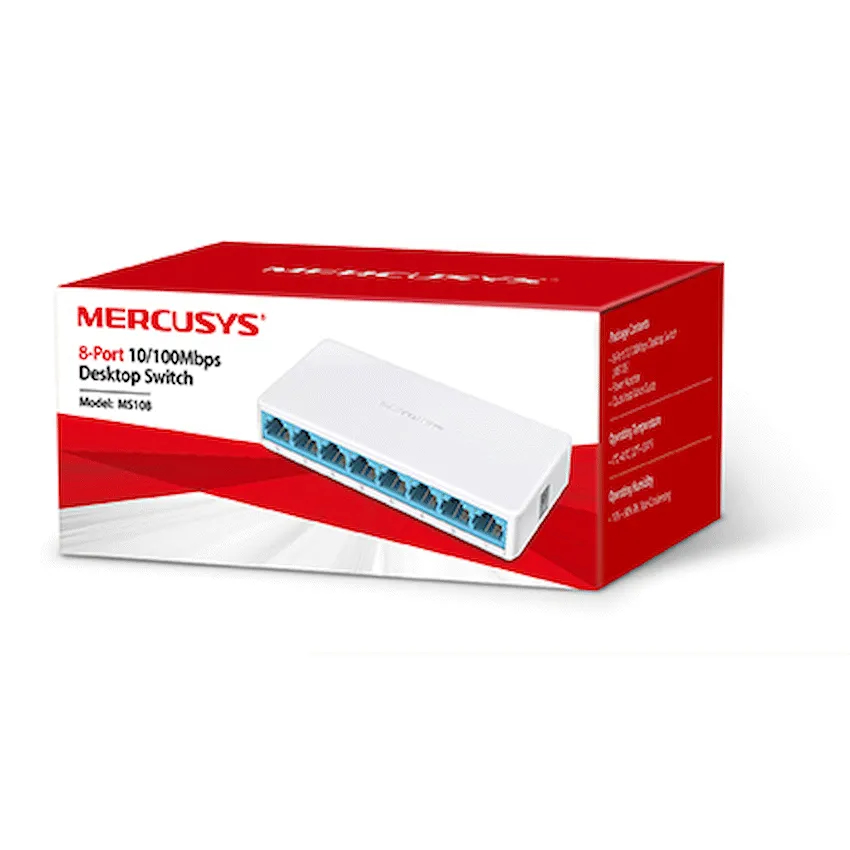
Mercusys MS108 8-Port 10/100Mbps Desktop Switch
Mercusys MS108 fanless desktop switch with eight auto-negotiating 10/100 Mbps Ethernet ports and included power adapter. Retail boxed with a one-year limited warranty.
R139.00
Supplier has stock — 10 avail
Key product details
Full specifications below- Mpn: MS108
- Brand: Mercusys
Delivery & support
Clear fulfilment, warranty and payment details.
- Availability Supplier has stock — 10 avail Supplier has stock — 10 avail
- Delivery Nationwide courier delivery or collection from Strand, Cape Town. Courier nationwide or Strand collection
- Dispatch Backorder — usually dispatched in 2–3 working days after payment verification, subject to supplier confirmation. Backorder — usually dispatched in 2–3 working days after payment verification, subject to supplier confirmation.
- Warranty Manufacturer warranty applies where stated on the product page. As stated on this page
- Returns See our Returns Policy for eligible change-of-mind and faulty goods procedures. See Returns Policy
- Secure payment PayFast checkout with card, Instant EFT, and Mobicred. PayFast · card · EFT · Mobicred
Mercusys MS108 | 8-port Fast Ethernet desktop switch
Put eight wired ports within easy reach
Connect the MS108 to your router where you need more Ethernet sockets. One of the eight ports takes the link back to your network, leaving up to seven for devices such as a printer, desktop or other equipment with a wired network port.
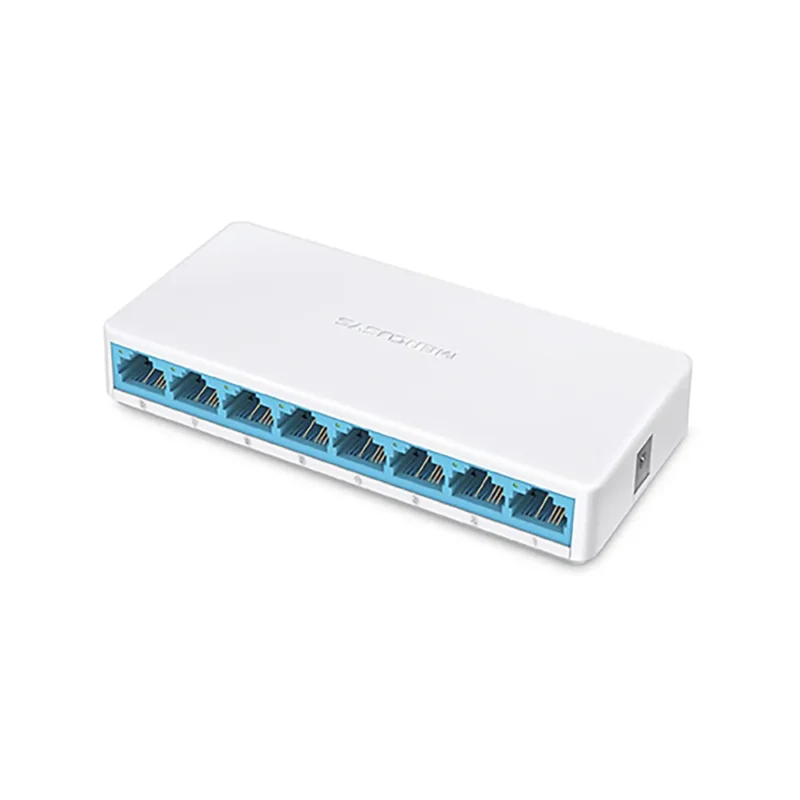
Connections
Put the switch near the devices you want to wire
Run an Ethernet cable from the router to any port on the switch. The other ports can connect wired office equipment in that part of the room. Use the separate power adapter supplied in the box.
Setup
Check the lights as you connect each cable
Each port negotiates a 10 or 100 Mbps link and detects the cable wiring automatically. The power and port indicators show which connections are active. There is no software to configure for basic switching.
Placement
Leave space behind the row of Ethernet plugs
The shallow, fanless enclosure fits on a desk or shelf. Allow extra depth for the network cables and keep a nearby power socket accessible. The Ethernet ports carry data, so use a separate power source for equipment that needs it.
Specifications
Model and ports
| Model | Mercusys MS108 |
|---|---|
| Type | Unmanaged Fast Ethernet desktop switch |
| Network ports | 8 × RJ45, 10/100 Mbps |
| Link features | Auto-negotiation and automatic MDI/MDIX |
| Ethernet standards | IEEE 802.3, 802.3u and 802.3x |
Switching
| Forwarding | Store and forward |
|---|---|
| Packet buffer | 768 Kbit |
| Jumbo frame | 2 KB |
| LED indicators | Power and Ethernet ports 1–8 |
| Power over Ethernet | No |
Size, power and package
| Approximate size (W × D × H) | 127 × 60 × 22 mm |
|---|---|
| Cooling | Fanless |
| Power supply | Included 5 V DC adapter. Check the current rating on the unit label. |
| Box contents | MS108 desktop switch, power adapter and quick installation guide |
| Warranty | One-year limited warranty |


Reviews
There are no reviews yet.